Creating Consistent Characters for Comics with AI: Complete Tutorial
Learn how to generate consistent characters across multiple panels and pages using AI image generators. Master prompting techniques for comic creation.
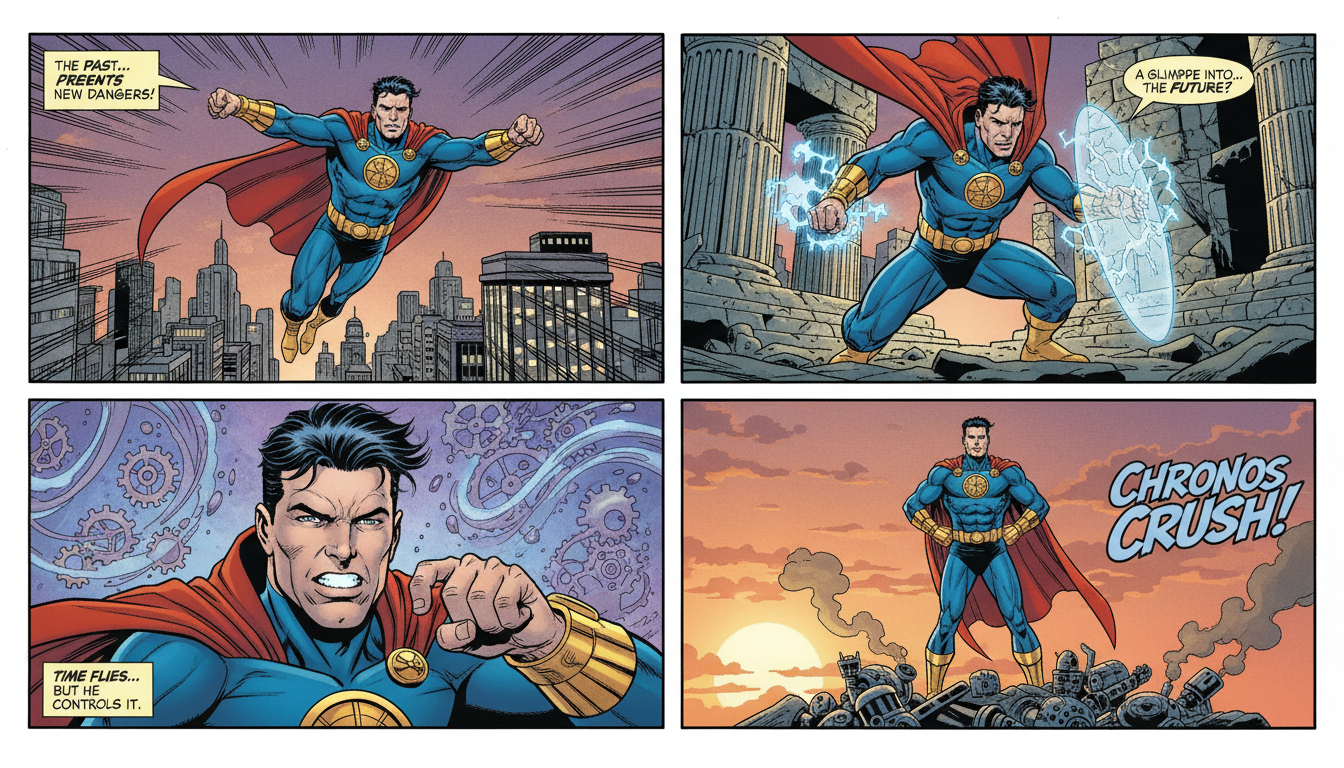
You want to create a comic with AI. The art looks amazing on page one. Then panel two arrives—and your protagonist has different hair, changed clothes, and somehow gained three inches in height. Character consistency is AI's biggest challenge for comic creators.
Here's how to solve it.
Quick Answer: Character consistency requires a systematic approach: detailed character descriptions, reference sheets, consistent prompt structures, and careful iteration. Platforms like Apatero make this workflow efficient with their pay-per-use model, allowing unlimited iterations without worrying about daily limits.
:::tip[Key Takeaways]
- Key options include Generate batch: and Select closest:
- Start with the basics before attempting advanced techniques
- Common mistakes are easy to avoid with proper setup
- Practice improves results significantly over time :::
- Character bible - Detailed written description
- Reference generation - Create character sheets first
- Prompt templating - Reuse core descriptions
- Seed management - When available, use consistent seeds
Why Consistency Is Hard
AI doesn't "remember" your character. Each generation is independent.
The Challenge
Every prompt starts fresh:
- No memory of previous generations
- Model interprets descriptions slightly differently each time
- Randomness is built into the process
- Style varies even with identical prompts
The Solution
Create systems that minimize variation:
- Highly specific character descriptions
- Reference images when possible
- Consistent prompt structures
- Post-generation curation
Step 1: Create Your Character Bible
Before generating anything, write a detailed character description.
Essential Elements
Physical Appearance:
Name: Maya Chen
Gender: Female
Age appearance: Mid-20s
Height/build: Tall, athletic
Skin tone: Warm tan/olive
Face Details:
Face shape: Oval with defined cheekbones
Eyes: Almond-shaped, dark brown, thick eyelashes
Eyebrows: Straight, natural thickness
Nose: Small, slightly upturned
Lips: Full, natural pink
Hair:
Color: Black with subtle blue highlights
Length: Past shoulders
Style: Usually in high ponytail, side-swept bangs
Texture: Straight, silky
Distinctive Features:
Small scar above left eyebrow
Single gold earring in right ear
Slight dimple when smiling
Why This Matters
The more specific your description, the more consistent your results. Vague descriptions like "pretty girl" produce wildly different outputs. Specific descriptions like "oval face, almond eyes, dark brown, high cheekbones, small upturned nose" produce similar outputs.
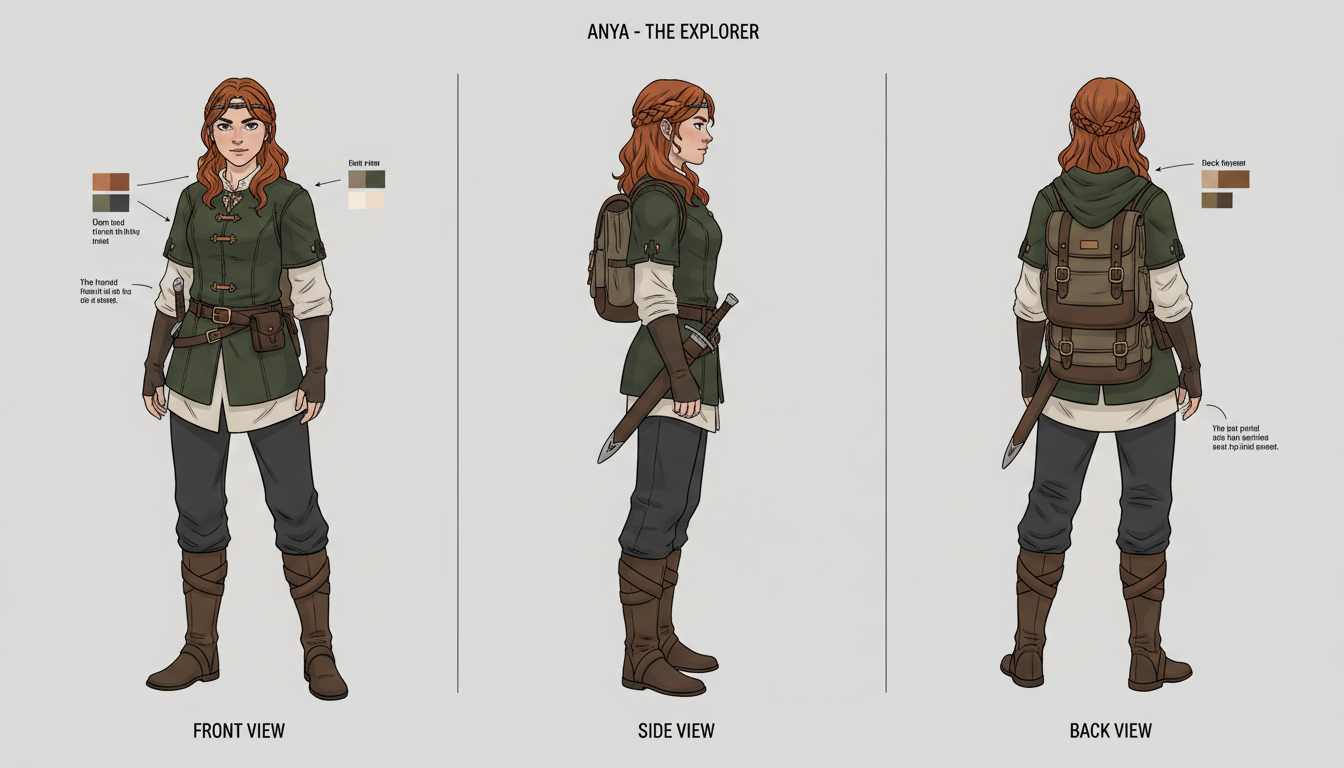 Building comprehensive character references
Step 2: Generate Reference Sheets
Create character sheets before comic panels.
Reference Sheet Prompt
character reference sheet, [CHARACTER DESCRIPTION],
multiple views, front view, side view, three-quarter view,
white background, clean linework, professional character design,
consistent proportions, model sheet style
Example Prompt
character reference sheet, young woman Maya Chen, oval face,
almond-shaped dark brown eyes, high cheekbones, small upturned nose,
black hair with blue highlights in high ponytail with side-swept bangs,
athletic build, warm olive skin, small scar above left eyebrow,
multiple views, front view, side view, three-quarter view,
white background, clean linework, professional character design
Generate Multiple References
Create 5-10 reference sheets and select the best one. This becomes your "master reference" for the character.
Step 3: Build Your Prompt Template
Create a reusable template for every panel.
Template Structure
[SCENE DESCRIPTION], [CHARACTER NAME] [CORE DESCRIPTION],
[POSE/ACTION], [EXPRESSION], [CLOTHING FOR THIS SCENE],
[STYLE TAGS], [QUALITY TAGS]
Core Description (Always Include)
This stays identical across all prompts:
Maya Chen, young woman, oval face, almond-shaped dark brown eyes,
high cheekbones, small upturned nose, black hair with blue highlights
in high ponytail with side-swept bangs, athletic build, warm olive skin,
small scar above left eyebrow
Panel Variations
Only change scene-specific elements:
Panel 1:
classroom scene, Maya Chen, [CORE DESCRIPTION],
sitting at desk, focused expression, school uniform with blazer,
manga style, detailed background, soft lighting
Panel 2:
hallway, Maya Chen, [CORE DESCRIPTION],
walking forward, confident smile, school uniform with blazer,
manga style, detailed background, natural lighting
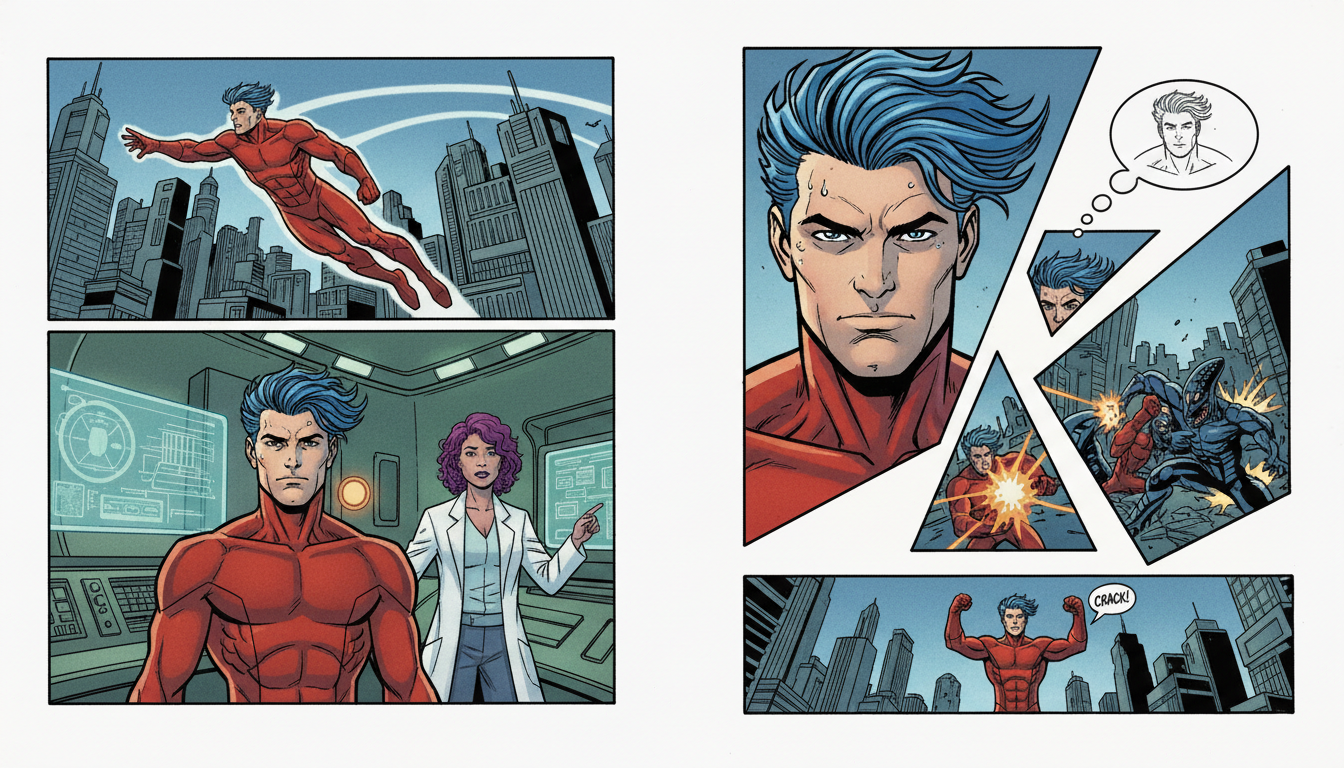 Maintaining character consistency across panels
Step 4: Manage Your Workflow
The Iteration Process
- Generate batch: Create 4-8 images per panel prompt
- Select closest: Choose image most matching your reference
- Note variations: Track what caused consistency issues
- Refine prompt: Adjust description if needed
- Repeat: Continue until satisfactory
Curating Your Outputs
Not every generation will be perfect. Plan for:
- 4-6 generations per usable panel
- Selecting the best match each time
- Minor post-processing if needed
Using Apatero for Comics
Apatero's pay-per-use model suits comic creation:
- No daily limits during creative sessions
- Generate many iterations per panel
- Only pay for what you create
- Budget predictably per project
A 10-panel comic page might require 50-60 generations at ~$2-3 total.
Step 5: Style Consistency
Character consistency is only part of the equation. Style must also match.
Lock In Your Style Tags
Include identical style tags in every prompt:
manga style, clean linework, soft cel shading,
vibrant colors, detailed backgrounds, professional comic art
Avoid Style Drift
Common mistakes that cause style variation:
- Changing quality tags between panels
- Adding/removing style descriptors
- Using different aspect ratios
- Mixing prompt structures
Style Template
[YOUR STYLE TAGS: manga style, clean linework, soft cel shading,
vibrant colors, detailed backgrounds, professional comic art],
masterpiece, best quality, highly detailed
Keep this identical for every panel.
Advanced Techniques
The Costume System
Characters often wear multiple outfits. Create costume descriptions:
School Uniform:
navy blue blazer over white shirt, red plaid skirt,
black knee socks, brown loafers
Casual:
oversized gray hoodie, black leggings,
white sneakers, gold necklace
Combat:
black tactical bodysuit, utility belt,
armored shoulder plates, combat boots
Reference these consistently when the character changes clothes.
Expression Library
Create standard expressions:
neutral face: relaxed, slight closed-lip smile
happy: wide genuine smile, crinkled eyes, raised cheeks
angry: furrowed brow, clenched jaw, narrowed eyes
sad: downturned mouth, lowered eyebrows, slightly moist eyes
surprised: wide eyes, raised eyebrows, open mouth
Angle Variations
Plan for different viewing angles:
front view: full face visible, symmetric
three-quarter: most common, natural pose
side profile: side view, one eye visible
from below: looking up at character, foreshortening
from above: looking down, smaller head proportion
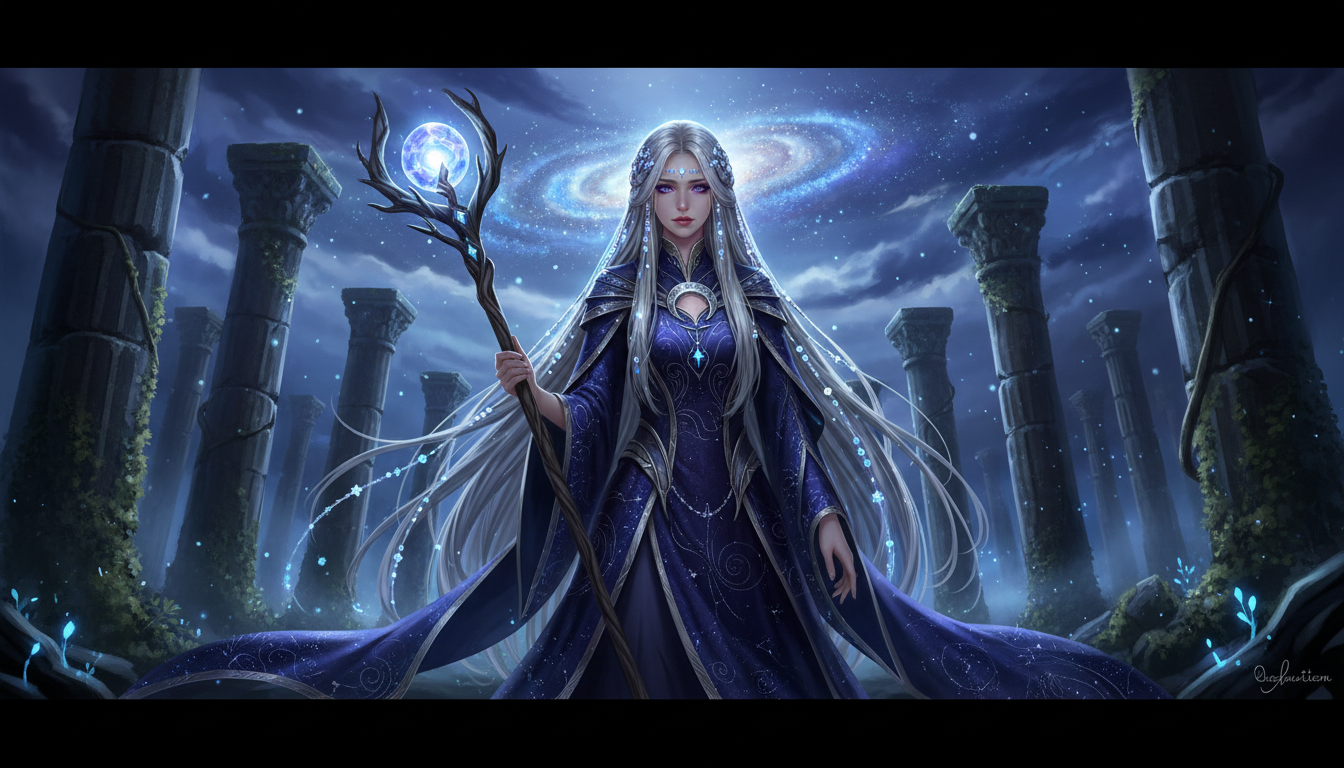 The character consistency workflow
Common Problems and Solutions
Hair Changes Between Panels
Problem: Hair style/color varies Solution: Be extremely specific about hair
Instead of: "long black hair" Use: "straight black hair with subtle blue highlights, past shoulders, styled in high ponytail on crown of head, side-swept bangs covering right side of forehead"
Face Structure Varies
Problem: Face looks different Solution: Include multiple face descriptors
"oval face shape, high defined cheekbones, small upturned nose, full natural lips, strong jawline tapering to pointed chin"
Clothing Inconsistency
Problem: Outfit changes randomly Solution: Full clothing description every time
Include all elements: "navy blazer with gold buttons, white collared shirt underneath, red plaid pleated skirt knee-length, black knee-high socks, brown leather loafers"
Proportions Shift
Problem: Height/build changes Solution: Include body type consistently
"tall athletic build, long legs, defined shoulders, slim waist"
Creating a Comic Page
Step-by-Step Process
Plan panel layout
- Rough sketch or description of each panel
- Note character positions and actions
Generate reference sheet
- Create master character reference
- Save for comparison
Create panel prompts
- Use template structure
- Include full character description
- Add scene-specific elements
Generate batches
- 4-6 images per panel
- Select best matches
Curate and compile
- Choose final images
- Arrange in panel layout
- Add speech bubbles/text
Budget Planning
For a 6-panel comic page:
- Reference sheet: 5-10 generations (~$0.25-0.50)
- Per panel: 4-6 generations (~$0.15-0.30)
- Total per page: 30-50 generations (~$1.50-2.50)
10-page comic: ~$15-25 in generation costs
Tools and Workflow
Text Storage
Keep your character bible in a text file:
- Full character description
- Costume variations
- Expression library
- Style tags
Copy-paste sections as needed for prompts.
Image Organization
Organize generations:
- Reference_Sheets/
- Page_01/Panel_01/
- Page_01/Panel_02/
- Selected_Finals/
Platform Choice
For comic creation specifically:
- Apatero: Pay-per-use, no limits, good for iteration-heavy work
- Local SD: Unlimited if you have hardware, best control
- Subscription platforms: May hit limits during intensive sessions
Frequently Asked Questions
Can I get 100% consistent characters?
Not perfectly, but 90%+ is achievable with proper techniques. Some hand-editing may be needed.
How many generations per panel should I expect?
Plan for 4-6 minimum, sometimes more for complex poses.
Should I use image-to-image?
If available, using your reference sheet as input can improve consistency significantly.
What about multiple characters?
Same techniques apply, but complexity increases. Keep separate character bibles and be very specific about who is where in each panel.
Can AI replace comic artists?
AI is a tool that can assist comic creation, but narrative design, panel layout, and story remain human creative work.
How do I handle action scenes?
Action scenes are harder for consistency. Generate more variations and be more flexible with selection.
The Bottom Line
Consistent characters for comics require:
- Detailed character bibles - Specific written descriptions
- Reference sheets - Generated visual references
- Prompt templates - Consistent structure for every panel
- Iteration workflow - Multiple generations per panel
- Careful curation - Select best matches
Platforms like Apatero suit this workflow with pay-per-use pricing that supports unlimited iteration without daily limits interrupting your creative session.
The key is systems. Create once, reuse consistently, iterate patiently. Your AI-generated comic can have characters that readers recognize from panel to panel.
Reuse a character reference
Save a character as a Soul and put them in any scene, image or video, without retraining anything. Check your welcome allowance and the displayed cost before generating.
Related Articles
AI Art for Game Developers: Complete Guide to Asset Creation
Learn how indie game developers use AI for concept art, sprites, backgrounds, and UI. Practical workflows for integrating AI into game asset pipelines.
How to Create Professional Book Covers with AI for Self-Publishing
Design stunning book covers using AI image generators. Complete guide for self-published authors covering every genre from fantasy to romance to thriller.
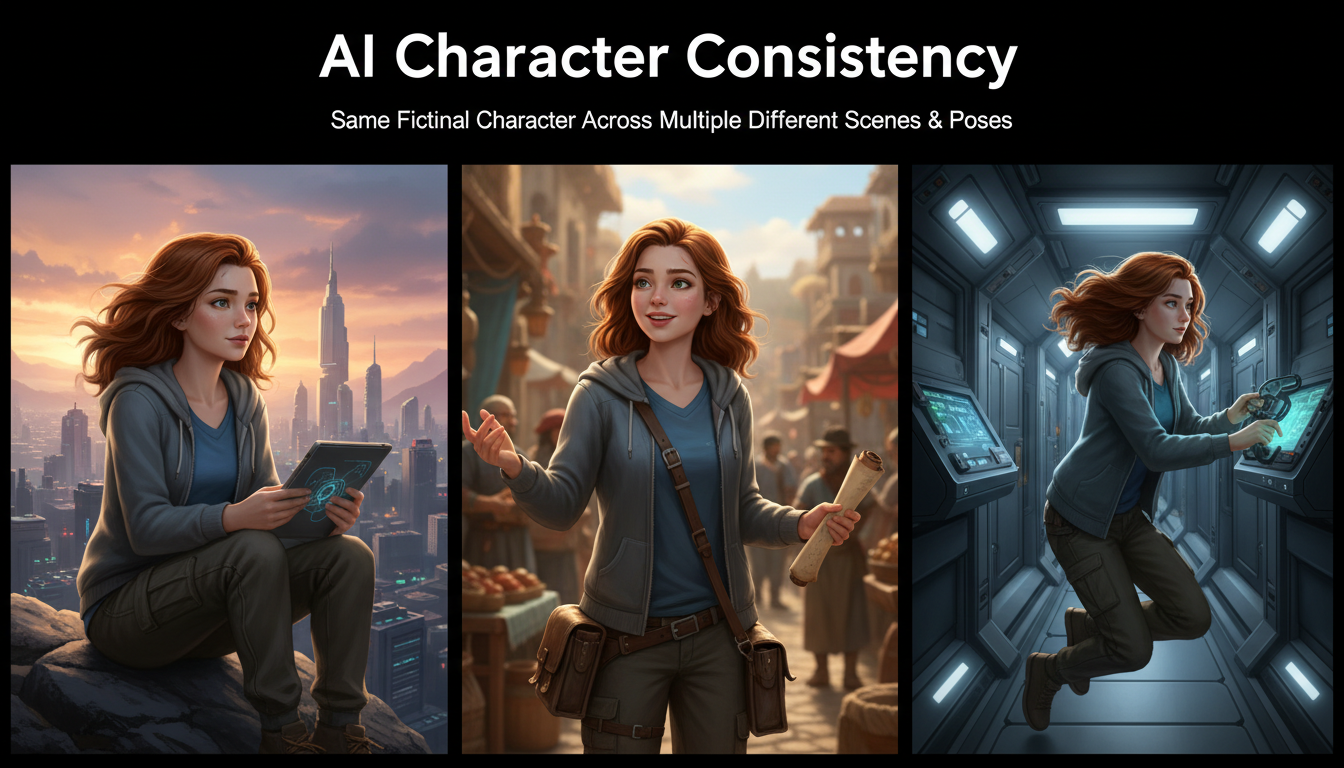
AI Consistent Character Generator: How to Keep the Same Character Across Multiple Images
Learn how to generate the same AI character across multiple scenes using LoRA training, IPAdapter, Midjourney cref, and reference image techniques. Complete 2026 guide.