AI Art for Game Developers: Complete Guide to Asset Creation
Learn how indie game developers use AI for concept art, sprites, backgrounds, and UI. Practical workflows for integrating AI into game asset pipelines.
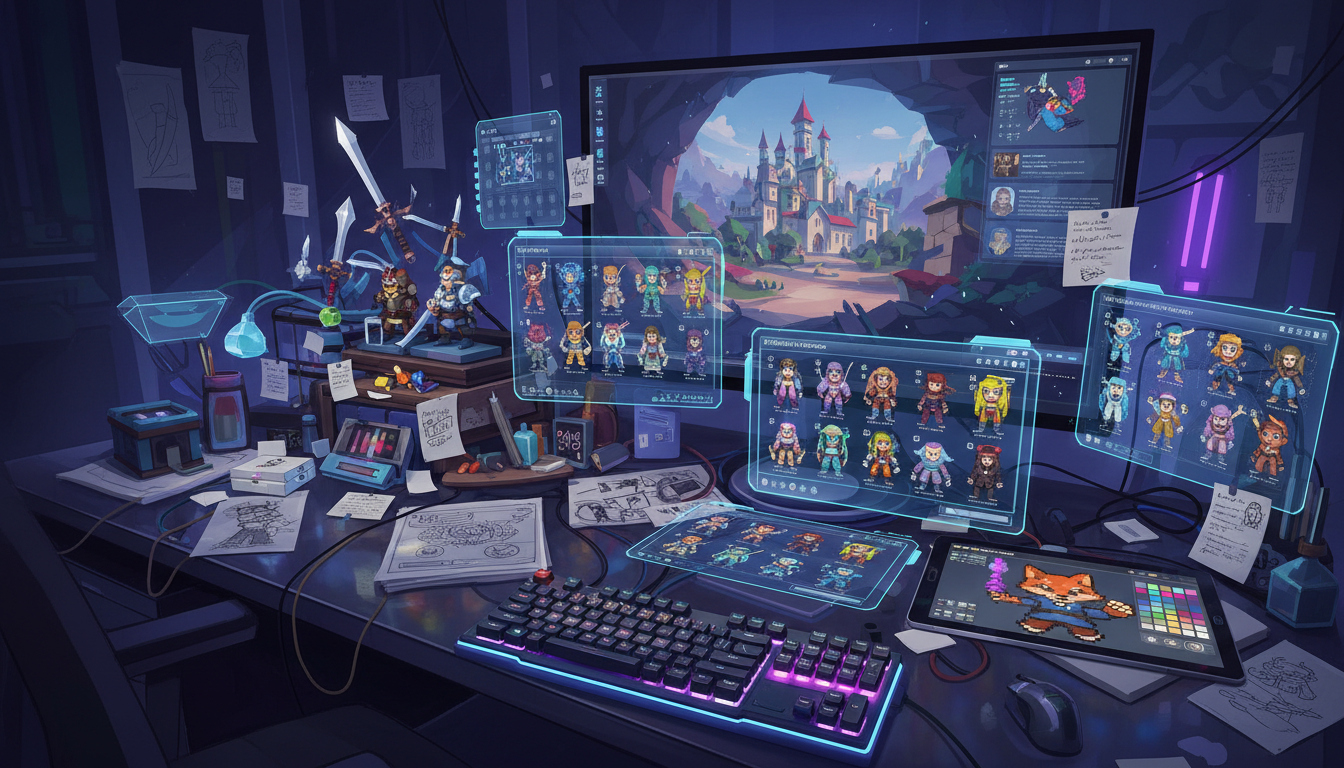
You're an indie developer with a vision but no art budget. Or a small team where everyone codes but nobody draws. AI art generation has changed the equation entirely. Here's how to use it effectively for game development.
Quick Answer: AI excels at concept art, background generation, UI mockups, and visual prototyping. It's less effective for production-ready sprites requiring consistency. Use platforms like Apatero for concept exploration and video generation (cutscenes, trailers), with pay-per-use pricing that fits indie budgets.
:::tip[Key Takeaways]
- Key options include Generate base images: and Generate variations:
- Start with the basics before attempting advanced techniques
- Common mistakes are easy to avoid with proper setup
- Practice improves results significantly over time :::
- Concept art - Rapid visual exploration
- Backgrounds - Environments and landscapes
- UI mockups - Interface prototyping
- Marketing - Store assets and trailers
Where AI Excels in Game Dev
Concept Art
AI's strongest game dev application. Explore visual directions quickly:
Character concepts:
fantasy RPG warrior character concept art, full body,
armored knight design, weathered medieval armor,
dark fantasy style, character design sheet,
multiple poses, professional game concept art
Environment concepts:
haunted forest game environment concept art, dark fantasy,
twisted trees, fog, moonlight filtering through canopy,
mysterious atmosphere, game level design,
environmental storytelling, concept painting
Generate 10-20 variations in minutes. Discuss with team. Iterate.
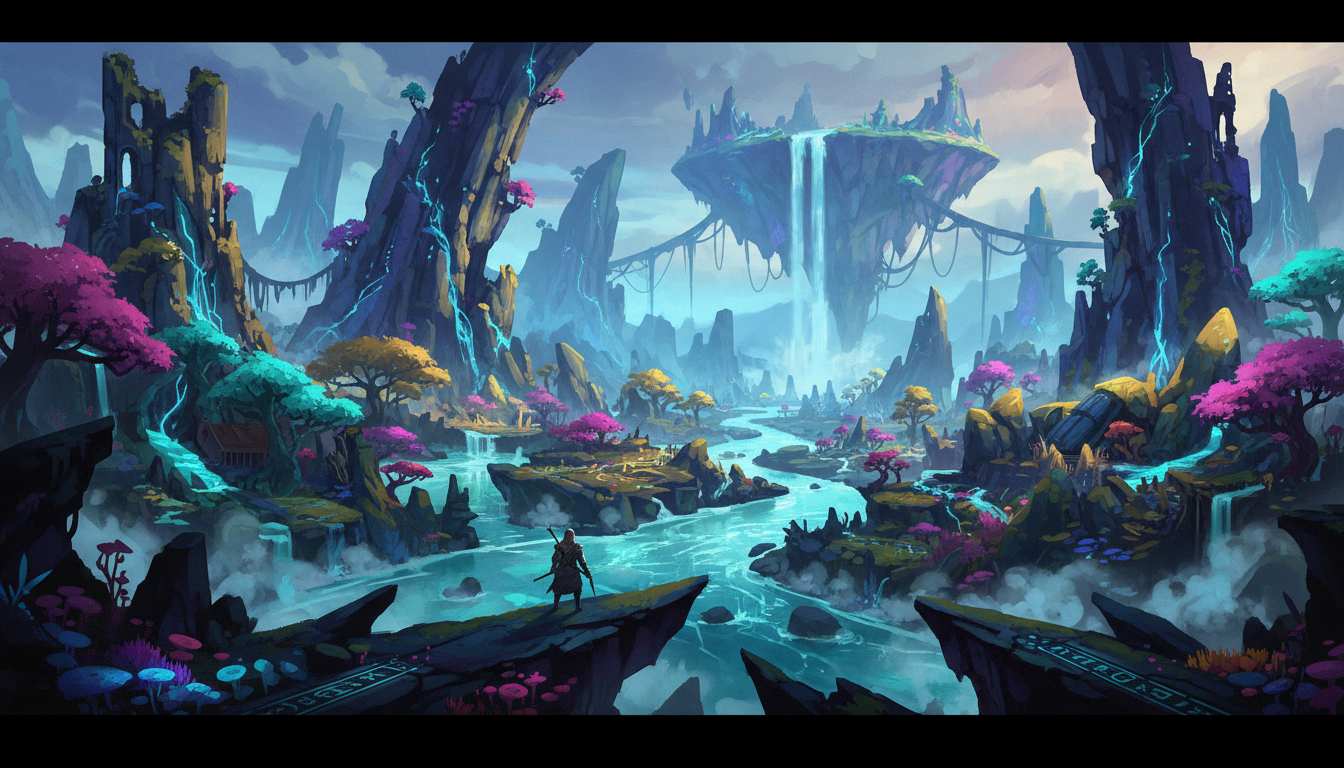 AI-generated environment concepts accelerate visual development
Background Art
For 2D games, AI can generate backgrounds directly usable in production:
Platformer backgrounds:
side-scrolling game background, fantasy forest,
parallax layers, vibrant colors, stylized cartoon style,
game asset, tileable, smooth horizontal
Visual novel scenes:
visual novel background, high school classroom,
afternoon sunlight through windows, anime style,
empty classroom, detailed interior, game CG
UI Mockups
Prototype interfaces before committing to final art:
Menu concepts:
game main menu UI design, dark fantasy RPG,
ornate frame borders, gothic style buttons,
game interface mockup, professional UI design
HUD elements:
game HUD design, health bar and mana bar,
fantasy RPG style, inventory icons,
clean modern game interface, UI elements
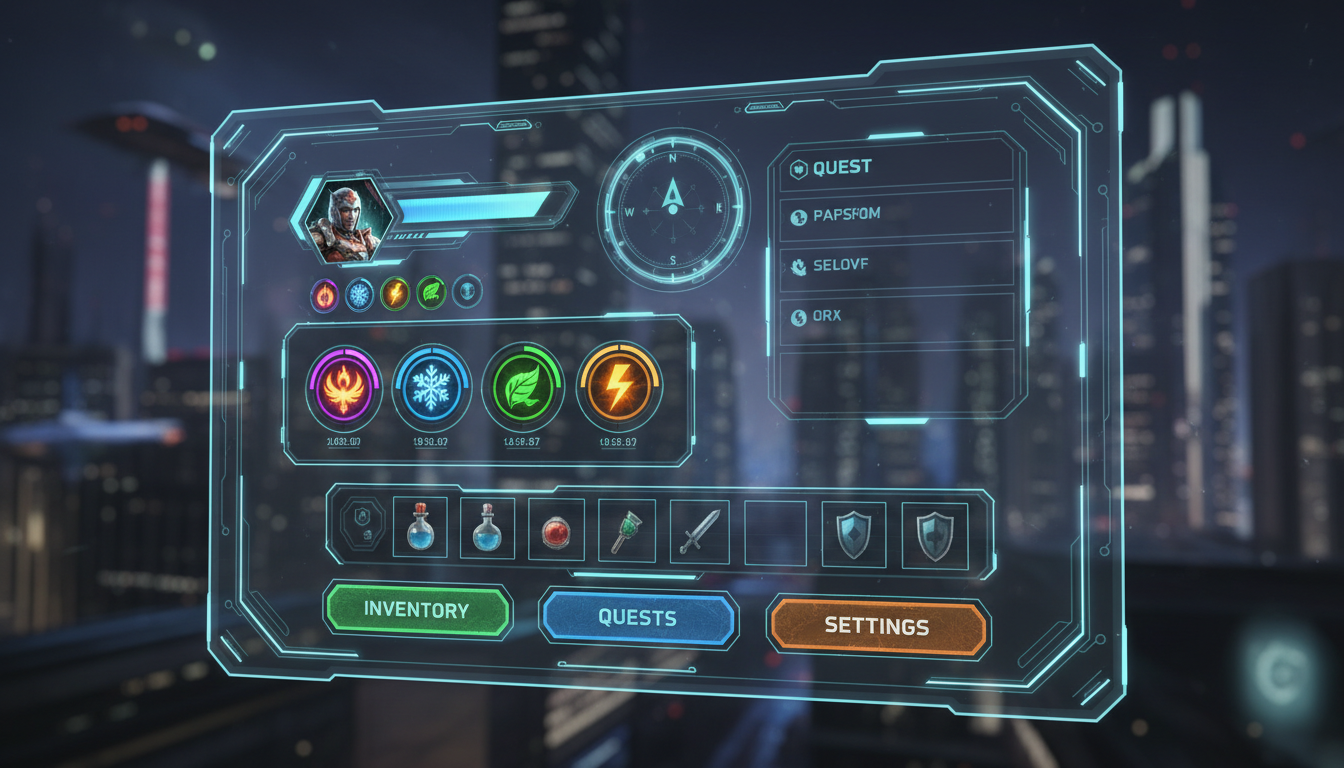 UI and interface design exploration
Marketing Assets
Create store page art, trailer stills, and promotional material:
Store page hero:
epic fantasy game key art, dramatic hero shot,
warrior facing dragon, cinematic composition,
game cover art style, professional illustration
Screenshot enhancement:
game screenshot style, [your game's aesthetic],
enhanced environment shot, marketing quality,
vibrant colors, atmospheric lighting
Where AI Struggles
Consistent Character Sprites
AI generates beautiful single images but struggles with:
- Identical character across multiple frames
- Animation-ready sprite sheets
- Pixel-perfect consistency
Workaround: Use AI for character design, then hire an artist for spritework, or use AI as reference for your own pixel art.
Exact Style Replication
Getting AI to match a specific existing art style consistently is difficult.
Workaround: Generate in AI's natural strengths, then post-process to match your game's style.
Technical Requirements
AI doesn't inherently understand:
- Tileable texture requirements
- Specific resolution needs
- Layer separation for animation
Workaround: Post-process AI outputs. Generate at higher resolution than needed.
Practical Workflows
Concept Art Pipeline
Phase 1: Exploration
- Generate 20-30 loose concepts
- Save promising directions
- Cost: ~$1-1.50
Phase 2: Refinement
- Take best concepts
- Generate variations with more specific prompts
- Combine elements from multiple generations
- Cost: ~$0.50-1
Phase 3: Documentation
- Create character sheets from selected concepts
- Write detailed visual descriptions
- Use as reference for production art
Background Production Pipeline
For 2D games with painterly backgrounds:
Generate base images:
[scene description], game background, [art style],
wide aspect ratio, environment art, vibrant colors
Generate variations: Different lighting, weather, times of day
Post-process:
- Color correct to match game palette
- Adjust contrast
- Remove any AI artifacts
- Resize to game resolution
Integrate:
- Layer for parallax if needed
- Add game-specific elements
Character Design Pipeline
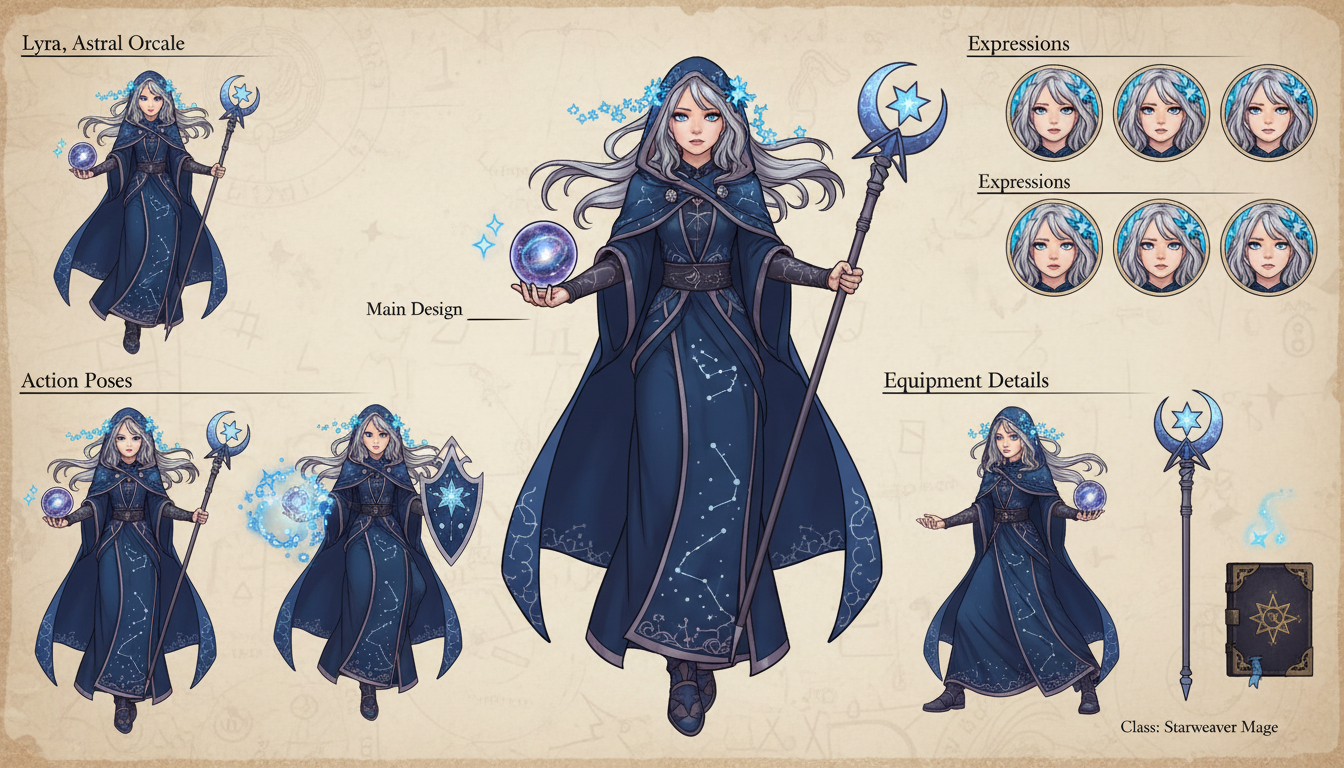 Character design exploration and reference sheets
Step 1: Silhouette Exploration
character silhouette designs, fantasy warrior,
distinctive shapes, concept art style, multiple variations,
black silhouettes on white background, character design
Step 2: Detailed Design
[chosen silhouette description], detailed character design,
front view, full body, fantasy armor details,
color concept, character art, game ready
Step 3: Reference Sheet
character reference sheet, [character description],
front side back views, expression sheet,
color palette included, professional game character art
Prompting for Game Art
Style Keywords
For pixel art style:
pixel art style, retro game aesthetic, 16-bit era,
limited color palette, crisp pixels
For hand-painted:
hand-painted style, illustrated, painterly,
visible brushstrokes, warm colors
For anime/visual novel:
anime style, visual novel CG, cel shaded,
clean linework, vibrant colors
For realistic:
realistic game art, AAA quality, detailed textures,
cinematic lighting, photorealistic
Common Game Art Prompts
Fantasy Environment:
fantasy game environment, [location type],
[time of day], [weather], atmospheric,
game level design, environmental storytelling,
[art style], detailed background
Sci-Fi Interior:
sci-fi game interior, [room type], futuristic design,
holographic displays, metal and glass surfaces,
game environment, atmospheric lighting, [art style]
Character Portrait:
game character portrait, [character description],
[expression], portrait style, [art direction],
game avatar, professional character art
Item/Weapon:
game item design, [item type], fantasy style,
detailed prop art, game asset, multiple angles,
professional concept art
Video for Games
Apatero offers video generation—useful for:
Cutscenes
Generate cutscene stills or short clips:
- Story moments
- Environmental establishing shots
- Dramatic reveals
Trailers
Create promotional video content:
- Atmospheric shots
- Logo animations
- Mood pieces
Social Media Content
Generate eye-catching video for:
- Devlog updates
- Announcement posts
- Community engagement
Cost Analysis
Traditional Game Art Costs
Freelance concept artist: $50-200/hour Character design: $200-2000 per character Background art: $100-500 per background Full game art budget: $5,000-50,000+ for indie games
AI-Assisted Costs
Concept exploration: $5-20 (100-500 generations) Background production: $2-10 for set of backgrounds Marketing assets: $5-15 for full set Video content: Additional for video generation
Savings: 80-95% reduction in early development costs
Where to Still Spend
- Final sprite work (consistency requirements)
- Animation (AI can't animate)
- UI final polish (exact specifications)
- Style unification (human eye needed)
Best Practices
1. Generate More Than You Need
AI is cheap. Generate abundantly:
- 10-20 concepts per character
- 5-10 variations per background
- Multiple options for every element
The cost difference between 10 and 50 generations is negligible. Selection is free.
2. Iterate Aggressively
Found something promising? Generate variations:
- Different poses
- Different lighting
- Different color schemes
- Different expressions
3. Combine and Edit
Don't use AI outputs directly if they're not quite right:
- Photobash elements from multiple generations
- Edit out unwanted elements
- Adjust colors to match your palette
4. Establish Style Guide First
Before generating assets:
- Define your art direction in words
- Create reference mood boards
- Document key style elements
Use these in every prompt for consistency.
5. Plan for Post-Processing
AI outputs often need:
- Color correction
- Resolution adjustment
- Format conversion
- Minor cleanup
Build this into your workflow.
Common Mistakes
Expecting Production-Ready Sprites
AI generates beautiful illustrations, not sprite sheets. Plan accordingly.
Inconsistent Prompting
Every prompt variation introduces style drift. Maintain prompt templates.
Ignoring Post-Processing
Raw AI output rarely drops directly into games. Plan for editing time.
Over-Relying on AI
AI is a tool in your pipeline, not the entire pipeline. Know when human art is needed.
Tool Recommendations
For Concept Art
- Apatero: Pay-per-use, video capability, no daily limits
- Leonardo AI: Good free tier, quality results
- Local SD: Unlimited after setup, maximum control
For Backgrounds
- Apatero: Consistent quality, good for batch generation
- Midjourney: Strong environment art, distinctive style
For Video Content
- Apatero: Integrated video generation
- Runway: Dedicated video AI, good quality
For Sprites (Assistance Only)
Use AI as reference, then:
- Draw sprites yourself
- Hire pixel artist
- Use AI with heavy post-processing
Frequently Asked Questions
Can AI replace game artists?
For some tasks (concept art, backgrounds), substantially. For others (sprites, animation), no. AI augments rather than replaces.
Will my game look generic using AI?
Only if you use AI lazily. Curate, edit, combine, and establish strong art direction. AI is a tool—results depend on how you use it.
How do I maintain style consistency?
Document your style thoroughly. Use identical style tags in every prompt. Post-process to unify.
Should I mention I used AI?
Community standards vary. Be prepared for questions. Many indie games use AI for concept and development phases.
Can AI do pixel art?
It can approximate pixel art style, but results often need heavy cleanup. Better to use AI for reference, then create actual pixel art.
What resolution should I generate at?
Highest available, then downscale. You can't upscale effectively.
The Bottom Line
AI transforms indie game development economics:
- Concept art: Generate rapidly, iterate freely
- Backgrounds: Production-viable for many game styles
- UI mockups: Prototype interfaces quickly
- Marketing: Create store assets affordably
Use Apatero for its pay-per-use model (generate 500 concepts for ~$20-25) and video capability (trailers, cutscenes).
AI doesn't replace game artists entirely—it augments your capability, reduces costs, and accelerates development. Use it strategically as part of your pipeline, not as the whole pipeline.
Your indie game can have professional-looking art without a professional art budget. AI makes this possible.
Try the style in your browser
Anime, illustration and concept art models with no install. Check your welcome allowance and the displayed cost before generating.
Related Articles
How to Create Professional Book Covers with AI for Self-Publishing
Design stunning book covers using AI image generators. Complete guide for self-published authors covering every genre from fantasy to romance to thriller.
AI Consistent Character Generator: How to Keep the Same Character Across Multiple Images
Learn how to generate the same AI character across multiple scenes using LoRA training, IPAdapter, Midjourney cref, and reference image techniques. Complete 2026 guide.
Creating Consistent Characters for Comics with AI: Complete Tutorial
Learn how to generate consistent characters across multiple panels and pages using AI image generators. Master prompting techniques for comic creation.