How to Create Professional Book Covers with AI for Self-Publishing
Design stunning book covers using AI image generators. Complete guide for self-published authors covering every genre from fantasy to romance to thriller.
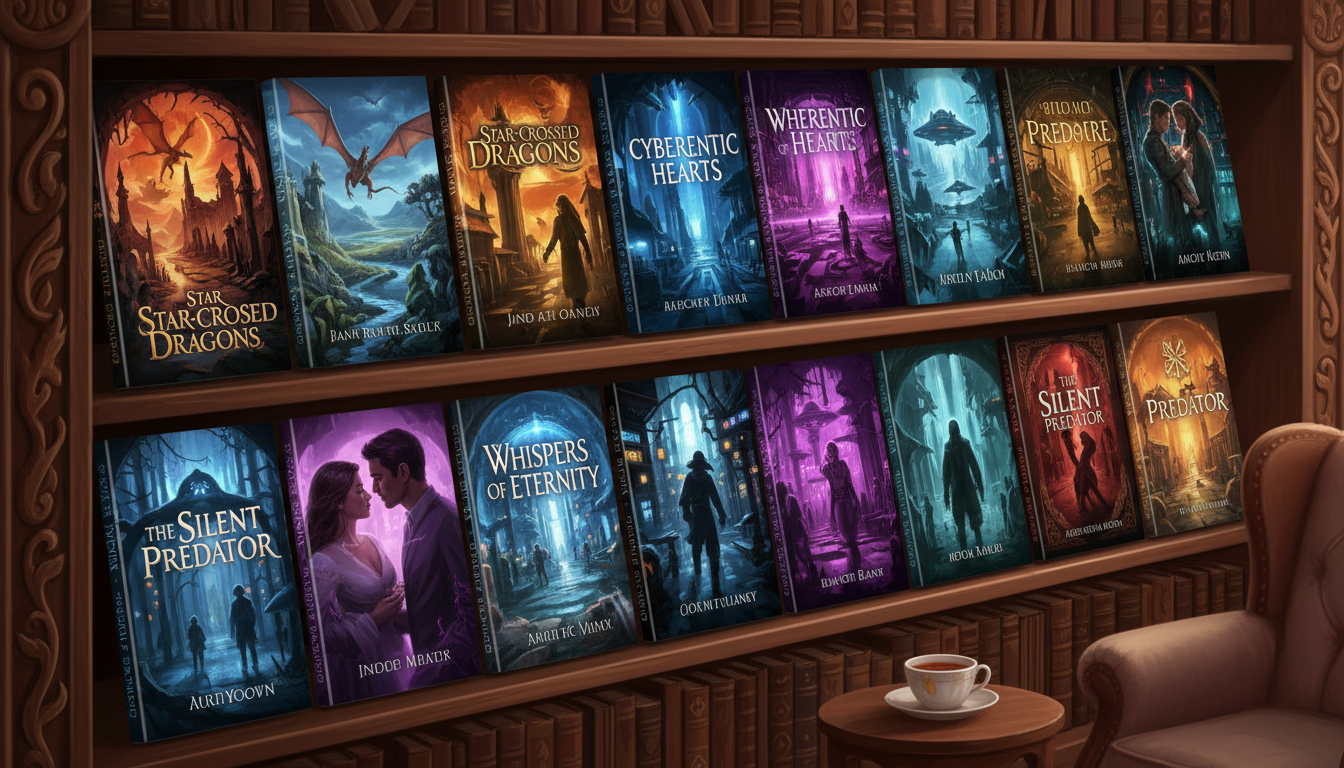
Professional book cover design traditionally costs $200-500 per cover. For a series, that's $1,000+ before you've sold a single copy. AI changes everything—professional quality covers for under $5, created in hours instead of weeks.
This isn't about replacing human designers (who still excel for top-tier work). It's about making professional covers accessible to every self-published author.
Quick Answer: Use Apatero or similar AI generators to create cover artwork, then add typography in Canva or Photoshop. AI handles the hardest part—original, genre-appropriate artwork—while you control the text and branding that sells your book.
:::tip[Key Takeaways]
- Key options include Start broad: and Refine:
- Start with the basics before attempting advanced techniques
- Common mistakes are easy to avoid with proper setup
- Practice improves results significantly over time :::
- Genre-specific cover conventions
- AI prompts for every major genre
- Complete workflow from idea to final cover
- Typography and formatting essentials
- Amazon/KDP specifications
Why Cover Design Matters
The 3-Second Rule
Readers browsing Amazon spend approximately 3 seconds on each thumbnail:
- Professional cover = Trust = Click = Sale potential
- Amateur cover = Distrust = Scroll = Lost reader
Genre Expectations
Readers expect visual cues that signal genre:
- Fantasy readers look for: magic, castles, cloaked figures
- Romance readers look for: couples, emotion, warm colors
- Thriller readers look for: dark tones, tension, mystery
Your cover must instantly communicate: "This is the type of book you're looking for."
Understanding Cover Specifications
Amazon KDP Requirements
| Element | Specification |
|---|---|
| Front cover | 2,560 x 1,600 px (ideal) |
| Minimum | 1,000 x 625 px |
| File format | JPEG or TIFF |
| Color space | RGB |
| DPI | 300 (for print) |
Print Cover Dimensions
For paperback (6" x 9"):
- Front: 1,800 x 2,700 px minimum
- Full wrap requires spine calculation
Design Zones
Leave clear space for:
- Title (top 40% typically)
- Author name (bottom 15%)
- Spine (if print)
- Any series branding
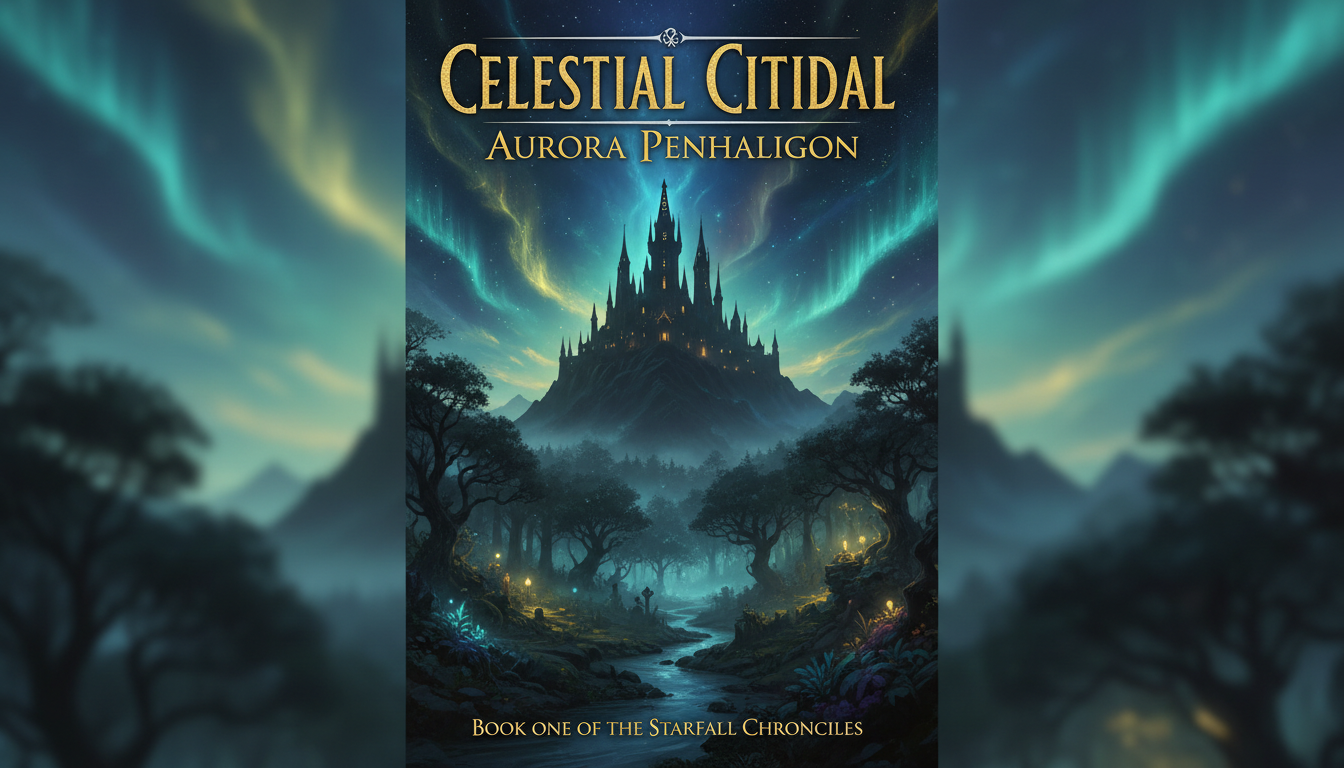 Fantasy covers communicate genre through visual elements like castles, magic, and mystical atmosphere
AI Prompts by Genre
Fantasy
Epic Fantasy:
Epic fantasy book cover art, majestic castle on mountain peak,
dramatic stormy sky, magical aurora lights, medieval fantasy landscape,
wide cinematic composition, space for title at top, photorealistic painting style
Urban Fantasy:
Urban fantasy book cover, modern city skyline with magical elements,
mystical glowing runes floating in air, night scene, neon and magic blend,
contemporary fantasy aesthetic, dark atmospheric mood
Dark Fantasy:
Dark fantasy book cover art, gothic architecture, ominous atmosphere,
shadowy figure silhouette, ravens flying, blood moon,
grimdark aesthetic, professional cover composition
Romance
Contemporary Romance:
Romance book cover, couple silhouette against sunset sky,
warm golden light, emotional intimate mood, pastel colors,
modern romance novel aesthetic, space for typography top and bottom
Historical Romance:
Regency romance book cover, elegant ballroom scene, soft candlelight,
period-appropriate gown details, romantic atmospheric mood,
Jane Austen era aesthetic, painterly style
Romantic Suspense:
Romantic suspense cover, couple embrace with stormy background,
dramatic lighting, tension and passion, dark moody atmosphere,
hint of danger, thriller romance blend
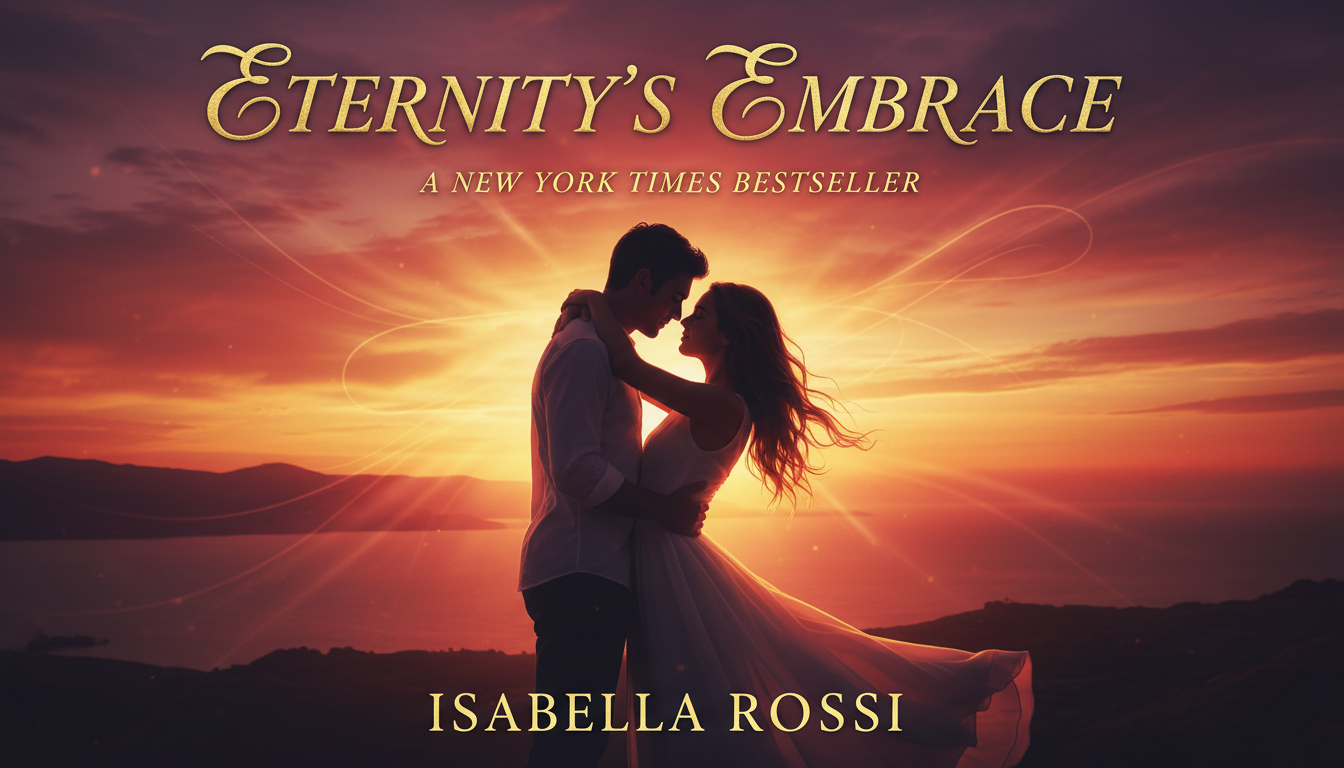 Romance covers use warm colors, silhouettes, and emotional lighting to attract genre readers
Science Fiction
Space Opera:
Science fiction book cover, massive space station orbiting planet,
starfield background, epic scale spacecraft, cosmic nebula colors,
cinematic sci-fi aesthetic, professional cover composition
Cyberpunk:
Cyberpunk book cover art, neon-lit futuristic cityscape,
rain-soaked streets, holographic advertisements, dark dystopian mood,
Blade Runner aesthetic, high contrast lighting
Hard Sci-Fi:
Hard science fiction cover, realistic spacecraft near planet,
scientifically accurate space scene, minimal cosmic background,
clean technological aesthetic, 2001 Space Odyssey style
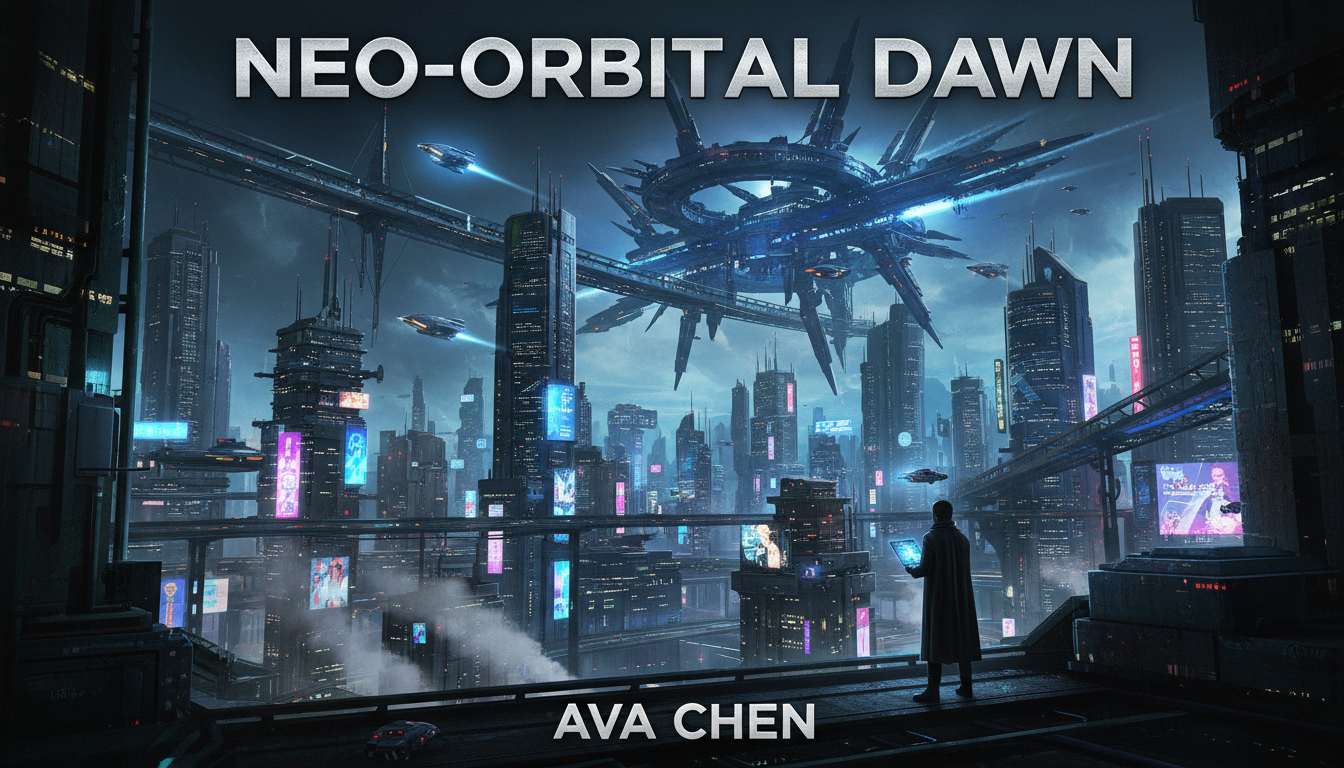 Sci-fi covers establish setting through technology, space, and futuristic imagery
Thriller & Mystery
Psychological Thriller:
Psychological thriller book cover, woman silhouette looking out
rain-streaked window, dark moody interior, sense of isolation,
suspenseful atmosphere, noir lighting, gone girl aesthetic
Crime Thriller:
Crime thriller cover, dark urban alley at night, dramatic shadows,
hint of danger, yellow crime scene tape element, gritty realistic style,
tense atmospheric mood
Mystery:
Mystery novel cover, old mansion silhouette, fog rolling,
question and secrets mood, muted color palette,
classic mystery atmosphere, Agatha Christie aesthetic
Non-Fiction
Business/Self-Help:
Professional business book cover background, clean minimal design,
abstract geometric shapes, corporate blue color scheme,
upward motion arrows subtle, success and growth symbolism
Memoir:
Memoir book cover, personal photograph aesthetic, nostalgic mood,
vintage filter effect, emotional and reflective atmosphere,
authentic personal story feeling
The Complete Cover Creation Workflow
Step 1: Research Your Genre
Before creating anything:
- Browse Amazon bestsellers in your genre
- Note visual patterns (colors, subjects, style)
- Identify what successful covers have in common
- Determine how to fit in while standing out
Step 2: Generate Cover Art
On Apatero:
- Start broad: Generate 6-10 variations of your concept
- Refine: Take best results, modify prompts
- Iterate: Generate more based on what's working
- Select: Choose 2-3 finalists for typography testing
Pro tip: Generate at highest resolution available for print quality.
Step 3: Prepare Typography
Typography often matters more than imagery:
Font Selection by Genre:
| Genre | Font Style | Examples |
|---|---|---|
| Fantasy | Ornate serif | Cinzel, Cormorant |
| Romance | Elegant script | Great Vibes, Allura |
| Thriller | Bold sans-serif | Oswald, Impact |
| Sci-Fi | Futuristic | Orbitron, Exo |
| Literary | Classic serif | Garamond, Baskerville |
Step 4: Assembly
In Canva or Photoshop:
- Import AI artwork as background
- Add title: Largest, most prominent
- Add author name: Consistent placement
- Add tagline/series if applicable
- Apply effects: Drop shadows, overlays for readability
- Test at thumbnail size: Still readable?
Step 5: Format Versions
Create multiple versions:
- eBook cover (portrait)
- Paperback front only
- Full paperback wrap (with spine)
- Promotional images (different ratios)
Typography Best Practices
Readability Rules
Do:
- High contrast between text and background
- Text shadows or outlines on busy backgrounds
- Consistent font hierarchy
- Maximum 2-3 fonts per cover
Don't:
- Tiny text that disappears at thumbnail
- Fonts that clash with genre expectations
- Text lost in image details
- Over-designed, cluttered layouts
Title Treatments
For busy backgrounds:
- Add semi-transparent color bar behind text
- Use thick drop shadows
- Place text in naturally clear areas
- Darken/lighten background behind text
For simple backgrounds:
- Let typography be the focus
- Use elegant, larger fonts
- Minimal effects needed
- Text becomes the design element
Common Mistakes to Avoid
1. Wrong Genre Signals
A romance with a thriller aesthetic won't attract romance readers, even if the story is perfect for them.
2. Amateur Typography
Even great AI art looks amateur with Comic Sans or poorly placed text.
3. Overcrowded Design
Every element competes. Fewer, better elements outperform crowded covers.
4. Ignoring Thumbnail View
Your cover appears tiny in search results. Test at small sizes.
5. Inconsistent Series Branding
Series should be instantly recognizable as connected. Establish templates.
Cost Comparison
Traditional Design
| Service Level | Cost | Turnaround |
|---|---|---|
| Fiverr basic | $50-150 | 3-7 days |
| Professional designer | $200-500 | 1-3 weeks |
| Premium designer | $500-2000 | 2-4 weeks |
AI-Assisted
| Approach | Cost | Turnaround |
|---|---|---|
| Apatero + Canva Free | $5-10 | Same day |
| Apatero + Canva Pro | $10-15/mo + $5 | Same day |
| AI + Photoshop | $10 + existing software | Same day |
For a 5-book series:
- Traditional: $1,000-2,500
- AI-assisted: $25-50
Hiring Help vs. DIY
When to DIY with AI
- Budget is primary concern
- You have basic design sense
- You enjoy the creative process
- Timeline is flexible
When to Hire Human Designer
- Launch matters greatly (major release)
- You lack design confidence
- Cover is for breakout/flagship title
- Series requires consistent perfection
Hybrid Approach
Use AI for:
- Series books after initial design
- Different editions (large print, etc.)
- Promotional variations
- Box set covers
Use human designers for:
- Debut novels
- Flagship series starters
- Award submission editions
Frequently Asked Questions
Will readers know it's AI-generated?
Not if done well. Readers care about professionalism, not creation method.
Can I copyright an AI-generated cover?
Laws are evolving. Current guidance: you own the composition and text, AI artwork is unclear. Add unique typography and design elements.
What if AI generates something too similar to existing covers?
Always check Amazon for similar covers. Regenerate if too close to existing designs.
How do I handle characters on covers?
AI can struggle with consistent characters. Consider silhouettes, partial figures, or symbolic imagery instead.
What resolution do I need?
Generate at maximum available. Upscale if necessary. 300 DPI minimum for print.
Should covers have my photo (author branding)?
Optional. Common in non-fiction, rare in fiction. Genre-dependent.
Tools Summary
AI Generation
Apatero - Recommended for flexibility and cost
Typography & Assembly
- Canva - Best for beginners, great templates
- Photoshop - Most control, steeper learning
- GIMP - Free Photoshop alternative
- Adobe Express - Good middle ground
Font Resources
- Google Fonts - Free, commercial-safe
- Font Squirrel - Free quality fonts
- Creative Market - Premium affordable fonts
Mockup Generators
- Placeit - Book mockup previews
- Canva - Built-in mockups
- DIY Kindle Cover - Amazon-specific previews
The Bottom Line
Professional book covers are no longer gated behind hundreds of dollars. With AI:
- Generate compelling genre-appropriate artwork on Apatero
- Design with typography that matches reader expectations
- Format for every platform you're publishing on
- Iterate until your cover demands attention
Your story deserves a cover that sells it. Now you can create one yourself.
Make AI images and video in your browser
Characters, video, photo packs. No GPU, no setup. Check your welcome allowance and the displayed cost before generating.
Related Articles
AI Art for Game Developers: Complete Guide to Asset Creation
Learn how indie game developers use AI for concept art, sprites, backgrounds, and UI. Practical workflows for integrating AI into game asset pipelines.
AI Consistent Character Generator: How to Keep the Same Character Across Multiple Images
Learn how to generate the same AI character across multiple scenes using LoRA training, IPAdapter, Midjourney cref, and reference image techniques. Complete 2026 guide.
Creating Consistent Characters for Comics with AI: Complete Tutorial
Learn how to generate consistent characters across multiple panels and pages using AI image generators. Master prompting techniques for comic creation.