Text-to-Video on Apatero: The Complete Generation Guide
Learn how to create AI videos from text prompts on Apatero. Step-by-step guide covering prompting, settings, and best practices for quality video generation.
Video from text. Write a prompt, get moving images. It sounds like science fiction, but it's real, and Apatero makes it accessible without complex setup or expensive subscriptions.
This guide shows you exactly how to create quality AI videos from text prompts on Apatero.
Quick Answer: Apatero offers text-to-video generation using the same pay-per-use credit system as images. Write descriptive prompts emphasizing motion and scene dynamics, choose appropriate video settings, and generate clips for social media, marketing, creative projects, and more.
:::tip[Key Takeaways]
- Key options include Draft in lower settings and Finalize in high quality
- Start with the basics before attempting advanced techniques
- Common mistakes are easy to avoid with proper setup
- Practice improves results significantly over time :::
- What it is - Generate video clips from text descriptions
- Typical length - 2-5 second clips
- Best for - Social content, b-roll, creative projects
- Pricing - Pay-per-generation, no separate subscription
What is Text-to-Video Generation?
Text-to-video AI creates moving images from written descriptions. Unlike image generation (single frame), video generation produces multiple frames that create motion.
How it works:
- You write a text prompt describing a scene
- The AI generates multiple image frames
- Frames are assembled into a video clip
- You download the resulting video
The technology has advanced rapidly, with modern models producing surprisingly coherent motion and visual quality.
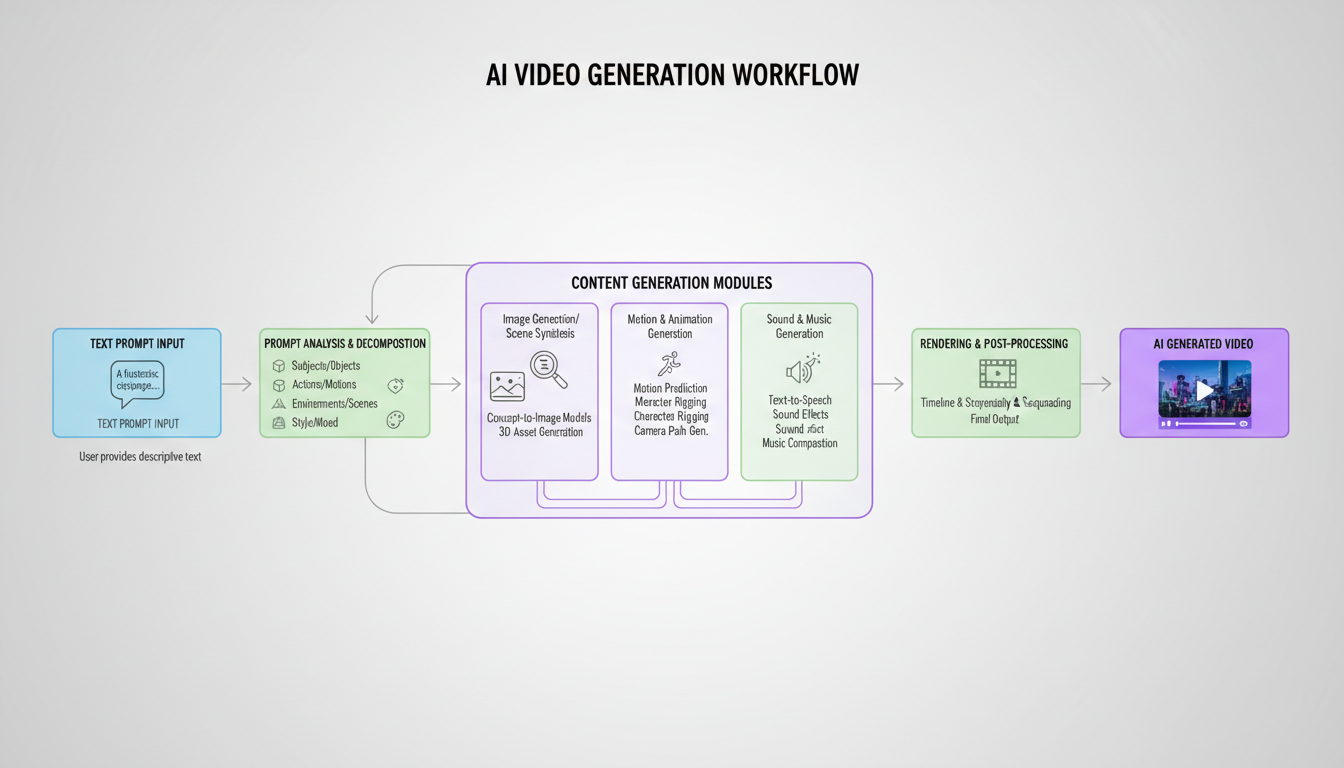 The text-to-video pipeline: prompt → AI processing → video output
Getting Started with Apatero Video
Step 1: Access Video Generation
Log into Apatero and navigate to video generation. The interface is similar to image generation but with video-specific options.
Step 2: Craft Your Prompt
Video prompts differ from image prompts. Include:
- Scene description - What's in the frame
- Motion description - What's moving and how
- Camera movement - Static, pan, zoom, etc.
- Atmosphere - Lighting, mood, time of day
Example prompt: "Ocean waves crashing against rocky cliffs at sunset, warm golden light, camera slowly panning right, dramatic clouds moving in sky"
Step 3: Configure Settings
Choose appropriate settings:
- Duration - Longer = more credits
- Resolution - Higher = more credits
- Model - Different models have different strengths
Step 4: Generate and Download
Generate your video. Processing takes longer than images. Download the result and iterate if needed.
Prompting for Video: What Works
Include Motion Keywords
Static prompts make static-looking videos. Add motion:
Instead of: "A forest with trees" Use: "Wind blowing through forest trees, leaves rustling and falling, dappled sunlight shifting"
Describe Camera Movement
Camera motion adds production value:
- "Camera slowly dollying forward"
- "Gentle pan from left to right"
- "Static shot with subject moving"
- "Slight zoom in on subject"
Keep Scenes Simple
Current AI video works best with:
- Single main subject
- Clear, simple motion
- Limited scene complexity
- Consistent lighting
Complex multi-character scenes with intricate motion are challenging for current technology.
Use Time-Based Language
Describe what happens over time:
- "gradually moving"
- "slowly transitioning"
- "continuously flowing"
- "steady rhythm of"
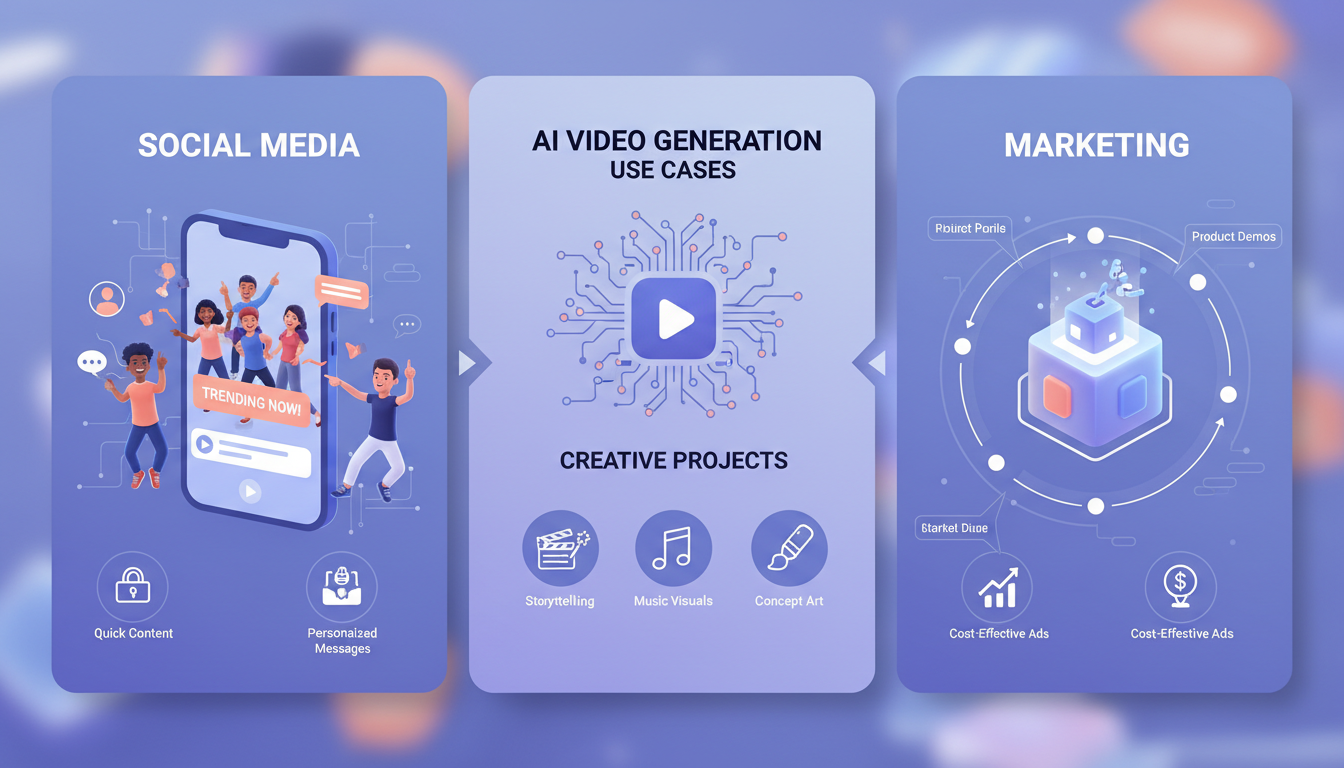 Text-to-video works for social media, marketing, and creative projects
Best Use Cases for AI Video
Social Media Content
Short clips perfect for:
- Instagram Reels backgrounds
- TikTok transitions
- YouTube Shorts b-roll
- Twitter/X visual content
Example prompts:
- "Abstract flowing colors, smooth gradients transitioning"
- "Futuristic digital data streams flowing through space"
- "Cozy cafe ambiance, steam rising from coffee cup"
Marketing and Advertising
Create visual content for:
- Product mood videos
- Background visuals for presentations
- Explainer video segments
- Website hero backgrounds
Example prompts:
- "Professional office environment, natural light streaming through windows"
- "Technology concept, holographic interfaces appearing"
- "Nature scene transitioning through seasons"
Creative Projects
Experiment with:
- Music video visuals
- Art installations
- Experimental film
- Motion graphics foundations
Example prompts:
- "Surreal dreamscape with floating objects"
- "Abstract geometric shapes morphing and transforming"
- "Cinematic establishing shot of futuristic city"
B-Roll and Stock Footage
Generate specific footage:
- Nature scenes
- Urban environments
- Abstract backgrounds
- Atmospheric content
Example prompts:
- "Aerial view of winding mountain road"
- "Raindrops hitting window glass, blurred city lights behind"
- "Time-lapse style clouds moving across sky"
Video Prompting Formula
The Basic Structure
[Subject/Scene] + [Motion/Action] + [Camera] + [Atmosphere/Style]
Examples Using the Formula
Nature scene: "Waterfall cascading down moss-covered rocks (subject), water continuously flowing and mist rising (motion), static wide shot (camera), golden hour lighting with warm tones (atmosphere)"
Abstract: "Colorful paint drops (subject), swirling and mixing in water (motion), macro close-up slowly pulling back (camera), high contrast with vibrant colors (atmosphere)"
Urban: "City street at night (subject), cars passing with light trails (motion), static eye-level shot (camera), neon signs reflecting on wet pavement (atmosphere)"
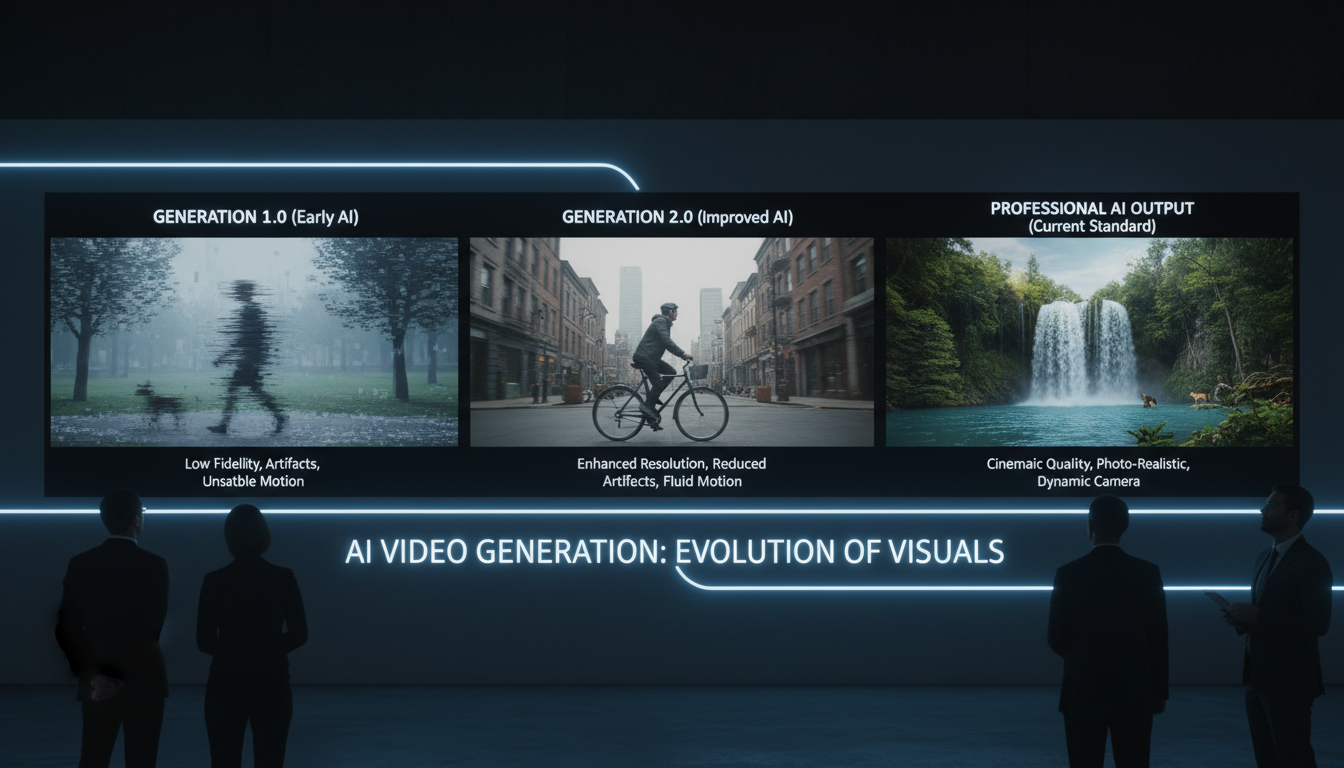 Modern AI video achieves surprisingly high quality
Understanding Video Costs
Pay-Per-Generation Model
Apatero's video pricing follows the same philosophy as images:
- Pay only for generations
- No monthly video subscription
- Credits don't expire
What Affects Cost
Duration:
- Longer videos = more frames = more cost
- 2 seconds costs less than 5 seconds
Resolution:
- Higher resolution = more compute = more cost
- Start with standard resolution, upscale winners
Model:
- Advanced models cost more
- Quality justifies the difference for final output
Cost Optimization Tips
- Draft in lower settings - Iterate on prompts cheaply
- Finalize in high quality - Use premium settings for keepers
- Batch similar content - Establish style, then generate variations
- Combine with images - Use images for stills, video for motion
Technical Considerations
Current Limitations
Be realistic about AI video capabilities:
- Duration - Short clips (2-5 seconds typical)
- Consistency - Characters may change slightly frame-to-frame
- Physics - Motion isn't always realistic
- Text in video - Often garbled or unstable
Working Around Limitations
For longer content:
- Generate multiple clips
- Edit together in video software
- Use transitions between AI segments
For consistency:
- Keep prompts simple
- Use similar seed values if available
- Accept some variation as "artistic"
For complex scenes:
- Break into simpler shots
- Generate components separately
- Composite in post-production
Output Formats
Apatero provides standard video formats:
- Compatible with all major editors
- Web-ready for direct upload
- High enough quality for most uses
Comparing Apatero Video to Alternatives
vs. RunPod (Compute-Based)
- RunPod: Raw compute, technical setup needed
- Apatero: Ready-to-use interface, simpler workflow
vs. Pika/Runway (Subscription)
- Pika/Runway: Monthly subscriptions, tiered limits
- Apatero: Pay-per-use, no wasted subscription fees
vs. Local Video Models
- Local: Complex setup, hardware requirements
- Apatero: No setup, cloud-based, accessible anywhere
Apatero Advantages
- Images AND video in one platform
- Pay-per-use for both
- No separate subscriptions
- Unified workflow
Step-by-Step: Your First Video
1. Start Simple
First prompt: "Gentle ocean waves rolling onto sandy beach, camera static, sunset lighting"
This tests the system with a proven concept.
2. Generate and Review
Watch the output:
- Does motion look natural?
- Is quality acceptable?
- What would you change?
3. Iterate on Prompt
Refine based on results:
- Add more motion detail if too static
- Simplify if too chaotic
- Adjust camera direction if needed
4. Finalize Winner
Once happy with direction:
- Generate in highest quality
- Download final version
- Use in your project
Frequently Asked Questions
How long can AI videos be?
Typically 2-5 seconds per generation. Longer content requires multiple clips edited together.
Is the quality good enough for professional use?
For b-roll, backgrounds, and social content—yes. For hero content with scrutiny—depends on the specific output.
Can I specify exact frame rates?
Check current Apatero options. Standard frame rates are typical.
Do characters stay consistent throughout the video?
Mostly, but some frame-to-frame variation is normal with current technology.
Can I create videos from my images?
Image-to-video is a separate feature. Check Apatero for current capabilities.
How does video pricing compare to images?
Video costs more per generation due to multiple frames and compute requirements.
Can I use generated videos commercially?
Yes, Apatero allows commercial use of generated content.
The Bottom Line
Text-to-video on Apatero democratizes video content creation:
- Accessible - No complex setup or technical knowledge
- Affordable - Pay-per-use, no subscription waste
- Practical - Real use cases from social to marketing
- Unified - Images and video on one platform
Video AI isn't perfect yet, but it's remarkably capable for the right applications. Social content, b-roll, backgrounds, and creative experiments are all within reach.
Write your prompt, generate your video, create content that would have required expensive stock footage or production resources just years ago.
Render the video you just read about
Kling, Veo, Seedance and more, in your browser, no queue to build. Check your welcome allowance and the displayed cost before generating.
Related Articles
AI Art for Game Developers: Complete Guide to Asset Creation
Learn how indie game developers use AI for concept art, sprites, backgrounds, and UI. Practical workflows for integrating AI into game asset pipelines.
How to Create Professional Book Covers with AI for Self-Publishing
Design stunning book covers using AI image generators. Complete guide for self-published authors covering every genre from fantasy to romance to thriller.
AI Consistent Character Generator: How to Keep the Same Character Across Multiple Images
Learn how to generate the same AI character across multiple scenes using LoRA training, IPAdapter, Midjourney cref, and reference image techniques. Complete 2026 guide.