Best Unfiltered AI Image Generators in 2026: Complete Guide and Comparison
Comprehensive guide to unfiltered AI image generators for creative professionals. Compare options, understand capabilities, and learn responsible use of unrestricted AI art tools.
Commercial AI image generators like Midjourney and DALL-E include content filters that restrict what can be generated. For many users, these restrictions make sense. For creative professionals, artists, and researchers, they can be limiting.
Unfiltered AI image generators give creators full control over their outputs. This guide explores what options exist, how they work, their legitimate use cases, and important considerations around responsible use.
Quick Answer: The most capable unfiltered AI image generators are local installations of Stable Diffusion (using uncensored model checkpoints), Flux.1 dev, and various fine-tuned models available through platforms like CivitAI. Running locally eliminates content restrictions while providing privacy. Cloud options exist but with varying policies. Responsible use is essential regardless of technical capabilities.
:::tip[Key Takeaways]
- Each unfiltered ai image generators in 2026 option has distinct strengths for different use cases
- Pricing varies significantly - consider your volume and feature needs
- Test free tiers before committing to paid plans
- Your specific workflow requirements should drive the final choice :::
- Understanding filtered vs. unfiltered AI generation
- Local installation options and setup
- Cloud alternatives with fewer restrictions
- Model selection and customization
- Responsible use considerations
Understanding Content Filtering in AI
Commercial AI services implement content filters for several reasons: legal liability, brand protection, and preventing misuse. These filters scan prompts and outputs, blocking content matching certain categories.
Filtered services typically restrict:
- Adult content of any kind
- Violence beyond mild depictions
- Real person likeness without permission
- Copyrighted characters and content
- Politically sensitive imagery
For many users, these restrictions don't matter. For artists, researchers, medical professionals, mature content creators, and others with legitimate needs for unrestricted generation, they create barriers.
Unfiltered generators either don't implement these restrictions or allow users to disable them. Understanding the landscape helps you choose appropriate tools for your needs.
Local Stable Diffusion: Complete Freedom
Running Stable Diffusion locally gives you complete control over content generation. No external service monitors or restricts your prompts. This is the gold standard for unfiltered generation.
Why Local Installation?
Complete privacy: Nothing leaves your computer. No prompts logged, no images stored externally.
No restrictions: Generate anything the model can produce without filtering.
No usage costs: After initial setup, generation is free.
Customization: Modify every aspect of the generation process.
Model selection: Choose from thousands of specialized models.
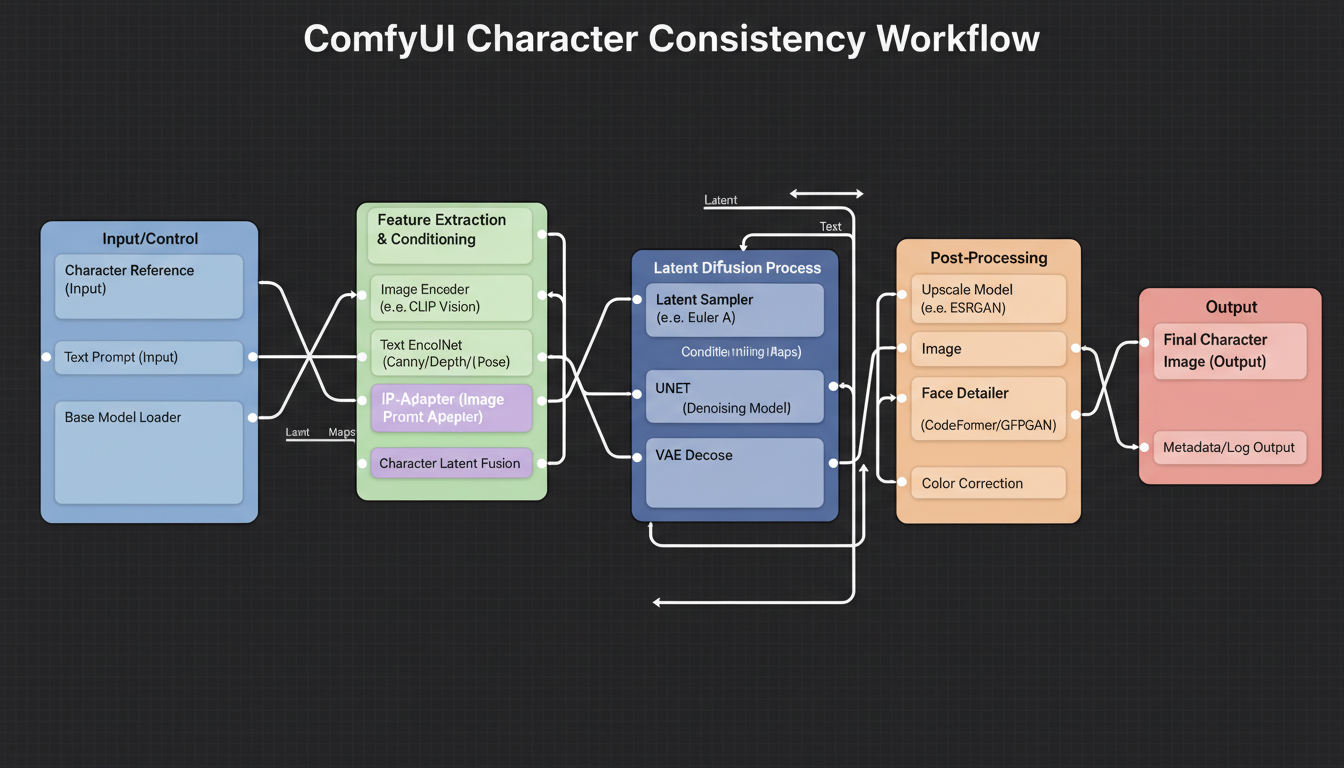 Local installation provides maximum creative control
Setup Options
ComfyUI: Most flexible interface with node-based workflows. Steeper learning curve but maximum capability. Best for advanced users.
Automatic1111: User-friendly web interface with extensive extension ecosystem. Good balance of accessibility and power.
Fooocus: Simplified interface focusing on ease of use. Good for beginners wanting quick results.
InvokeAI: Modern interface with professional workflow features.
For detailed setup guidance, see our ComfyUI beginner guide.
Model Selection
The base Stable Diffusion model is relatively filtered. Uncensored generation requires specific model checkpoints trained without safety filters:
General purpose uncensored:
- Various "pony" diffusion models
- Specialized SDXL fine-tunes
- Community-trained checkpoints on CivitAI
Realistic generation:
- Photorealistic model variants
- Face-focused models
- Style-specific realistic checkpoints
Artistic styles:
- Anime-focused models
- Illustration styles
- Specific artist style LoRAs
Model selection dramatically affects output quality and capabilities. Research options on CivitAI and related communities.
Hardware Requirements
Local generation requires capable hardware:
Minimum viable:
Free ComfyUI Workflows
Find free, open-source ComfyUI workflows for techniques in this article. Open source is strong.
- 6GB VRAM GPU
- 16GB system RAM
- Works but with limitations
Recommended:
- 12GB+ VRAM GPU
- 32GB system RAM
- Good for most use cases
Optimal:
- 24GB+ VRAM GPU
- 64GB system RAM
- Fast generation, large images, advanced features
AMD GPUs work but NVIDIA provides better support and easier setup.
Cloud Options with Fewer Restrictions
Not everyone can or wants to run local hardware. Some cloud options provide less restricted generation:
RunPod/Vast.ai
Rent GPU time to run Stable Diffusion in the cloud:
Advantages:
- Full control like local installation
- No hardware investment
- Powerful GPUs available
Considerations:
- Hourly costs add up
- Setup required for each session
- Your usage visible to provider
These platforms typically don't restrict what you run, but terms of service still apply.
Specialized Platforms
Some platforms specifically serve less restricted content:
These change frequently and may have varying policies. Research current options and verify policies before use.
API Services
Some API services offer fewer restrictions than consumer products:
- Check terms carefully
- May still filter certain content
- Generally require developer integration
Flux.1 and Newer Models
Flux.1 represents a newer generation of image models with impressive capabilities:
Want to skip the complexity? Apatero gives you professional AI results instantly with no technical setup required.
Flux.1 dev: Open weights model with high quality. Fewer restrictions than DALL-E or Midjourney.
Flux.1 schnell: Faster variant for quicker iteration.
Both can be run locally through ComfyUI or dedicated interfaces.
Flux Advantages
- Better prompt following than older SD models
- Higher quality outputs generally
- Good balance of flexibility and capability
Running Flux Locally
Flux requires more VRAM than SD 1.5:
- Minimum 12GB VRAM
- Recommended 16GB+
ComfyUI supports Flux with appropriate node setup.
Model Customization
Beyond choosing base models, customization extends capabilities:
LoRA Models
LoRA (Low-Rank Adaptation) models add specific capabilities:
- Character appearance
- Art styles
- Specific aesthetics
- Subject matter focus
Thousands available on CivitAI and similar platforms. Combine multiple LoRAs for unique outputs.
Fine-tuning
For specific needs, train your own models:
- Consistent characters
- Specific styles
- Specialized subjects
Requires technical knowledge but provides maximum customization.
Embeddings
Textual inversions capture specific concepts:
- Character faces
- Art styles
- Negative embeddings for quality control
Simpler than LoRAs but more limited in scope.
Earn Up To $1,250+/Month Creating Content
Join our exclusive creator affiliate program. Get paid per viral video based on performance. Create content in your style with full creative freedom.
Responsible Use Considerations
Technical capability doesn't equal ethical permission. Consider carefully:
Legal Boundaries
Even without technical restrictions, legal limits exist:
- CSAM is illegal everywhere and never acceptable
- Non-consensual intimate imagery of real people
- Defamation through false imagery
- Copyright infringement at scale
"Unfiltered" means technically unrestricted, not legally permitted.
Ethical Considerations
Beyond legality:
- Creating non-consensual imagery of real people is harmful regardless of legality
- Consider impact of generated content
- Public sharing carries different considerations than private use
- Your actions affect perception of AI creators broadly
Platform Policies
If sharing generated content:
- Most social platforms restrict adult content
- Specialized platforms have their own rules
- Terms of service still apply
- Disclosure requirements may exist
Use Case Examples
Legitimate reasons for unrestricted generation exist across many fields:
Art and Creative Work
Artists may need:
- Mature themes explored in established art traditions
- Unrestricted creative expression
- Reference imagery without content restrictions
- Exploration of difficult subject matter
Medical and Educational
Professionals may need:
- Anatomical imagery for education
- Medical visualization
- Training material development
- Research applications
Mature Content Creation
Adult content creators legitimately need:
- Character development for mature projects
- Content for appropriate platforms
- Commercial work with willing participants
- Private use cases
Research
Researchers studying:
- AI safety and content detection
- Model capabilities and limitations
- Social impacts of generated content
Getting Started Recommendations
For users seeking unrestricted generation:
If technical and with good hardware:
- Install ComfyUI or Automatic1111
- Download appropriate models from CivitAI
- Learn workflow basics
- Explore model combinations
If less technical:
- Start with Fooocus for simpler interface
- Use pre-configured model packs
- Gradually learn more advanced options
If lacking hardware:
- Consider cloud GPU rental
- Research current platform options
- Budget for ongoing costs
Frequently Asked Questions
Are unfiltered AI generators legal?
The tools themselves are legal. How you use them determines legality. Never generate illegal content regardless of technical capability.
What's the best free unfiltered AI generator?
Stable Diffusion running locally is free after hardware investment. No ongoing costs, complete control.
Can I use unfiltered generators commercially?
Depends on model licenses and what you create. Many models allow commercial use. Check specific license terms.
How do content filters work in commercial services?
Typically scan prompts for restricted keywords and analyze outputs for blocked content types. Specific implementations vary.
Is running Stable Diffusion locally difficult?
Easier than before with tools like Fooocus. ComfyUI requires more learning but isn't insurmountable for motivated users.
What hardware do I need minimum?
6GB VRAM GPU works for basic generation. 12GB+ provides much better experience.
Can these tools generate anything?
Technically limited by training data and model architecture rather than content filters. Models can only generate types of content in their training data.
Are there mobile options?
Limited. Some cloud options work on mobile, but local generation requires PC/Mac hardware.
Conclusion
Unfiltered AI image generators serve legitimate creative and professional needs. Local Stable Diffusion installation provides maximum capability with complete privacy. Cloud options offer alternatives for those without suitable hardware.
Technical freedom comes with ethical responsibility. Use these tools thoughtfully, respecting legal boundaries and considering impact of generated content.
For those with legitimate needs for unrestricted generation, the tools exist and continue improving. Approach with clear purpose and responsible intent.
For character-focused creative work, see our guides on creating AI characters with consistency and ComfyUI workflows.
Ready to Create Your AI Influencer?
Join 115 students mastering ComfyUI and AI influencer marketing in our complete 51-lesson course.
Related Articles

10 Best AI Influencer Generator Tools Compared (2025)
Comprehensive comparison of the top AI influencer generator tools in 2025. Features, pricing, quality, and best use cases for each platform reviewed.

5 Proven AI Influencer Niches That Actually Make Money in 2025
Discover the most profitable niches for AI influencers in 2025. Real data on monetization potential, audience engagement, and growth strategies for virtual content creators.

AI Action Figure Generator: How to Create Your Own Viral Toy Box Portrait in 2026
Complete guide to the AI action figure generator trend. Learn how to turn yourself into a collectible figure in blister pack packaging using ChatGPT, Flux, and more.