ComfyUI SDXL Workflow Optimization: Speed and Quality Improvements
Optimize SDXL workflows in ComfyUI for better speed and quality. Learn efficient node configurations, memory management, and performance tuning.

SDXL produces impressive results but demands more from your hardware than SD 1.5. Optimizing SDXL workflows in ComfyUI balances quality with speed and memory usage, enabling efficient production even on modest hardware.
This guide covers optimization techniques for SDXL workflows from basic efficiency to advanced performance tuning.
Quick Answer: SDXL optimization in ComfyUI focuses on efficient sampler configuration, proper VRAM management, and simplified workflow design. Key techniques include appropriate step counts, VAE optimizations, and memory-conscious node placement. Most users can improve SDXL speed 20-40% through configuration alone.
:::tip[Key Takeaways]
- ComfyUI SDXL Workflow Optimization: Speed and Quality Improvements represents an important development in its field
- Multiple approaches exist depending on your goals
- Staying informed helps you make better decisions
- Hands-on experience is the best way to learn :::
- Sampler and scheduler optimization
- Memory management techniques
- Quality/speed trade-offs
- Workflow efficiency tips
- Hardware-specific considerations
Understanding SDXL Demands
Why SDXL Is Heavy
SDXL requires more resources:
Larger model: More parameters than SD 1.5.
Higher resolution: 1024x1024 base vs 512x512.
Two-stage process: Base and refiner workflow.
More VRAM: Typically 8GB+ needed.
Optimization Goals
Balancing priorities:
Speed: Faster generation times.
Quality: Maintaining output quality.
Memory: Fitting within VRAM limits.
Stability: Avoiding crashes and errors.

Sampler Optimization
Efficient Samplers
Sampler choice affects speed significantly:
DPM++ 2M Karras: Good balance of speed and quality.
Euler a: Fast but may need more steps.
DPM++ SDE Karras: Quality focused, slower.
UniPC: Fast with good quality.
Step Count Optimization
More steps isn't always better:
20-25 steps: Often sufficient for good results.
30+ steps: Diminishing returns typically.
Test your needs: Find minimum for acceptable quality.
Sampler dependent: Some need fewer steps than others.
Scheduler Selection
Matches sampler behavior:
Karras: Smooth, consistent.
Normal: Standard distribution.
Exponential: Different step weighting.
Match scheduler to sampler recommendations.
Memory Management
VRAM Optimization
Critical for SDXL:
Attention optimization: Use efficient attention implementations.
FP16/BF16: Lower precision saves memory.
Tiled VAE: For large images.
Offloading: Move unused models to CPU.
Node Memory
Workflow design affects memory:
Model loading: Load once, reuse.
Avoid duplication: Same model loaded multiple times.
Clear unused: Remove unnecessary nodes.
Sequential processing: Don't load everything simultaneously.
Settings for Limited VRAM
On 8GB cards:
Use --lowvram flag: Enables memory optimization.
Avoid refiner: Or use separately.
Lower batch size: Generate one at a time.
Reduce resolution: 768 instead of 1024 if needed.
Quality Optimization
CFG Scale
Prompt adherence vs quality:
5-8: Good balance for SDXL.
Higher: More prompt adherence, potential artifacts.
Lower: More creativity, less control.
SDXL specific: Different optimal range than SD 1.5.
Resolution Handling
Working with SDXL resolution:
1024x1024: Native optimal.
Other ratios: SDXL trained on various aspects.
Upscaling: Generate at native, upscale after.
Hi-res fix: If needed for higher resolution.
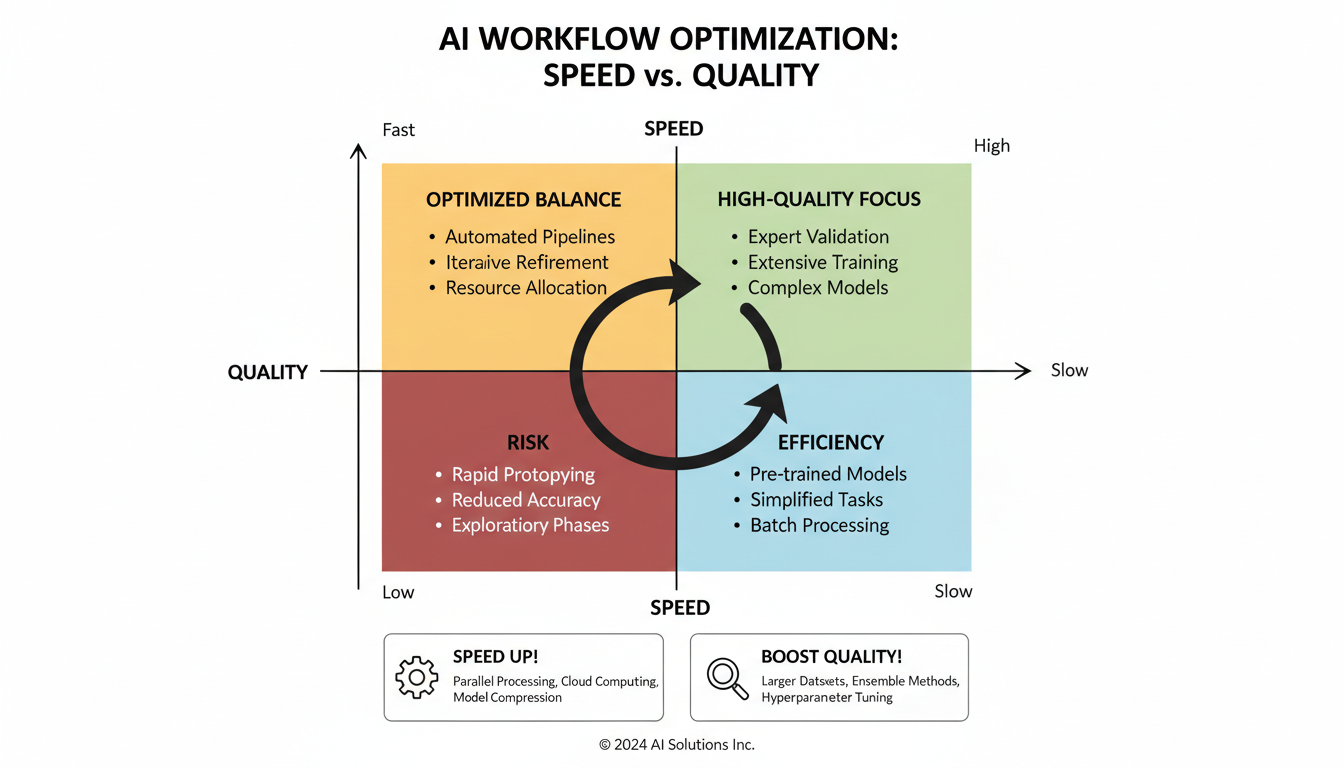
Refiner Usage
Two-stage workflow:
Base model: Initial generation.
Refiner: Detail enhancement.
Switch point: 0.7-0.8 typical.
Optional: Quality increase, time increase.
For speed, skip refiner and enhance differently.
Workflow Efficiency
Improved Design
Efficient workflow structure:
Minimal nodes: Only what's needed.
Proper connections: No unnecessary processing.
Grouped functionality: Related nodes together.
Clear flow: Easy to follow and maintain.
Reusable Components
Build efficiency:
Save workflows: Reuse proven configurations.
Node groups: Packaged functionality.
Template workflows: Starting points for common tasks.
Batch Processing
When generating multiple:
Consistent settings: Same configuration across batch.
Sequential efficiency: Pipeline processing.
Memory awareness: Don't overwhelm VRAM.
Hardware Considerations
GPU Optimization
Getting most from hardware:
Driver updates: Latest for best performance.
CUDA/ROCm: Proper compute framework.
Temperature management: Sustained performance.
Power settings: Full performance mode.
CPU and RAM
Supporting components:
Sufficient RAM: 16GB+ for smooth operation.
Fast storage: SSD for model loading.
CPU capability: Handles preprocessing.
Multi-GPU
If available:
Split workloads: Different tasks on different GPUs.
Not automatic: Requires configuration.
ComfyUI support: Some multi-GPU functionality.
Common Optimizations
Quick Wins
Easy improvements:
Reduce steps: 25 instead of 50.
Efficient sampler: DPM++ 2M Karras.
Skip refiner: For drafts and previews.
Lower batch size: When memory-limited.
Advanced Techniques
For power users:
Custom attention: Optimized implementations.
Quantization: Lower precision where acceptable.
Pipeline optimization: Parallel where possible.
Caching: Reuse computed elements.
Troubleshooting
Out of Memory
Symptoms: CUDA out of memory errors.
Solutions:
- Enable lowvram mode
- Reduce batch size
- Skip refiner
- Lower resolution
Slow Generation
Symptoms: Taking much longer than expected.
Solutions:
- Check GPU utilization
- Reduce steps
- Use faster sampler
- Verify no bottlenecks
Quality Issues
Symptoms: Poor output despite settings.
Solutions:
- Check CFG scale
- Adjust steps
- Review prompt quality
- Verify model compatibility
Frequently Asked Questions
What's the minimum VRAM for SDXL?
8GB workable, 12GB+ comfortable. Optimizations needed for lower VRAM.
How many steps do I need for SDXL?
20-30 typically sufficient. Test for your quality requirements.
Should I always use refiner?
No. Adds time. Use for final quality, skip for drafts.
Why is SDXL so slow compared to SD 1.5?
Larger model, higher resolution. Optimization helps bridge the gap.
Can I run SDXL on 6GB VRAM?
Possible with heavy optimization, but limited and slow.
What's the best sampler for SDXL?
DPM++ 2M Karras is popular. Test for your preferences.
How do I speed up SDXL without losing quality?
Efficient sampler, optimal step count, faster workflow.
Should I use SDXL or SD 1.5?
SDXL for quality, SD 1.5 for speed. Match to your priorities.
Conclusion
SDXL optimization in ComfyUI requires attention to sampler efficiency, memory management, and workflow design. Most users can significantly improve performance through configuration changes alone, without sacrificing output quality.
Start with basic optimizations like efficient samplers and appropriate step counts, then progress to memory management and advanced techniques as needed. The goal is sustainable workflow that produces quality results within your hardware capabilities.
For SDXL character consistency, see our consistency guide. For upscaling SDXL outputs, check our upscaling guide.
Some models you cannot download at any VRAM
Veo, Kling and Nano Banana have closed weights. There is no local build, no quantization, no 24GB workaround. Run them in the browser instead. Check current model access and generation costs in the app.
Related Articles

25 ComfyUI Workflow Tips: Settings and Review
Explore ComfyUI workflow organization, settings and output review, with a blank worksheet for comparing performance on your own setup.
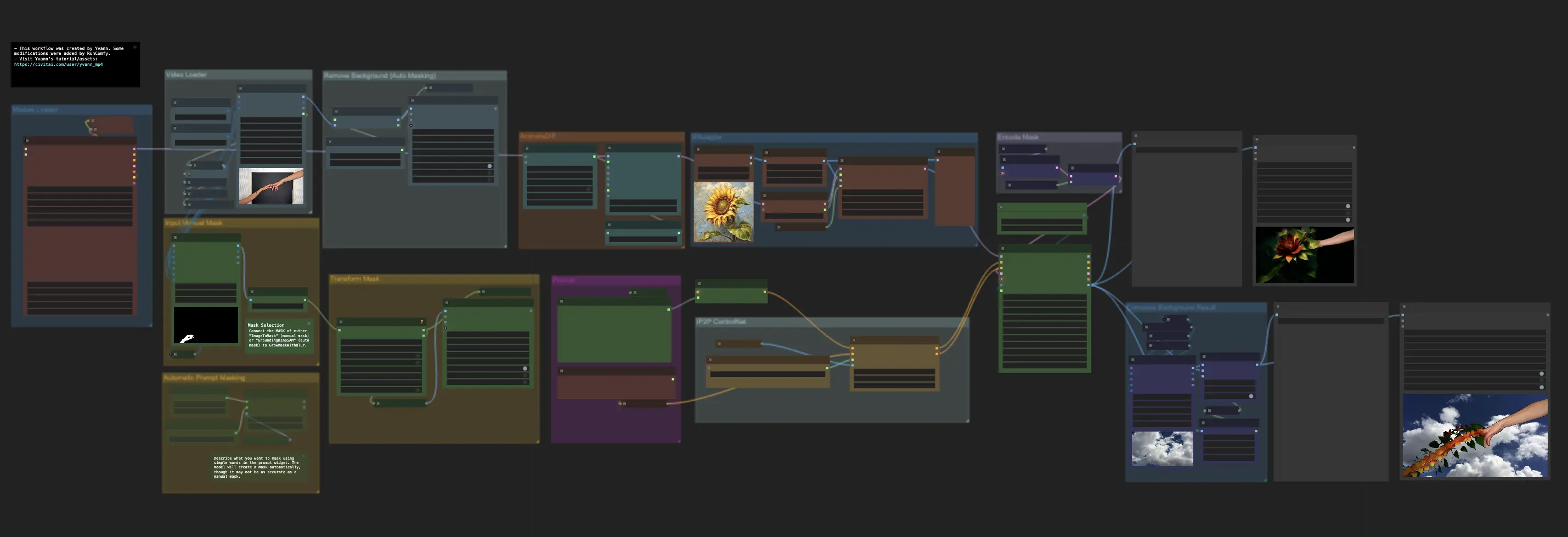
7 ComfyUI Custom Nodes That Should Be Built-In (And How to Get Them)
Essential ComfyUI custom nodes every user needs in 2025. Complete installation guide for WAS Node Suite, Impact Pack, IPAdapter Plus, and more...
ADetailer Single Character Focus - How to Target Specific Faces in Multi-Character Images 2025
Master ADetailer and FaceDetailer to focus on single characters in multi-person images. Complete guide to targeting specific faces with different prompts in ComfyUI.