ComfyUI Character Consistency: Advanced Workflows for Perfect Results Every Time
Master character consistency in ComfyUI with advanced workflows. Learn IP-Adapter, face embedding, and LoRA techniques for generating consistent AI characters.
Character consistency remains one of the biggest challenges in AI image generation. ComfyUI provides the flexibility to implement sophisticated consistency solutions, but knowing which techniques to combine and how to configure them makes the difference between frustrating inconsistency and reliable results.
This guide covers advanced ComfyUI workflows specifically designed for character consistency, from IP-Adapter configurations to combined approaches that deliver professional-level results.
Quick Answer: The most reliable ComfyUI character consistency comes from combining IP-Adapter FaceID for face consistency, a character LoRA for style and body consistency, and ControlNet for pose control. This triple approach handles most consistency needs. For simpler setups, IP-Adapter alone with good reference images works well for quick projects.
:::tip[Key Takeaways]
- Key options include Load Image and FaceID Analysis
- Multiple approaches exist depending on your goals
- Staying informed helps you make better decisions
- Hands-on experience is the best way to learn :::
- IP-Adapter FaceID configuration for faces
- Combining multiple consistency techniques
- Workflow optimization for reliable results
- Troubleshooting consistency issues
- Production-ready workflow templates
Understanding Consistency Challenges
Stable Diffusion generates images independently each time. Without guidance, identical prompts produce different faces. This fundamental characteristic requires deliberate solutions for character consistency.
Why Characters Drift
Several factors cause inconsistency:
Prompt interpretation: "Blue eyes, blonde hair" has infinite visual interpretations.
Random seeds: Each generation starts with different noise.
Model variation: Base models weren't trained to remember characters.
Style mixing: Different prompts create different artistic interpretations.
Consistency Solutions Overview
Available approaches in ComfyUI:
IP-Adapter: Uses reference images to guide generation.
LoRA models: Trained on specific characters for consistent reproduction.
Face embedding: Extracts and applies facial features.
ControlNet: Controls pose while other methods handle appearance.
Combined approaches: Multiple techniques for different aspects.
IP-Adapter FaceID Setup
IP-Adapter FaceID specifically targets face consistency, making it ideal for character work.
Required Components
Install these through ComfyUI Manager:
- IP-Adapter nodes
- InsightFace models
- FaceID-specific IP-Adapter models
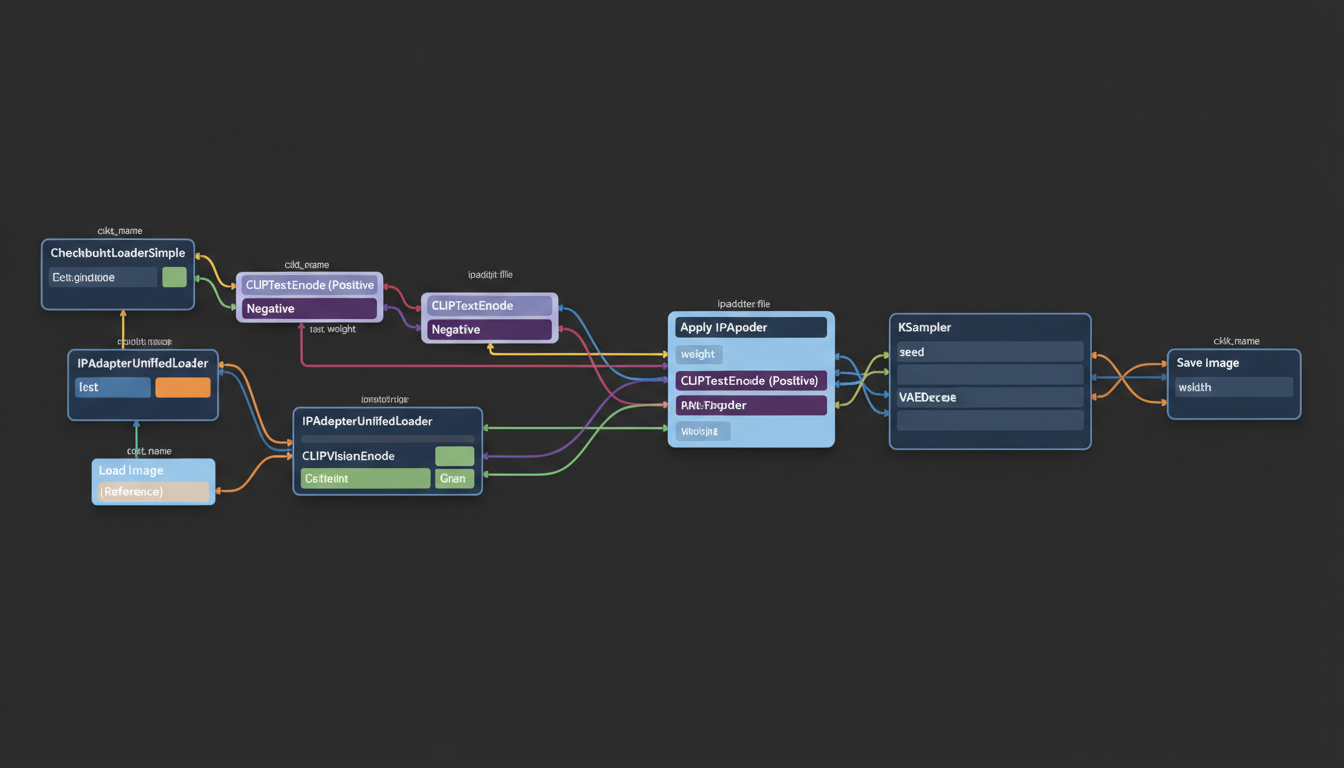
Basic FaceID Workflow
Connect nodes in this order:
- Load Image → Your reference face image
- FaceID Analysis → Extracts face features
- IP-Adapter Apply → Injects features into generation
- KSampler → Generates with face guidance
Optimal Settings
Weight: 0.7-0.85 for faces. Higher values copy more exactly but may reduce naturalness.
Start/End: Start at 0.0-0.1, end at 0.8-0.9. This allows prompt influence while maintaining face.
Face confidence: Set threshold to filter weak detections.
Reference Image Selection
Choose references carefully:
Good references:
- Clear frontal or ¾ view faces
- Consistent lighting
- 3-5 different angles
- Neutral to mild expressions
Avoid:
- Heavy shadows or extreme lighting
- Obscured faces
- Very unusual expressions
- Low resolution images
Combined Consistency Workflow
Maximum consistency comes from combining techniques:
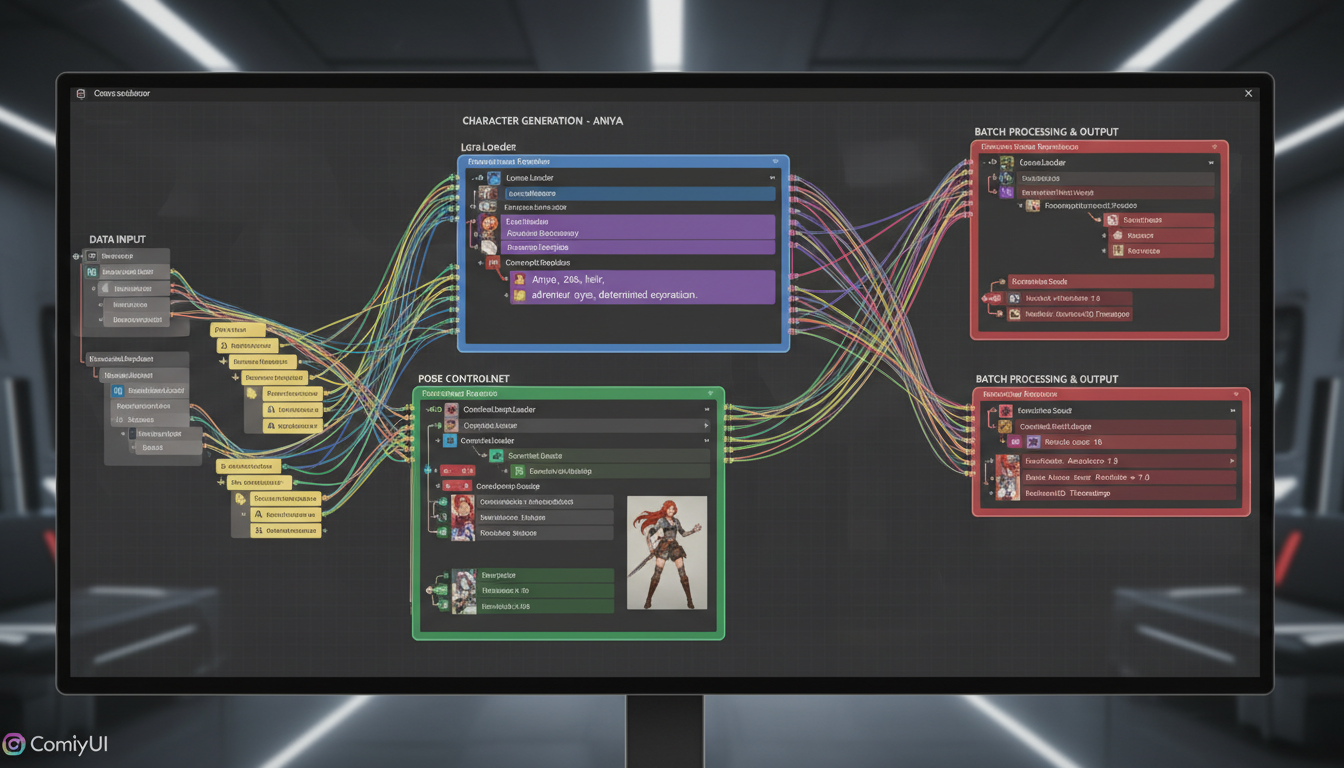
Triple-Lock Workflow
Layer 1 - IP-Adapter FaceID: Maintains facial features.
Layer 2 - Character LoRA: Ensures body type, clothing style, and overall character feel.
Layer 3 - ControlNet Pose: Controls specific pose while other layers handle appearance.
Node Configuration
[Load Reference Image]
 ↓
[FaceID Analysis]
 ↓
[IP-Adapter FaceID Apply] ← weight: 0.75
 ↓
[Load LoRA] ← character LoRA, strength: 0.8
 ↓
[ControlNet] ← OpenPose or Depth
 ↓
[KSampler]
 ↓
[VAE Decode]
 ↓
[Output]
Balance Adjustments
Different scenarios need different balances:
Maximum face accuracy: IP-Adapter 0.9, LoRA 0.6 Natural variety: IP-Adapter 0.7, LoRA 0.8 Specific poses: ControlNet strength 0.8-1.0
Face Embedding Techniques
Alternative to IP-Adapter, face embedding extracts and stores face information.
InstantID Approach
InstantID combines multiple face features:
- Extract face from reference
- Generate embedding
- Apply embedding during generation
Advantages:
- Very strong likeness preservation
- Works well with single reference
Limitations:
- Can produce too-similar outputs
- Less flexible for varied expressions
ReActor Face Swap
For consistent faces across existing images:
- Generate image normally
- Swap face from reference
- Optional: blend and refine
Good for:
- Fixing inconsistent generations
- Batch processing existing images
- Quick consistency without retraining
LoRA-Based Consistency
For long-term character use, trained LoRAs provide best consistency.
Training for Consistency
When training character LoRAs, prioritize:
Dataset diversity:
- Multiple angles
- Various expressions
- Different lighting conditions
- Range of poses
Training settings:
- Higher rank (32-64) for character detail
- More epochs for consistent characters
- Regularization to prevent overfitting
Using Character LoRAs
In ComfyUI workflow:
Connection: After model loading, before sampling
Strength: 0.7-1.0 typically. Adjust based on model strength.
Stacking: Multiple LoRAs can combine (character + style + clothing)
Workflow Optimization
Batch Generation for Consistency
Generate multiple images efficiently:
Same seed range: Use seed incrementing for varied but related outputs.
Batch conditioning: Process multiple prompts through same consistency setup.
Quality filtering: Generate extras and select best results.
Quality Control Nodes
Add verification steps:
Face detection: Verify face present in output.
Similarity scoring: Compare output to reference.
Automatic filtering: Remove failed generations.
Troubleshooting
Face Drifting Between Generations
Symptoms: Character looks different each time despite consistency nodes.
Solutions:
- Increase IP-Adapter weight
- Check reference image quality
- Reduce prompt face descriptions
- Use seed locking for critical shots
Unnatural Appearance
Symptoms: Face looks pasted or artificial.
Solutions:
- Reduce IP-Adapter strength
- Adjust start/end parameters
- Use face blending post-process
- Try different reference angles
Inconsistent Body
Symptoms: Face matches but body varies.
Solutions:
- Add character LoRA
- Include body descriptions in prompt
- Use ControlNet for pose consistency
- Consider full-body references
Wrong Expression Transfer
Symptoms: Expression from reference appears in all outputs.
Solutions:
- Use neutral expression reference
- Describe desired expression in prompt
- Reduce IP-Adapter weight slightly
- Use multiple reference images
Production Workflows
Social Media Character
For regular character posts:
- Establish 5-10 reference images
- Create prompt templates for common scenarios
- Batch generate variations
- Review and select best results
Story Illustration
For narrative sequences:
- Set master reference for character
- Plan poses needed for story
- Generate with ControlNet pose guidance
- Maintain consistency across all panels
Virtual Influencer Content
For ongoing character presence:
- Train dedicated character LoRA
- Combine with IP-Adapter for insurance
- Create templates for content types
- Build image library systematically
Frequently Asked Questions
What's the minimum VRAM for consistency workflows?
12GB handles most setups. 8GB possible with optimization but limiting.
Can I use multiple characters consistently in one image?
Yes, using regional prompting to apply different consistency nodes to different image areas.
How many reference images do I need?
3-5 good references work well for IP-Adapter. More helps for LoRA training.
Should I use IP-Adapter or LoRA?
IP-Adapter for quick projects or testing. LoRA for long-term characters. Both together for maximum consistency.
Why does my character look different in different poses?
Profile views especially differ from frontal. Include varied angles in references or training data.
How do I handle consistency with clothing changes?
Focus consistency on face/body while prompting clothing separately. ControlNet helps maintain body consistency.
Can I save workflows for reuse?
Yes, save workflow JSON and reference images together for reproducible results.
What causes "same face" syndrome in IP-Adapter?
Weight too high or reference too dominant. Reduce weight and use more varied references.
Conclusion
Character consistency in ComfyUI requires understanding multiple techniques and how they complement each other. IP-Adapter FaceID provides quick face consistency, LoRAs deliver long-term reliable results, and combined approaches handle complex requirements.
Start with IP-Adapter for initial projects. As characters become established, invest in training dedicated LoRAs. For production work, combine approaches for maximum reliability.
For complete character creation guidance, see our . For basics of ComfyUI, check our beginner guide.
Some models you cannot download at any VRAM
Veo, Kling and Nano Banana have closed weights. There is no local build, no quantization, no 24GB workaround. Run them in the browser instead. Check current model access and generation costs in the app.
Related Articles

25 ComfyUI Workflow Tips: Settings and Review
Explore ComfyUI workflow organization, settings and output review, with a blank worksheet for comparing performance on your own setup.
7 ComfyUI Custom Nodes That Should Be Built-In (And How to Get Them)
Essential ComfyUI custom nodes every user needs in 2025. Complete installation guide for WAS Node Suite, Impact Pack, IPAdapter Plus, and more...
ADetailer Single Character Focus - How to Target Specific Faces in Multi-Character Images 2025
Master ADetailer and FaceDetailer to focus on single characters in multi-person images. Complete guide to targeting specific faces with different prompts in ComfyUI.