ComfyUI SD 1.5 vs SDXL: Complete Comparison Guide for Choosing Your Model
Compare SD 1.5 and SDXL in ComfyUI. Understand quality, speed, resource requirements, and use cases to choose the right model for your AI art workflow.
The choice between SD 1.5 and SDXL represents the most fundamental decision in your ComfyUI workflow. While SDXL offers higher quality output, SD 1.5 remains relevant with its speed, extensive ecosystem, and lower resource requirements. Understanding when to use each model, rather than defaulting to the "newer is better" assumption, optimizes your creative workflow.
This comparison breaks down the practical differences to help you make informed choices for different project types and hardware configurations.
Quick Answer: SDXL produces higher quality images at higher native resolution but requires more VRAM and generates slower. SD 1.5 is faster, needs less resources, and has a larger ecosystem of fine-tuned models and LoRAs. Use SDXL for final quality work, SD 1.5 for rapid iteration, limited hardware, or when specific fine-tuned models are needed.
:::tip[Key Takeaways]
- Each comfyui sd 1.5 vs sdxl: complete comparison guide for choosing your model option has distinct strengths for different use cases
- Pricing varies significantly - consider your volume and feature needs
- Test free tiers before committing to paid plans
- Your specific workflow requirements should drive the final choice :::
- Technical differences between models
- Quality comparison across use cases
- Resource requirements breakdown
- Ecosystem and community support
- Decision framework for model selection
Technical Comparison
Model Architecture
Understanding the underlying differences:
SD 1.5:
- ~860 million parameters
- 512x512 native resolution
- Single U-Net architecture
- CLIP text encoder
- Extensive fine-tuning possible
SDXL:
- ~3.5 billion parameters (base) + 6.6 billion (refiner)
- 1024x1024 native resolution
- Dual U-Net with refiner
- Dual text encoders (OpenCLIP + CLIP)
- More complex architecture
SDXL is roughly 4x larger than SD 1.5, explaining resource differences.
Generation Resolution
Native and practical resolutions:
SD 1.5:
- Native: 512x512
- Commonly used: 512x768, 768x512
- With hi-res fix: Up to 1024x1024
- Quality degrades at non-native ratios
SDXL:
- Native: 1024x1024
- Commonly used: 1024x1024, 832x1216, 1216x832
- Trained on multiple aspect ratios
- Better quality at various resolutions
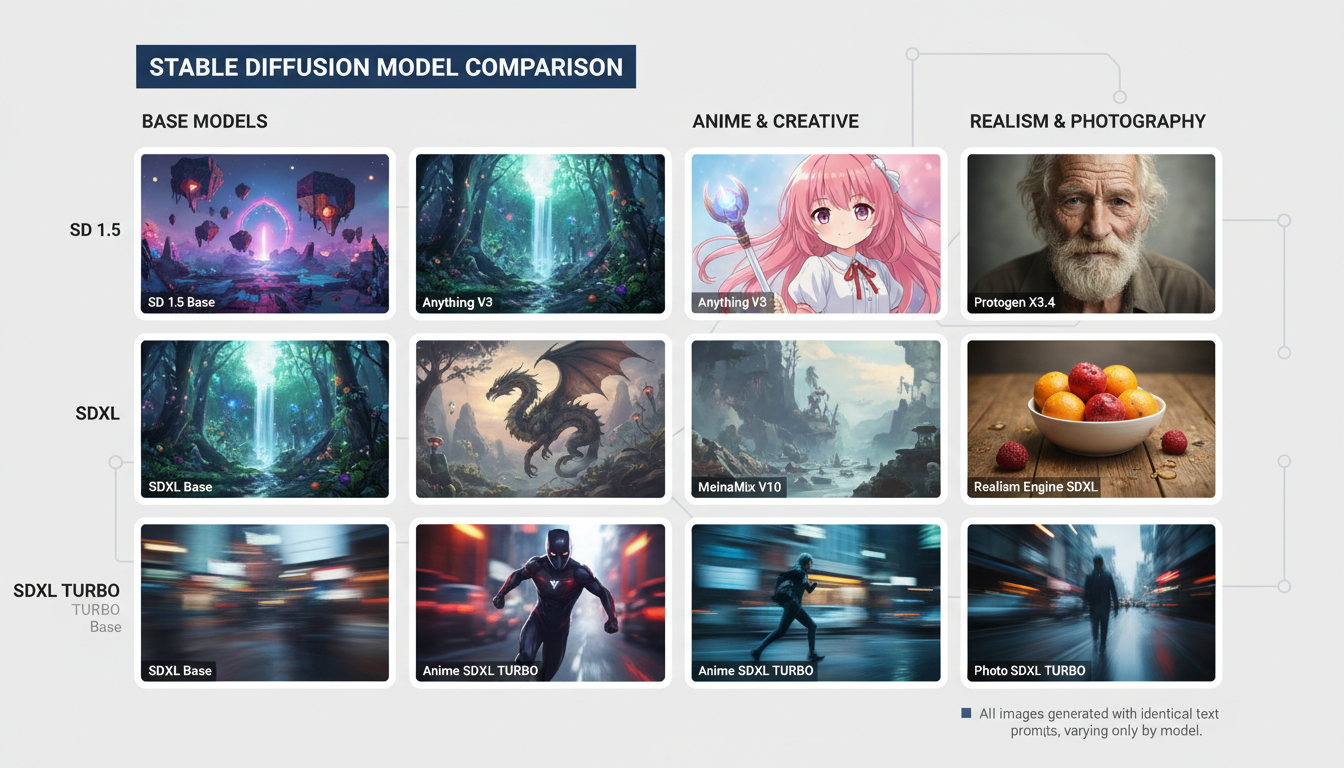
SDXL's higher native resolution means sharper details without upscaling.
Generation Speed
Performance comparison on typical hardware:
RTX 3080 (10GB), 20 steps:
| Model | Resolution | Time | Images/minute |
|---|---|---|---|
| SD 1.5 | 512x512 | ~3s | 20 |
| SD 1.5 | 768x768 | ~5s | 12 |
| SDXL | 1024x1024 | ~12s | 5 |
| SDXL + Refiner | 1024x1024 | ~20s | 3 |
SD 1.5 generates 3-4x faster at comparable quality levels.
VRAM Requirements
Memory usage comparison:
SD 1.5:
- Minimum: 4GB VRAM
- Comfortable: 6GB VRAM
- With extras: 8GB VRAM
SDXL:
- Minimum: 8GB VRAM (with optimization)
- Comfortable: 12GB VRAM
- With refiner: 16GB+ VRAM
Lower VRAM cards may only run SD 1.5 effectively.
Quality Comparison
Detail and Coherence
Where each excels:
SDXL advantages:
- More detailed faces without specific models
- Better hand generation (though still imperfect)
- Higher overall coherence
- More accurate anatomy
- Better text in images
SD 1.5 advantages:
- More artistic styles via fine-tuned models
- Better for specific aesthetics (anime, etc.)
- Comparable quality with right checkpoints
- More predictable behavior
Prompt Understanding
How well each follows instructions:
SDXL:
- Better natural language understanding
- Handles complex prompts well
- More accurate composition
- Understands concepts better
SD 1.5:
- Requires more specific prompting
- Needs negative prompts more often
- Less reliable with complex scenes
- Better understood through experience
SDXL is more forgiving with prompts; SD 1.5 rewards prompting skill.
Style Flexibility
Aesthetic range:
SDXL:
- Good base styles
- Growing fine-tune ecosystem
- Fewer specialized models currently
- Strong photorealistic capability
SD 1.5:
- Massive model ecosystem
- Thousands of fine-tuned checkpoints
- Every conceivable style available
- Years of community development
SD 1.5's ecosystem means more style options, though SDXL catches up over time.
Ecosystem Comparison
Available Models
Community resources:
SD 1.5 ecosystem:
- Thousands of checkpoints on CivitAI
- Specialized models for every style
- Extensive LoRA library
- Mature embeddings ecosystem
- VAE options
SDXL ecosystem:
- Growing but smaller library
- Fewer specialized checkpoints
- LoRA ecosystem developing
- Refiner variations
- Still maturing
For niche styles, SD 1.5 likely has better options.
LoRA Availability
Fine-tuning resources:
SD 1.5:
- Massive LoRA library
- Character LoRAs abundant
- Style LoRAs everywhere
- Easy to train new LoRAs
SDXL:
- Fewer LoRAs available
- Growing collection
- Higher quality when available
- More resource-intensive training
SD 1.5 LoRAs cover more specific needs.
ControlNet Support
Guided generation:
SD 1.5:
- Mature ControlNet ecosystem
- All control types available
- Well-tested workflows
- Abundant documentation
SDXL:
- ControlNet support available
- Fewer control types initially
- Catching up rapidly
- Some performance overhead
Both work, but SD 1.5 has more complete ControlNet coverage.
Use Case Analysis
When to Use SDXL
SDXL is preferred for:
Final production work:
- Client deliverables
- Print-resolution needs
- Portfolio pieces
- Quality is priority
Photorealistic content:
- Portrait generation
- Product visualization
- Architectural rendering
- Realistic scenes
Text in images:
- Signs, logos, labels
- Any readable text needed
- Typography integration
Simpler workflows:
- Fewer fine-tuned model needs
- Standard use cases
- Less specialized requirements
When to Use SD 1.5
SD 1.5 is preferred for:
Rapid iteration:
- Concept exploration
- Style testing
- Quick drafts
- High-volume generation
Limited hardware:
- 4-6GB VRAM
- Older GPUs
- CPU inference
- Shared resources
Specific styles:
- Anime/manga art
- Particular artist styles
- Niche aesthetics
- Style-specific models needed
Complex workflows:
- Heavy ControlNet use
- Multiple LoRAs combined
- Established pipelines
- Proven configurations
Hybrid Approaches
Using both models:
Draft to final:
- Iterate concepts with SD 1.5
- Generate final in SDXL
Style transfer:
- Generate in styled SD 1.5 model
- Upscale with SDXL techniques
Resource management:
- SD 1.5 for volume work
- SDXL for hero images
ComfyUI Implementation
Workflow Differences
Adapting workflows between models:
SD 1.5 workflow:
- Standard KSampler
- 512x512 base, upscale after
- Separate VAE often needed
- Simple node graphs
SDXL workflow:
- Base + refiner option
- 1024x1024 native
- Integrated VAE usually fine
- More complex for full quality
Node Configuration
Key differences in setup:
Resolution settings:
- SD 1.5: Empty Latent Image at 512x512 or 768x768
- SDXL: Empty Latent Image at 1024x1024
Sampler settings:
- SD 1.5: 20-30 steps typical
- SDXL: 20-25 steps often sufficient
CFG scale:
- SD 1.5: 7-11 typical range
- SDXL: 5-8 typical range
Switching Between Models
Managing dual-model workflows:
Separate workflows: Different saved workflows for each model Conditional nodes: Switch based on input selection Model switching nodes: Change models within workflow Resource management: Unload models when switching
Performance Optimization
SD 1.5 Optimization
Maximizing 1.5 performance:
Attention optimization:
- xFormers for memory efficiency
- Flash attention when available
- Token merging for speed
Batch generation:
- Higher batch sizes practical
- Efficient parallel generation
- Better GPU utilization
SDXL Optimization
Handling SDXL resource needs:
Memory management:
- Enable model offloading
- Use FP16 precision
- Attention slicing if needed
- Sequential processing
Skip refiner:
- For speed, skip refiner stage
- Use only when quality essential
- Base-only acceptable for many uses
Resolution trade-offs:
- 896x896 uses less VRAM
- Still higher than SD 1.5
- Quality remains good
Frequently Asked Questions
Is SDXL always better than SD 1.5?
No. SDXL has higher base quality but SD 1.5 wins for speed, specialized styles, and resource efficiency.
Can I use SD 1.5 LoRAs with SDXL?
No. LoRAs are model-specific. You need SDXL-trained LoRAs for SDXL.
Which is better for anime art?
Currently SD 1.5 due to extensive anime fine-tuned models. SDXL anime models are improving.
Should I upgrade from SD 1.5 to SDXL?
Consider both rather than replacing. Each has strengths for different situations.
Can my 8GB GPU run SDXL?
Yes, with optimization. Will be slower and may need reduced settings.
Will SD 1.5 become obsolete?
Unlikely soon. Large ecosystem and speed advantages keep it relevant.
Which should beginners start with?
SD 1.5 for learning (faster iteration, more resources) then add SDXL as you progress.
How do I choose for a specific project?
Quality priority = SDXL. Speed priority = SD 1.5. Specific style needed = check which has better models.
Conclusion
SD 1.5 and SDXL serve complementary roles rather than representing simple obsolescence. SDXL's quality advantages make it preferred for final work, while SD 1.5's speed, ecosystem, and efficiency keep it valuable for iteration, specific styles, and resource-limited situations.
Serious ComfyUI users benefit from maintaining both in their toolkit, switching based on project requirements rather than defaulting to one or the other.
For SDXL optimization techniques, see our SDXL workflow guide. For LoRA training on either model, check our LoRA training guide.
Some models you cannot download at any VRAM
Veo, Kling and Nano Banana have closed weights. There is no local build, no quantization, no 24GB workaround. Run them in the browser instead. Check current model access and generation costs in the app.
Related Articles

25 ComfyUI Workflow Tips: Settings and Review
Explore ComfyUI workflow organization, settings and output review, with a blank worksheet for comparing performance on your own setup.
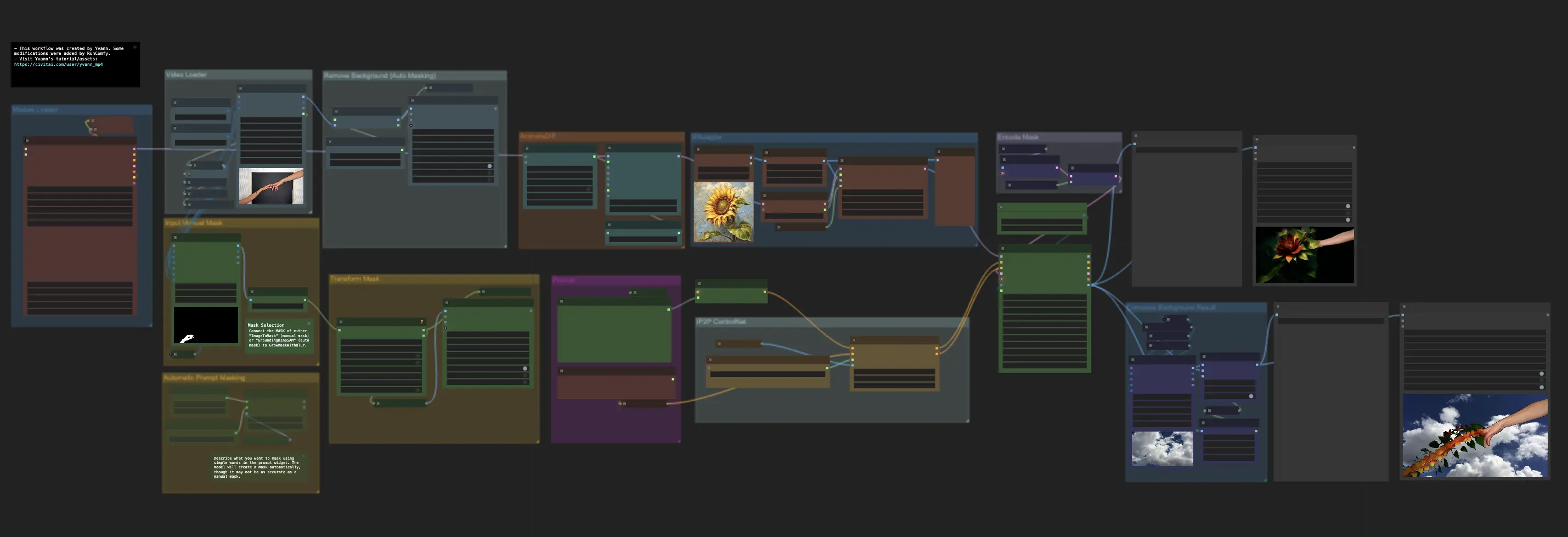
7 ComfyUI Custom Nodes That Should Be Built-In (And How to Get Them)
Essential ComfyUI custom nodes every user needs in 2025. Complete installation guide for WAS Node Suite, Impact Pack, IPAdapter Plus, and more...
ADetailer Single Character Focus - How to Target Specific Faces in Multi-Character Images 2025
Master ADetailer and FaceDetailer to focus on single characters in multi-person images. Complete guide to targeting specific faces with different prompts in ComfyUI.