Best Settings for Character LoRA Training on Z-Image Turbo: Complete Parameter Guide
Optimal parameters for training character LoRAs on Z-Image Turbo. Dataset size, rank, learning rate, and the critical training adapter explained.
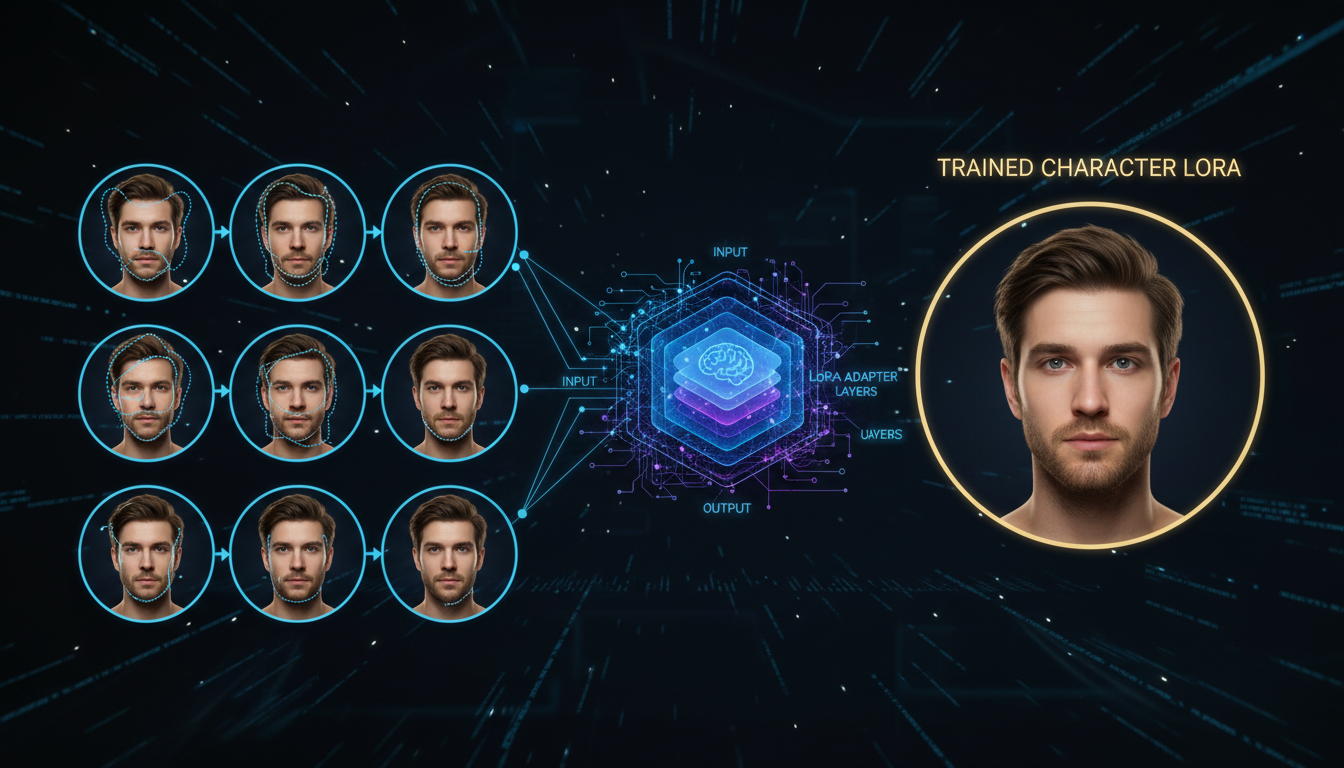
I trained my first Z-Image character LoRA with default settings. It was terrible. Blurry faces, wrong features, complete identity collapse after 2000 steps. Then I learned about the training adapter. Everything changed.
Quick Answer: Z-Image Turbo character LoRAs require the Ostris training adapter (v2 recommended), 9-25 high-quality 1024x1024 images, rank 8-16, learning rate 1e-4, and 2000-3000 steps. The training adapter is non-negotiable—it "de-distills" Turbo during training so your LoRA learns without breaking the 8-step inference behavior.
- The training adapter is essential—don't skip it
- 9-25 images at 1024x1024 is the sweet spot
- Rank 8-16 balances quality and file size
- 2000-3000 steps for character identity
- Use unique trigger tokens, not common words
- Don't over-caption—Z-Image handles it differently
Why Z-Image Turbo LoRAs Are Different
Z-Image Turbo is a distilled model. It's optimized to generate in 8 steps instead of the typical 20-50. This distillation changes how the model processes information internally.
Training a LoRA directly on the distilled model without compensation produces garbage. The adapter learned weights conflict with the distilled pathways. Results are blurry, inconsistent, and often completely miss the target identity.
The solution is the Ostris training adapter. It temporarily "de-distills" the model during training, allowing your LoRA to learn properly. At inference time, the adapter combines with Z-Image Turbo's normal behavior smoothly.
This is the single most important thing to understand. Without the training adapter, you're wasting compute.
The Training Adapter: Your Most Critical Setting
Two versions exist:
v1 (training_adapter_v1.safetensors): The original, stable, well-tested.
v2 (training_adapter_v2.safetensors): Experimental but often produces better results. Community consensus leans toward v2 for character work.
The adapter path in your config:
"training_adapter": "/weights/z-image-turbo/training_adapter_v2.safetensors"
Test both on your specific dataset. Keep everything else constant and compare outputs at the same step count.
Dataset Requirements
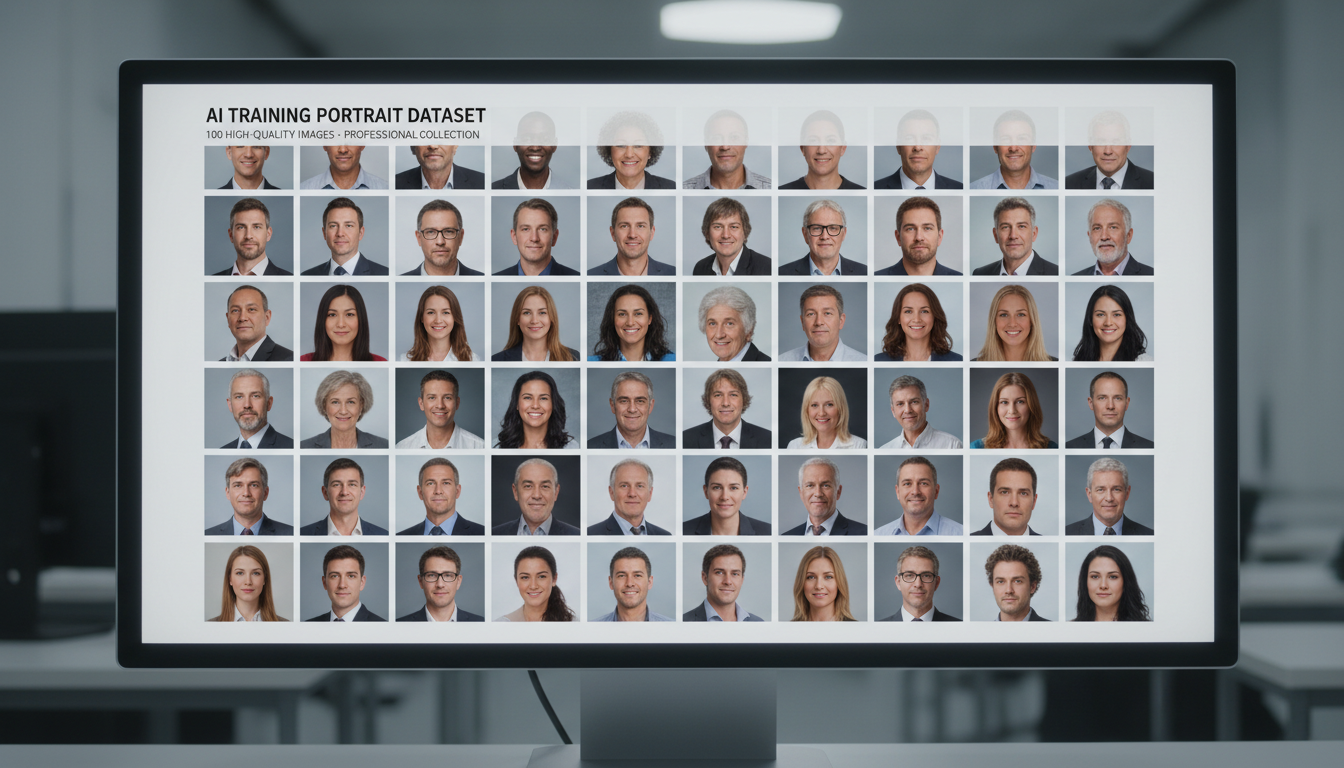 A well-curated dataset with varied angles and lighting produces better identity capture
Quality beats quantity for character LoRAs. The research is clear on this.
How Many Images?
Minimum: 9 images can reliably imprint a subject Optimal: 15-25 images for reliable identity Realistic characters: 70-80 images for perfect skin texture (if that matters)
More images aren't automatically better. A tight, curated set of 15 excellent photos outperforms 100 mediocre ones.
Image Specifications
Resolution: 1024x1024 to match Z-Image Turbo's native size Format: PNG or high-quality JPEG Content: Clear face visibility, varied angles, varied lighting, varied expressions
What Makes a Good Dataset?
Include:
- Front-facing shots
- 3/4 angle views
- Profile shots
- Different lighting conditions
- Various expressions
- Different backgrounds
Avoid:
- Heavy filters or editing
- Extreme angles
- Obscured faces
- Duplicate or near-duplicate images
- Low resolution source material
The Captioning Controversy
Here's something that surprises people: less captioning is often better for Z-Image character LoRAs.
If your character isn't coming out clean, you're likely over-captioning. Z-Image handles training differently than SDXL or other models you might be used to.
Option 1: No captions, just trigger token
Use a unique trigger token (e.g., <mychar> or tchr7x) and let the model learn the association.
Option 2: Minimal captions Simple descriptions: "portrait photo", "outdoor setting", "studio lighting"
Option 3: Full captions (use carefully) Only if you need fine-grained control and understand the risks of overfitting to caption patterns.
Core Training Parameters
Steps
Character LoRAs: 2000-3000 steps for 15-25 images Style LoRAs: 5000-20000 steps (different use case)
Too few steps: underfit, identity not captured Too many steps: overfit, prompt rigidity, quality degradation
Monitor sample outputs during training. When identity stabilizes but style diversity remains, you're in the sweet spot.
Learning Rate
Recommended: 1e-4 (0.0001) Conservative: 5e-5 (0.00005)
Character training benefits from slightly lower rates than style training. Lower rates = slower learning but more stable identity capture.
LoRA Rank (dim)
Minimum viable: 4-8 Optimal for characters: 8-16 Maximum detail: 32-64
Higher rank captures more detail but:
- Increases file size
- Requires more VRAM
- Risks overfitting on small datasets
For most character work, rank 16 provides excellent results without excessive resources.
Network Alpha
Common approaches:
- Equal to rank: alpha = 16 when rank = 16
- Half of rank: alpha = 8 when rank = 16
Equal to rank is the safer starting point.
Batch Size
Recommended: 1-2
Small datasets with tight identity constraints destabilize with larger batch sizes. Start with 1, increase only if training is too slow and you have VRAM to spare.
Resolution
Always: 1024x1024
This aligns training with Z-Image Turbo's inference resolution. Mismatched resolutions create resampling artifacts.
Interestingly, training at 512 still produces good results that upscale well. But 1024 is the native target, so match it if possible.
Full Precision vs Quantization
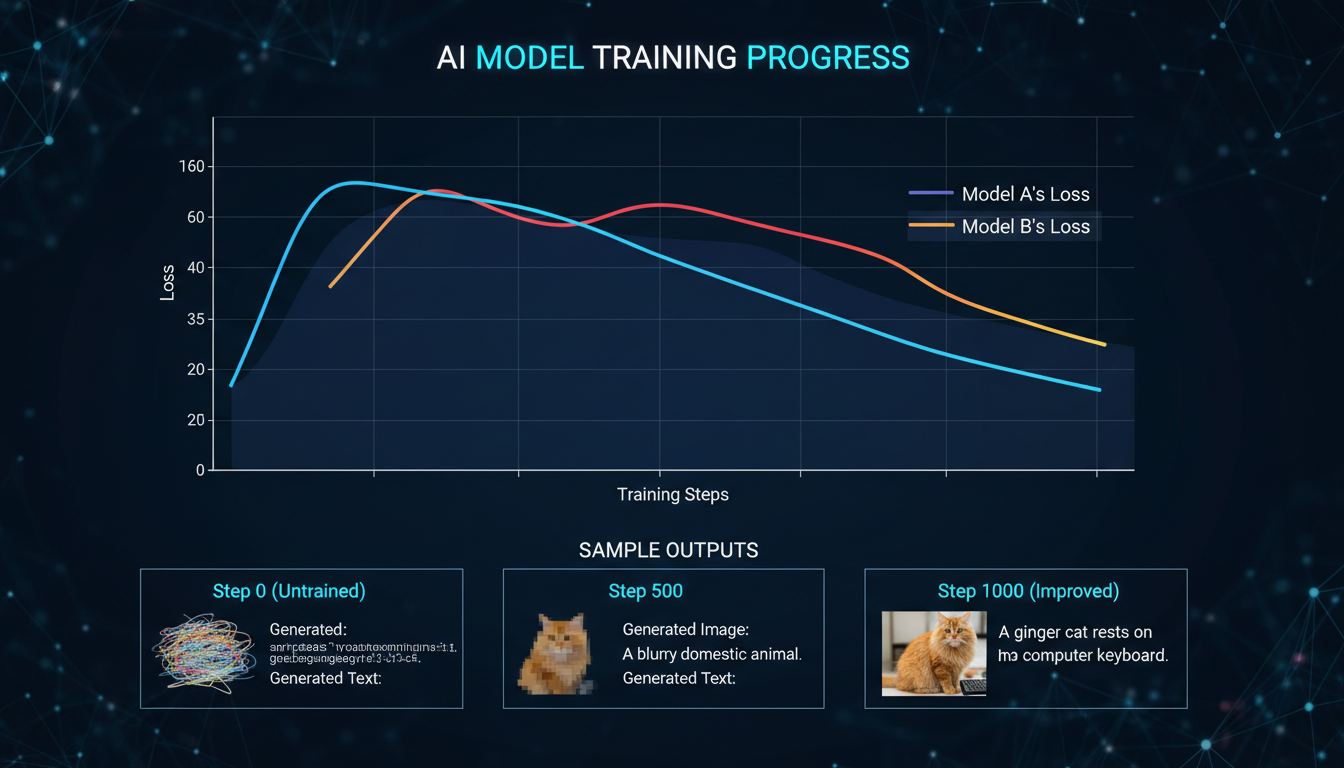 Monitor sample outputs during training to catch the optimal stopping point
This is where the community discovered a massive quality jump.
Full precision training (fp32 saves, no quantization):
- Eliminates hallucinations
- Dramatically improves output quality
- Requires more VRAM
Quantized training:
- Lower VRAM requirements
- Faster training
- Quality compromises
If you have the VRAM (16GB+), run full precision. The quality difference is substantial.
Trigger Token Strategy
Your trigger token is how you activate the LoRA during inference. Choose wisely.
Good trigger tokens:
tchr7x(meaningless, unique)<mycharacter>(bracketed, distinct)zxy_person(prefixed, searchable)
Bad trigger tokens:
person(too common, collides with vocabulary)face(generic, causes conflicts)john(real name, semantic collision)
Non-word tokens avoid collisions with the model's existing vocabulary semantics.
Sample Configuration
Here's a complete config that works:
{
  "model": "z-image-turbo",
  "training_adapter": "/weights/z-image-turbo/training_adapter_v2.safetensors",
  "dataset": "my_character",
  "image_size": 1024,
  "steps": 3000,
  "batch_size": 1,
  "lr": 0.0001,
  "lora_rank": 16,
  "network_alpha": 16,
  "checkpoint_every": 500,
  "sample": {
    "every": 250,
    "prompts": [
      {"text": "<trigger>, studio portrait, soft light", "seed": 42, "lora_scale": 0.8},
      {"text": "<trigger> outdoors, natural light", "seed": 1337, "lora_scale": 1.0}
    ]
  },
  "low_vram": false
}
Key points:
- Adapter v2 for best quality
- 1024 resolution
- 3000 steps
- Rank 16 with matching alpha
- Sample every 250 steps to monitor progress
- Fixed seeds in samples for consistent comparison
Inference Settings After Training
Once trained, using your LoRA requires specific settings:
CFG Scale
For Z-Image Turbo: guidance_scale = 0.0
Yes, zero. Turbo models work differently. Non-zero CFG often degrades quality.
LoRA Scale
Starting point: 0.7-0.8 Range to test: 0.5-1.2
The adapter weight modulates how strongly the LoRA steers generation. Too high causes artifacts; too low loses identity.
Steps
Standard: 8 steps (Turbo's strength) If needed: Up to 12 for complex compositions
Using Ostris AI Toolkit
The Ostris AI Toolkit is the recommended training environment:
RunPod Setup
- Deploy a pod with the Ostris AI Toolkit template
- Select RTX 5090 or similar (16GB+ VRAM)
- Allocate >100GB disk
- Access the web UI
Training Time Estimates
RTX 5090: ~1 hour for 3000 steps RTX 4090: ~1.5 hours for 3000 steps RTX 3090: ~2 hours for 3000 steps
Cost on RunPod: approximately $0.89/hr for RTX 5090, so ~$1-2 per trained LoRA.
Monitoring Training
Watch for:
- GPU utilization (should be high)
- Step time (consistent is good)
- Sample outputs (identity emerging, style diversity maintained)
If samples start looking identical regardless of prompt variations, you're overfitting. Stop training.
Common Mistakes and Fixes
"My character looks nothing like the reference"
Causes:
- Missing training adapter
- Too few steps
- Dataset too small or poor quality
Fixes:
- Confirm adapter is loaded
- Increase to 2500-3000 steps
- Improve dataset quality
"Identity is correct but images are blurry"
Causes:
- Quantized training
- Resolution mismatch
- LoRA rank too low
Fixes:
- Use full precision
- Train at 1024x1024
- Increase rank to 16
"Character only works with specific prompts"
Causes:
- Overfitting
- Over-captioning
- Too many steps
Fixes:
- Reduce steps
- Simplify or remove captions
- Use earlier checkpoint
"Training takes forever"
Causes:
- Low VRAM mode overhead
- Unnecessary high rank
- Dataset too large
Fixes:
- Use adequate GPU
- Reduce rank if quality acceptable
- Curate dataset to essentials
Integration with ComfyUI
After training, use your LoRA in Z-Image Turbo workflows:
[Checkpoint Loader] → [Load LoRA] → [CLIP Encode] → [KSampler]
Set LoRA strength to 0.7-0.8 initially. Adjust based on output quality.
The Z-Image Utilities prompt enhancer works alongside your LoRA for improved results.
Frequently Asked Questions
How many images do I really need?
9 minimum, 15-25 optimal, 70-80 for photorealistic perfection.
Should I use captions?
Start without. Add minimal captions only if needed for specific control.
v1 or v2 adapter?
Test both. Community preference is v2, but results vary by dataset.
Can I train on consumer GPUs?
Yes, with 10-12GB VRAM using memory offloading. 16GB+ is comfortable.
How long does training take?
30-60 minutes on modern GPUs for a standard character LoRA.
What's the best rank for characters?
16 is the sweet spot for most use cases.
Why is my LoRA file so large?
Higher rank = larger file. Rank 16 produces reasonable file sizes.
Can I combine multiple character LoRAs?
Yes, but reduce individual strengths. Total combined strength should stay under 1.0.
How do I know when to stop training?
Monitor samples. Stop when identity is stable but style diversity remains.
Does this work for anime characters?
Yes, though anime may need different dataset approaches. See our anime LoRA guide.
My Recommended Settings Summary
For a standard character LoRA on Z-Image Turbo:
| Parameter | Value |
|---|---|
| Training Adapter | v2 |
| Images | 15-25 |
| Resolution | 1024x1024 |
| Steps | 2500-3000 |
| Learning Rate | 1e-4 |
| Rank | 16 |
| Alpha | 16 |
| Batch Size | 1 |
| Captions | None or minimal |
| Trigger Token | Unique non-word |
| Precision | Full (fp32) |
| Inference CFG | 0.0 |
| Inference LoRA Scale | 0.7-0.8 |
These settings produce consistent, high-quality character LoRAs that maintain identity across varied prompts.
Wrapping Up
Z-Image Turbo character LoRAs require understanding one critical concept: the training adapter. Without it, nothing works properly. With it, you get fast, efficient training that produces excellent results.
The parameter space is well-explored now. Rank 16, 3000 steps, full precision, minimal captions. These defaults work for most cases. Experiment from there based on your specific needs.
Training takes under an hour and costs a few dollars on cloud GPUs. The barrier to custom character generation has never been lower. Go train something.
Make AI images and video in your browser
Characters, video, photo packs. No GPU, no setup. Check your welcome allowance and the displayed cost before generating.
Related Articles

5 Proven AI Influencer Niches That Actually Make Money in 2025
Discover the most profitable niches for AI influencers in 2025. Real data on monetization potential, audience engagement, and growth strategies for virtual content creators.

AI Background Replacement: Professional Guide 2025
Master AI background replacement for professional results. Learn rembg, BiRefNet, and ComfyUI workflows for smooth background removal and replacement.

AI Character Consistency: How to Maintain Virtual Persona Identity Across Content
Learn techniques for maintaining AI character consistency across hundreds of images. Master the art of creating recognizable virtual personas with consistent visual identity.