AI Pictures: Everything You Need to Know About AI-Generated Art in 2026
Complete guide to AI pictures. Learn how they're made, where to find them, how to create your own, and what the future holds for AI-generated visual art.
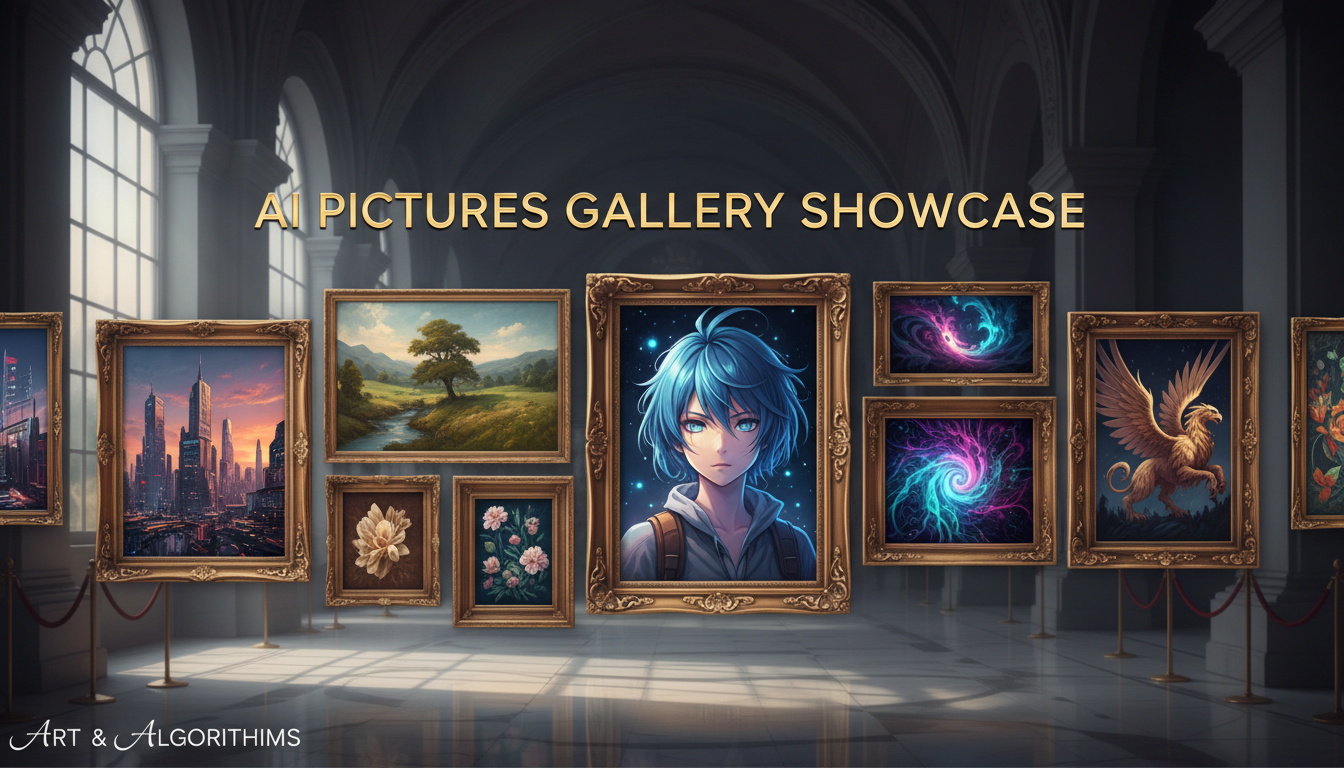
The first time I showed my non-tech friends an AI-generated picture and told them a computer made it, they didn't believe me. That was about 18 months ago. Now those same friends are generating their own AI pictures for Instagram stories, birthday cards, and profile photos. The shift from "that's impossible" to "everyone's doing it" happened faster than almost anyone predicted.
AI pictures have gone from a niche curiosity to a mainstream creative medium. Professional photographers are using them. Marketing agencies rely on them. Independent artists are building careers around them. And millions of regular people are creating them for fun. The technology has reached a point where the quality is genuinely impressive and the tools are accessible to anyone with an internet connection.
Quick Answer: AI pictures are images created by artificial intelligence from text descriptions or other images. The best tools in 2026 are Flux 2 (best quality), Midjourney (most artistic), and DALL-E 3 via ChatGPT (easiest to start). You can create your first AI picture in under a minute with free tools. For a detailed comparison, see my guide to the best tools available.
- AI pictures are created through deep learning models that understand visual concepts
- Quality has improved dramatically, with many outputs indistinguishable from human-made art
- Free tools exist that produce professional-quality results
- The creative possibilities span every visual style from photorealism to abstract art
- Understanding prompting basics is the key skill for creating great AI pictures
What Exactly Are AI Pictures?
Let me clear up some confusion I see online. AI pictures aren't copies or collages of existing images. They're new, original images constructed by neural networks that have learned the statistical patterns of visual content.
Think of it this way. A human artist studies thousands of paintings, photographs, and illustrations throughout their career. Over time, they develop an intuitive understanding of composition, color, light, and form. They don't copy previous works when they create something new. They apply learned principles to produce original pieces.
AI models work similarly, but at massive scale. They've been trained on millions of image-text pairs. Through this training, they've learned incredibly detailed relationships between words and visual concepts. When you describe what you want, the model constructs a new image from scratch based on those learned relationships.
The result is technically original. It's never existed before. Whether it constitutes "art" is a philosophical debate I'll leave for others. What I can tell you from a practical standpoint is that the outputs are visually sophisticated, endlessly varied, and increasingly useful for real-world applications.
How Are People Actually Using AI Pictures?
Let me share what I'm seeing people do with this technology beyond the obvious "cool social media post" use case.
Content creation at scale. Bloggers, marketers, and social media managers use AI to generate visual content that would have cost hundreds of dollars per image through traditional stock photography or illustration. I generate every image for this blog with AI, and the quality exceeds what I used to pay for from stock sites.
Concept visualization. Interior designers showing clients proposed room layouts. Architects previewing building designs. Fashion designers exploring pattern concepts. Game developers prototyping character designs. The ability to quickly visualize ideas is genuinely transformative for creative professionals.
Personal expression. Custom avatars, personalized gifts, unique wallpapers, D&D character portraits, book illustrations. People are using AI to bring their imagination to life in ways that previously required hiring an artist.
Education and training. Generating visual aids for presentations, creating illustrated educational materials, producing training documentation. When you need a specific illustration that doesn't exist in stock libraries, AI can create it.
Professional photography alternatives. Small businesses generating product photos, headshots, and marketing imagery. I know e-commerce sellers who've completely replaced traditional product photography with AI generation. The cost savings are significant. A reader recently told me they went from spending $2,000 per month on product photography to about $50 using AI tools through Apatero.
How to Create Your First AI Picture
If you've never created one, the barrier to entry is lower than you might think.
The 60-Second Method
- Go to ChatGPT (chat.openai.com)
- Type: "Create an image of [whatever you want]"
- Wait 10 seconds
- Download your image
That's it. You just created an AI picture. The quality is solid, the process is instant, and it costs nothing on the free tier.
The Better Method (5 Minutes)
For higher quality results:
- Choose a dedicated platform (Flux 2 via a cloud platform, Midjourney, or Leonardo AI)
- Write a detailed prompt specifying subject, style, lighting, and mood
- Generate 4-8 variations
- Pick the best one and refine if needed
- Upscale for final use
The difference between these approaches is like the difference between a phone snapshot and a DSLR photo. Both capture the scene, but one gives you more control and better results.
I walk through the entire process step by step in my guide to generating AI images.
What Makes a Great AI Picture?
After generating tens of thousands of images, I've noticed patterns in what separates forgettable AI output from images that genuinely impress people.
Specificity beats generality. "A beautiful landscape" produces generic results. "A misty Japanese mountain village at dawn with wooden bridges over a calm stream, cherry blossoms floating in the air, warm golden light breaking through the fog" produces something memorable.
Mood and atmosphere matter more than subject. The most impactful AI pictures I've seen succeed because they evoke a feeling, not because they depict something complex. A simple scene with perfect lighting and mood beats a complicated scene with no emotional resonance.
Style commitment. Choose a visual style and commit to it. "Oil painting" or "35mm film photography" or "Studio Ghibli-inspired illustration." The AI produces better results when it has a clear stylistic direction rather than trying to be everything at once.
Imperfection adds character. The most "AI-looking" images are the ones that are too perfect. Adding subtle elements like film grain, slight lens distortion, or visible brushstrokes makes images feel more natural and less algorithmically generated.
Composition awareness. Following basic photography rules (rule of thirds, leading lines, negative space) in your prompt produces more visually pleasing results. The AI understands these concepts and responds well to compositional guidance.
The Different Styles of AI Pictures
One of the things I love about this medium is the incredible range of styles available. Here's what I've found works best for different aesthetics.
Photorealistic
The AI creates images that look like actual photographs. This is where Flux 2 excels. Adding camera-specific terms (lens type, aperture, film stock) dramatically improves realism. The key prompt elements are specific lighting descriptions and photographic technical terms.
Digital Art and Illustration
Clean, polished illustrations with smooth gradients and precise lines. Works well for marketing materials, social media graphics, and concept art. Midjourney particularly shines here.
Traditional Art Styles
Oil painting, watercolor, charcoal drawing, pastel, gouache. The AI can convincingly replicate virtually any traditional medium. These styles often produce the most emotionally impactful results.
Anime and Manga
A massive community has developed around anime-style generation. Specialized models like Pony Diffusion and community LoRAs on CivitAI produce stunning anime art. This is one of the most active subcommunities in the AI art space.
Abstract and Experimental
This is where things get really creative. Surreal compositions, impossible geometries, dream-like scenes. The AI excels at creating visuals that couldn't exist in reality. It's a playground for pure creative expression.
Are AI Pictures "Real" Art?
I get asked this constantly, and my honest answer is: it doesn't matter from a practical standpoint.
Whether you consider AI pictures "art" depends on your philosophical position about what art requires. Does it need human intent? Human execution? Emotional expression? Original vision? The debate is fascinating but has minimal impact on how useful these tools are.
What I can say from experience is that creating great AI pictures requires genuine creative skill. Vision, aesthetic judgment, iterative refinement, and the ability to communicate visual ideas effectively. The medium is different from painting or photography, but the creative muscles are similar.
The people producing the most impressive AI pictures aren't just typing random prompts. They're applying artistic sensibility, understanding composition and color theory, and iterating thoughtfully. The tool is new. The creative principles are timeless.
Common Problems and Solutions
My AI pictures look "obviously AI"
Usually caused by over-smooth textures, unnatural perfection, or telltale artifacts. Fix it by adding imperfection to your prompts (film grain, subtle blur, visible brushstrokes) and post-processing with tools like Apatero for more natural results.
Everything looks the same
You're probably using the same prompt structure repeatedly. Vary your style keywords, try different artistic movements (Art Nouveau, Bauhaus, Impressionism), and experiment with unusual combinations.
Hands and faces look wrong
Still the most common technical issue. Use dedicated face restoration tools (CodeFormer, GFPGAN) in post-processing. For hands, try specific prompts like "hands resting naturally on table" rather than action poses.
The AI ignores parts of my prompt
Try putting the most important elements first. Use shorter, more focused prompts. Or switch to a model with better prompt adherence (Flux 2 leads in this category). I covered tool comparisons in detail here.
Frequently Asked Questions
Are AI pictures free to create?
Many tools offer free tiers. Running Stable Diffusion locally is completely free. Cloud-based options like Microsoft Image Creator and Leonardo AI have generous free daily allowances. For details, see my free AI tools guide.
Can I sell AI-generated pictures?
Generally yes, though it depends on the platform and tool. Most paid subscriptions include commercial usage rights. Open-source models have permissive licenses. Always verify the specific terms for your chosen tool.
How do I make AI pictures look more professional?
Three steps: write detailed prompts, generate multiple variations and pick the best, then apply post-processing (upscaling, color correction, face restoration). The post-processing step alone transforms output quality dramatically.
Are AI pictures copyrightable?
The legal landscape varies by jurisdiction and is still evolving. In many places, purely AI-generated images may not qualify for copyright protection. Consult a lawyer for your specific situation.
What's the best tool for creating AI pictures?
For most people, Flux 2 offers the best balance of quality and flexibility. For beginners, DALL-E 3 through ChatGPT is easiest. For artistic work, Midjourney remains the aesthetic leader.
Can AI pictures be used for business?
Absolutely. Businesses use them for marketing materials, product visualization, social media content, presentations, and more. The cost savings compared to traditional photography and illustration are substantial.
How long does it take to learn?
You can produce decent results in your first session. Good results take a week of practice. Professional-level output requires a few months of consistent experimentation with prompting and post-processing techniques.
Will AI replace human artists?
I don't think so. AI changes what artists do, just as Photoshop changed what designers do and cameras changed what painters do. The tools evolve, the creative human element remains essential.
Where AI Pictures Are Heading
The technology improves monthly. Real-time generation is approaching practical speeds. 3D generation from 2D prompts is becoming viable. Video generation from still images is already here.
What excites me most is the democratization. Creative visual expression was previously limited to those with artistic training, expensive tools, or budgets for professional creators. AI removes those barriers. Anyone with an idea can now visualize it, iterate on it, and share it with the world.
Whether you're a professional creator or someone who's never considered themselves "artistic," the tools are there for you. Start creating. The results might surprise you.
Make AI images and video in your browser
Characters, video, photo packs. No GPU, no setup. Check your welcome allowance and the displayed cost before generating.
Related Articles

5 Proven AI Influencer Niches That Actually Make Money in 2025
Discover the most profitable niches for AI influencers in 2025. Real data on monetization potential, audience engagement, and growth strategies for virtual content creators.

AI Background Replacement: Professional Guide 2025
Master AI background replacement for professional results. Learn rembg, BiRefNet, and ComfyUI workflows for smooth background removal and replacement.

AI Character Consistency: How to Maintain Virtual Persona Identity Across Content
Learn techniques for maintaining AI character consistency across hundreds of images. Master the art of creating recognizable virtual personas with consistent visual identity.