AI Character Turnaround Sheets: Generate Consistent Multi-Angle References
Learn how to generate professional character turnaround sheets with AI. Covers FLUX, SDXL, ComfyUI workflows, multi-view prompting, and techniques for games, animation, and 3D modeling.

Some models you cannot download at any VRAM
Veo, Kling and Nano Banana have closed weights. There is no local build, no quantization, no 24GB workaround. Run them in the browser instead. First generation free.
Character turnaround sheets are one of the most requested outputs in professional character design. Any game developer, animator, or 3D modeler will tell you that a single concept image is almost useless for production. You need the front, the side, the back, and sometimes three-quarter views before you can actually build something from that character. For years, commissioning these from artists was expensive and slow. Now AI can generate them, but it is not as simple as typing "character turnaround sheet" into a prompt and hoping for the best.
I have spent months testing different approaches to this problem, from naive prompting attempts to structured ComfyUI workflows with custom nodes. The results range from surprisingly good to completely unusable depending on which technique you use. This guide covers everything I have learned, including the specific prompt structures, model choices, and workflow configurations that actually produce consistent multi-angle references worth using in production.
The most reliable way to generate AI character turnaround sheets in 2026 is to use FLUX.1-dev with a trained character LoRA combined with view-direction prompting and a multi-panel ComfyUI workflow. For SDXL, OpenPose conditioning on a turnaround template gives good structural consistency. Neither approach is fully automated yet. Expect to generate 10 to 20 images and hand-pick the best frames. LoRA-trained characters achieve 85 to 92% view consistency, while pure prompting with reference images lands around 65 to 75%.
Why Is Generating a Character Turnaround Sheet So Hard?
Most people assume that if an AI can draw a character from the front, asking it to draw the same character from the back should be trivial. It is not, and understanding why helps you choose the right tools and set realistic expectations.
The core problem is that diffusion models generate images from noise guided by text and reference signals. They do not have a persistent 3D model of your character stored anywhere. Every generation is essentially a fresh interpretation of your prompt, which means the model is free to make new decisions about hair length, shoulder width, or the number of buttons on a jacket with each new image. The model has no inherent concept that "this is the same person rotated."
There is also a data problem. Most training datasets contain far more front-facing character images than side or back views. This means models have weaker priors for what a back view should look like, and they often invent details rather than logically extending what was established in the front view. Back views in particular tend to suffer from floating hair, inconsistent clothing geometry, and proportions that drift away from the front-facing reference. Getting this right requires either heavy conditioning or a trained LoRA that has seen all the angles of your specific character.
The good news is that the techniques available in 2026 have gotten genuinely good. With the right setup, you can produce turnaround sheets that are production-ready for concept stages and good enough for 3D modeling reference in many indie game pipelines. The key is knowing which approach fits your use case, your budget, and your technical skill level.
What Prompting Techniques Actually Work for Multi-View Characters?
Prompting alone can get you surprisingly far if you structure it correctly. I tested dozens of prompt structures over the past year and the ones that work share a few common characteristics.

The most important thing is to be creative about the compositional structure of the image itself, not just the character. Standard character prompts describe the character in isolation. Turnaround prompts need to describe the layout, viewing angle, and the relationship between views. Think of it like describing a blueprint rather than a portrait.
View Direction Vocabulary That Works
Different models respond to different phrasings for view direction. Here are the ones I have found most reliable:
- FLUX.1: "character reference sheet, orthographic front view, side profile view, rear view, white background, character design, multiple poses" works better than trying to describe each angle in detail
- SDXL (especially with Pony or Illustrious base): "turnaround sheet, 360-degree character reference, front facing, side view left, back view, multiple angles, concept art style"
- For anime-style characters: "character design sheet, anime style, front view | side view | back view, same character, consistent design, studio lighting"
The Split-Panel Approach
One of the most reliable pure-prompt techniques is to describe the image as a grid or panel layout. Instead of asking for a single image of a character from different angles, you describe an image that inherently contains multiple panels. Something like: "four-panel character reference sheet, top row front and side view, bottom row three-quarter and back view, same character across all panels, consistent costume and proportions."
This works because it gives the model a clear compositional scaffold. The model understands that it is generating a reference sheet as a unified artifact, not four separate character images. The consistency is still imperfect, but it tends to be better than generating images individually and hoping they match.
Negative Prompts That Help
Keep negative prompts focused on the structural issues that plague turnaround sheets:
- "multiple characters, different characters, inconsistent design, different outfits, different hairstyles, color inconsistency"
- "dynamic pose, action pose" (turnarounds should be neutral T-pose or A-pose)
For anime characters specifically, I also add "deformed proportions, extra limbs, wrong number of fingers" because side and back views tend to trigger anatomy errors more often than front views.
What Does Not Work
Simply adding "front view, side view, back view" to an existing character prompt almost never produces a proper turnaround. The model treats these as aesthetic descriptors rather than layout instructions. You will usually get a single image of a character who is partially rotated rather than a sheet showing three distinct views. Similarly, using inpainting to "rotate" a character view by view tends to accumulate errors badly by the third or fourth view.
If you want to go deeper on character LoRA training for this kind of work, the techniques in this guide to FLUX.1 LoRA training for character consistency will save you a lot of trial and error.
How Do FLUX and SDXL Compare for Turnaround Sheet Generation?
This is a question I get asked constantly on the Apatero.com forums, and the honest answer is that it depends on what you are making and how you want to work. Both model families can produce good turnaround sheets. They just have different strengths, different failure modes, and require different workflows to get there.
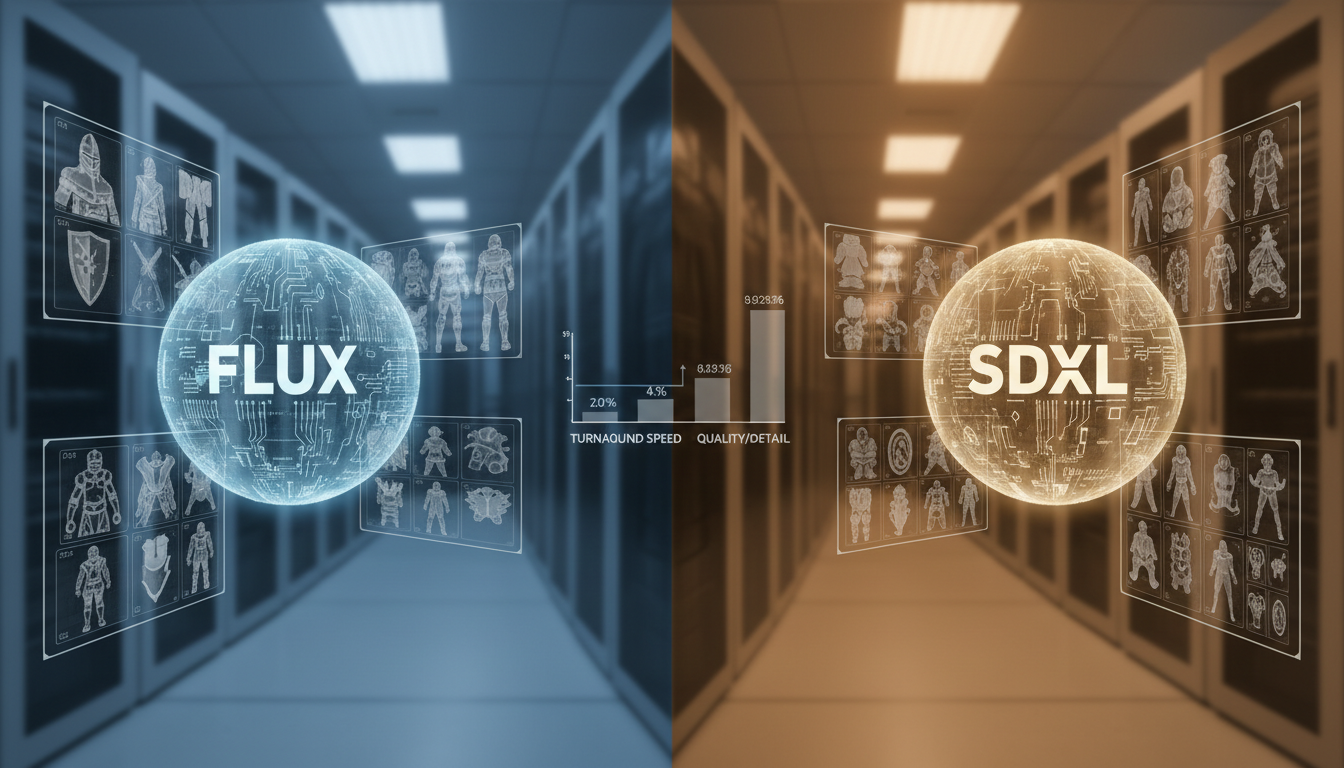
FLUX.1-dev is currently the best base model for photorealistic and semi-realistic character styles. Its adherence to complex prompt structure is significantly better than SDXL, which matters a lot for turnaround sheets because you need the model to hold a specific compositional structure. FLUX also handles text and labeling better, which helps if you want your turnaround sheet to include view labels or annotation guides. The main downside is speed and cost. FLUX.1-dev is considerably slower than SDXL on consumer hardware and the memory requirements are higher.
SDXL with a strong community base model (Pony Diffusion V6, Illustrious, or NoobAI) is faster, has a massive ecosystem of LoRAs and ControlNets, and is currently better for anime and stylized character art. The ControlNet support is particularly valuable for turnaround work because OpenPose can enforce body structure consistency across views. SDXL also has better regional conditioning options through tools like Regional Prompter, which lets you control each panel of a multi-view image with different directional prompts while keeping style consistent.
Free ComfyUI Workflows
Find free, open-source ComfyUI workflows for techniques in this article. Open source is strong.
Head-to-Head Comparison for Turnaround Use Cases
Photorealistic characters: FLUX.1-dev wins, especially with a trained LoRA. The face consistency across angles is noticeably better.
Anime and stylized characters: SDXL with Illustrious or Pony base is currently ahead. The community LoRA library is deeper, and ControlNet support is more mature.
Speed for iteration: SDXL is faster for rapid iteration. If you are doing a lot of "generate, review, adjust prompt, repeat" work, SDXL will save you significant time.
Professional 3D modeling reference: FLUX.1-dev with LoRA. The additional detail retention and prompt adherence produce references that hold up better when a 3D artist needs to extract exact proportions and design details.
For anime character consistency work more broadly, there is also a useful overview of the best tools available in this anime consistent character generation guide.
The LoRA Advantage for Both Models
For either model, training a character-specific LoRA is the single biggest upgrade you can make to your turnaround quality. The difference between base model turnarounds and LoRA-enhanced turnarounds is not subtle. A properly trained LoRA locks in facial features, hair design, and key costume elements in a way that survives angle changes much better than reference image conditioning alone.
The recommended training dataset for a turnaround-focused LoRA includes 20 to 40 images with deliberate angle diversity. At least 6 to 8 of your training images should be non-front-facing views. A lot of people train LoRAs with only front-facing reference photos and then wonder why the turnaround views drift. The model cannot learn to rotate a character if it has never seen that character from other angles during training.
How Do You Set Up a ComfyUI Workflow for Multi-View Character Sheets?
ComfyUI is where the serious turnaround work happens. The node-based workflow system lets you build structured pipelines that handle each view with dedicated conditioning while sharing a LoRA and style model across all frames. Once you have a working workflow set up, you can generate consistent turnaround sheets in a fraction of the time it would take with a standard web UI.
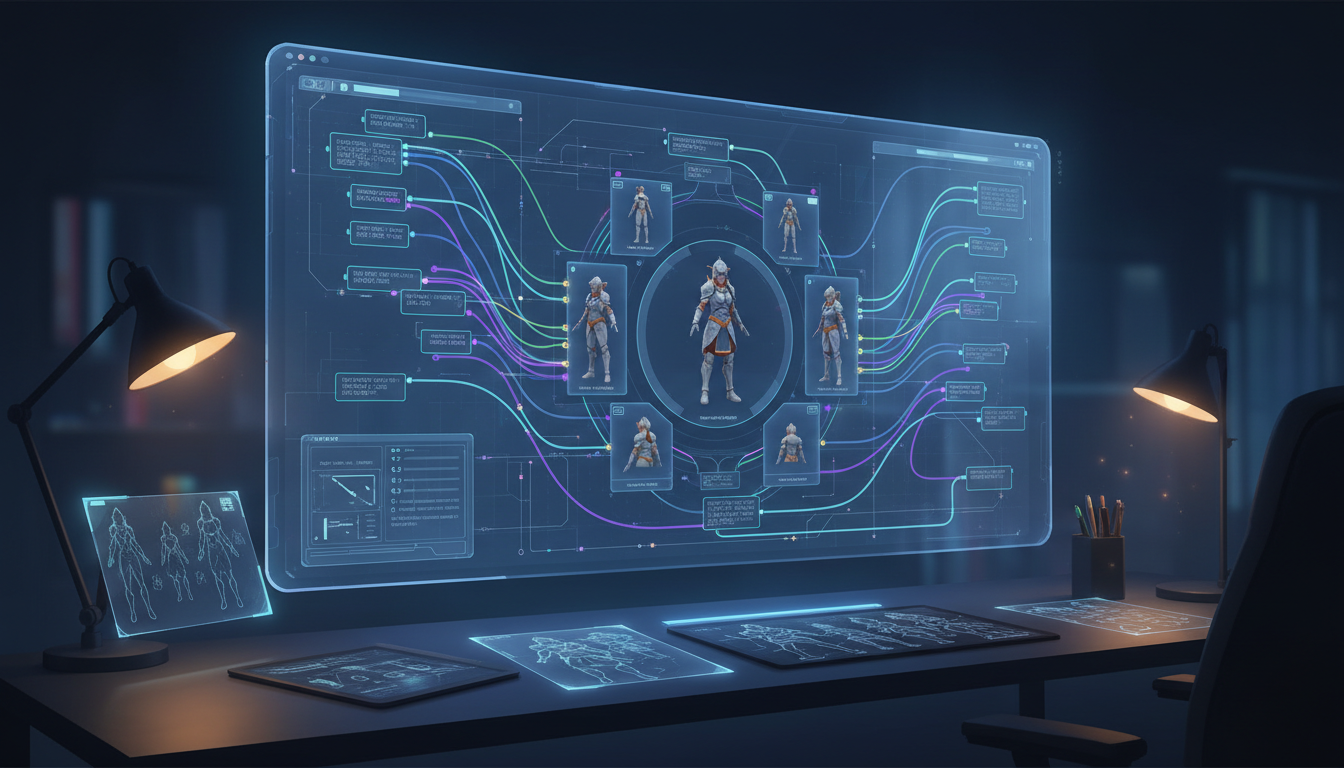
The fundamental architecture for a turnaround workflow is a parallel generation setup. You run multiple sampler nodes simultaneously, each with identical model and LoRA loading but different view-direction conditioning. The outputs then feed into a grid compositor node that arranges them into a single sheet image. This approach gives you control over each view independently while ensuring they all share the same character foundation.
Want to skip the complexity? Apatero gives you professional AI results instantly with no technical setup required.
Core Nodes You Need
Building a basic turnaround workflow in ComfyUI requires:
- KSampler (one per view, typically 3 to 5 views: front, 3/4 left, side, 3/4 right, back)
- LoRA Loader connected to each sampler's model input
- CLIP Text Encode with view-specific positive prompts for each sampler
- ControlNet Apply nodes if using OpenPose conditioning
- Image Pad For Outpainting or simple Image Concat for combining outputs
- Save Image at the end
OpenPose Conditioning for Structural Consistency
This is the technique that separates mediocre turnaround workflows from professional ones. OpenPose conditioning lets you provide skeleton reference images for each view, which constrains the body structure and proportions to match a specific template. You can find standard A-pose and T-pose skeleton references in multiple angles online, or generate them programmatically.
The workflow is: take your OpenPose skeleton images for each angle, feed them through a Detect Pose (OpenPose) node, then use that conditioning alongside your text prompts in each sampler. The ControlNet strength for this kind of work should typically be set between 0.4 and 0.65. Too high and the model will adhere to the skeleton so rigidly that clothing and hair get crushed into the underlying pose. Too low and the structural benefit disappears.
View-Specific Positive Prompts
Each sampler in your workflow needs a different positive prompt that specifies the viewing angle clearly. Here is the structure I use:
- Front view: "[character description], character design reference sheet, full body, front facing, neutral A-pose, white background, turnaround sheet"
- Side view: "[character description], character design reference sheet, full body, side view, profile view, neutral A-pose, white background"
- Back view: "[character description], character design reference sheet, full body, rear view, back facing, neutral A-pose, white background"
- Three-quarter view: "[character description], character design reference sheet, full body, three-quarter view, angled, neutral A-pose, white background"
Keep the character description identical across all prompts. The only thing that changes is the view direction vocabulary.
IPAdapter for Face and Design Locking
For the highest consistency, add IPAdapter Plus (Face) conditioning to your workflow. This takes your reference character image and encodes the face and overall design into the generation process. The IPAdapter signal helps bridge the gap between what your LoRA knows and what the text prompts are requesting, particularly for three-quarter and back views where face visibility is reduced but the model still needs to maintain the character's proportions.
Related, no-code workflow: building a full character sheet from a single reference image.
Earn Up To $1,250+/Month Creating Content
Join our exclusive creator affiliate program. Get paid per viral video based on performance. Create content in your style with full creative freedom.
The advanced ComfyUI setup for this kind of work, including regional conditioning and multi-character management, is covered in depth in this ComfyUI character consistency advanced workflows guide.
Practical Workflow Tips
A few things I have learned the hard way about turnaround workflows in ComfyUI:
Start with a resolution of 512x768 per view panel during iteration. Once you have a prompt and settings combination that produces consistent results, upscale to your final resolution. Trying to iterate at 1024x1280 per panel means every generation cycle takes 3 to 5 times longer, which kills your iteration speed.
Use the same seed across all sampler nodes when testing prompt changes. This isolates the effect of your prompt modifications from random variation. Once you are happy with the results, switch to random seeds to generate a batch and select the best combination.
Save your working workflow as a JSON template. A good turnaround workflow represents several hours of node configuration and testing. Losing it to an accidental workspace reset is not fun.
Character Turnaround Sheets for Games, Animation, and 3D Modeling
The end use case for your turnaround sheet should drive every decision about resolution, style, view count, and level of detail. A reference sheet for an indie game has different requirements than one destined for a film character sculpt, and trying to make one sheet serve all purposes usually means it serves none of them well.
For game character art, the most important thing is silhouette clarity and design consistency. Game artists need to understand the shape language of a character at a glance, often at low resolution or small screen size. This means the turnaround views should be clean, well-lit, and ideally on a white or neutral background. Avoid dramatic lighting that creates heavy shadows, because those shadows obscure the actual form of the character. Flat to semi-flat lighting is what professional game character sheets use, and you should replicate that in your AI generation prompts by including "flat lighting, studio lighting, neutral background, reference sheet style."
For animation, the priority shifts toward consistent proportions and readable facial expression range. Animators need to understand how a character's face reads from different angles, so including close-up head turnarounds alongside full-body views is standard practice. Most animation-ready turnaround sheets include at least 5 views: front, 3/4 left, side, 3/4 right, and back. Adding an overhead view and a worm's eye view is useful for complex 3D animation where the camera moves freely around characters.
For 3D modeling reference, you need orthographic views specifically. Orthographic means no perspective distortion, which is what lets 3D modelers use your reference images directly as background planes in their modeling software. This is where standard AI generation gets tricky, because most AI models default to slight perspective in their character images. You need to explicitly prompt for "orthographic view, no perspective distortion, flat camera" and even then you may get images with subtle perspective baked in. Using ControlNet with an orthographic skeleton reference is the most reliable way to enforce true orthographic output.
The artist community around Apatero.com has been especially active in developing standardized templates for these three use cases. If you are building a pipeline for regular character production, worth checking in there for community-maintained workflow files.
For photorealistic characters meant for games or virtual production, the same character consistency principles that apply to AI photo generation carry over directly. Face consistency, LoRA training on a small reference set, and careful prompt anchoring are the three techniques that move you from "kind of looks like the same character" to "production-grade consistency".
Annotation and Presentation
A professional turnaround sheet is not just a grid of character views. It includes annotations that communicate design intent. Color swatches, material callouts, proportion guides, and scale references all appear on production-quality sheets. AI does not generate these automatically, but you can add them in post using Canva, Figma, or Photoshop after generating your base character views.
Adding a simple color palette strip below your turnaround views, a height scale indicator, and view labels takes about 10 minutes in any design tool and makes the sheet dramatically more useful for whoever will be working from it next. If you are generating sheets for a team or a client, this step is worth doing consistently.
- Prompting alone can produce decent turnaround sheets, but structured ComfyUI workflows with OpenPose conditioning and character LoRAs produce professional-quality results
- FLUX.1-dev is better for photorealistic characters; SDXL with Pony or Illustrious base is better for anime and stylized character art
- Training a character LoRA with diverse angle coverage (including side and back views) is the single biggest quality improvement you can make
- OpenPose conditioning keeps body proportions consistent across views; set ControlNet strength between 0.4 and 0.65 for turnaround work
- End use case determines your requirements, with orthographic views for 3D modeling, clean flat lighting for game art, and multiple head angles for animation
- A good turnaround workflow in ComfyUI runs parallel samplers with shared LoRA loading but view-specific text conditioning
- Expect to hand-select the best frames from a batch of 10 to 20 generations rather than using the first output
FAQ
What Is a Character Turnaround Sheet?
A character turnaround sheet (also called a character rotation sheet or character reference sheet) shows a character from multiple angles, typically front, side, and back views at minimum. It is a foundational production document in game development, animation, and 3D modeling that lets artists, modelers, and animators build accurate representations of a character from any angle. Professional turnaround sheets include 3 to 8 views and often include close-up details of the face, hands, or distinctive design elements.
Can I Generate a Turnaround Sheet With Just ChatGPT or Midjourney?
You can get something resembling a turnaround sheet from Midjourney using the reference character (cref) parameter combined with specific view-direction prompting, but true production-quality turnaround consistency is difficult to achieve with web-based tools alone. Midjourney tends to produce turnarounds where the character drifts between views, especially for side and back angles. ChatGPT with DALL-E has similar limitations. For serious character production work, a ComfyUI workflow with LoRA conditioning is worth the setup time.
How Many Training Images Do I Need for a Turnaround-Focused LoRA?
For FLUX.1-dev, 20 to 40 training images with strong angle diversity works well. At least 6 to 8 of these should be non-frontal views (profile, three-quarter, rear). For SDXL LoRA training (using a tool like kohya_ss or OneTrainer), 15 to 30 images is typically sufficient, with the same angle diversity recommendation. The quality and consistency of your training images matters more than quantity. Ten clean, well-lit, consistent images from diverse angles will outperform 50 noisy or inconsistent ones.
What Resolution Should I Use for Character Turnaround Sheets?
For game character reference, 1024x1024 to 2048x2048 per view is standard. For 3D modeling reference, you want as much resolution as practical, ideally 2048x2048 or higher per view, because 3D artists will zoom in closely to extract detail. For concept art purposes, 768x1024 per view is often sufficient. When generating turnaround sheets as a combined grid image, calculate the total canvas size based on the per-view resolution multiplied by the number of views, e.g., 3 views at 768x1024 would produce a roughly 2304x1024 combined sheet.
Does the Character Need to Be in T-Pose or A-Pose for a Turnaround Sheet?
Technically no, but T-pose or A-pose is strongly preferred for most production uses, especially 3D modeling and rigging reference. These neutral poses show the character's proportions and costume design without occlusion from limbs crossing the body. For animation-focused turnarounds, you can include both a neutral pose for proportion reference and a few expressive poses to show how the character moves. For game character sheets, the neutral pose turnaround is usually sufficient as the primary reference, with separate action pose sheets generated independently.
How Do I Handle Complex Clothing Details That Might Change Between Views?
Complex clothing with asymmetric details, layered elements, or back-specific design features is one of the hardest challenges in turnaround generation. The approach that works best is to over-describe these elements in your prompts, particularly for views where they would naturally be prominent. If a character has a decorative back piece, add specific description of it to the back-view prompt rather than expecting the model to invent it consistently. Including detailed reference sketches of these elements in your LoRA training data also helps, but drawing those sketches requires manual work.
Can I Use These AI Turnaround Sheets Directly for 3D Modeling?
You can use them as reference in the sense of having them visible in the background of your 3D software, but they are not geometry-accurate in the way that CAD drawings would be. Most professional 3D modelers treat AI turnaround sheets as detailed concept reference rather than precise technical drawings. The proportions between front and side views can subtly differ, and perspective distortion is common even when prompting for orthographic output. That said, for indie game production and solo projects, AI turnaround sheets are dramatically more useful than no reference at all, and plenty of 3D artists are using them successfully.
What Is the Best Free Option for Generating Character Turnaround Sheets?
ComfyUI running locally is the best free option and can produce professional results with the right workflow. The initial setup is technical but well-documented. For cloud-based free options, the free tiers of various platforms tend to be too limited for the kind of iteration turnaround work requires. If you are on a budget, investing time in setting up a local ComfyUI install with SDXL and a community base model will give you essentially unlimited generations once it is running. The community workflows and LoRAs available for free through Civitai and HuggingFace make the local setup increasingly competitive with paid services.
How Long Does It Take to Generate a Complete Turnaround Sheet?
With a properly configured ComfyUI parallel workflow on a modern GPU (RTX 3090 or better), a 4-view turnaround sheet at 1024x1024 per view with LoRA conditioning takes about 2 to 4 minutes per batch. Faster with SDXL, slower with FLUX.1-dev. The iteration process, which involves reviewing outputs, adjusting prompts, and generating again, typically takes 30 to 90 minutes to get a set of views you are happy with. Training a character LoRA from scratch adds 1 to 4 hours of upfront work but pays off quickly if you are generating multiple sheets for the same character.
Are There Any External Resources for Character Turnaround Templates?
The Concept Art Association and Character Design References both maintain libraries of professional turnaround sheet examples and templates that are worth studying before you start generating. Understanding what production-quality turnaround sheets look like in the wild will significantly improve your ability to prompt for and recognize good AI-generated ones.
Some models you cannot download at any VRAM
Veo, Kling and Nano Banana have closed weights. There is no local build, no quantization, no 24GB workaround. Run them in the browser instead. First generation free.
Related Articles

10 Best AI Influencer Generator Tools Compared (2025)
Comprehensive comparison of the top AI influencer generator tools in 2025. Features, pricing, quality, and best use cases for each platform reviewed.

5 Proven AI Influencer Niches That Actually Make Money in 2025
Discover the most profitable niches for AI influencers in 2025. Real data on monetization potential, audience engagement, and growth strategies for virtual content creators.

AI Action Figure Generator: How to Create Your Own Viral Toy Box Portrait in 2026
Complete guide to the AI action figure generator trend. Learn how to turn yourself into a collectible figure in blister pack packaging using ChatGPT, Flux, and more.