Tensor.Art vs Apatero vs PixAI: Which AI Art Platform Should You Choose?
Three-way comparison of Tensor.Art, Apatero, and PixAI. Anime capabilities, video generation, pricing, and features tested head-to-head.
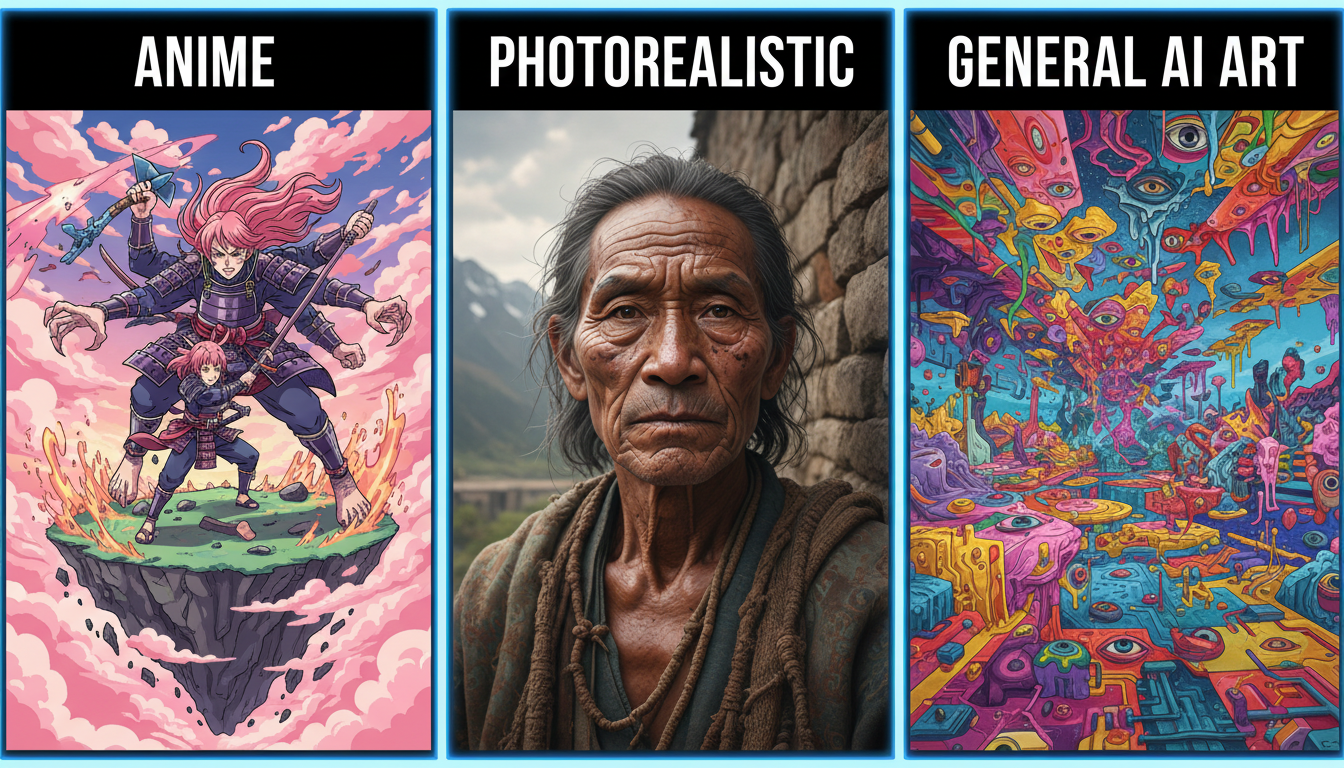
Three platforms, three different approaches to AI art generation. Tensor.Art built an ecosystem around community models. Apatero focused on versatility and video. PixAI specialized in anime character consistency. Each excels in its lane. Here's how they compare when you're deciding which deserves your time.
Quick Answer: Choose Tensor.Art for maximum model variety and anime community. Choose Apatero for video generation and content freedom. Choose PixAI for anime character consistency and real-time preview. All three are excellent—the right choice depends on your specific workflow.
:::tip[Key Takeaways]
- Each tensor.art vs apatero vs pixai: which ai art platform should you choose? option has distinct strengths for different use cases
- Pricing varies significantly - consider your volume and feature needs
- Test free tiers before committing to paid plans
- Your specific workflow requirements should drive the final choice :::
- Tensor.Art: Best model variety, anime community hub, $9.99/mo
- Apatero: Best for video, pay-per-use, fewer restrictions
- PixAI: Best character consistency, real-time preview, anime-focused
Platform Overviews
Tensor.Art
Tensor.Art is a community-driven platform hosting thousands of Stable Diffusion models, LoRAs, and embeddings. Users can upload, share, and discover models while generating images on-site. The community ecosystem is its defining feature.
Apatero
Apatero is a simplified cloud platform offering text-to-image, image-to-image, text-to-video, and LoRA training. It uses curated modern models (Flux) with minimal content restrictions and pay-per-use pricing.
PixAI
PixAI specializes in anime art with a focus on character consistency. Its real-time preview feature lets you see adjustments before generation, making it efficient for iterative character work.
Anime and Character Art
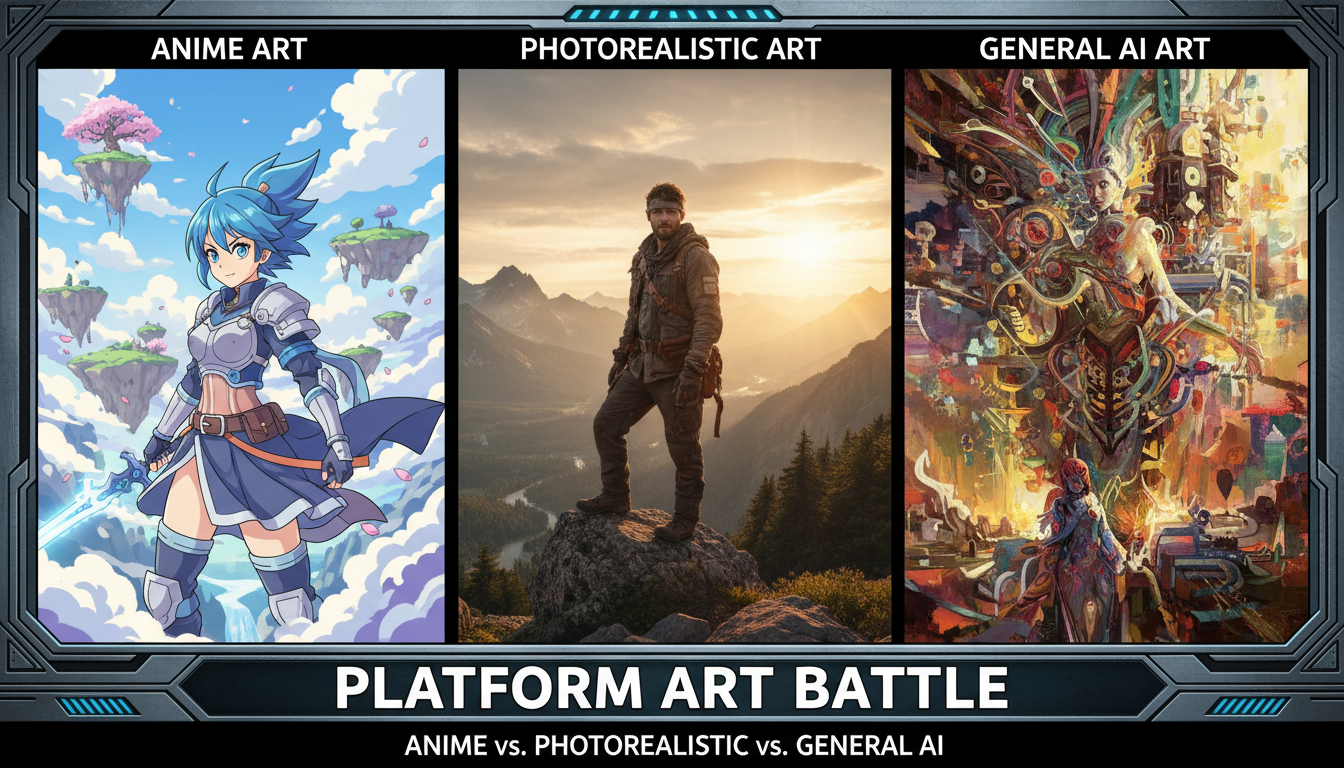 Each platform handles anime differently
This is where these platforms compete most directly.
Tensor.Art Anime
- Model variety: Thousands of anime-specific models
- LoRA library: Extensive character and style options
- Community: Active anime artist community
- Specialization: Deep anime model categories
Tensor.Art's strength is variety. If a specific anime style exists, there's probably a model for it.
Apatero Anime
- General models: Flux can produce anime
- Less specialized: No dedicated anime models
- Quality: Good but not anime-optimized
- Flexibility: Works but not the focus
Apatero can generate anime, but it's not where the platform specializes.
PixAI Anime
- Character focus: Optimized for consistent characters
- Real-time preview: See changes before generating
- Anime specialization: Built specifically for anime
- Consistency tools: Maintain character across generations
PixAI wins on character consistency—critical for comics and serialized content.
Anime Verdict: Tensor.Art for variety, PixAI for consistency, Apatero for general use.
Video Generation
Tensor.Art Video
No video generation capability. Image-only platform.
Apatero Video
Full video suite:
- Text-to-video generation
- Image-to-video animation
- Multiple video models (Wan, etc.)
- Variable length output
PixAI Video
Limited motion features, not full video generation.
Video Verdict: Apatero wins decisively. Neither competitor offers comparable video capabilities.
Model Ecosystem
 Community models vs curated selection represents a fundamental difference
Tensor.Art Models
- Quantity: Thousands of community models
- Types: Checkpoints, LoRAs, embeddings, ControlNet
- Discovery: Browse, search, filter, rate
- Upload: Users can share their own models
The ecosystem approach means continuous growth and specialization.
Apatero Models
- Quantity: Curated selection
- Types: Flux variants, modern architectures
- Discovery: Platform-selected options
- Custom: Train your own LoRAs
Fewer choices, but each one is reliable.
PixAI Models
- Quantity: Moderate selection
- Types: Anime-focused models
- Specialization: Character-optimized
- Updates: Regular additions
Focused library optimized for the anime use case.
Model Verdict: Tensor.Art for variety, Apatero for reliability, PixAI for anime specificity.
Real-Time Preview
This is PixAI's standout feature.
Tensor.Art Preview
Standard preview after generation. No real-time adjustment preview.
Apatero Preview
Standard preview after generation. No real-time adjustment preview.
PixAI Preview
- Live preview: See low-res results as you adjust
- Parameter tuning: Adjust before committing credits
- Efficient iteration: Reduce wasted generations
- Visual feedback: Understand prompt effects immediately
Preview Verdict: PixAI wins. This feature alone can save significant time and credits.
Pricing Comparison
| Aspect | Tensor.Art | Apatero | PixAI |
|---|---|---|---|
| Model | Subscription | Pay-per-use | Freemium |
| Free tier | Limited | Limited | Generous |
| Premium | $9.99/mo | ~$0.03-0.05/image | $9.99/mo |
| Video cost | N/A | Additional | N/A |
Best Value By Usage
Light use (50 images/month): PixAI free tier Moderate use (200 images/month): Tensor.Art subscription Irregular bursts: Apatero pay-per-use Video needs: Apatero (only option)
Content Restrictions
Tensor.Art
- Relaxed policies for anime content
- AI options available
- Community-governed standards
Apatero
- Minimal prompt filtering
- Broad style and subject range
- Fewest false positives of the three
PixAI
- Moderate prompt filtering
- Anime-focused policies
- Some restrictions on violence and celebrity likeness
Restrictions Verdict: Apatero has the fewest false positives, Tensor.Art and PixAI are moderately filtered.
Feature Matrix
 Different strengths for different needs
| Feature | Tensor.Art | Apatero | PixAI |
|---|---|---|---|
| Text-to-Image | ✓ | ✓ | ✓ |
| Image-to-Image | ✓ | ✓ | ✓ |
| Text-to-Video | ✗ | ✓ | ✗ |
| Community Models | Extensive | None | Limited |
| LoRA Training | Community | Platform | Limited |
| Real-time Preview | ✗ | ✗ | ✓ |
| Character Consistency | Moderate | Moderate | Strong |
| API Access | ✓ | ✓ | ✓ |
| Mobile App | ✗ | ✗ | ✓ |
Use Case Recommendations
Choose Tensor.Art For:
- Maximum model variety
- Anime community engagement
- Finding specific styles/characters
- Model experimentation
- Community participation
Choose Apatero For:
- Video generation needs
- Content freedom requirements
- Pay-per-use preference
- Photorealistic work
- Professional production
Choose PixAI For:
- Character consistency across images
- Real-time iteration
- Anime-specific workflows
- Mobile generation
- Efficient experimentation
Quality Comparison
All three produce high-quality output within their specializations:
- Photorealistic: Apatero > Tensor.Art > PixAI
- Anime general: Tensor.Art ≈ PixAI > Apatero
- Character consistency: PixAI > Tensor.Art > Apatero
- Style variety: Tensor.Art > Apatero > PixAI
User Experience
Tensor.Art UX
- Model browser-centric
- More complex interface
- Community features prominent
- Learning curve for model selection
Apatero UX
- Minimal, clean interface
- Fast generation workflow
- Fewer options to navigate
- Lowest learning curve
PixAI UX
- Preview-centric workflow
- Anime-optimized interface
- Mobile-friendly
- Moderate complexity
UX Verdict: Apatero for simplicity, PixAI for preview workflow, Tensor.Art for power users.
Community and Support
Tensor.Art
- Active Discord community
- Model sharing and discussion
- Challenge events
- Community tutorials
Apatero
- Tool-focused approach
- Blog tutorials
- Less community interaction
- Direct support
PixAI
- Growing community
- Character showcase
- Style sharing
- Social features
Community Verdict: Tensor.Art has the most active ecosystem.
Frequently Asked Questions
Which is best for anime?
Tensor.Art for variety, PixAI for consistency.
Which is best for video?
Apatero is the only option with full video generation.
Which is cheapest?
Depends on usage. PixAI free tier for light use, Tensor.Art for heavy consistent use, Apatero for irregular use.
Can I use all three?
Yes, many creators use multiple platforms for different purposes.
Which has real-time preview?
Only PixAI.
Which has the most models?
Tensor.Art by far.
Which is most beginner-friendly?
Apatero for general use, PixAI for anime.
Which allows commercial use?
All three allow commercial use on paid tiers.
The Bottom Line
These platforms serve different primary needs:
Tensor.Art is the anime artist's ecosystem—thousands of specialized models, active community, constant growth. If you're deep in anime/manga creation and want maximum variety, this is your home.
Apatero is the versatile production tool—video generation, content freedom, pay-per-use flexibility. If you need video or work across multiple styles, Apatero delivers more capability.
PixAI is the character consistency specialist—real-time preview, anime optimization, efficient iteration. If consistent characters across multiple images matters, PixAI's workflow wins.
Many serious creators use more than one. The platforms complement each other—use each where it's strongest.
Try the style in your browser
Anime, illustration and concept art models with no install. Check your welcome allowance and the displayed cost before generating.
Related Articles

AI Art Market Statistics 2025: Industry Size, Trends, and Growth Projections
Comprehensive AI art market statistics including market size, creator earnings, platform data, and growth projections with 75+ data points.

AI Automation Tools: Transform Your Business Workflows in 2025
Discover the best AI automation tools to transform your business workflows. Learn how to automate repetitive tasks, improve efficiency, and scale operations with AI.

AI Background Remover and Generator: The Complete Guide to Replacing, Creating, and Perfecting Image Backgrounds
Master AI background removal, replacement, and generation. Compare the best tools, learn proven techniques, and transform your product photos and portraits.