Tensor.Art to Apatero: Complete Migration Guide for Anime Artists
Making the switch from Tensor.Art? This guide shows anime and digital artists how to migrate to Apatero while keeping the creative freedom you love.
Tensor.Art has been your go-to for anime-style AI art. The model library is extensive, the community is creative, and the results are solid. But maybe the credit system frustrates you. Maybe you want video generation. Maybe you're ready for a platform that combines quality with flexibility.
Here's how to make the switch smoothly.
Quick Answer: Your Tensor.Art skills transfer directly to Apatero. Both platforms use Stable Diffusion foundations. The key differences: Apatero offers pay-per-use pricing (no monthly limits), includes video generation, and provides consistent quality without complex credit tiers.
:::tip[Key Takeaways]
- Key options include Save successful prompts and Note favorite models
- Start with the basics before attempting advanced techniques
- Common mistakes are easy to avoid with proper setup
- Practice improves results significantly over time :::
- Prompting skills - Same SD-based techniques
- Style knowledge - Anime/artistic terms work identically
- Workflow habits - Similar generation process
- Quality expectations - Comparable professional output
Why Tensor.Art Users Switch
Understanding common motivations helps you evaluate whether migration makes sense:
Credit System Complexity
Tensor.Art's tiered credit system creates:
- Confusion about what costs what
- Premium features locked behind higher tiers
- Monthly limits that reset unpredictably
Model Overwhelm
Thousands of community models means:
- Decision paralysis
- Inconsistent quality
- Time spent searching instead of creating
Missing Video Features
Tensor.Art focuses on images. For video:
- You need a separate platform
- Additional subscriptions
- Another workflow to learn
Premium Cost Concerns
Higher tiers ($9.99+/month) required for:
- Better models
- More credits
- Advanced features
What Stays the Same
Core Prompting
Tensor.Art uses Stable Diffusion. So does Apatero's backend. Your prompt structure works identically:
Tensor: "anime girl, detailed eyes, flowing hair, soft lighting, masterpiece"
Apatero: "anime girl, detailed eyes, flowing hair, soft lighting, masterpiece"
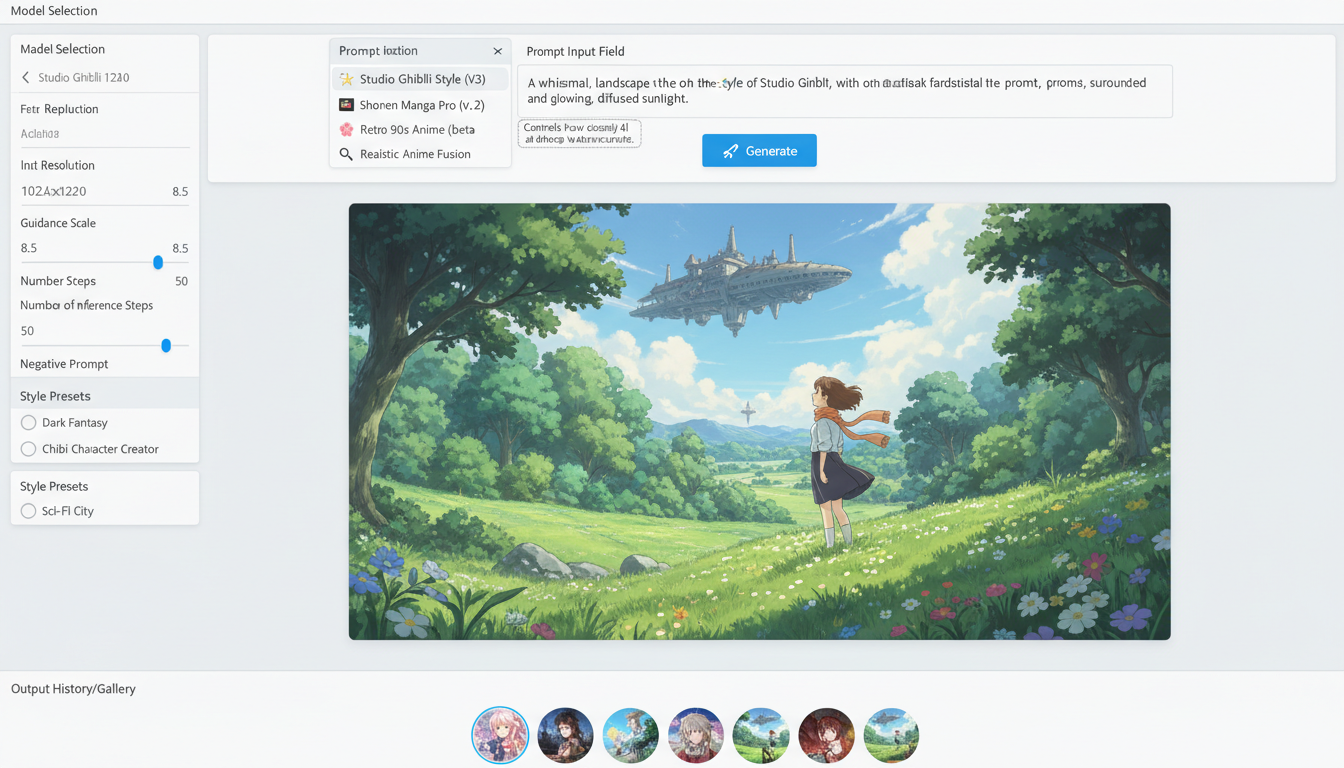 Both platforms use familiar Stable Diffusion prompt structures
Anime-Specific Techniques
Your anime prompting knowledge transfers:
- Character design terminology
- Lighting and atmosphere descriptions
- Quality boosters (masterpiece, best quality)
- Style references (Ghibli, cyberpunk, etc.)
Negative Prompting
The negative prompts you use on Tensor.Art work on Apatero:
- "low quality, bad anatomy" etc.
- Style exclusions
- Artifact removal terms
What's Different
Pricing Philosophy
Tensor.Art:
- Free tier with limits
- $9.99/month for premium
- Credits expire/reset monthly
- Better models behind paywall
Apatero:
- Pay-per-use (~$0.03-0.05/image)
- No monthly commitment
- No expiring credits
- All features accessible
Model Selection
Tensor.Art: Thousands of community models (overwhelming but extensive) Apatero: Curated quality models (simpler but reliable)
If you've found specific Tensor.Art models you love, you may need to experiment on Apatero to find equivalents. The quality matches, but the specific aesthetic may vary.
Feature Bundling
| Feature | Tensor.Art | Apatero |
|---|---|---|
| Image Generation | ✓ | ✓ |
| Video Generation | ✗ | ✓ |
| Anime Models | Extensive | Quality selection |
| Community Models | Thousands | Curated |
| ControlNet | ✓ | ✓ |
| Upscaling | ✓ | ✓ |
Step-by-Step Migration
Step 1: Document Your Tensor.Art Setup
Before switching, capture what works:
- Save successful prompts - Copy your best prompt templates
- Note favorite models - Which models gave best results?
- Screenshot settings - CFG scale, steps, sampler preferences
- Download key images - Keep your best outputs for reference
Step 2: Create Apatero Account
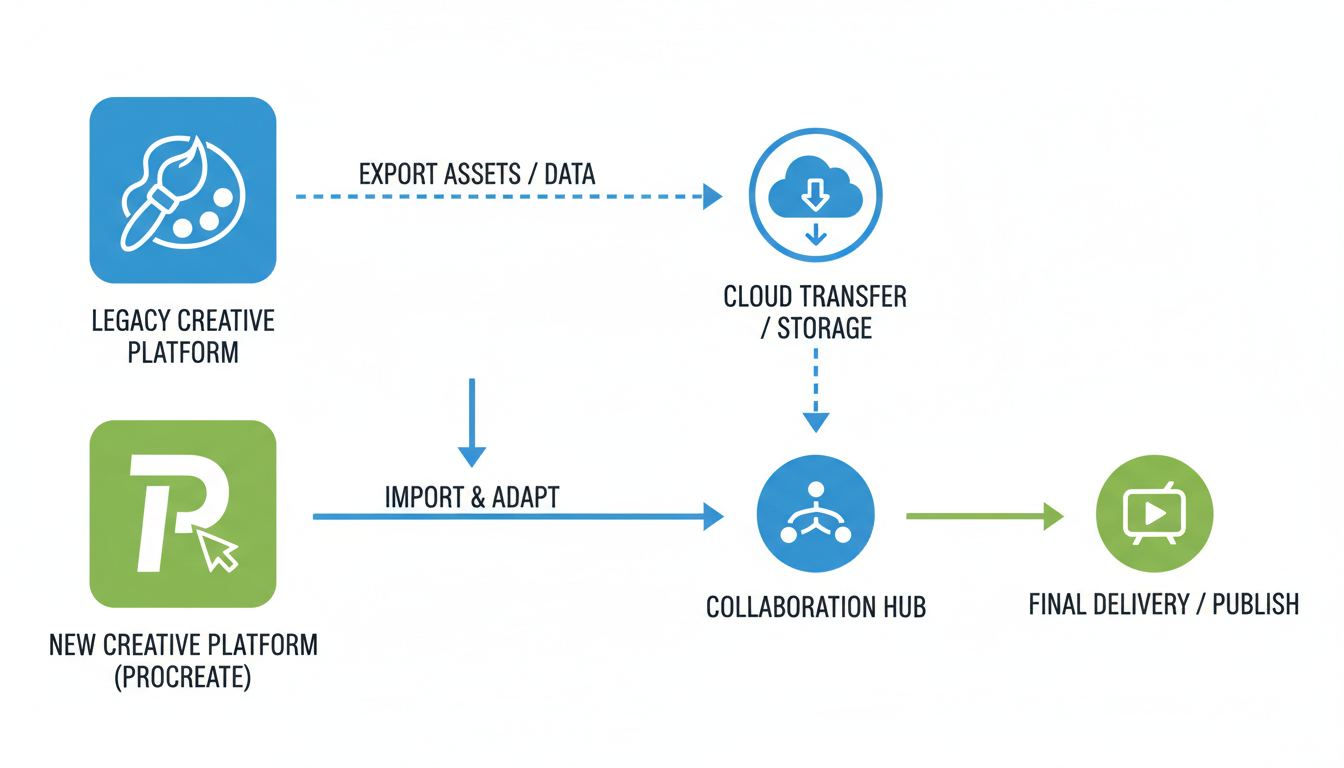 Simple migration process preserves your creative workflow
- Visit Apatero
- Create account
- Add initial credits ($5-10 to test)
- Explore the interface
Step 3: Test Your Core Prompts
Start with prompts that consistently work on Tensor.Art:
Anime Character Test:
"beautiful anime girl, detailed eyes, long flowing hair,
school uniform, soft lighting, masterpiece, best quality"
Run on both platforms. Compare results.
Step 4: Adjust for Differences
Minor tweaks may improve results:
| If Tensor Results Were... | Apatero Adjustment |
|---|---|
| More saturated colors | Add "vibrant colors" |
| Softer style | Add "soft shading, gentle" |
| Higher detail | Add "highly detailed, intricate" |
| Specific anime look | Describe style explicitly |
Step 5: Explore New Capabilities
Now that you've migrated basics, try what Tensor.Art couldn't do:
Video from your anime art:
- Turn character portraits into animations
- Create short scenes from prompts
- Animate your static concepts
This is the major upgrade most anime artists appreciate.
Comparing Anime Output Quality
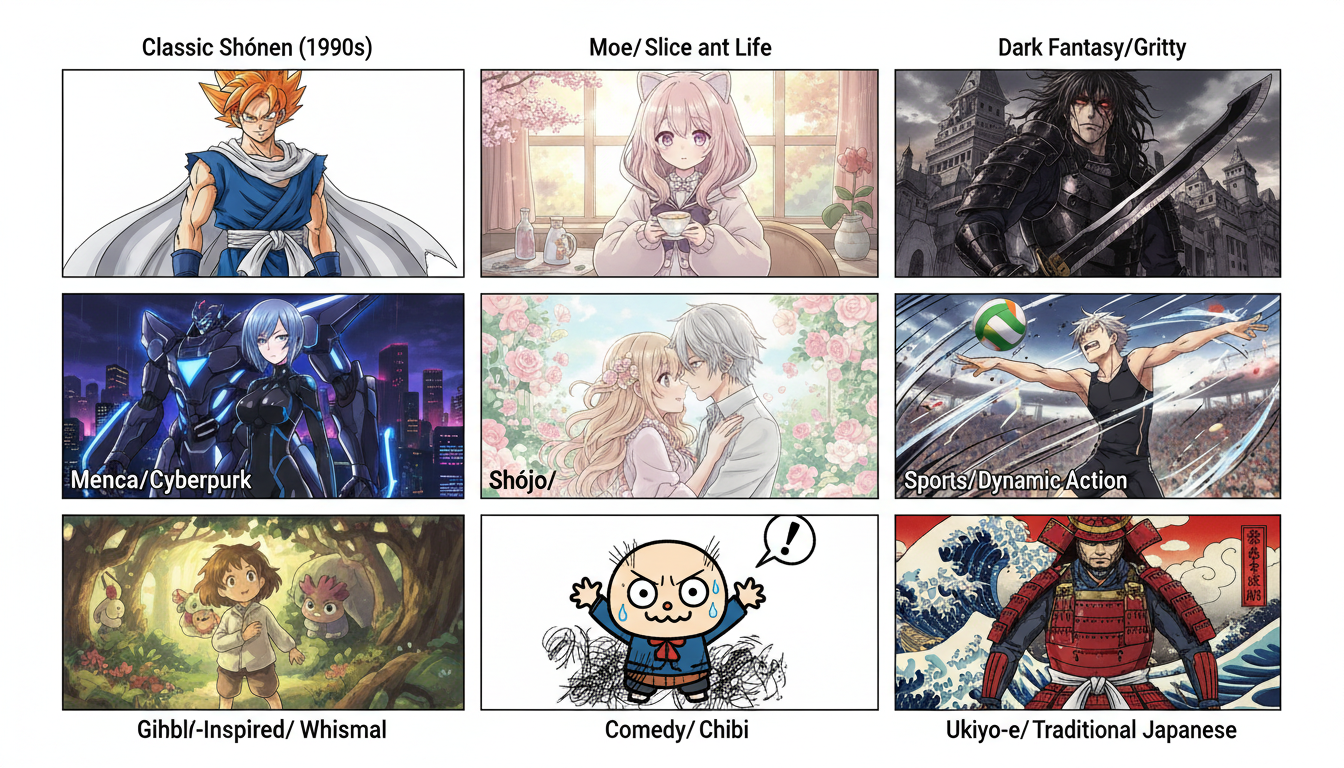 Quality comparison across different anime styles
Character Art
Both platforms produce excellent character art. Differences are subtle:
- Tensor.Art: Varies by community model
- Apatero: Consistent quality across generations
Background Art
Anime backgrounds work well on both platforms. Prompting techniques transfer directly.
Action Scenes
Dynamic poses and action work similarly. Add motion descriptors to either platform for best results.
The Video Advantage
The biggest reason anime artists switch: video generation.
On Tensor.Art: Not available. Need separate platform.
On Apatero:
- Same interface as images
- Same credit system
- Turn any concept into animated video
- Character animation from prompts
For anime artists creating:
- Character introductions
- Short animations
- Social media content
- Concept visualization
Video capabilities justify migration alone.
Cost Analysis
Light User (100 images/month)
| Platform | Monthly Cost |
|---|---|
| Tensor.Art Free | $0 (with limits) |
| Tensor.Art Premium | $9.99 |
| Apatero | ~$4-5 |
Moderate User (500 images/month)
| Platform | Monthly Cost |
|---|---|
| Tensor.Art Premium | $9.99 (may hit limits) |
| Apatero | ~$20-25 |
Heavy User + Video (1000 images + video)
| Platform | Monthly Cost |
|---|---|
| Tensor.Art + Video Platform | $9.99 + $15+ = $25+ |
| Apatero | ~$45-60 (includes video) |
Pay-per-use makes sense for variable usage. Subscriptions favor consistent heavy use.
Community Differences
Tensor.Art Community
- Large model sharing community
- Social features built-in
- Discovery through browsing
Apatero Focus
- Creation-focused interface
- Less social, more productive
- External community building
If community features are essential, consider whether the tradeoff works for you.
Keeping Your Style Consistent
Finding Equivalent Results
Your Tensor.Art aesthetic can be replicated:
- Identify style elements - What makes your output distinctly "yours"?
- Translate to prompts - Describe the style explicitly
- Test and refine - Iterate until matched
- Save working prompts - Document what works
Style Preservation Tips
- Add creative style descriptors: "anime style, cel shaded, vibrant"
- Include quality terms: "masterpiece, best quality, highly detailed"
- Use consistent negative prompts: "low quality, blurry, bad anatomy"
Frequently Asked Questions
Will my anime prompts work exactly the same?
Core prompts transfer. Minor adjustments may optimize for Apatero's specific models.
What about LoRAs and custom models?
Apatero supports various models. Specific Tensor.Art LoRAs won't transfer, but similar capabilities exist.
Is the anime quality comparable?
Yes. Professional anime art quality on both platforms. Different models, similar results.
Can I use both platforms?
Absolutely. Many users keep Tensor.Art for specific community models while using Apatero for video and pay-per-use convenience.
How long does migration take?
Most users feel comfortable within one session. Full workflow adaptation takes a week of regular use.
What if I prefer Tensor.Art's community models?
You might use Tensor.Art for specific model access and Apatero for video/flexibility. Or find equivalent results through prompt refinement on Apatero.
Making the Decision
Switch to Apatero If:
- You want video generation
- Credit limits frustrate you
- Pay-per-use fits better than subscriptions
- You value simplified interfaces
Keep Tensor.Art If:
- Specific community models are essential
- You maximize the subscription value
- Social features matter to you
- You don't need video
Use Both If:
- Different needs for different projects
- Budget allows
- Specific workflows require specific platforms
The Bottom Line
Migrating from Tensor.Art to Apatero is smooth for anime artists:
- Skills transfer directly - Same SD-based prompting
- Quality is comparable - Professional output on both
- Video is the upgrade - Major new capability
- Pricing is flexible - Pay for what you use
Your anime art expertise isn't platform-dependent. Take it wherever serves you best.
Try Apatero for a small project. If it works for your workflow, expand from there. If you miss specific Tensor.Art features, nothing stops you from using both.
Try the style in your browser
Anime, illustration and concept art models with no install. Check your welcome allowance and the displayed cost before generating.
Related Articles

AI Art Market Statistics 2025: Industry Size, Trends, and Growth Projections
Comprehensive AI art market statistics including market size, creator earnings, platform data, and growth projections with 75+ data points.

AI Automation Tools: Transform Your Business Workflows in 2025
Discover the best AI automation tools to transform your business workflows. Learn how to automate repetitive tasks, improve efficiency, and scale operations with AI.

AI Background Remover and Generator: The Complete Guide to Replacing, Creating, and Perfecting Image Backgrounds
Master AI background removal, replacement, and generation. Compare the best tools, learn proven techniques, and transform your product photos and portraits.