Switching from Leonardo AI to Apatero: Complete Migration Guide
Ready to leave Leonardo AI? This step-by-step guide shows you how to migrate your workflow to Apatero with better value and more features.

You've been using Leonardo AI. Maybe the token limits frustrate you. Maybe the subscription model doesn't fit your workflow. Maybe you want video generation without paying for another platform. Whatever the reason, you're ready to switch.
This guide makes migration smooth.
Quick Answer: Your prompts and skills transfer directly to Apatero. The main differences: pay-per-use instead of subscriptions, video generation included, and no daily limits. Most users find equivalent or better results within their first session.
:::tip[Key Takeaways]
- Key options include Download your images and Save your prompts
- Start with the basics before attempting advanced techniques
- Common mistakes are easy to avoid with proper setup
- Practice improves results significantly over time :::
- Prompts - Work identically (Stable Diffusion based)
- Settings - Similar controls available
- Models - Different selection, similar capability
- Pricing - Pay-per-use vs subscription
Why People Switch
Understanding the common reasons helps contextualize the migration:
Token Exhaustion
Leonardo's daily token system means:
- Running out mid-project
- Waiting for resets
- Paying more for heavy use months
Subscription Lock-in
Monthly commitments don't work for everyone:
- Light months waste money
- Heavy months need upgrades
- Annual plans create lock-in
Missing Video Generation
Leonardo focuses on images. Adding video means:
- Separate platform subscription
- Learning another interface
- Managing multiple accounts
Quality/Cost Ratio
Higher tiers get better models, but:
- Premium costs add up
- Free tier quality is limited
- Value depends on usage patterns
What Transfers Directly
Your Prompting Skills
Leonardo uses Stable Diffusion models. So does Apatero's ecosystem. This means:
- Same prompt structure - Subject, style, details
- Same negative prompts - What to avoid
- Same techniques - Weighting, emphasis, ordering
Your Leonardo prompts work on Apatero with minimal adjustment.
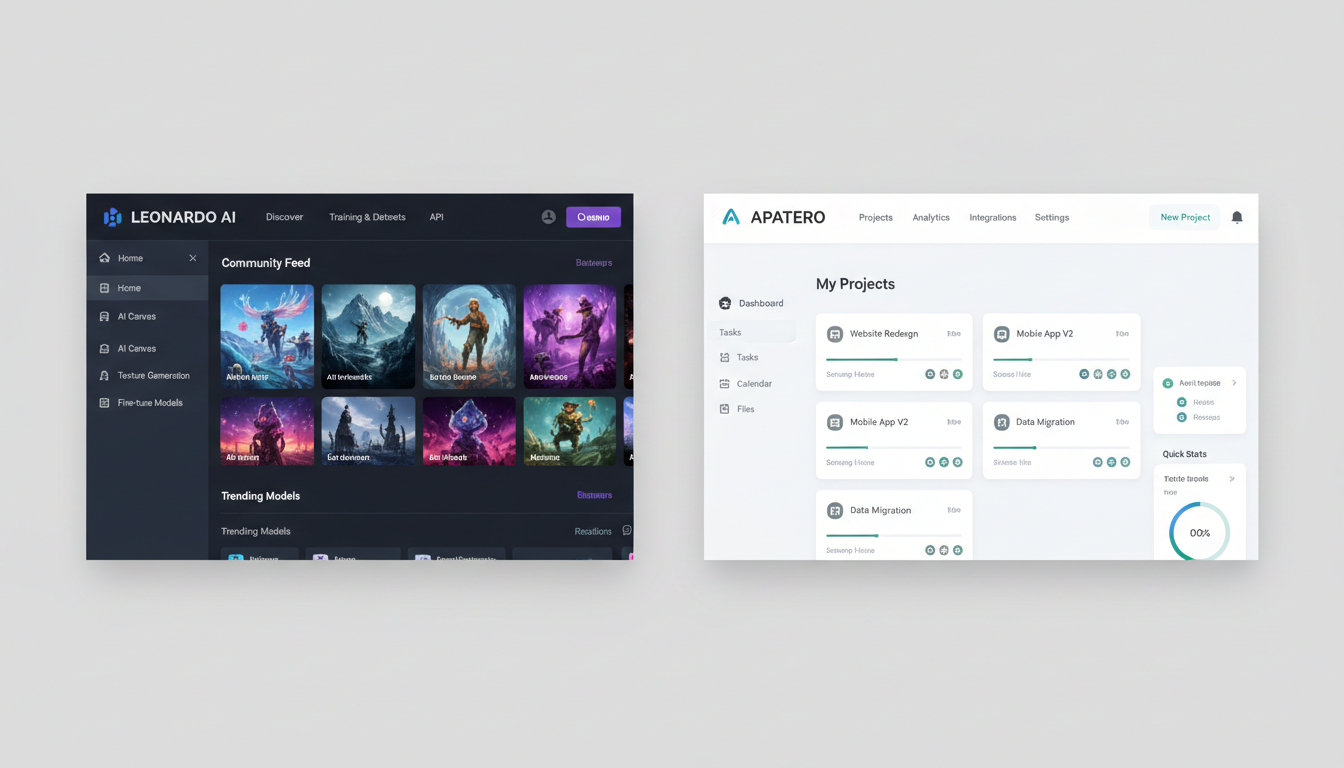 Both platforms share familiar Stable Diffusion prompt structures
Your Creative Process
The workflow translates:
- Write prompt
- Generate
- Iterate and refine
- Upscale if needed
No new process to learn.
Your Quality Expectations
Apatero produces professional-quality output. If you're used to Leonardo's paid tiers, you'll find comparable or better results.
What's Different
Pricing Model
Leonardo: Token-based subscription
- Free: 150 tokens/day (~30 images)
- Apprentice: 8,500 tokens/month ($12)
- Artisan: 25,000 tokens/month ($30)
- Maestro: 60,000 tokens/month ($60)
Apatero: Pay-per-use
- ~$0.03-0.05 per image
- No monthly minimum
- No expiring tokens
- Pay only for what you use
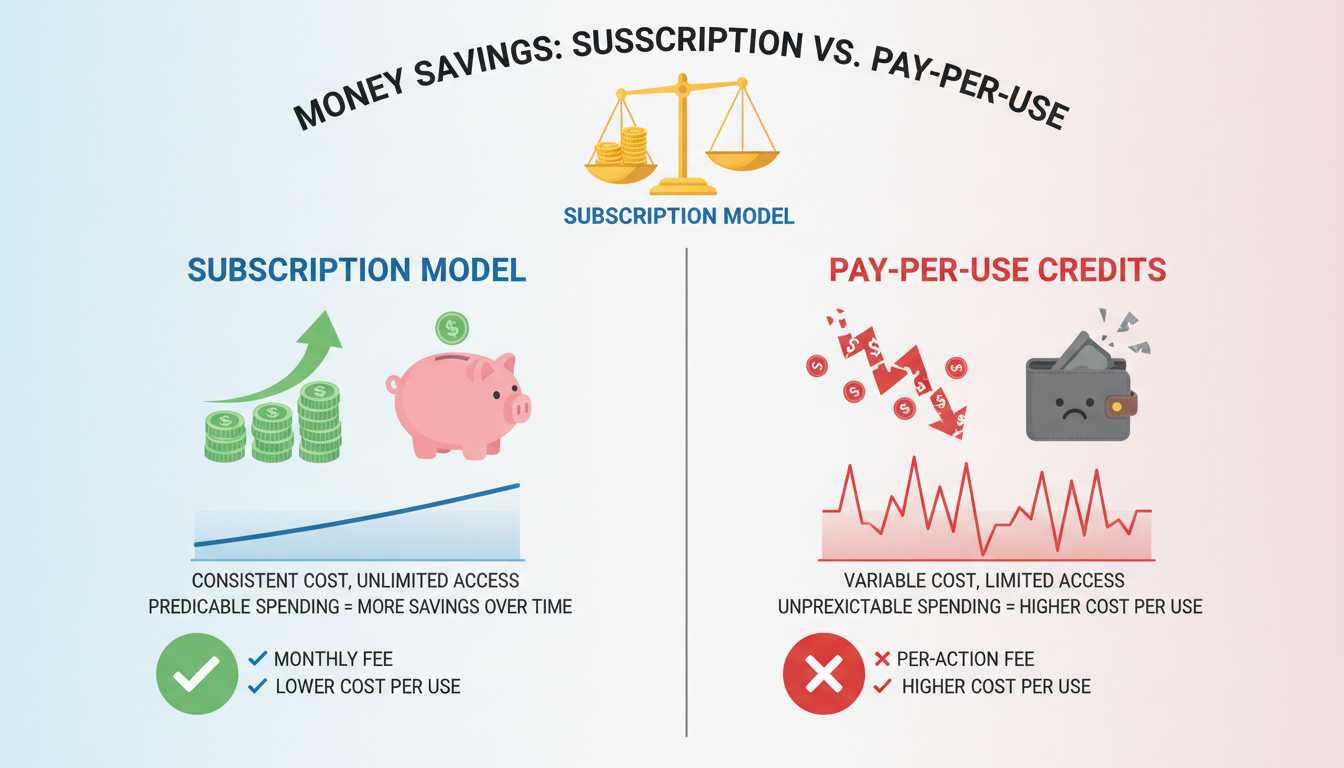 Pay-per-use aligns cost with actual usage
Feature Set
| Feature | Leonardo AI | Apatero |
|---|---|---|
| Image Generation | ✓ | ✓ |
| Video Generation | ✗ | ✓ |
| ControlNet | Limited | Available |
| Custom Models | Some | Various |
| API Access | Paid tiers | Available |
| Upscaling | ✓ | ✓ |
Interface Philosophy
Leonardo offers many buttons and options. Apatero streamlines the process for faster generation with less clicking.
Step-by-Step Migration
Step 1: Export Your Leonardo Assets
Before switching:
- Download your images - Go to your generation history, download important outputs
- Save your prompts - Copy successful prompts to a text file
- Note your settings - Screenshot or record preferred configurations
- Document workflows - What steps do you follow for specific tasks?
Step 2: Set Up Apatero
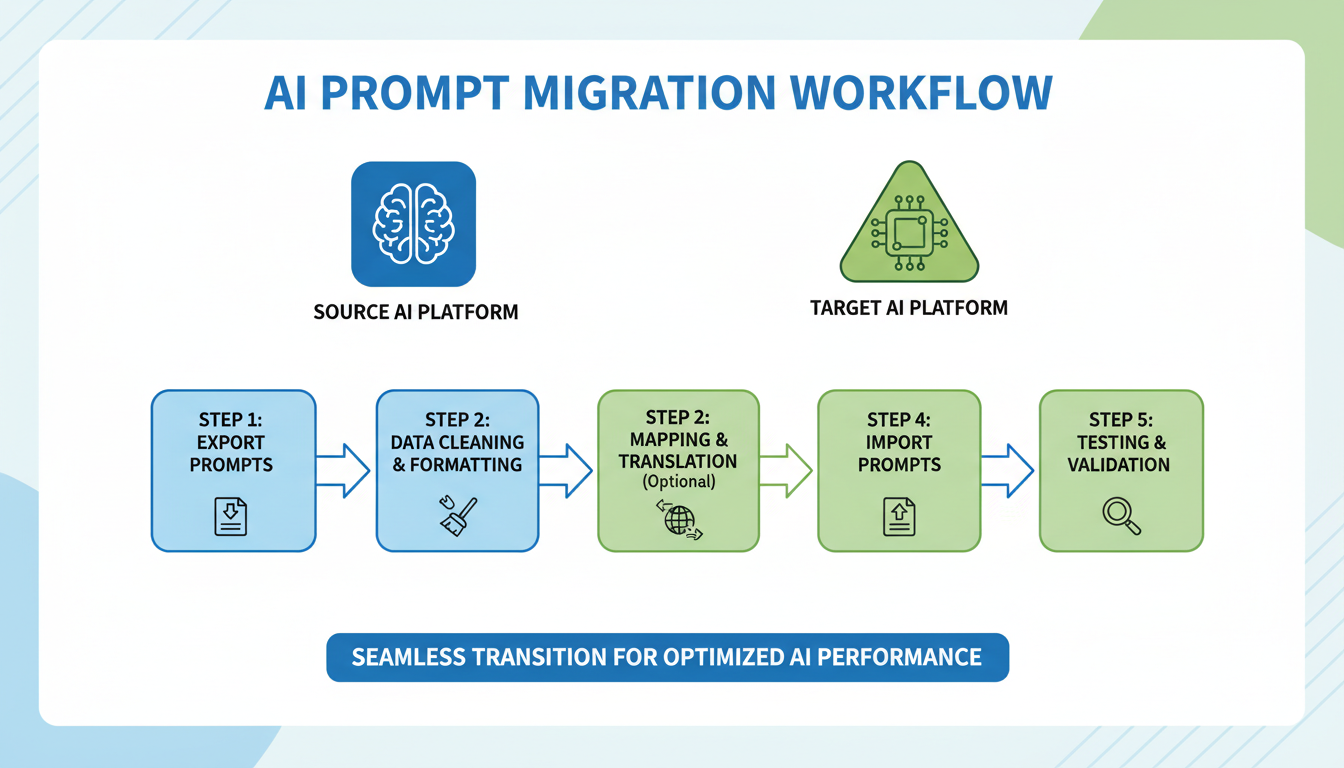 Your prompts transfer with minimal adjustments
- Visit Apatero
- Create account
- Add initial credits ($5-10 is plenty to start)
- Familiarize yourself with the interface
Step 3: Test Your Prompts
Start with prompts that worked well on Leonardo:
- Copy your prompt exactly
- Generate on Apatero
- Compare results
- Adjust if needed (usually minimal)
Most prompts work identically. Some may need slight tweaks based on model differences.
Step 4: Learn Platform-Specific Features
Apatero offers capabilities Leonardo doesn't:
Video Generation:
- Text-to-video from any prompt
- Extend generation lengths
- Animation from still images
Flexible Pricing:
- Generate 1 image or 1,000
- No waiting for token resets
- Scale instantly for projects
Step 5: Establish New Workflow
After testing, establish your Apatero workflow:
- Save working prompts
- Note optimal settings
- Create templates for common tasks
- Bookmark useful features
Prompt Translation Guide
What Works Identically
Standard prompts translate perfectly:
Leonardo: "portrait of a woman, oil painting style, dramatic lighting, detailed"
Apatero: "portrait of a woman, oil painting style, dramatic lighting, detailed"
Minor Adjustments
Some Leonardo-specific phrases may need updates:
| Leonardo Specific | Apatero Equivalent |
|---|---|
| "Leonardo style" | Describe the actual style |
| Alchemy-specific terms | Standard SD terminology |
| Phoenix model references | Select appropriate model |
Style Matching
If you loved Leonardo's default aesthetic:
- Add "professional quality, polished" to prompts
- Use similar negative prompts for artifact removal
- Adjust CFG scale to match preferred style
Common Concerns Addressed
"Will quality be the same?"
For most use cases, equivalent or better. Apatero uses high-quality models optimized for professional output.
"What about my favorite Leonardo model?"
Each platform has different model options. Apatero's models produce similar quality, just different aesthetic options. Experiment to find your new favorites.
"Is pay-per-use really cheaper?"
Calculate your current usage:
- Leonardo Artisan ($30/mo) = 25,000 tokens ≈ 5,000 images
- Same images on Apatero ≈ $150-250
If you use less than ~1,000 images/month, Apatero is likely cheaper. If you use more, do the math for your specific volume.
"What if I need both?"
Nothing stops you from using multiple platforms. Some users:
- Use Apatero for video and heavy work
- Keep Leonardo for specific models
- Switch based on project needs
Video Generation Bonus
The biggest upgrade: Apatero includes video generation.
On Leonardo, you'd need:
- Separate video platform subscription
- Another interface to learn
- More monthly costs
On Apatero:
- Same platform, same credits
- Unified workflow
- Text-to-video from any prompt
This alone justifies the switch for many users.
Making the Transition
Week 1: Parallel Use
- Keep Leonardo active
- Test key prompts on Apatero
- Compare results
- Build confidence
Week 2: Primary Apatero
- Use Apatero for most work
- Fall back to Leonardo only if needed
- Document any gaps
Week 3: Full Migration
- Cancel or downgrade Leonardo if satisfied
- Finalize Apatero workflow
- Enjoy the new capabilities
Frequently Asked Questions
Can I transfer my Leonardo credits to Apatero?
No, each platform has separate billing. Use remaining Leonardo credits before switching.
Do I need to re-learn prompting?
No. Your prompting skills transfer directly. Same fundamentals, same techniques.
What about Leonardo-exclusive models?
You'll find different models with similar capabilities. Apatero's selection covers most use cases.
Is the learning curve steep?
Minimal. If you know Leonardo, you'll navigate Apatero within minutes. Core concepts are identical.
Can I import my Leonardo image history?
Not directly, but you can download images from Leonardo and reference them for new generations on Apatero.
Should I wait for Leonardo to add video?
Leonardo has been image-focused since launch. No timeline for video. Apatero has it now.
The Bottom Line
Switching from Leonardo AI to Apatero is straightforward:
- Your skills transfer - Same prompting fundamentals
- Better value possible - Pay-per-use matches actual usage
- Video included - No separate subscription needed
- No commitment - Pay as you go, no lock-in
The migration typically takes one session to feel comfortable, one week to fully transition.
Your prompting expertise is the valuable asset. The platform is just the tool. Pick the one that serves you better.
Make AI images and video in your browser
Characters, video, photo packs. No GPU, no setup. Check your welcome allowance and the displayed cost before generating.
Related Articles

AI Art Market Statistics 2025: Industry Size, Trends, and Growth Projections
Comprehensive AI art market statistics including market size, creator earnings, platform data, and growth projections with 75+ data points.

AI Automation Tools: Transform Your Business Workflows in 2025
Discover the best AI automation tools to transform your business workflows. Learn how to automate repetitive tasks, improve efficiency, and scale operations with AI.

AI Background Remover and Generator: The Complete Guide to Replacing, Creating, and Perfecting Image Backgrounds
Master AI background removal, replacement, and generation. Compare the best tools, learn proven techniques, and transform your product photos and portraits.