Switching from SeaArt to Apatero: Migration Guide for AI Artists
Ready to leave SeaArt? This complete guide covers everything you need to switch to Apatero, from prompts to workflows to video generation.

SeaArt has treated you well—decent quality, reasonable free tier, active community. But maybe the credit system frustrates you. Maybe you're hitting limits at the wrong times. Maybe you need video generation that SeaArt doesn't offer.
Here's how to make the switch without losing momentum.
Quick Answer: Apatero accepts SeaArt-style prompts with minimal adjustment. The key differences: pay-per-use pricing (no daily limits), video generation capability, and a simplified interface. Your prompting skills transfer directly.
:::tip[Key Takeaways]
- Follow the step-by-step process for best results with switching from seaart to apatero: migration guide for ai artists
- Start with the basics before attempting advanced techniques
- Common mistakes are easy to avoid with proper setup
- Practice improves results significantly over time :::
- No daily limits - Generate when creativity strikes
- Video generation - New capability SeaArt lacks
- Pay-per-use - Only pay for what you create
- Prompt compatibility - Your skills transfer
Why SeaArt Users Switch
Understanding common pain points helps you evaluate whether migration is right for you:
Daily Credit Exhaustion
SeaArt's 200 daily credits limit creative sessions:
- Running out mid-project
- Waiting for midnight reset
- Rationing generations
Credit Tier Confusion
SeaArt's credit system creates complexity:
- Different costs for different features
- Premium features behind paywalls
- Unclear pricing for advanced options
No Video Generation
SeaArt focuses on images only:
- Separate platform needed for video
- Additional learning curve
- More subscriptions to manage
Community Noise
While SeaArt's community is active:
- Interface cluttered with social features
- Model marketplace can overwhelm
- Focus shifted from creation to browsing
What Transfers Directly
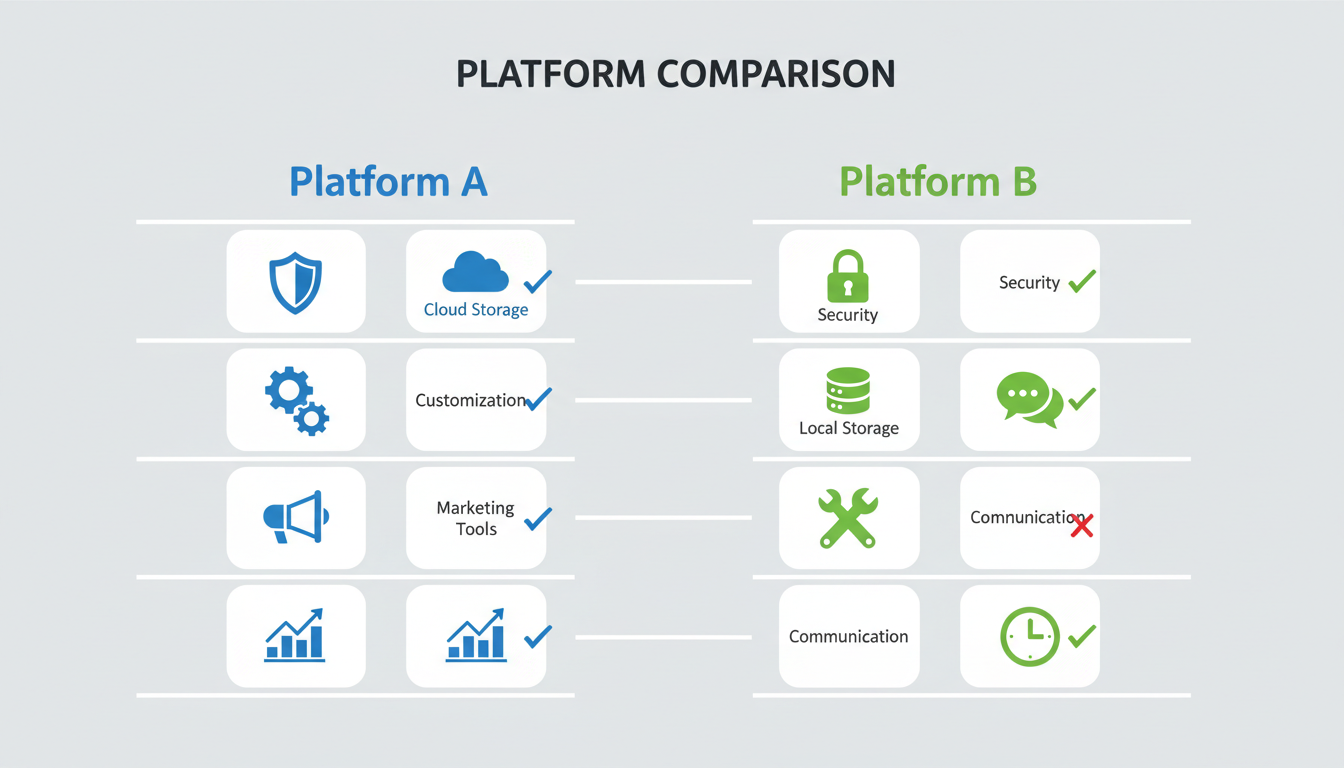 Comparing features and capabilities
Core Prompting Skills
SeaArt and Apatero both use Stable Diffusion foundations. Your prompts work:
Quality tags: masterpiece, best quality, highly detailed Style descriptors: realistic, anime, digital art, oil painting Subject descriptions: character features, poses, expressions Technical terms: lighting, composition, camera angles
Negative Prompts
Your negative prompt library transfers:
- Quality negatives (low quality, blurry, bad anatomy)
- Style exclusions (specific things to avoid)
- Artifact prevention
Workflow Patterns
The generation process is similar:
- Enter prompt
- Adjust settings
- Generate
- Iterate
What Changes
Pricing Model
SeaArt:
- 200 free daily credits
- Credits for different features vary
- Premium plans for more credits
- Monthly subscription model
Apatero:
- Pay-per-use (~$0.03-0.05/image)
- No daily limits
- No expiring credits
- No subscription required
Interface Philosophy
SeaArt: Feature-rich with community elements Apatero: Improved, generation-focused
Video Capability
SeaArt: Images only Apatero: Images and video in one platform
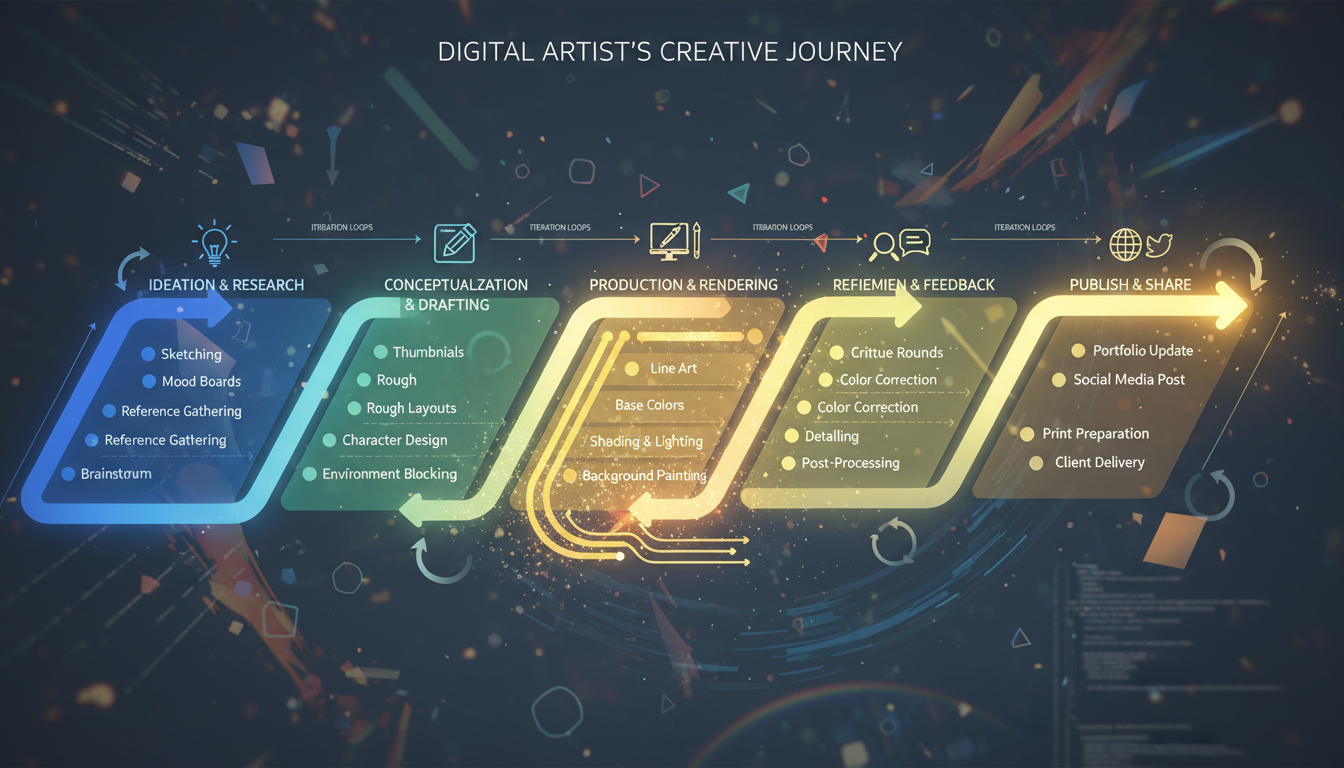 Adapting your creative workflow
Migration Step-by-Step
Step 1: Export from SeaArt
Before switching, preserve your work:
Download images:
- Go to your SeaArt gallery
- Download all important generations
- Organize into local folders
Save prompts:
- Copy your successful prompt templates
- Document negative prompts
- Note any model-specific adjustments
Record settings:
- CFG scale preferences
- Step counts that work for you
- Sampling methods you prefer
Step 2: Set Up Apatero
- Visit Apatero
- Create your account
- Add initial credits ($5-10 to test)
- Explore the interface
Step 3: Test Your Prompts
Start with prompts that reliably work on SeaArt:
Your SeaArt prompt:
"beautiful landscape, mountains, sunset, dramatic sky,
masterpiece, best quality, highly detailed"

Apatero version:
Same prompt works directly
Step 4: Compare and Adjust
Run the same prompt on both platforms. Note differences:
- Color saturation
- Detail levels
- Style interpretation
Make minor adjustments as needed.
Step 5: Explore Video
Once comfortable with images, try video generation:
- Use your image prompting skills
- Add motion descriptions
- Experiment with duration
Feature Comparison
| Feature | SeaArt | Apatero |
|---|---|---|
| Image Generation | ✓ | ✓ |
| Video Generation | ✗ | ✓ |
| Daily Limits | 200 credits | None |
| Pricing Model | Credit tiers | Pay-per-use |
| Community Features | Extensive | Minimal |
| Model Selection | Large marketplace | Curated quality |
| Interface | Feature-rich | Faster |
Prompt Translation Examples
Portrait/Character
SeaArt prompt:
beautiful woman, detailed face, flowing hair, soft lighting,
masterpiece, best quality, realistic
Apatero (same):
beautiful woman, detailed face, flowing hair, soft lighting,
masterpiece, best quality, realistic
Landscape/Scene
SeaArt prompt:
epic mountain landscape, dramatic clouds, golden hour,
cinematic lighting, highly detailed, 8k
Apatero (same):
epic mountain landscape, dramatic clouds, golden hour,
cinematic lighting, highly detailed, 8k
Anime Style
SeaArt prompt:
anime girl, detailed eyes, school uniform, soft shading,
best quality, masterpiece, vibrant colors
Apatero (same):
anime girl, detailed eyes, school uniform, soft shading,
best quality, masterpiece, vibrant colors
Most prompts transfer directly without modification.
Cost Comparison
 Understanding value and quality differences
Light User (50-100 images/month)
| Platform | Monthly Cost |
|---|---|
| SeaArt Free | $0 |
| Apatero | ~$3-5 |
SeaArt wins for light, casual use within free limits.
Moderate User (200-400 images/month)
| Platform | Monthly Cost |
|---|---|
| SeaArt Free | $0 (barely fits) |
| SeaArt Premium | $9.99 |
| Apatero | ~$10-20 |
Similar cost, but Apatero has no daily limits.
Heavy User (500+ images/month)
| Platform | Monthly Cost |
|---|---|
| SeaArt Premium | $9.99-19.99 |
| Apatero | ~$25-35 |
Subscription may be cheaper for heavy consistent use.
User Needing Video
| Platform | Monthly Cost |
|---|---|
| SeaArt + Video Platform | $9.99 + $15+ |
| Apatero (all-in-one) | ~$20-40 |
Apatero wins when video is needed.
What You'll Miss
Being honest about tradeoffs:
Community Features
SeaArt has active social elements:
- Model sharing marketplace
- Image galleries to browse
- Community interaction
Apatero is generation-focused, less social.
Free Tier
SeaArt offers 200 daily free credits:
- Good for testing and casual use
- No cost entry point
Apatero is pay-per-use from the start.
Model Variety
SeaArt's marketplace offers extensive model selection:
- Community uploads
- Specialized fine-tunes
Apatero has curated models—fewer but reliable quality.
What You'll Gain
Video Generation
The major upgrade:
- Turn prompts into video
- Same interface as images
- No separate platform needed
No Daily Limits
Generate when inspiration strikes:
- No watching clock for reset
- No rationing during projects
- Creative freedom
Cost Predictability
Pay for what you use:
- Slow months cost less
- No wasted subscription
- Budget flexibility
Cleaner Interface
Focused generation experience:
- Less noise
- Faster workflow
- No social distractions
Making It Work
For Realistic Content
Your realistic prompts work well:
- Add quality descriptors
- Include lighting terms
- Specify details explicitly
For Anime/Stylized
Anime and stylized content transfers smoothly:
- Use standard anime terminology
- Include style descriptors
- Quality tags help
For Professional Work
If using AI for client work:
- Consistent quality
- No limits during deadlines
- Video capability adds value
Frequently Asked Questions
Will my SeaArt prompts work on Apatero?
Yes, nearly all prompts transfer directly. Both use similar underlying technology.
Is Apatero more expensive than SeaArt?
Depends on usage. Light users may find SeaArt's free tier cheaper. Moderate users break even. Video users save with Apatero.
What about SeaArt's model marketplace?
Apatero has curated models instead of a marketplace. Quality is consistent, but variety is different.
Can I use both platforms?
Absolutely. Many users keep SeaArt for free casual generation and use Apatero for projects requiring video or no limits.
How fast is the transition?
Most users feel comfortable within a day. Full workflow optimization takes a week.
What if I miss specific SeaArt features?
Consider using both platforms for different needs, or find Apatero equivalents through prompt refinement.
Migration Timeline
Day 1: Preparation
- Export SeaArt content
- Document prompts and settings
- Create Apatero account
Day 2-3: Testing
- Run test prompts
- Compare results
- Make adjustments
Week 1: Parallel Use
- Use both platforms
- Build Apatero confidence
- Identify preferences
Week 2+: Decision
- Primary platform chosen
- Workflow established
- Optional: Keep backup platform
The Bottom Line
Switching from SeaArt to Apatero makes sense if you:
- Hate daily credit limits
- Need video generation
- Want predictable pay-per-use pricing
- Prefer easier interfaces
Your prompting skills transfer completely. The learning curve is minimal. And you gain video capability that SeaArt can't match.
Try it with a small credit purchase. Test your favorite prompts. If it works for your workflow, you've found your new home.
Make AI images and video in your browser
Characters, video, photo packs. No GPU, no setup. Check your welcome allowance and the displayed cost before generating.
Related Articles

AI Art Market Statistics 2025: Industry Size, Trends, and Growth Projections
Comprehensive AI art market statistics including market size, creator earnings, platform data, and growth projections with 75+ data points.

AI Automation Tools: Transform Your Business Workflows in 2025
Discover the best AI automation tools to transform your business workflows. Learn how to automate repetitive tasks, improve efficiency, and scale operations with AI.

AI Background Remover and Generator: The Complete Guide to Replacing, Creating, and Perfecting Image Backgrounds
Master AI background removal, replacement, and generation. Compare the best tools, learn proven techniques, and transform your product photos and portraits.