FLUX 2 vs Stable Diffusion XL: Which Should You Actually Use in 2026?
A hands-on comparison of FLUX 2 and SDXL across quality, speed, LoRA ecosystems, and VRAM requirements. Real testing data to help you pick the right model for your workflow.
Make AI images and video in your browser
Characters, video, photo packs. No GPU, no setup. Your first generation is free.
I have been going back and forth between FLUX 2 and Stable Diffusion XL for the past four months, generating over 300 images with each model across a range of styles and use cases. The internet is full of hot takes declaring one the clear winner, but the truth is more nuanced than that. Both models have real strengths, and the right choice depends entirely on what you are building.
Here is what I actually found after putting both models through serious testing.
Quick Answer: FLUX 2 Pro delivers superior photorealism, better prompt comprehension, and up to 4MP output, making it the best choice for professional-quality single images and portrait work. Stable Diffusion XL remains the practical powerhouse for anyone who relies on LoRAs, custom fine-tuned models, or needs to run affordable local generation on mid-range hardware. If quality is your only metric, FLUX 2 wins. If ecosystem flexibility and cost matter, SDXL still has a very strong case in 2026.
- FLUX 2 Pro produces the most photorealistic AI images available in early 2026, with native 4MP support and multi-reference capability (up to 8 references)
- SDXL has a massively larger LoRA ecosystem with thousands of production-ready fine-tunes, while FLUX 2 LoRAs are still maturing
- FLUX 2 does not use negative prompts at all, which simplifies workflows but removes a control lever many SDXL users depend on
- GGUF quantization lets you run FLUX 2 on 8GB VRAM cards, closing the hardware gap significantly
- SDXL generation speed is faster at comparable quality settings, especially for batch workflows
- For professional client work and portfolio pieces, FLUX 2 is the clear winner. For experimental, LoRA-heavy creative work, SDXL remains unmatched
The State of AI Image Generation in Early 2026
Before diving into the direct comparison, it is worth stepping back and understanding where we are in the AI image generation landscape. The gap between the top models has narrowed considerably over the past year, which makes choosing between them harder, not easier.
FLUX 2 Pro launched with capabilities that genuinely pushed the boundary of what local and API-based image generation could do. The jump to 4MP native resolution, the multi-reference system supporting up to 8 reference images, and the integration of more sophisticated text encoders created a model that produces images most people cannot distinguish from photographs. I showed a set of FLUX 2 portraits to a photographer friend and she spent a full minute examining them before admitting she was not sure if they were AI-generated.
SDXL, meanwhile, has done something equally impressive through sheer community momentum. The model itself has not changed, but the ecosystem around it has grown into something enormous. There are now tens of thousands of custom LoRAs, specialized checkpoints, and community workflows that let you do things no single model can do out of the box. It is the Linux of image generation, not always the prettiest, but infinitely customizable.
At Apatero.com, we have been tracking both ecosystems closely, and the honest answer is that most serious creators use both models depending on the task.
How Does Image Quality Actually Compare?
This is the question everyone asks first, and it is the one with the most straightforward answer. FLUX 2 produces better raw image quality in almost every category I tested.
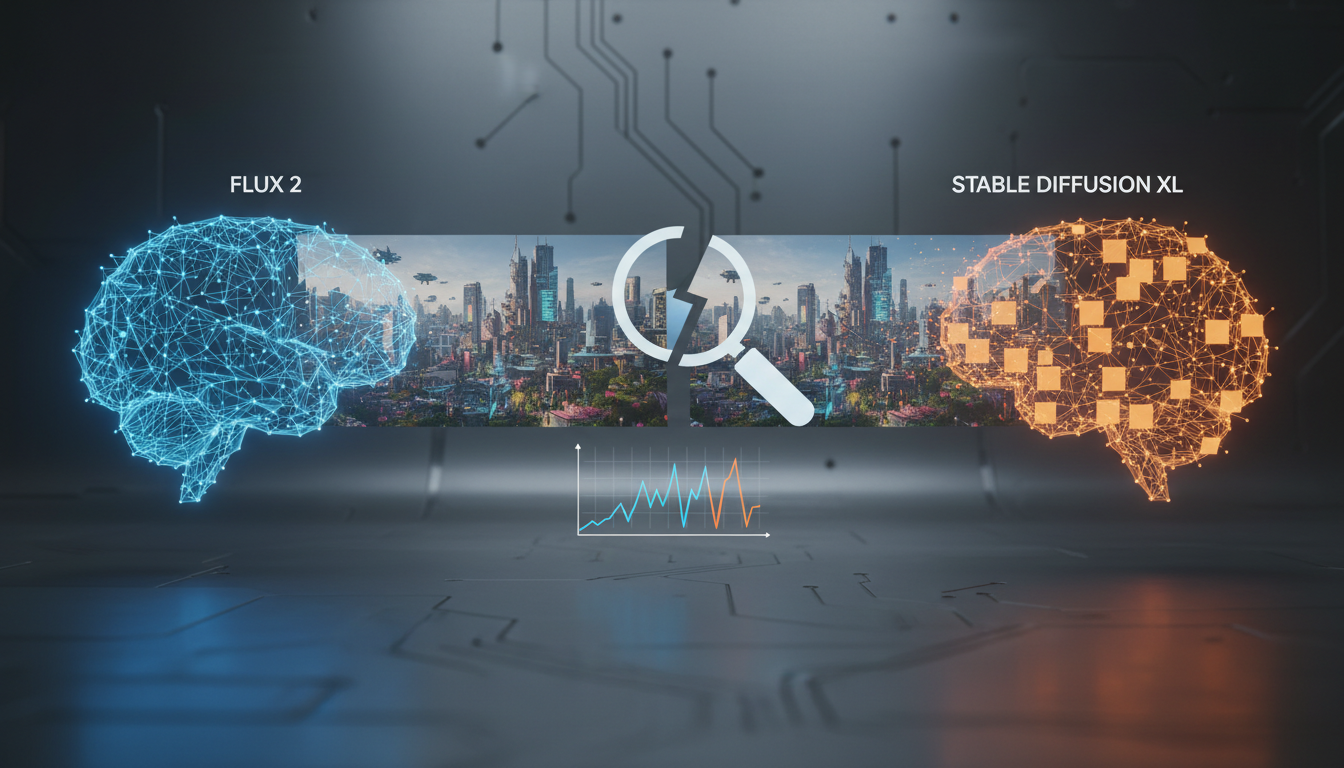
I ran both models through a standardized set of 50 prompts covering portraits, landscapes, product photography, architectural scenes, and fantasy art. For portraits specifically, the difference is striking. FLUX 2 renders skin with pore-level detail, handles hair strands individually, and produces eye reflections that look genuinely natural. SDXL portraits are good, sometimes even great with the right checkpoint and LoRA stack, but they rarely reach the same level of photorealism without significant post-processing.
Side-by-side portrait comparison: FLUX 2 (left) produces more natural skin texture and lighting, while SDXL (right) shows characteristic smoothing in the skin and slightly less accurate eye detail.
Where it gets interesting is in stylized and artistic content. SDXL with a good anime checkpoint or a stylized LoRA can produce results that FLUX 2 struggles to match, simply because those fine-tunes have been trained on massive curated datasets by dedicated community members. I generated a batch of anime-style character art last month and the SDXL results with Pony Diffusion felt more cohesive and stylistically consistent than anything I got from FLUX 2 with similar style LoRAs.
Here is how I would break down the quality comparison:
- Photorealistic portraits: FLUX 2 wins decisively. The skin, hair, and lighting are in a different league.
- Landscapes and nature: FLUX 2 has a slight edge, particularly in atmospheric effects and water rendering.
- Product photography: FLUX 2 wins, especially for reflective surfaces and material textures.
- Anime and stylized art: SDXL wins, thanks to years of community fine-tuning and style-specific checkpoints.
- Fantasy and concept art: Close to a tie. FLUX 2 handles complex compositions better, but SDXL style variety is broader.
- Text rendering in images: FLUX 2 wins by a huge margin. SDXL still struggles with legible text.
The 4MP native resolution in FLUX 2 is also a genuine advantage for anyone producing print-ready or high-resolution content. SDXL tops out at 1024x1024 natively, and while you can upscale, starting at a higher resolution preserves more detail.
What About Speed and Hardware Requirements?
This is where the conversation gets real for anyone running models locally. Raw image quality means nothing if you cannot generate images at a reasonable speed on hardware you can actually afford.
SDXL was designed to run on consumer GPUs, and it does that job well. On my RTX 4070 Ti Super with 16GB VRAM, I can generate a 1024x1024 SDXL image in about 15-20 seconds at 25 steps. That is fast enough for iterative prompting, where you generate, adjust, regenerate, and refine until you get what you want.
FLUX 2 at full precision needs significantly more VRAM. The full FP16 model wants 48GB or more, which puts it out of reach for most consumer cards. But here is the thing that has changed the game: GGUF quantization. If you have not tried running FLUX 2 Klein or a GGUF-quantized FLUX 2 model, you are missing out. I can now run FLUX 2 on my 8GB card with a Q4 GGUF quantization and get results that are about 90% of the full-precision quality. Generation takes about 45-60 seconds per image at 20 steps, which is slower than SDXL but completely workable.
Here is a rough comparison of generation times I measured on different hardware:
- RTX 4090 (24GB): SDXL at 8 seconds, FLUX 2 FP8 at 25 seconds
- RTX 4070 Ti Super (16GB): SDXL at 18 seconds, FLUX 2 Q5 GGUF at 40 seconds
- RTX 4060 (8GB): SDXL at 30 seconds, FLUX 2 Q4 GGUF at 65 seconds
- RTX 3060 (12GB): SDXL at 35 seconds, FLUX 2 Q5 GGUF at 55 seconds
If you are doing batch generation, say creating 50-100 images for a project, those time differences add up fast. SDXL can churn through a batch in a fraction of the time, which matters for production workflows.
Hot take number one: I think most people obsessing over FLUX 2 quality comparisons are ignoring the speed factor. In my experience, generating three SDXL variants in the time it takes to generate one FLUX 2 image and then picking the best one often gives you a comparable result. Iteration speed is an underrated advantage.
Is the LoRA Ecosystem Really That Different?
Yes, and this is the single biggest factor that keeps SDXL relevant in 2026. It is not even close when you look at the numbers.
SDXL has had years of community development. Sites like Civitai host thousands of SDXL LoRAs covering every conceivable style, character, concept, and technique. Want a LoRA that produces images in the style of a specific film director's color grading? It exists. Need a LoRA trained on architectural photography of brutalist buildings? Someone made that. Looking for a LoRA that nails the aesthetic of 1990s magazine advertisements? You will find three of them.
I have a personal collection of about 40 SDXL LoRAs that I rotate through depending on projects. They are reliable, well-documented, and I know exactly what each one does. That kind of toolbox takes years to build, and SDXL has had that time.
FLUX 2 LoRAs are growing quickly, and some of the early ones are genuinely excellent. The ultra-realistic FLUX LoRAs that started appearing in late 2025 showed what the format is capable of. But the ecosystem is still maybe 15-20% the size of SDXL's, and many FLUX LoRAs are first-generation efforts that have not been refined through community iteration.
There is also a practical difference in how LoRA training works between the two models. SDXL LoRA training is a solved problem. Tools like Kohya and the various training scripts have been optimized, documented, and debugged over years. You can follow a comprehensive LoRA training guide and get reliable results on consumer hardware. FLUX 2 LoRA training works, but it requires more VRAM, takes longer, and the best practices are still being established.
Free ComfyUI Workflows
Find free, open-source ComfyUI workflows for techniques in this article. Open source is strong.
I spent a weekend trying to train a style LoRA on FLUX 2 last month. The process took about 3x longer than the equivalent SDXL LoRA training and used roughly twice the VRAM. The final result was good, arguably better than the SDXL version in terms of raw output quality, but the time and compute investment was significantly higher.
LoRA style transfer comparison: the same style concept applied through a trained LoRA on both models. FLUX 2 (left) captures finer detail but the SDXL version (right) shows more stylistic consistency, likely due to more mature training pipelines.
Should You Care About Negative Prompts?
Here is something that surprises a lot of people coming from SDXL: FLUX 2 does not use negative prompts. At all. There is no negative prompt input, no way to tell the model what to avoid generating. This is a fundamental architectural difference, not a missing feature.
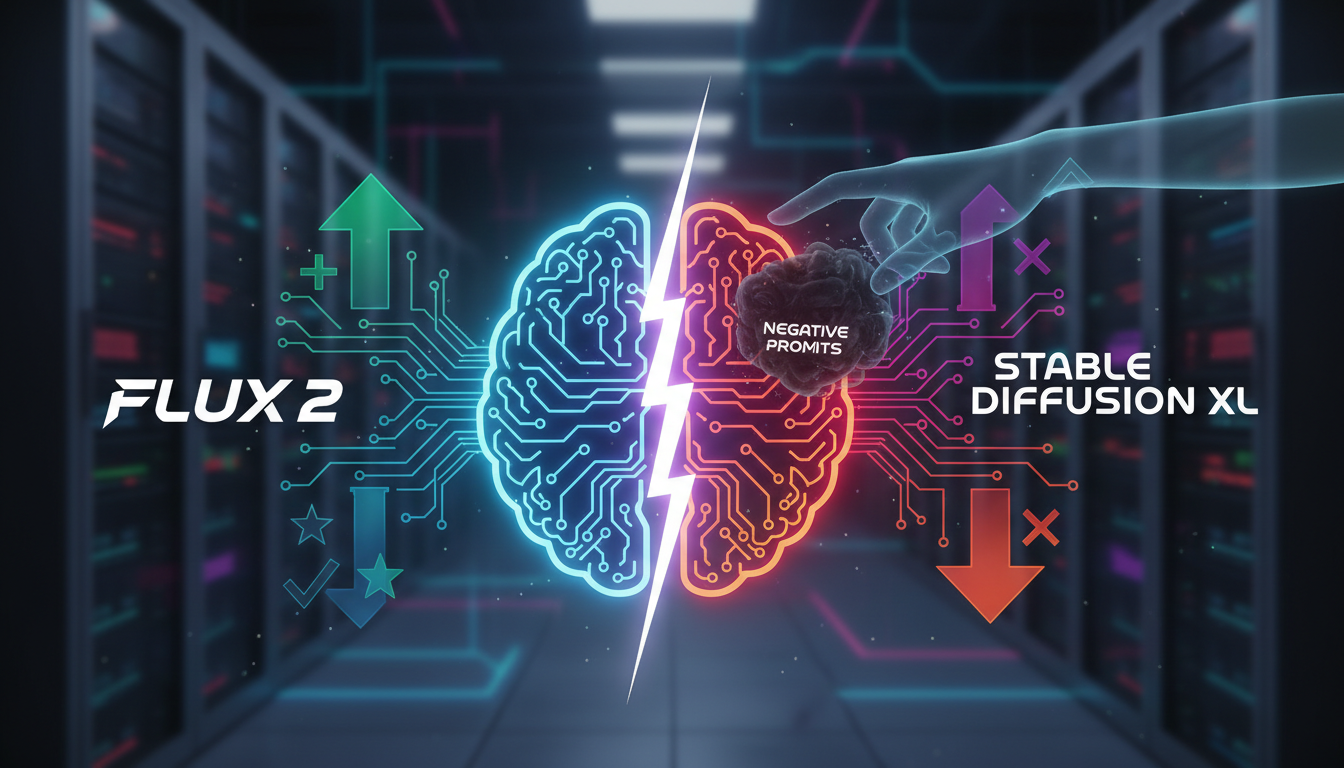
SDXL users tend to have carefully curated negative prompts that they have refined over months or years. Things like "bad hands, deformed fingers, blurry, low quality, watermark" become second nature. Some people have negative prompt templates that are 200+ words long. Losing that control mechanism feels uncomfortable at first.
I was skeptical about this when I first switched to FLUX 2 for portrait work. My SDXL negative prompts were a security blanket. But after a few hundred generations, I realized that FLUX 2 simply does not produce the artifacts that negative prompts were designed to prevent. The hand rendering is accurate enough that you do not need to tell it "no bad hands." The image quality is high enough that "low quality" and "blurry" are not realistic failure modes.
Hot take number two: Negative prompts in SDXL are a band-aid for model limitations, not a genuine creative tool. The fact that FLUX 2 does not need them is a sign of architectural maturity, not a missing feature. I think in two years, we will look back at negative prompts the way we look at manual memory management in programming. It worked, it gave you control, but the automated alternative is just better for most people.
That said, there are legitimate cases where negative prompts provide useful creative direction. If you are generating fantasy art and want to explicitly steer away from certain visual elements, the negative prompt gives you that lever. FLUX 2's approach of "just write a better positive prompt" works in theory but does require more thoughtful prompt engineering.
What Are the Best Use Cases for Each Model?
After months of testing, I have settled into a pattern where I use each model for specific tasks. Let me walk you through how I actually use them in practice, because I think this is more useful than abstract comparisons.
I reach for FLUX 2 when a client needs professional-quality imagery. Portfolio shots, product photography, hero images for websites, and anything where the final image will be seen at high resolution and scrutinized closely. The 4MP output and the photorealistic rendering make it the right tool for work that needs to look polished and professional. At Apatero.com, most of the featured imagery we produce for client showcases goes through FLUX 2 because the quality ceiling is simply higher.
The multi-reference capability in FLUX 2 Pro is another reason I reach for it in professional contexts. Being able to feed the model up to 8 reference images and have it synthesize elements from all of them is incredibly powerful for maintaining visual consistency across a project. I used this last month for a branding project where we needed 20 images that all shared a consistent color palette and visual style. In SDXL, achieving that kind of consistency would require a custom trained LoRA or checkpoint. In FLUX 2, you just provide reference images and describe what you want.
Want to skip the complexity? Apatero gives you professional AI results instantly with no technical setup required.
I use SDXL for creative exploration, rapid prototyping, and anything involving specialized styles. When I want to generate 50 variations of a concept quickly, SDXL's speed advantage matters. When I need a specific artistic style that a community LoRA nails perfectly, SDXL is the obvious choice. And when I am working on a machine with limited VRAM and need reliable output, SDXL's lower resource requirements make it more practical.
Here is a concrete example from last week. I was exploring visual concepts for a fantasy book cover project. I started with SDXL and generated about 80 rough concepts in an afternoon, using three different style LoRAs to explore different visual directions. Once the client picked a direction, I switched to FLUX 2 to produce the final high-resolution output with precise detail work. Best of both worlds.
How Does the FLUX 2 Upgrade Path Compare to SDXL's Stability?
One thing that does not get discussed enough is the upgrade and migration story for each model ecosystem.
SDXL is a known quantity. Your workflows, your LoRAs, your favorite checkpoints, they all work today the same way they worked a year ago. There is enormous value in that stability, especially if you have built production pipelines around SDXL. I know creators who have spent hundreds of hours building SDXL workflows in ComfyUI that produce exactly the output they need, and switching to FLUX 2 would mean rebuilding all of that from scratch.
The FLUX 2 vs FLUX 1 comparison is worth reading if you are considering the upgrade from an earlier FLUX model. The jump from FLUX 1 to FLUX 2 was significant enough that some workflows needed rethinking, especially around LoRA compatibility and prompt structure.
FLUX 2 is still evolving. Black Forest Labs continues to release updates and optimizations, which is great for capability but means your workflow might need adjustment. I have had to update my ComfyUI nodes three times in the past two months to keep up with FLUX 2 changes. Not a dealbreaker, but it is friction that SDXL users do not deal with.
For anyone building tools or platforms on top of these models, which is something we think about a lot at Apatero.com, ecosystem stability is a real factor. SDXL's mature and settled ecosystem means fewer surprises in production.
What About API Pricing and Cloud Generation?
Not everyone runs models locally, and for cloud-based generation the cost comparison matters.

FLUX 2 Pro through the fal.ai API or similar services runs at a higher per-image cost than SDXL equivalents. The exact pricing varies by provider, but expect to pay roughly 2-4x more per FLUX 2 generation compared to SDXL. For occasional use that is fine, but if you are generating thousands of images monthly, those costs add up.
SDXL API pricing has dropped considerably as more providers compete for that market. You can find SDXL generation for fractions of a cent per image through some providers, which makes it extremely cost-effective for high-volume use cases like generating product mockups or social media content at scale.
Earn Up To $1,250+/Month Creating Content
Join our exclusive creator affiliate program. Get paid per viral video based on performance. Create content in your style with full creative freedom.
I ran a cost analysis last month for a project that needed 500 images over two weeks. Using FLUX 2 Pro via API would have cost about $50-75. The same volume through an SDXL API endpoint was under $10. The quality difference mattered for maybe 20% of those images, so I used a hybrid approach: FLUX 2 for the hero shots and key visuals, SDXL for everything else.
Can You Run Both Models in the Same Workflow?
Absolutely, and this is what I recommend for most serious creators. ComfyUI makes it straightforward to build workflows that route different tasks to different models.
My current setup has both FLUX 2 (GGUF quantized) and SDXL loaded in ComfyUI. I use a simple routing approach: prompts tagged with a specific prefix go to one model or the other. For portrait work and high-resolution output, the workflow routes to FLUX 2. For style exploration and batch generation, it routes to SDXL.
The key to making this work smoothly is VRAM management. You cannot have both models loaded simultaneously unless you have a very high-end card. I use ComfyUI's model unloading feature to swap between them, which adds a few seconds of load time but keeps VRAM usage manageable.
One trick I have found useful: I generate initial compositions in SDXL at 512x512 as rough drafts, then use those as reference images for FLUX 2 to produce the final high-resolution output. This combines SDXL's speed for iteration with FLUX 2's quality for the final product. It is not a perfect workflow, but it saves me significant time compared to iterating entirely in FLUX 2.
A hybrid workflow approach: using SDXL for rapid concept iteration and FLUX 2 for final high-resolution output. This combines the speed advantage of SDXL with the quality ceiling of FLUX 2.
My Honest Recommendation for Different Users
I have strong opinions about who should use which model, and I will share them bluntly.
If you are just getting started with AI image generation, start with SDXL. The community resources, tutorials, and troubleshooting support are vastly more developed. You will learn faster and hit fewer dead ends. Once you are comfortable with the fundamentals, adding FLUX 2 to your toolkit will feel natural.
If you are a professional creating client-facing work, you need FLUX 2 in your pipeline. The quality difference matters when clients are paying for results, and the multi-reference capability is a genuine productivity multiplier. Keep SDXL around for exploration and draft work.
If you are a hobbyist who loves experimenting with styles, SDXL is your model. The LoRA ecosystem is your playground, and nothing else comes close to the variety of styles and concepts you can explore. Check out the LoRA training guide if you want to create your own custom styles.
If you are building a product or service around image generation, consider both. Apatero.com and similar platforms increasingly need to support multiple models to give users the best tool for each specific task.
Hot take number three: I think the "FLUX 2 vs SDXL" framing is the wrong question entirely. The right question is "how do I use both effectively?" We are past the point where any single model is the right answer for every use case. The creators who are producing the best work in 2026 are the ones who treat their model selection like a photographer treats their lens selection. You pick the right tool for the specific shot.
Frequently Asked Questions
Is FLUX 2 Better Than Stable Diffusion XL for All Types of Images?
No. FLUX 2 excels at photorealism, portraits, and high-resolution output, but SDXL produces better results for anime, heavily stylized art, and any style where community LoRAs provide specialized training. The "better" model depends entirely on what you are creating.
Can I Run FLUX 2 on an 8GB GPU?
Yes, with GGUF quantization. A Q4 quantized FLUX 2 model can run on 8GB VRAM cards like the RTX 4060 or RTX 3060. Generation will be slower than a high-end card, roughly 60-70 seconds per image, but the quality is surprisingly good. Check out the FLUX 2 Klein consumer GPU guide for detailed setup instructions.
Why Does FLUX 2 Not Support Negative Prompts?
FLUX 2 uses a different architecture that does not include a mechanism for negative conditioning. The model is designed to produce high-quality output from positive prompts alone. In practice, the artifacts that negative prompts were designed to prevent (bad hands, blurry output, low quality) rarely appear in FLUX 2 generations.
How Much VRAM Do I Need for SDXL vs FLUX 2?
SDXL runs well on 6-8GB VRAM cards. FLUX 2 at full FP16 precision needs 48GB+, but GGUF quantized versions bring this down to 8-12GB depending on the quantization level. For comfortable generation with reasonable speed, I recommend 12GB+ for SDXL and 16GB+ for FLUX 2.
Are SDXL LoRAs Compatible With FLUX 2?
No. LoRAs are architecture-specific. SDXL LoRAs only work with SDXL-based models, and FLUX 2 LoRAs only work with FLUX 2. You cannot use them interchangeably. This is one reason the SDXL ecosystem remains valuable, since those LoRAs represent years of community training effort.
Which Model Produces Better Text in Images?
FLUX 2, by a significant margin. Text rendering in FLUX 2 is remarkably accurate, often producing perfectly legible text in signs, labels, and typography elements. SDXL still struggles with text rendering and frequently produces garbled or nonsensical characters, even with careful prompting.
Is It Worth Paying for FLUX 2 Pro API Access if I Already Run SDXL Locally?
It depends on your needs. If you regularly need professional-quality photorealistic output and cannot run FLUX 2 locally, API access is worth the cost. For casual use or primarily stylized output, your local SDXL setup is probably sufficient. Consider a hybrid approach where you use API access for specific high-priority images.
How Do the Two Models Handle Complex Multi-Subject Compositions?
FLUX 2 handles complex scenes with multiple subjects significantly better than SDXL. It is more accurate at placing elements where you describe them, maintaining distinct attributes for different subjects, and creating coherent spatial relationships. SDXL tends to blend attributes between subjects in complex scenes unless you use regional prompting or ControlNet.
Will SDXL Become Obsolete as FLUX 2 Matures?
I do not think so, at least not in 2026. SDXL's value is not just in the base model but in the massive ecosystem built around it. Until FLUX 2 or its successors develop a comparable library of LoRAs, checkpoints, and community tools, SDXL will remain relevant for specialized use cases. Think of it like how Photoshop did not kill GIMP. Different tools serve different communities.
What Is the Best Way to Transition From SDXL to FLUX 2?
Start by running FLUX 2 alongside SDXL rather than replacing it. Use FLUX 2 for new projects where you need its strengths (photorealism, text rendering, high resolution) and keep your SDXL workflows for everything else. Gradually build up your FLUX 2 LoRA collection and workflow knowledge. The transition works best as a gradual expansion of your toolkit rather than a hard switch.
Final Thoughts
The FLUX 2 vs SDXL debate is one of those discussions where both sides are right. FLUX 2 is objectively the more capable model for raw image quality. SDXL is objectively the more practical choice for many real-world workflows. The mature ecosystem, lower hardware requirements, faster generation, and massive LoRA library are genuine advantages that quality alone does not overcome.
My advice is simple. Stop trying to pick a winner and start learning both. The investment in understanding two model ecosystems pays dividends in creative flexibility and production capability. Every image I produce goes through a mental decision tree: does this need FLUX 2 quality, or will SDXL speed and flexibility serve me better? Usually the answer is obvious, and having both options makes my work better.
The AI image generation landscape will keep evolving. New models will emerge, and the balance of advantages will shift. But the principle of choosing the right tool for the specific job will always hold true. Build your skills across multiple models, invest in understanding the ecosystems around them, and you will be well-positioned no matter where the technology goes next.
Make AI images and video in your browser
Characters, video, photo packs. No GPU, no setup. Your first generation is free.
Related Articles

10 Best AI Influencer Generator Tools Compared (2025)
Comprehensive comparison of the top AI influencer generator tools in 2025. Features, pricing, quality, and best use cases for each platform reviewed.

5 Proven AI Influencer Niches That Actually Make Money in 2025
Discover the most profitable niches for AI influencers in 2025. Real data on monetization potential, audience engagement, and growth strategies for virtual content creators.

AI Action Figure Generator: How to Create Your Own Viral Toy Box Portrait in 2026
Complete guide to the AI action figure generator trend. Learn how to turn yourself into a collectible figure in blister pack packaging using ChatGPT, Flux, and more.