Best RVC Voice Models in 2026: Complete Guide to Finding and Using Quality Models
Discover the best RVC voice models available and learn how to find, evaluate, and use them effectively for voice cloning projects.
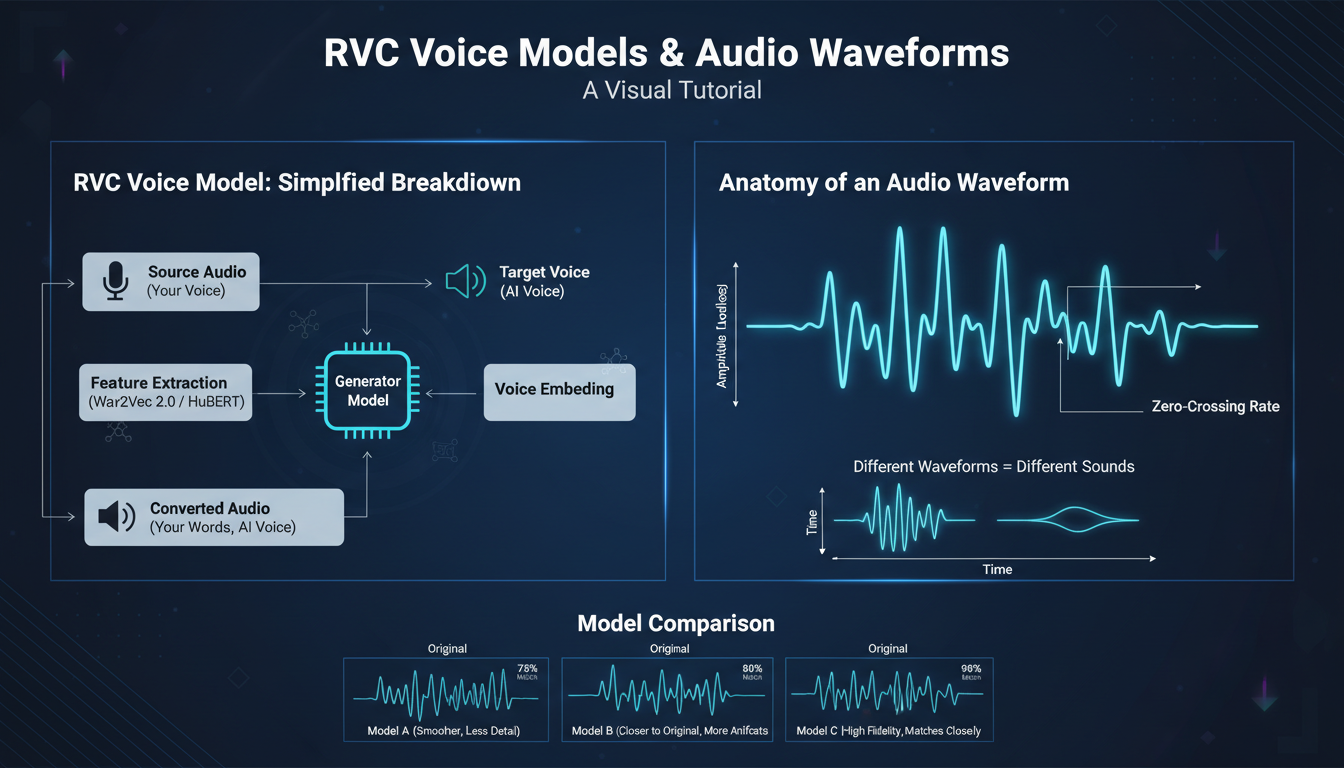
RVC voice quality depends heavily on the models you use. While training your own models from scratch works for custom characters, thousands of pre-trained models exist that can accelerate projects or serve purposes directly. Knowing where to find quality models and how to evaluate them saves significant time and effort.
This guide explores the RVC model ecosystem: where to find models, how to evaluate quality, popular model categories, and best practices for using community models effectively.
Quick Answer: The best RVC models are found on platforms like Hugging Face, Discord communities, and specialized model repositories. Quality indicators include clean training audio, appropriate epoch count, and positive community feedback. For general purposes, celebrity and character voice models offer quick results. For custom projects, training your own models from quality audio provides best consistency.
:::tip[Key Takeaways]
- Follow the step-by-step process for best results with rvc voice models in 2026
- Start with the basics before attempting advanced techniques
- Common mistakes are easy to avoid with proper setup
- Practice improves results significantly over time :::
- Where to find RVC voice models
- How to evaluate model quality
- Popular model categories and uses
- Legal and ethical considerations
- Best practices for model usage
Understanding RVC Models
RVC models capture voice characteristics extracted from audio samples. When you convert audio through an RVC model, the output sounds like the voice the model was trained on while preserving the original speech content, timing, and emotion.
Model Components
RVC models consist of:
Index file (.index): Helps match voice characteristics more accurately. Optional but improves quality.
Model file (.pth): The main model containing voice information. Required for conversion.
Configuration: Training parameters that affect how the model performs.
Quality Factors
Model quality depends on:
Training audio quality: Clean, clear recordings produce better models.
Audio quantity: More diverse samples create more versatile models.
Training parameters: Appropriate settings prevent over or under-fitting.
Voice complexity: Some voices are inherently easier to model than others.
Where to Find RVC Models
Hugging Face
The primary repository for machine learning models, including extensive RVC collections.
Finding models:
- Search "RVC" in the models section
- Browse by voice type or character
- Check model cards for quality information
Advantages:
- Large selection
- Version control
- Community ratings
- Documentation
Download process:
- Find desired model
- Download .pth and .index files
- Place in RVC models folder
Discord Communities
Active RVC communities share models directly:
Popular communities:
- AI Voice Cloning servers
- RVC-specific communities
- Character-focused communities
Advantages:
- Direct creator interaction
- Custom requests possible
- Quality feedback from users
- Newer models appear here first
Cautions:
- Variable quality
- Less organized than repositories
- May require community membership
Model Repositories
Dedicated sites aggregate RVC models:
Features:
- Categorized organization
- Preview samples
- Quality ratings
- Download tracking
Popular repositories evolve, so search current options when looking.
Training Yourself
For best results, train models on your target voice:
Advantages:
- Exact voice you need
- Quality you control
- No legal concerns with permissions
When to train:
- Specific character needed
- Quality models unavailable
- Privacy requirements
See our for complete instructions.
Evaluating Model Quality
Audio Sample Testing
Before committing to a model, test with sample audio:
Test with:
- Various sentence types
- Different emotional tones
- Both speaking and singing if needed
Listen for:
- Natural sound without artifacts
- Consistent quality across samples
- Appropriate emotion transfer
Quality Indicators
Good signs:
- Clear, artifact-free outputs
- Natural breathing sounds preserved
- Emotion and inflection transfer well
- Works with various input voices
Warning signs:
- Metallic or robotic sound
- Missing consonants
- Inconsistent quality
- Only works with specific inputs
Community Feedback
Check what others report:
- Model card comments
- Discord discussions
- Forum reviews
- Usage examples
Community experience often reveals issues not apparent from brief testing.
Technical Checks
Examine model details:
Epoch count: 200-500 typical for good models. Too few = undertrained. Too many = possible overtraining.
Training sample info: More diverse samples generally better.
Version: Newer RVC versions often perform better.
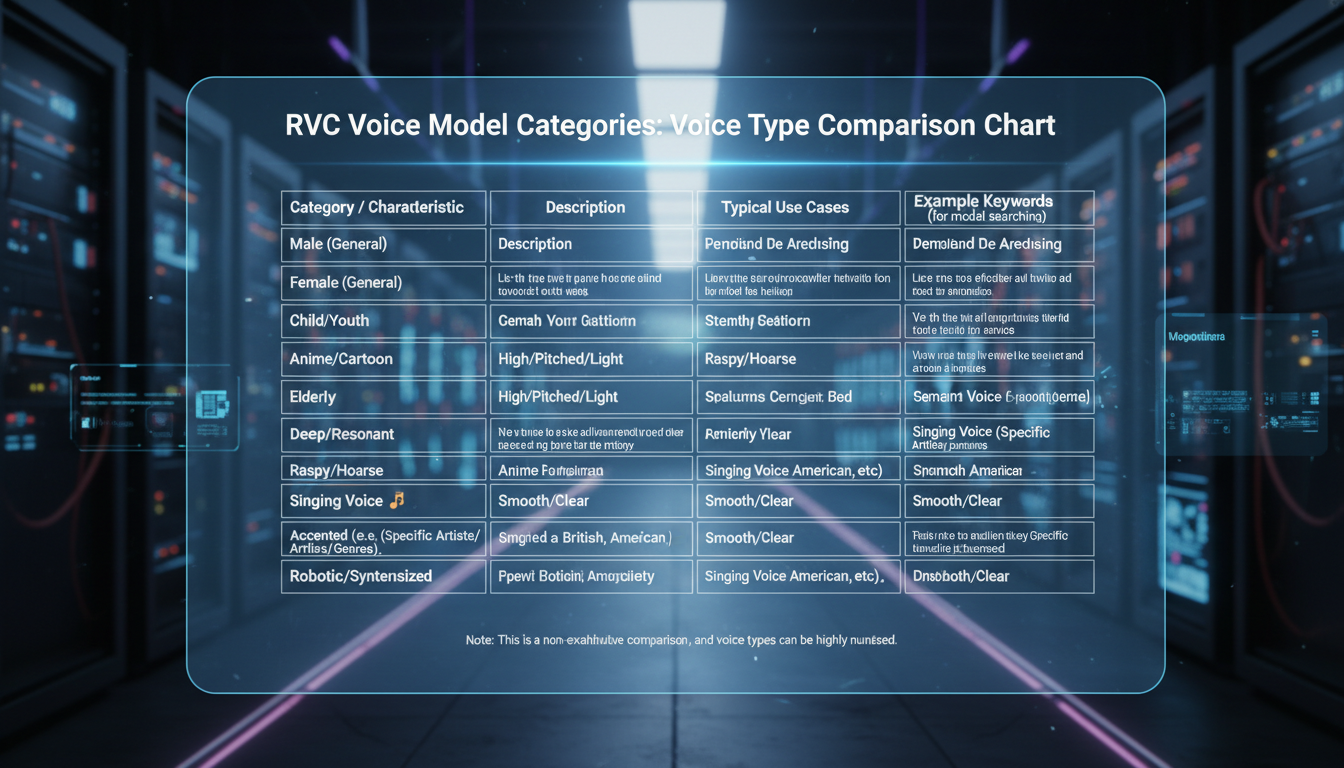
Popular Model Categories
Celebrity Voices
Among the most common models:
Common types:
- Singers for cover creation
- Actors for creative projects
- Influencers and streamers
Quality varies widely. Popular celebrities have many model versions. Compare several before choosing.
Legal note: Commercial use of celebrity likenesses typically requires permission.
Character Voices
Fictional character models serve various creative purposes:
Categories:
- Anime characters
- Game characters
- Movie/TV characters
Uses:
- Fan content creation
- Dubbing projects
- Creative projects
Generic Voices
Non-specific voices useful for various purposes:
Types:
- Voice archetypes (deep male, soft female, etc.)
- Accent-specific models
- Age-specific models
Advantages:
- Fewer legal concerns
- More versatile use
- Good for commercial projects
Custom Character Models
Models for original characters:
Sources:
- Voice actors recorded specifically
- Self-recorded audio
- Purchased voice work
Best for:
- AI character projects
- Original content creation
- Commercial applications
Best Practices
Model Organization
Keep models organized for efficient workflow:
Folder structure:
models/
 ├── celebrities/
 │ ├── singer1/
 │ └── singer2/
 ├── characters/
 │ ├── anime/
 │ └── games/
 └── custom/
Documentation:
- Note model sources
- Record quality assessments
- Track usage rights
Input Audio Optimization
Better inputs produce better outputs:
Quality requirements:
- Clean, noise-free audio
- Consistent volume
- Clear speech/singing
Pre-processing:
- Noise reduction if needed
- Volume normalization
- Format conversion to WAV
Parameter Tuning
Adjust conversion settings per model:
Pitch shift: Match input and model voice register.
Index ratio: Higher values match model voice more closely.
Filter radius: Smooth pitch variations.
Protect: Preserve consonants and breathing.
Each model responds differently. Experiment to find optimal settings.
Quality Control
Implement checks in workflow:
Listen critically: Don't just accept output automatically.
A/B compare: Test different models on same input.
Get feedback: Fresh ears catch issues you miss.
Iterate: Multiple passes often improve results.
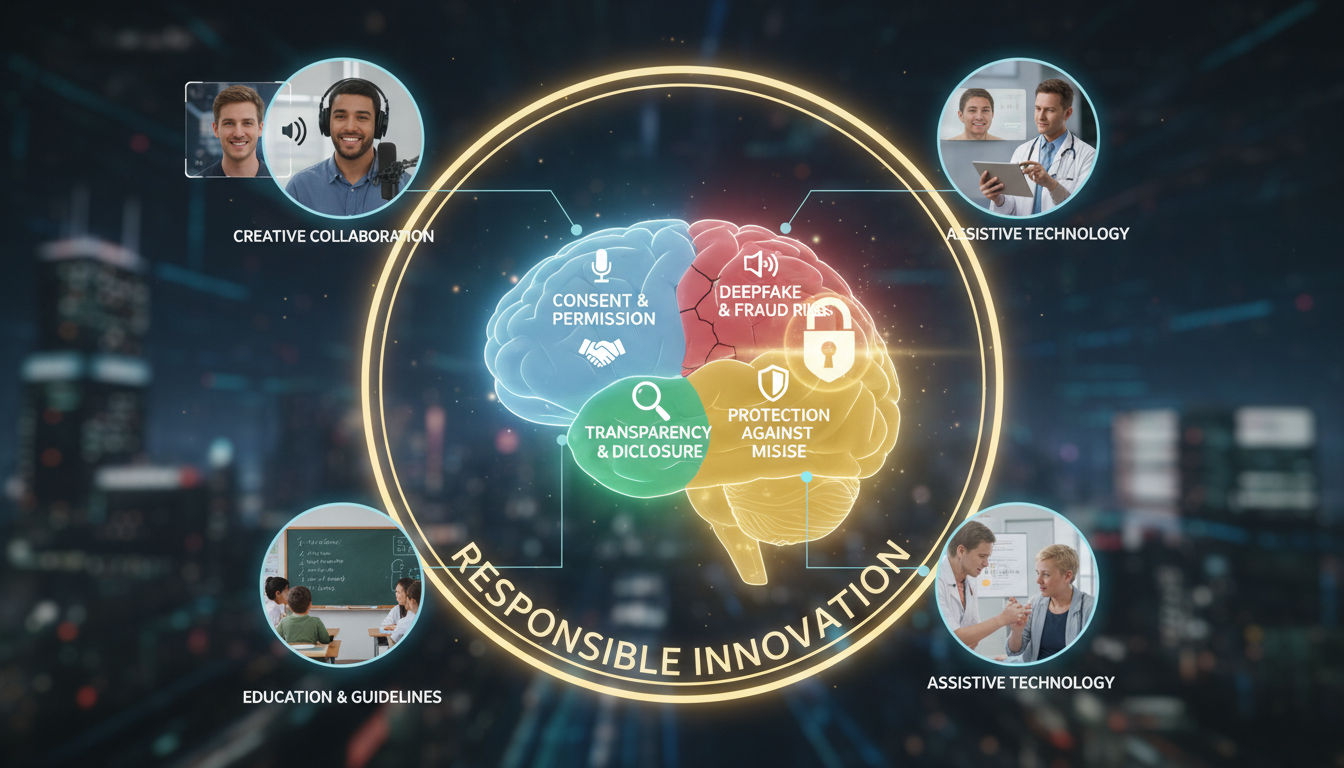
Legal and Ethical Considerations
Copyright and Likeness
Voice cloning involves legal considerations:
Training audio: Need rights to audio used for training.
Voice likeness: Using recognizable voices may require permission.
Commercial use: More restricted than personal use.
Jurisdiction: Laws vary by location.
Ethical Use
Beyond legality, consider ethics:
Never use for:
- Impersonation or fraud
- Non-consensual intimate content
- Harassment or defamation
Responsible use:
- Disclosure when appropriate
- Respect privacy and consent
- Consider impact on real people
Platform Policies
Different platforms have different rules:
YouTube: Has specific policies on synthetic media. Social media: Varies by platform. Commercial use: Additional considerations.
Research relevant policies for your intended use.
Troubleshooting Common Issues
Metallic or Robotic Sound
Causes:
- Low quality model
- Wrong settings
- Poor input audio
Solutions:
- Try different model
- Adjust filter radius
- Improve input quality
- Reduce index ratio
Missing Words or Consonants
Causes:
- Over-aggressive conversion
- Model limitation
Solutions:
- Increase protect parameter
- Reduce conversion strength
- Try different model
Inconsistent Quality
Causes:
- Model trained on limited samples
- Input variation
Solutions:
- Standardize input audio
- Use more consistent model
- Post-process outputs
Frequently Asked Questions
Where can I find free RVC models?
Hugging Face, Discord communities, and model repositories offer extensive free options.
How do I know if a model is high quality?
Test with various inputs, check community feedback, and evaluate technical specifications.
Can I use celebrity voice models commercially?
Generally requires permission. Consult legal advice for specific situations.
How many models should I test before choosing?
For important projects, test at least 3-5 models of the same voice to find best option.
What file types do I need for RVC models?
Primary .pth model file required. Index file (.index) optional but recommended.
How do I install new models?
Place model files in your RVC installation's models folder, then restart interface.
Can I combine multiple models?
Not directly. Some users create blended models through specialized techniques.
What's the difference between v1 and v2 models?
V2 models generally produce better quality with same input. Use v2 when available.
Conclusion
Finding quality RVC models involves knowing where to look, how to evaluate, and understanding appropriate use. The ecosystem offers extensive options for various needs, from celebrity voices to custom characters.
For best results, combine community models with quality input audio and appropriate settings. When models don't exist for your needs, training custom models remains the best solution.
For complete RVC setup and training instructions, see our . For integrating voice with AI characters, explore our guide on .
Generate the voice in your browser
Text to speech and voices for your videos, no model to install. Check your welcome allowance and the displayed cost before generating.
Related Articles

AI Art Market Statistics 2025: Industry Size, Trends, and Growth Projections
Comprehensive AI art market statistics including market size, creator earnings, platform data, and growth projections with 75+ data points.

AI Automation Tools: Transform Your Business Workflows in 2025
Discover the best AI automation tools to transform your business workflows. Learn how to automate repetitive tasks, improve efficiency, and scale operations with AI.

AI Background Remover and Generator: The Complete Guide to Replacing, Creating, and Perfecting Image Backgrounds
Master AI background removal, replacement, and generation. Compare the best tools, learn proven techniques, and transform your product photos and portraits.