Apatero vs Tensor.Art: Detailed Comparison for AI Artists in 2025
Complete comparison of Apatero and Tensor.Art for AI image generation. Model libraries, pricing, anime capabilities, and video features compared.
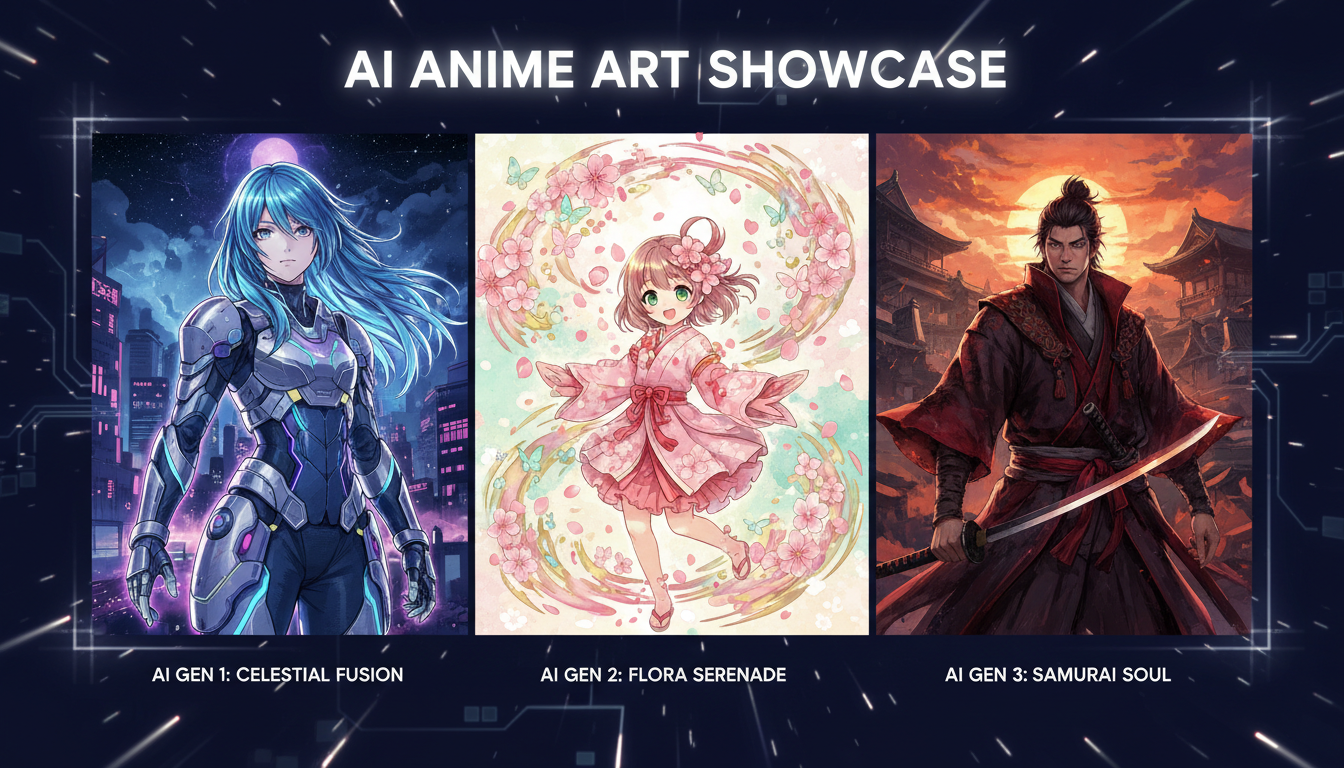
Tensor.Art has become the go-to platform for anime artists. Apatero positions itself as the all-in-one solution with video capabilities. They serve different primary audiences, but overlap significantly. Here's how they actually compare when you're choosing between them.
Quick Answer: Tensor.Art excels for anime/stylized art with its massive model library and active community. Apatero wins for video generation, simpler interface, and fewer content restrictions. Choose Tensor.Art for character illustration work; choose Apatero for production versatility and video needs.
:::tip[Key Takeaways]
- Each apatero vs tensor.art: detailed comparison for ai artists in 2025 option has distinct strengths for different use cases
- Pricing varies significantly - consider your volume and feature needs
- Test free tiers before committing to paid plans
- Your specific workflow requirements should drive the final choice :::
- Specialization: Tensor.Art is anime-focused; Apatero is general-purpose
- Models: Tensor.Art has thousands of community models; Apatero is curated
- Video: Apatero has text-to-video; Tensor.Art is image-only
- Pricing: Tensor.Art is $9.99/mo subscription; Apatero is pay-per-use
- Community: Tensor.Art has active model sharing; Apatero is tool-focused
Platform Overview
What Is Tensor.Art?
Tensor.Art is a community-driven AI art platform specializing in anime, manga, and stylized illustration. It hosts thousands of custom Stable Diffusion models, LoRAs, and embeddings created by the community.
The platform combines model hosting with on-site generation, creating an ecosystem where users can discover, share, and use specialized models without local installation.
What Is Apatero?
Apatero is a cloud-based AI generation platform emphasizing simplicity and creative freedom. It offers text-to-image, image-to-image, text-to-video, image-to-video, and LoRA training through a simplified interface.
Apatero uses curated, high-quality models rather than community-uploaded options, focusing on consistent results over variety.
Model Library Comparison
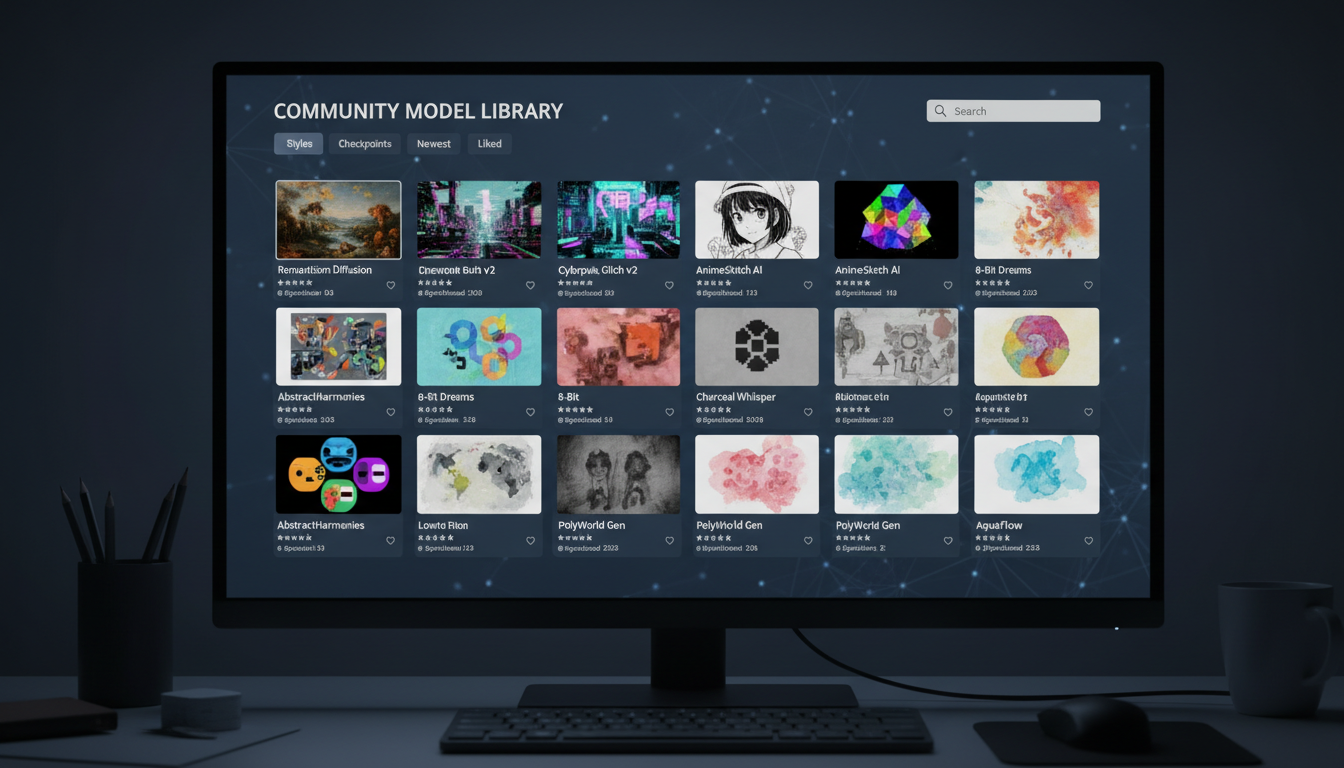 Tensor.Art's extensive model library is its primary differentiator
This is where the platforms diverge most dramatically.
Tensor.Art Models
- Quantity: Thousands of models, LoRAs, and embeddings
- Specialization: Heavily anime/manga-focused
- Sources: Community-uploaded, continuously growing
- Categories: Characters, styles, concepts, poses
- Quality: Variable (community-rated)
The model variety is Tensor.Art's killer feature. Want a specific anime style? There's probably a LoRA for it. Need a particular character type? Multiple options exist.
Apatero Models
- Quantity: Curated selection
- Specialization: General-purpose, photorealistic emphasis
- Sources: Platform-selected
- Categories: Flux, modern architectures
- Quality: Consistently high
Apatero trades variety for reliability. Fewer choices, but each one works well out of the box.
Verdict: Tensor.Art for variety and anime; Apatero for consistency and realism.
Anime and Character Art
If anime is your focus, this comparison matters most.
Tensor.Art Anime Capabilities
Tensor.Art is essentially built for anime artists:
- Dedicated anime model categories
- Character LoRAs for specific styles
- Pose and expression guidance
- Active anime art community
- Real-time generation preview
For character illustration, particularly anime/manga styles, Tensor.Art is hard to beat. The specialized models produce results that general-purpose platforms can't match.
Apatero Anime Capabilities
Apatero can generate anime art, but it's not the primary focus:
- General Flux models work for anime
- Less specialized control
- Cleaner but less stylized results
- Better for realistic anime-influenced art
Verdict: Tensor.Art dominates for anime. Apatero is adequate but not specialized.
Video Generation
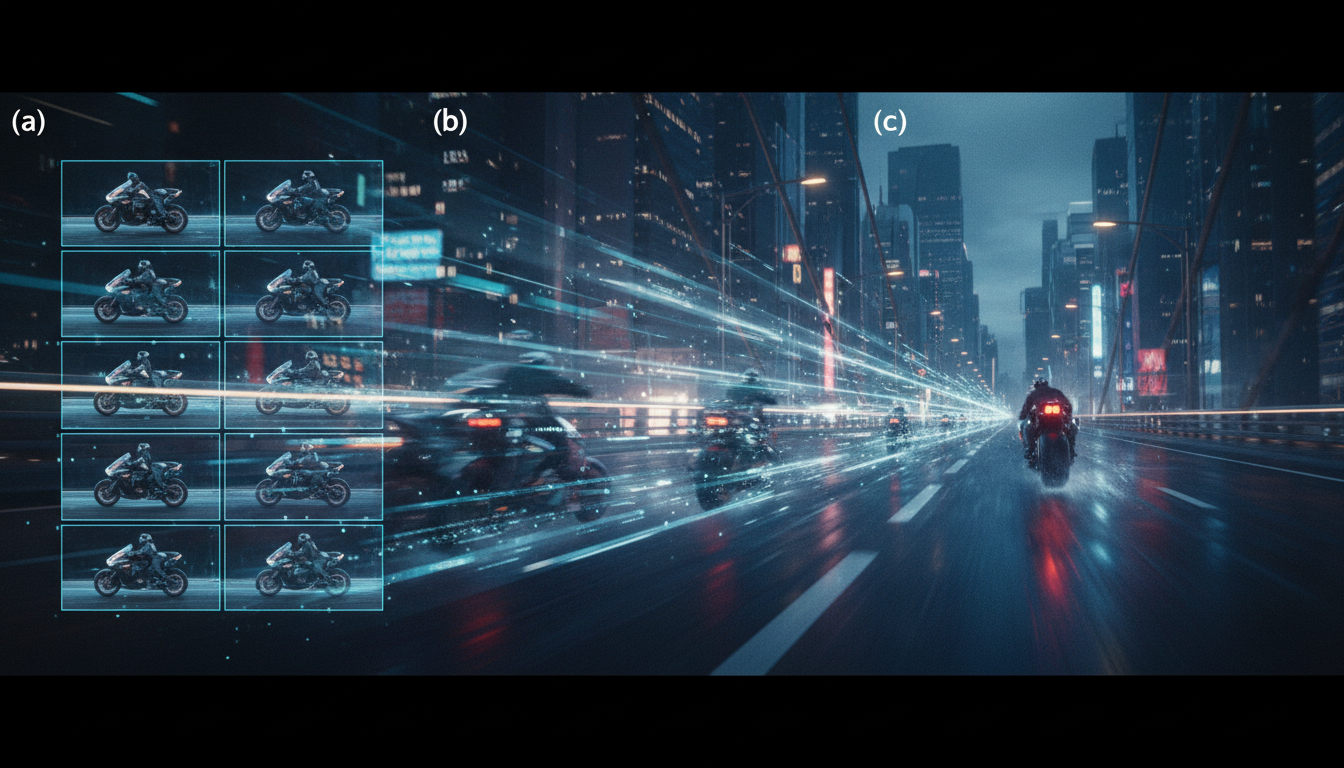 Video generation is Apatero's exclusive advantage in this comparison
Apatero Video
This is Apatero's major differentiator:
- Text-to-video: Generate video from prompts
- Image-to-video: Animate still images
- Multiple models: Access to Wan, Flux video variants
- Integrated workflow: Same interface as image generation
For creators needing both images and video, this eliminates the need for separate tools.
Tensor.Art Video
Tensor.Art does not offer video generation. It's purely an image platform.
Verdict: Apatero wins by default—Tensor.Art doesn't compete here.
LoRA and Customization
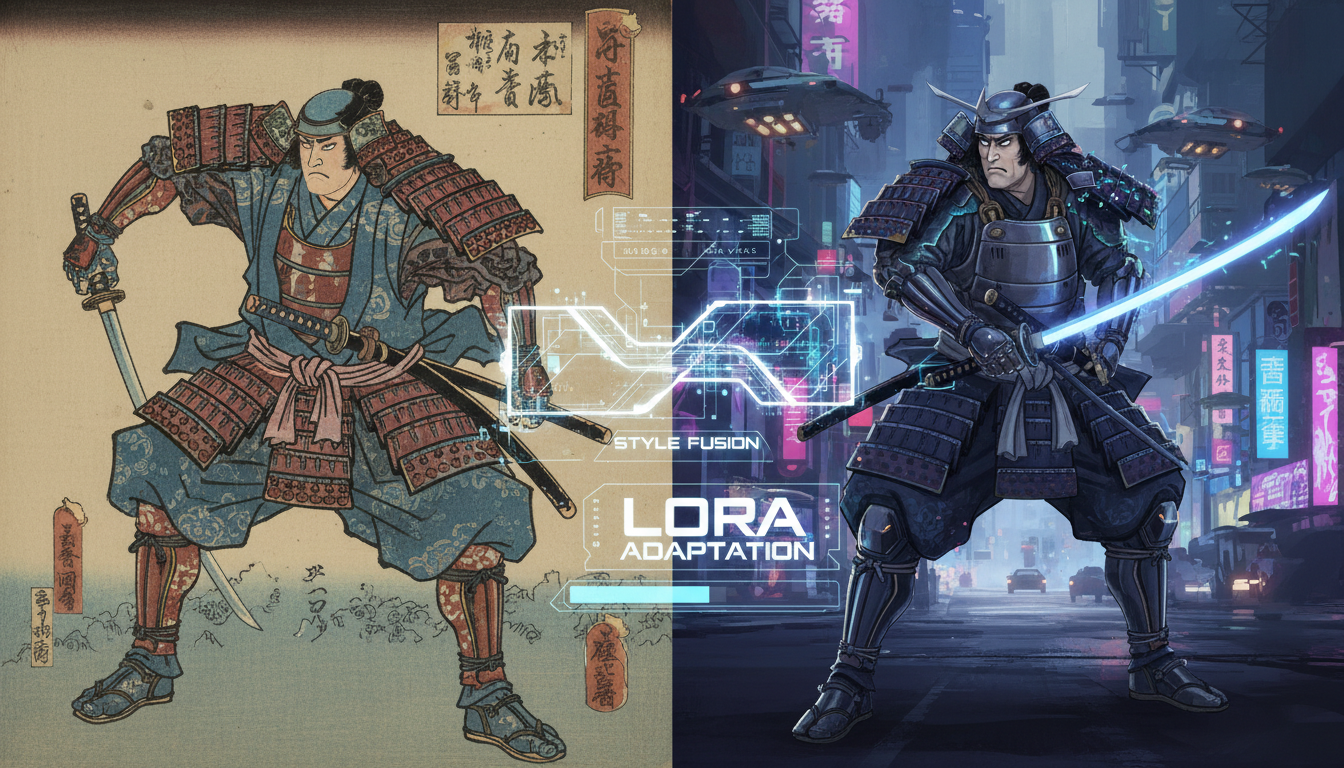 Both platforms support LoRA, but implementation differs significantly
Tensor.Art LoRA Support
- Use: Access thousands of community LoRAs instantly
- Training: Community members train and share
- Discovery: Browse, search, filter by style/subject
- Stacking: Combine multiple LoRAs
The ecosystem approach means you rarely need to train your own—someone probably already made what you need.
Apatero LoRA Support
- Use: Apply platform-provided and custom LoRAs
- Training: Train your own LoRAs on the platform
- Discovery: Limited to platform-offered options
- Control: Full control over your trained models
Apatero's advantage is training your own LoRAs without technical setup. The disadvantage is no community library.
Verdict: Tensor.Art for using existing LoRAs; Apatero for training custom ones.
Pricing Structure
Tensor.Art Pricing
- Free tier: Limited daily generations
- Premium: $9.99/month
- Includes: Priority generation, more daily credits
- Model access: All models available on all tiers
Subscription-based, predictable monthly cost.
Apatero Pricing
- Model: Pay-per-use
- Cost: ~$0.03-0.05 per image
- Video: Additional cost
- No subscription: Pay only for what you generate
Use-based, scales with actual usage.
Cost Comparison by Usage
| Monthly Usage | Tensor.Art | Apatero | Better Value |
|---|---|---|---|
| 50 images | Free tier | ~$2.50 | Tensor.Art |
| 200 images | $9.99 | ~$10 | Tie |
| 500 images | $9.99 | ~$25 | Tensor.Art |
| 100 images + 10 videos | $9.99 | ~$15+ | Depends |
Verdict: Tensor.Art is more economical for consistent image-only use. Apatero's value increases if you need video.
User Interface
Tensor.Art Interface
- Model browser with previews
- Advanced generation parameters
- Community galleries
- Recipe/workflow sharing
- More complex, more options
The interface serves power users who want control over every parameter.
Apatero Interface
- Single-screen generation
- Minimal options
- One-click workflow
- Focus on output, not process
Designed for users who want results without learning curves.
Verdict: Tensor.Art for control; Apatero for simplicity.
Content Restrictions
Tensor.Art Restrictions
- Anime-focused means relaxed artistic style policies
- Broad creative range within platform rules
- Some restrictions on realistic depictions
- Terms of service standard limitations
Apatero Restrictions
- Minimal prompt filtering
- Few false positives on artistic terms
- Broad style range supported
- Standard illegal content prohibited
Verdict: Both are relatively permissive. Apatero slightly more open for non-anime styles.
Community and Support
Tensor.Art Community
- Active Discord
- Model creators and tutorials
- Challenge events
- Recipe sharing
Strong community aspect—it's as much a social platform as a tool.
Apatero Community
- Tool-focused rather than community-focused
- Tutorial content on blog
- Direct support available
Less community interaction, more utility focus.
Verdict: Tensor.Art for community engagement; Apatero for solo workflow.
Performance and Speed
Both platforms use cloud GPUs:
- Standard generation: 5-15 seconds on both
- Complex requests: 15-30 seconds
- Peak times: Both may have slight delays
No significant difference in generation speed for comparable tasks.
Feature Summary Table
| Feature | Apatero | Tensor.Art |
|---|---|---|
| Text-to-Image | ✓ | ✓ |
| Image-to-Image | ✓ | ✓ |
| Text-to-Video | ✓ | ✗ |
| Image-to-Video | ✓ | ✗ |
| Community Models | Limited | Extensive |
| LoRA Training | ✓ | Community |
| Anime Focus | General | Specialized |
| Real-time Preview | ✗ | ✓ |
| Model Upload | ✗ | ✓ |
| API Access | ✓ | ✓ |
Use Case Recommendations
Choose Tensor.Art If:
- Anime and manga art is your primary focus
- You want access to thousands of specialized models
- Community engagement matters to you
- You generate images daily
- Character consistency with community LoRAs is important
Choose Apatero If:
- You need video generation capabilities
- You want a simpler, faster workflow
- Your content needs fewer restrictions
- You prefer pay-per-use over subscriptions
- Photorealistic or general art is your focus
- You want to train custom LoRAs easily
Can You Use Both?
Absolutely. Many creators do:
- Tensor.Art for anime character work and accessing community styles
- Apatero for video generation, photorealistic work, and production
The platforms complement each other more than they compete.
Frequently Asked Questions
Which is better for anime?
Tensor.Art, due to its specialized model library and anime-focused community.
Which has better photorealistic generation?
Apatero's curated Flux models typically produce better photorealistic results.
Can Tensor.Art generate video?
No. Video generation is Apatero's exclusive feature in this comparison.
Which is cheaper?
Tensor.Art for consistent image-only work. Apatero potentially cheaper for irregular use.
Do both allow commercial use?
Yes, both platforms allow commercial use of generated content.
Which has the better free tier?
Tensor.Art offers more free generations daily.
Can I upload my own models to either platform?
Tensor.Art yes (community sharing); Apatero no (curated selection).
The Bottom Line
Tensor.Art is the anime artist's platform. If you're creating character illustrations, manga-style art, or anything in the stylized anime aesthetic, Tensor.Art's model library and community are unmatched.
Apatero is the versatile production tool. If you need video capabilities, prefer simpler workflows, or work across multiple styles including photorealistic content, Apatero provides more flexibility.
For many creators, the answer is both—using each platform's strengths for different parts of their workflow.
Try the style in your browser
Anime, illustration and concept art models with no install. Check your welcome allowance and the displayed cost before generating.
Related Articles

AI Art Market Statistics 2025: Industry Size, Trends, and Growth Projections
Comprehensive AI art market statistics including market size, creator earnings, platform data, and growth projections with 75+ data points.

AI Automation Tools: Transform Your Business Workflows in 2025
Discover the best AI automation tools to transform your business workflows. Learn how to automate repetitive tasks, improve efficiency, and scale operations with AI.

AI Background Remover and Generator: The Complete Guide to Replacing, Creating, and Perfecting Image Backgrounds
Master AI background removal, replacement, and generation. Compare the best tools, learn proven techniques, and transform your product photos and portraits.