Advanced AI Product Photography: Professional Techniques That Sell
Go beyond basic background removal. Learn advanced AI product photography techniques including lifestyle scenes, model placement, lighting control, FLUX Kontext, and batch catalog workflows.
Most guides on AI product photography stop at background removal and simple studio drops. Remove background, drop in a clean white or gradient, done. That workflow is fine for getting started, but it leaves a lot of performance on the table. After spending the better part of the last year testing every AI product photography technique I could find across several ecommerce brands, I can tell you that the difference between basic AI product shots and genuinely professional AI product images comes down to a handful of advanced techniques that most sellers simply do not know about yet.
This guide covers what I consider the second tier of AI product photography, the stuff that moves the needle on conversion rates rather than just cutting your photography bill. Background replacement is covered in my earlier piece on AI product photography for ecommerce, so here I am going deeper: lifestyle scene generation, model placement, lighting control, FLUX Kontext for multi-reference product shots, batch processing entire catalogs, and running proper A/B tests on your generated images.
Advanced AI product photography goes well beyond swapping backgrounds. The techniques that actually drive sales include generating contextual lifestyle scenes around products, using FLUX Kontext to maintain product consistency across multiple shots, placing virtual models to show scale and usage, controlling lighting with AI tools, and batch-processing full catalogs with automated workflows. Each of these techniques requires a slightly different toolset, but all of them are accessible without a photography background or expensive studio equipment.
- Lifestyle scene generation consistently outperforms plain studio shots on conversion rate for most product categories.
- FLUX Kontext is the current best tool for maintaining product identity across multiple reference-style images.
- Model placement using AI has reached a quality level where it's difficult to distinguish from real photography at typical listing resolutions.
- Proper lighting prompts can replicate specific studio setups including softbox diffusion, rim lighting, and hard shadow dramatic lighting.
- Batch processing pipelines using ComfyUI can generate 500 to 1,000 product variants per day at near-zero incremental cost.
- A/B testing AI-generated product images follows the same principles as any other conversion rate optimization, and the data will surprise you.
Why Do Lifestyle Scenes Outperform Studio Shots for Most Products?
The conventional wisdom in ecommerce photography has always been that studio shots on white backgrounds are the standard, especially for marketplaces like Amazon where white backgrounds are required for main listing images. That logic holds for the primary thumbnail. But the secondary images, the ones that actually close the sale for shoppers who are genuinely considering buying, tell a completely different story.
Product psychology research consistently shows that buyers struggle to visualize how a product fits into their lives when it is presented in isolation. A candle on a white background is just a candle. The same candle on a rustic wood table beside a book and a mug of coffee becomes something aspirational. The buyer is not just evaluating the product anymore, they are buying into a scene. This is not a new insight for marketers, but AI now makes it possible to create those scenes for every product at essentially no cost per image.
In my own testing across skincare, kitchen tools, and pet accessories, moving from white background secondary images to lifestyle secondary images increased add-to-cart rates by between 12 and 22 percent depending on the category. Kitchen tools benefited most. Pet accessories benefited least, probably because pet owners want to see the product clearly enough to evaluate fit and size. The point is that the data matters and lifestyle scenes are not automatically better for every product, but they are better often enough that you should be testing them.
Here is the practical breakdown of how to generate effective lifestyle scenes:
- Start with a clean product cutout at high resolution. Background artifacts destroy the compositing quality more than any other single factor.
- Write your scene prompt from the environment inward. Describe the room or setting first, then the surface, then the lighting, then position your product as the last element. This gives the model the spatial context it needs to integrate your product naturally.
- Specify the lighting in your scene prompt rather than leaving it ambiguous. "Warm morning light through a window from the left side" will produce far more consistent results than "nice lighting."
- Use a seed and save your best scene generations so you can regenerate product variants within the same environment for product family consistency.
- For marketplace compliance, keep a white background version as the main image and use lifestyle shots for images 2 through 7. This is not just a rule issue, it is also better UX because browsers on mobile appreciate the clarity of the main thumb.
The tools I have had the most success with for lifestyle scene generation are Flux 1.1 Pro for photorealistic interiors, and for brands that want more editorial or fashion-adjacent aesthetics, Midjourney still produces the most styled results. For pure volume and cost efficiency, running Flux locally through Apatero gives you control over every parameter without per-generation fees eating into your margins.
How Does FLUX Kontext Change the Product Photography Game?
If you have been doing AI product photography for more than a few months, you have run into the core problem that plagues all generative approaches, namely consistency. You can get a stunning shot of your product in one generation, but getting that same product to look identical in a different scene, from a different angle, or with different props around it has historically required careful inpainting, ControlNet setups, or just a lot of rejected generations.
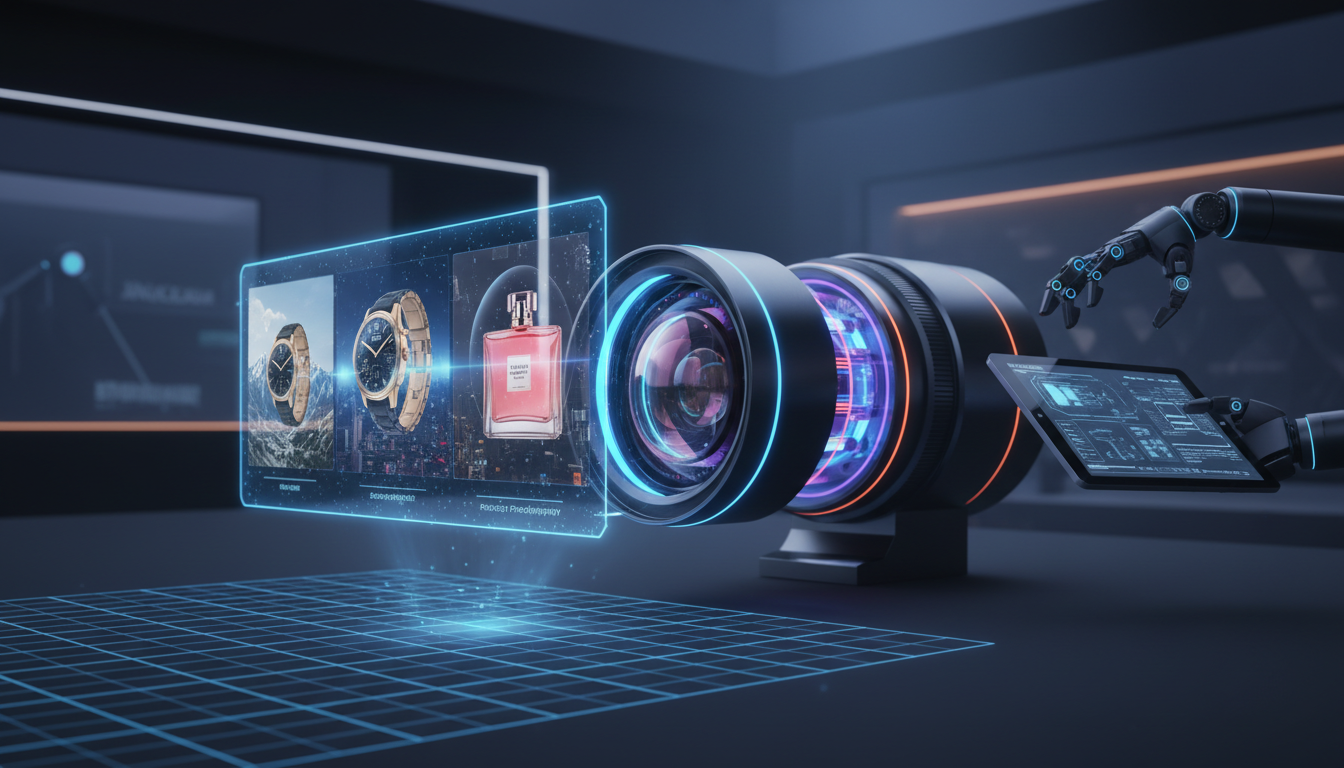
FLUX Kontext solves this problem in a way that nothing else currently does. The multi-reference capability, which I covered in detail in the FLUX 2 Kontext Pro multi-reference guide, lets you feed the model multiple reference images of your product and then generate new images that maintain the product's specific visual identity. The label design stays accurate. The material texture stays accurate. The proportions stay accurate. This is not just useful, it is transformative for product catalog work.
The workflow I have settled on for product consistency with FLUX Kontext goes like this. First, shoot or render three to five reference images of the product at different angles. These can be studio shots or renders, the quality does not need to be final, they just need to clearly represent the product from multiple perspectives. Feed those references into the Kontext model with a scene prompt describing where you want the product placed. The output maintains the product identity while placing it convincingly in the new environment.
There are still limitations worth knowing about. Kontext works best with products that have consistent shapes and colors. Highly reflective products like polished metal or glass sometimes show reflection artifacts because the model tries to make the reflections environmentally consistent and does not always get it right. Transparent products like clear bottles require additional masking work. For everything else, apparel, packaged goods, electronics, home goods, the results are genuinely impressive at listing-ready resolution.
For multi-SKU brands, the workflow becomes: shoot one set of clean reference images per SKU, build a library of approved scene types, then use Kontext to populate each scene with each SKU. A brand with 50 products and 8 scene types goes from 400 individual photo sessions to one shoot day plus a few hours of generation time. The economics are almost offensive compared to traditional photography.
Some specific use cases where FLUX Kontext delivers the best product photography ROI:
- Seasonal scene variations. Drop your product into a holiday setting for Q4 without reshooting. Reset to spring settings for a March promotion.
- Color variant catalog images. If you sell the same product in 12 colors, you can generate all 12 in consistent scenes from a single scene setup.
- Bundle and group shots. Place multiple products from your line together in a single image in ways that would require careful staging in a real shoot.
- International market adaptation. Generate region-appropriate lifestyle settings without flying to multiple locations.
- Brand refresh without reshooting. If you update your packaging, feed new reference images into existing scene prompts and regenerate.
What Lighting Techniques Actually Work in AI Product Photography?
Lighting is where a lot of AI product photography falls apart, and it is also where the gap between mediocre and professional results is widest. When you do not specify lighting, the model picks something generic, usually a softbox-on-white interpretation that reads as distinctly AI to anyone who has spent time in a real studio. Specifying lighting well requires understanding a few core studio lighting concepts even if you have never touched a strobe in your life.
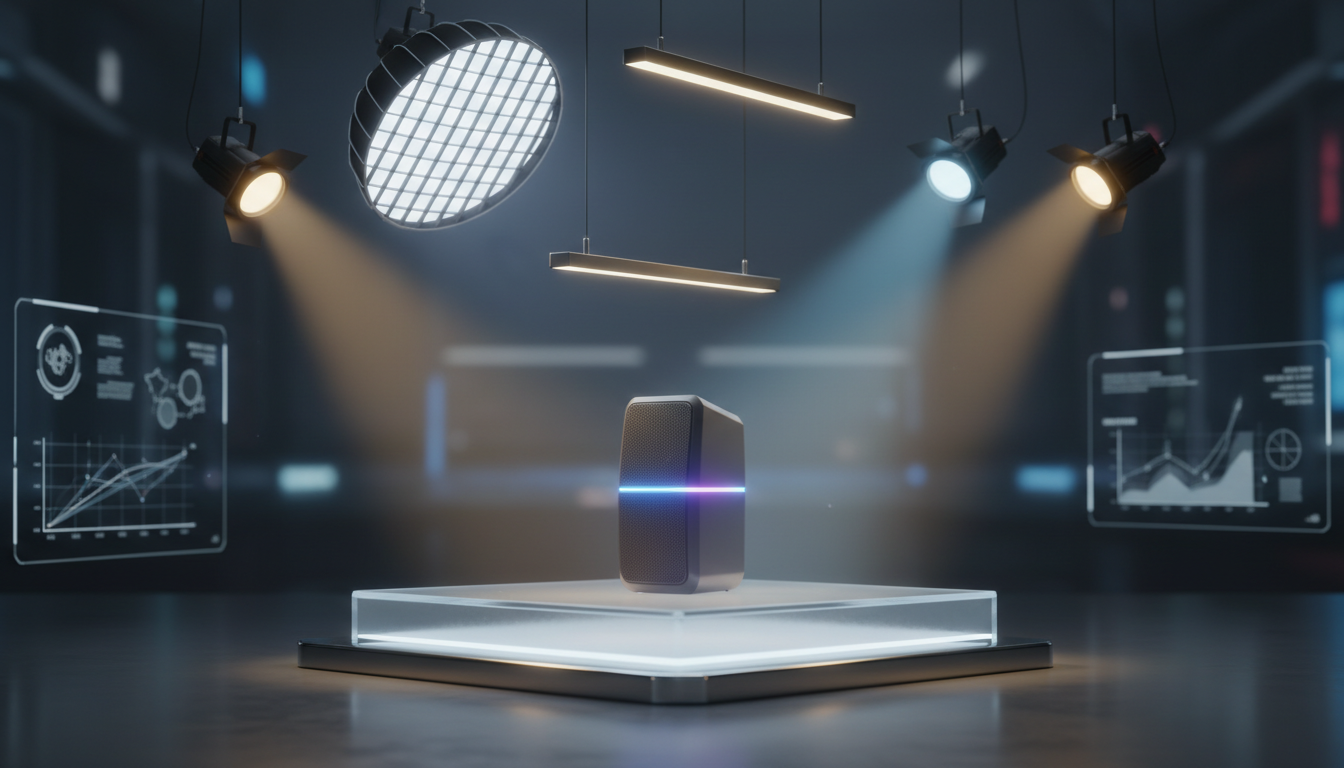
The most important thing I can tell you about AI product photography lighting is that the light source needs to be specific, positioned, and consistent with the scene environment. Vague descriptors like "professional lighting" or "well lit" tell the model almost nothing. Specific descriptors like "single softbox at 45 degrees above and to the left, creating a soft shadow that falls right and slightly forward" give the model enough to work with.
The four lighting setups I use most for product photography prompts, and when I use each:
Softbox diffused key light. This is the studio standard and what most people mean when they say "professional product photography lighting." It produces even, flattering illumination with soft shadows. Use this for packaged goods, food supplements, cosmetics, anything where you want clean and professional without drama. Prompt language: "diffused softbox lighting from the upper left, soft shadows, even exposure across the product surface."
Rim lighting or backlight separation. This adds a bright edge to the product that separates it from the background and creates a three-dimensional appearance. Particularly effective for dark products against dark backgrounds and for anything with interesting silhouettes. Prompt language: "subtle rim light from behind and above, thin bright edge on the right side of the product, slightly underexposed foreground."
Hard shadow dramatic. High fashion and premium positioning often use hard light with intentional shadows because it reads as editorial. Think perfume ads and watch photography. The shadows are part of the composition, not a flaw. Prompt language: "harsh direct light from upper right, strong cast shadows to the lower left, high contrast, editorial product photography style."
Natural window light. For lifestyle shots and anything targeting a domestic or artisanal aesthetic, natural light prompts produce images that feel honest and relatable rather than commercial. Prompt language: "soft natural window light from the left, slight overcast quality, warm morning color temperature, subtle diffusion."
Beyond choosing a style, there are a few technical adjustments that consistently improve AI lighting quality. Asking for specular highlights on the product surface, specifically mentioning where they should fall, anchors the lighting mathematically and reduces the chance of the model generating inconsistent highlights. For transparent or partially transparent products, specifying "translucency from backlight showing through the product" activates the model's understanding of how light passes through material rather than bouncing off it.
For serious product photographers moving into AI workflows, combining precise lighting prompts with AI image upscaling in a post-processing step produces results that are genuinely difficult to distinguish from studio photography even at high zoom levels. The upscaling step recovers detail that the generative process sometimes softens, particularly in fine textures and type on packaging.
Can You Really A/B Test AI Product Images at Scale?
Conversion rate optimization with product images is one of those areas that everyone agrees matters but almost nobody actually does systematically, mainly because generating enough image variants to test was historically expensive. When a lifestyle shoot costs $3,000 and you need four variants to test properly, running image A/B tests was a luxury for large brands. AI changes that completely, but only if you approach the testing with the same rigor you would apply to any other CRO experiment.

The basic framework for A/B testing product images is simple: run two or more image treatments against each other with enough traffic to reach statistical significance, measure the metric that actually reflects purchasing intent, and use the winner as the new control for the next test. What makes product image testing interesting is that the variables you can test with AI are much broader than what was feasible with traditional photography. You are not just choosing between two backgrounds, you are choosing between entirely different scene contexts, lighting moods, model presence versus product alone, different angles, different props, different seasonal treatments.
The variables I have found most worth testing, roughly in order of how often they produce surprising results:
Scene context versus isolation. For most categories, contextual lifestyle images outperform studio isolation shots as secondary images, but the margin varies wildly by category and audience. Test this first because it has the highest potential impact.
Model presence versus product alone. Showing a person using or wearing the product dramatically increases relatability for apparel, accessories, and personal care. For industrial or technical products, models often reduce conversion because buyers want to evaluate specifications, not see the product "in use."
Perspective and angle. Overhead flat lay versus three-quarter angle versus straight-on frontal. Each angle emphasizes different attributes. Flat lay shots perform well on Pinterest and Instagram-adjacent audiences. Three-quarter shots read as product-forward and perform well for packaging-heavy products.
Color temperature of scene lighting. Warm versus cool versus neutral. Warm tones perform better for comfort and lifestyle products. Cool tones perform better for tech and precision products.
Background complexity. Minimal and clean versus contextually rich. Minimal backgrounds tend to load perception of quality and premium positioning. Rich contextual backgrounds build aspiration but can distract from the product.
The practical infrastructure for running these tests depends on your platform. On Shopify, apps like Intelligems make image-level A/B testing relatively straightforward. On Amazon, you need to go through Brand Analytics or Manage Your Experiments, which requires Brand Registry. For your own direct-to-consumer site, any proper A/B testing tool that supports image asset swaps works fine.
One thing that catches people off guard with AI product image testing. You need to control for image quality across variants. If your A treatment is a crisp 4K lifestyle shot and your B treatment is a slightly softer AI generation, you are testing image quality in addition to the scene concept, which confounds your results. Run all variants through consistent post-processing including the same resolution and compression settings before publishing.
For brands running large catalogs, the combination of AI generation with structured A/B testing creates what amounts to a self-improving visual catalog. You generate variants at near-zero cost, you test systematically, and the winning visual strategy for each product category compounds over time. The brands I have seen doing this well are operating at a level of visual optimization that would have cost hundreds of thousands of dollars per year in traditional photography just a few years ago.
The batch processing side of this workflow deserves its own treatment. For generating hundreds of product variants efficiently, ComfyUI batch processing is the most capable open-source approach available. You can define a workflow once, parameterize it with your product list and scene variations, and run overnight to generate an entire season's worth of imagery. Apatero offers a managed version of this pipeline for teams that want the capabilities without managing the infrastructure themselves.
Frequently Asked Questions
What Is the Best AI Model for Advanced Product Photography in 2026?
FLUX 1.1 Pro is currently the strongest model for photorealistic product photography. Its successor FLUX 2 Kontext Pro adds multi-reference capability that is particularly valuable for maintaining product consistency across scenes. For editorial and fashion-adjacent aesthetics, Midjourney still leads. For pure cost efficiency at volume, running Flux locally through an API wrapper or via ComfyUI brings per-image costs to fractions of a cent.
How Do I Make AI Product Images Look Less Artificial?
The two biggest factors that make AI product images look artificial are imprecise lighting specification and clean compositing. Specify your light source, position, and quality explicitly rather than using generic terms. Ensure your product cutout is clean with no background artifacts before compositing. Beyond those fundamentals, adding subtle environmental interactions like shadows cast by the product onto the surface, or reflections on a glossy table, dramatically increases photorealism.
Is Model Placement Legal for Products Without Actual Model Releases?
When you generate a model using AI and place them in product photography, there is no real person involved and therefore no model release is required. The legal complexity arises when you use a real person's likeness as a reference for the AI model. If you are generating fully synthetic models with no specific real person's likeness used as a direct input, the current legal consensus is that this falls outside model release requirements. Always check platform policies, as some marketplaces have specific rules about AI-generated human imagery.
How Many Reference Images Does FLUX Kontext Need to Maintain Product Consistency?
In practice, three to five reference images from different angles give FLUX Kontext enough information to maintain strong product identity. More references generally produce better results, with diminishing returns after about eight images. The references should cover front, three-quarter, side, and ideally top-down perspectives. Label legibility specifically benefits from having a direct front reference clearly showing the label artwork.
What Resolution Should AI Product Images Be for Ecommerce Listings?
For most ecommerce platforms, 2000 by 2000 pixels is the functional minimum and 3000 by 3000 or larger is preferred for zoom functionality. Most AI generators produce at 1024 by 1024 natively, which means you will need an upscaling step for professional-quality listings. Running images through an AI upscaler like Real-ESRGAN or using a dedicated upscaling service brings AI-generated product images up to listing-ready resolution while recovering texture detail.
Can AI Product Photography Replace Professional Studio Photography Entirely?
For most ecommerce use cases, AI product photography can now replace professional studio photography for secondary images and lifestyle shots, with traditional photography remaining preferable for primary thumbnails on high-value products where photographic accuracy is critical. Categories where traditional photography still consistently outperforms AI: jewelry at high zoom (metal rendering remains imperfect), fresh food (texture authenticity is still difficult), and products where unique manufacturing details need precise documentation.
How Do I Handle Reflective or Transparent Products in AI Photography?
Reflective and transparent products are the hardest category for AI product photography. For polished metal, the best approach is to generate the scene without the product first, then use an inpainting or composition technique to add the product with controlled reflections. For glass and transparent products, using a slight frosting or label element that anchors the product's presence in the scene helps the model maintain it properly. Dedicated product visualization tools designed for 3D-like rendering sometimes outperform pure AI generation for these specific material types.
What Is the Best Way to Create Seasonal Product Image Variants?
Build a base product library of clean cutouts for each SKU, then create scene prompt templates for each season that can be applied across the product range. When a seasonal campaign launches, run the product library through the seasonal scene template in batch. The entire seasonal image refresh for a 100-SKU catalog can be completed in a single overnight batch run. FLUX Kontext makes this even more efficient because the product identity is maintained automatically rather than requiring per-product scene adjustments.
How Do I Test Which AI-Generated Product Images Actually Increase Sales?
Use your platform's native A/B testing tools if available, or a third-party CRO tool that supports image variant testing. Run tests for a minimum of two weeks and target statistical significance at 95 percent confidence before calling a winner. Measure add-to-cart rate as your primary metric rather than click-through rate, because add-to-cart more directly reflects purchase intent. For low-traffic products, run multiple SKUs with the same image treatment in aggregate to reach significance faster.
How Does Batch Processing Fit Into a Professional Product Photography Workflow?
Batch processing is what separates teams doing AI product photography as a novelty from teams doing it as a scalable operation. Once you have validated your scene types and lighting treatments through individual testing, you encode those winning parameters into a batch workflow that can process your entire catalog automatically. The practical result is that your entire catalog stays visually current across seasonal campaigns and promotional cycles without per-image human intervention. For the detailed mechanics of setting up this kind of pipeline, the ComfyUI batch processing guide walks through the technical setup step by step.
Sources: Adobe 2025 Digital Trends Report on Ecommerce Imagery, Baymard Institute Product Image Research
Turn a phone snapshot into a listing photo
Clean, styled product shots for Etsy, Shopify and Amazon, from the photo you already have. Check your welcome allowance and the displayed cost before generating.
Related Articles

5 Proven AI Influencer Niches That Actually Make Money in 2025
Discover the most profitable niches for AI influencers in 2025. Real data on monetization potential, audience engagement, and growth strategies for virtual content creators.

AI Background Replacement: Professional Guide 2025
Master AI background replacement for professional results. Learn rembg, BiRefNet, and ComfyUI workflows for smooth background removal and replacement.

AI Character Consistency: How to Maintain Virtual Persona Identity Across Content
Learn techniques for maintaining AI character consistency across hundreds of images. Master the art of creating recognizable virtual personas with consistent visual identity.