AI Influencer Content Batching: Create a Week of Posts in One Day
Master content batching for AI influencer efficiency. Learn how to create a week's worth of content in a single focused session, saving time while maintaining quality.
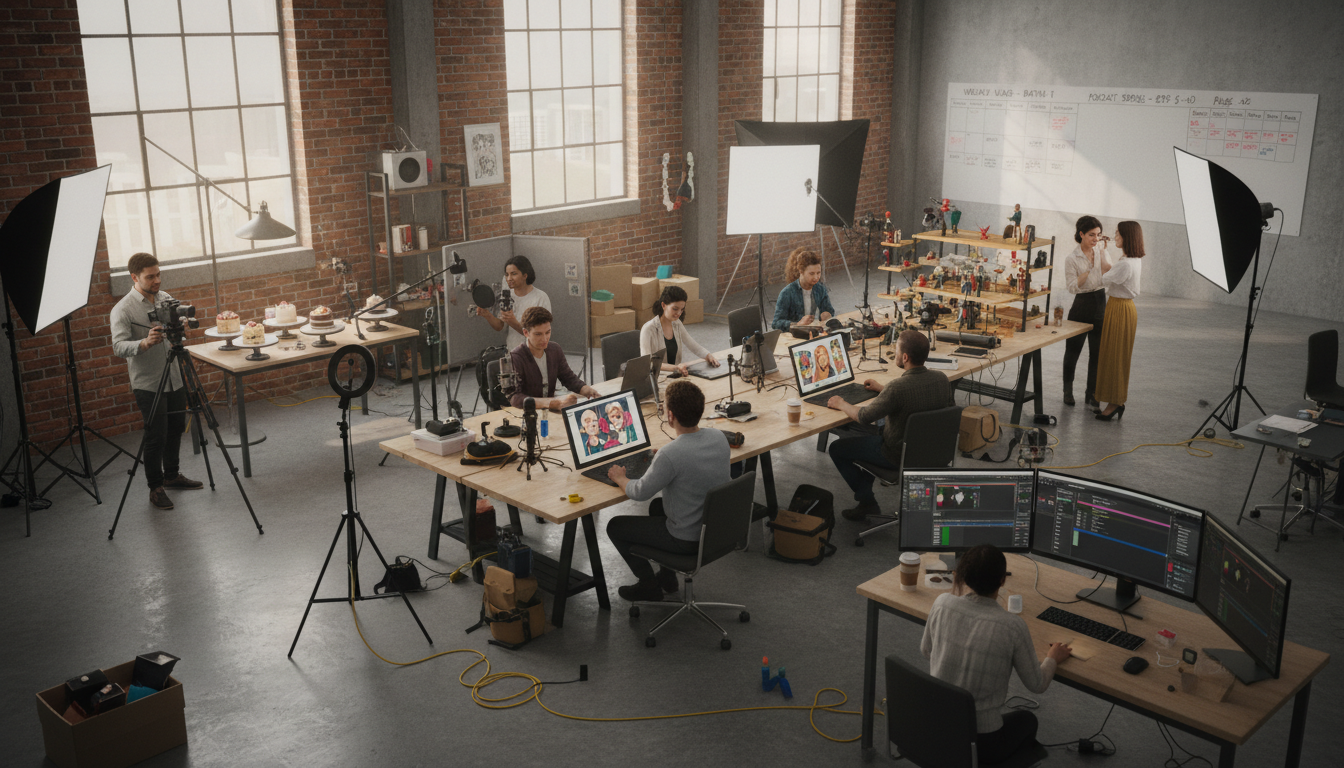
Make AI images and video in your browser
Characters, video, photo packs. No GPU, no setup. Your first generation is free.
Creating content daily is exhausting. The constant context-switching between generation, editing, writing, and posting fragments your time and mental energy. I spent my first three months in daily creation mode, and it nearly burned me out. Posting felt like a never-ending obligation rather than a creative pursuit.
Content batching changed everything. Now I dedicate one or two focused sessions per week to content creation. Those sessions produce everything I need for the following days. The rest of my time goes to engagement, strategy, and actually enjoying the process.
This guide teaches the batching workflow that transformed my AI influencer productivity from chaotic daily scrambling to efficient weekly production.
Quick Answer: Content batching means creating multiple pieces of content in a single focused session. For AI influencers, this typically involves generating 5-7 images in one session, writing all captions at once, and scheduling everything for the week ahead. Batching saves 40-60% of total content creation time compared to daily production.
:::tip[Key Takeaways]
- AI Influencer Content Batching: Create a Week of Posts in One Day represents an important development in its field
- Multiple approaches exist depending on your goals
- Staying informed helps you make better decisions
- Hands-on experience is the best way to learn :::
- Why batching outperforms daily content creation
- How to structure your batching sessions
- Optimal batch sizes for different posting frequencies
- Maintaining variety while batching
- Common batching mistakes and how to avoid them
Why Batching Works Better
Understanding the psychology and logistics of batching explains why it dramatically improves productivity.
The Context-Switching Cost
Every time you switch tasks, your brain needs time to adjust. Moving from image generation to caption writing to scheduling to engagement means constant mental recalibration. Research suggests context-switching can cost 20-40% of productive time.
Batching eliminates most switching. You stay in generation mode for an hour, then shift to writing mode, then to scheduling mode. Each phase gets your full, focused attention.
The Creative Flow State
Quality creative work happens in flow state, that focused concentration where ideas come easily and time passes quickly. Reaching flow state takes 15-20 minutes of uninterrupted focus. Daily creation rarely allows enough time to reach flow before interruption.
Batching sessions provide the extended time needed for flow. An hour of focused generation produces better results than six 10-minute sessions scattered throughout the week.
The Efficiency Multiplier
Setup and cleanup time exists for every creation session:
Daily approach: Open tools, find assets, get in mindset, create one piece, save and organize, close tools. Repeat daily.
Batching approach: Open tools, find assets, get in mindset, create seven pieces, save and organize all, close tools. Once weekly.
The per-piece overhead drops dramatically when batched.
Structuring Your Batching Day
A well-structured batching day maximizes output while preventing burnout.
The Ideal Batch Session
Most creators find 2-4 hour sessions optimal. Shorter sessions don't allow enough time to hit flow state. Longer sessions lead to quality decline as fatigue sets in.
Sample 3-hour batch session:
Hour 1: Image Generation
- Review content plan for the week
- Generate all needed images in Apatero
- Save and organize files immediately
Hour 2: Editing and Enhancement
- Process generated images through editing workflow
- Apply consistent filters and adjustments
- Create any story-specific variations
Hour 3: Captions and Scheduling
- Write all captions with hashtag sets
- Load everything into scheduling tool
- Final review and adjustments
This structure batches similar tasks together, minimizing context switching.
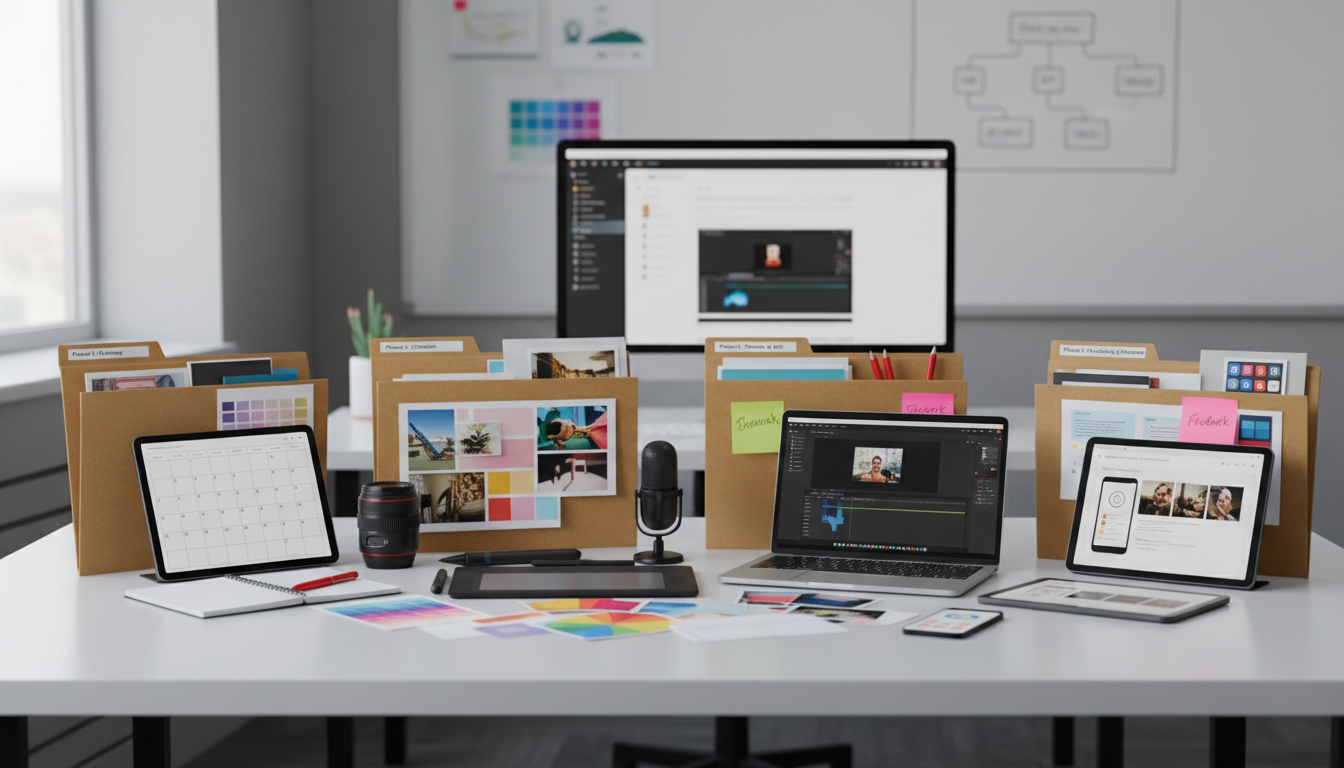 Organized workflow systems make batching efficient and sustainable.
Batching Day Selection
Choose your batching day strategically:
Consider your energy levels: Schedule batching when you're typically most creative Consider your schedule: Pick a day with minimal interruptions Consider posting schedule: Batch before your posting week begins Consider backup time: Leave buffer for regeneration if needed
Many creators batch on Sunday for Monday-Saturday posting, or Monday for Tuesday-Monday posting.
Environment Optimization
Your batching environment affects output quality:
Physical setup:
- Clean, organized workspace
- Multiple monitors help (generation on one, editing on another)
- Comfortable seating for extended sessions
Digital setup:
- Close unnecessary applications
- Silence notifications
- Have all tools open and ready before starting
Mental setup:
- Avoid batching when tired or stressed
- Clear urgent tasks before session
- Have content plan ready to execute
Determining Your Batch Size
Batch size depends on posting frequency and content complexity.
By Posting Frequency
Daily posting (7 posts/week): Batch size: 7-8 pieces per session Session frequency: Weekly Session length: 3-4 hours
Twice daily (14 posts/week): Batch size: 7-8 pieces per session Session frequency: Twice weekly Session length: 3-4 hours each
Every other day (3-4 posts/week): Batch size: 4 pieces per session Session frequency: Weekly Session length: 2 hours
By Content Type
Different content types require different batch approaches:
Feed posts: Batch in groups of 5-7 Story content: Batch daily sets together Reels/video: Batch 3-5 at a time (more intensive) Carousel posts: Batch 2-3 complete carousels
Mix your batches strategically based on your content mix.
Quality Considerations
Larger batches risk quality decline. Watch for:
Generation fatigue: Later images getting less creative attention Caption quality: Later captions becoming formulaic Editing shortcuts: Skipping refinement to finish faster
Free ComfyUI Workflows
Find free, open-source ComfyUI workflows for techniques in this article. Open source is strong.
If quality declines in larger batches, split into smaller sessions.
The Complete Batching Workflow
Follow this workflow for efficient batch production.
Phase 1: Planning (Before Batch Day)
Good batching requires preparation:
Content themes: Decide what topics/themes for the week Visual variety: Plan different settings, outfits, compositions Caption hooks: Draft hook ideas for each piece Hashtag sets: Prepare hashtag variations
This planning can happen in small time blocks before your batch day.
Phase 2: Generation
Focused image creation:
Step 1: Open Apatero and review your character settings Step 2: Generate first image based on content plan Step 3: Evaluate and regenerate if needed Step 4: Save with clear naming convention Step 5: Repeat for all planned images Step 6: Review all images together for variety
Name files clearly: 2026-01-22-gym-outfit-01.png makes scheduling easier.
Phase 3: Editing
Batch all editing together:
Step 1: Open all images in editing tool Step 2: Apply consistent adjustments across batch Step 3: Make individual refinements where needed Step 4: Export in posting-ready format Step 5: Organize in scheduled order
Using presets and batch actions speeds editing dramatically.
Phase 4: Captioning
Write all captions in one session:
Step 1: Review images in posting order Step 2: Write caption for each image Step 3: Add appropriate hashtag set to each Step 4: Review for variety and voice consistency Step 5: Store in scheduling tool or notes
Having all captions visible helps avoid repetitive language.
Phase 5: Scheduling
Load everything into your scheduling tool:
Step 1: Upload images to scheduling platform Step 2: Match captions to correct images Step 3: Set posting times for each piece Step 4: Add first comments with hashtags if preferred Step 5: Final review of scheduled queue
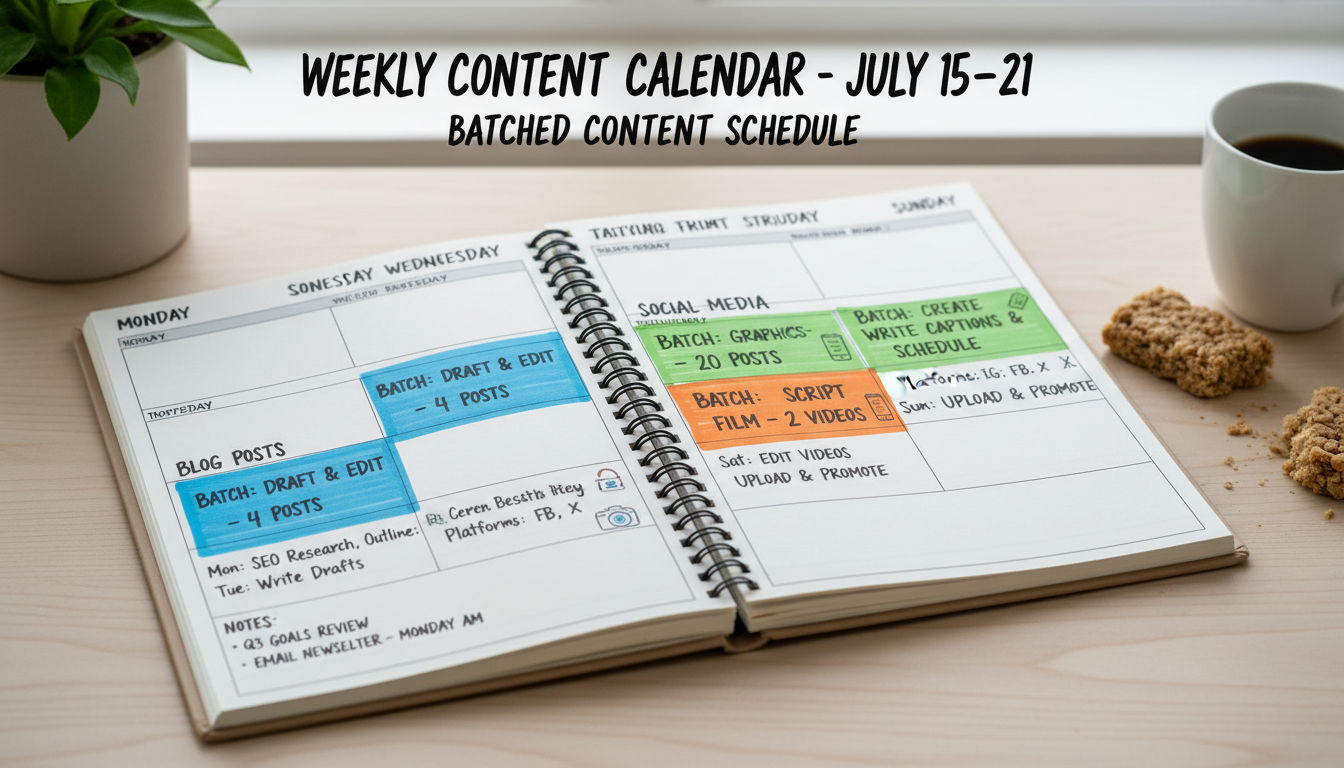 Scheduling tools let you visualize your entire batched content queue.
Want to skip the complexity? Apatero gives you professional AI results instantly with no technical setup required.
Phase 6: Review and Refinement
Quality check before committing:
Visual review: Preview scheduled posts in grid view Caption review: Read through all captions for consistency Timing review: Confirm posting times are optimal Backup check: Ensure source files are saved securely
Maintaining Variety While Batching
One risk of batching is content becoming repetitive. Counter this intentionally.
Visual Variety Techniques
Vary settings: Different backgrounds, locations, environments Vary outfits: Clothing changes across the batch Vary compositions: Different angles, crops, framing Vary color palettes: Warm tones, cool tones, neutral tones Vary activities: Different poses, actions, contexts
Build variety into your content plan before batching.
Caption Variety Techniques
Vary hooks: Different opening styles Vary lengths: Mix short punchy with longer thoughtful Vary formats: Questions, statements, stories, lists Vary tone: Motivational, educational, personal, playful Vary CTAs: Different calls to action
Keep a list of caption formulas to rotate through.
Grid Aesthetics
When batching, consider how posts look together:
Alternating pattern: Switch between content types Color flow: Consider color progression across posts Theme grouping: Related posts separated in schedule
Preview your scheduled grid to catch aesthetic issues.
Advanced Batching Strategies
Once you've mastered basic batching, optimize further.
Two-Week Batching
Extend your batch window for even more efficiency:
Benefits:
- Even less frequent production sessions
- Better long-term content planning
- More buffer for unexpected situations
Challenges:
- Longer sessions required
- Less reactive to current trends
- More planning needed upfront
Works best for evergreen content that doesn't require timely relevance.
Seasonal Batching
Batch content around seasons, holidays, or campaigns:
Holiday content: Batch all holiday posts in advance Seasonal looks: Generate seasonal content together Campaign content: Batch entire promotional campaigns
Earn Up To $1,250+/Month Creating Content
Join our exclusive creator affiliate program. Get paid per viral video based on performance. Create content in your style with full creative freedom.
This approach ensures prepared content for predictable events.
Buffer Stock Batching
Create extra content beyond immediate needs:
Emergency backup: Extra posts for unexpected situations Inspiration gaps: Content available when ideas are low Time flexibility: Posts ready when life gets busy
Maintain a buffer of 3-7 extra posts beyond scheduled content.
Common Batching Mistakes
Avoid these errors that undermine batching benefits.
Mistake 1: No Pre-Planning
Sitting down to batch without a plan wastes time deciding what to create.
Fix: Spend 15-30 minutes planning before batch day. Know exactly what you'll create.
Mistake 2: Inconsistent Schedule
Skipping batch days and returning to daily creation defeats the purpose.
Fix: Treat batch day as a non-negotiable appointment. Protect that time.
Mistake 3: Over-Batching
Creating too much content leads to quality decline and unused assets.
Fix: Match batch size to actual posting needs. Don't create content you won't use.
Mistake 4: No Flexibility Buffer
Batching everything with no room for timely content limits relevance.
Fix: Leave 1-2 posting slots open for reactive or trending content.
Mistake 5: Ignoring Quality Decline
Pushing through fatigue produces lower-quality content.
Fix: Stop or take breaks when quality drops. Better to under-produce than post poor content.
Batching for Different Creators
Adapt batching to your situation.
Full-Time Creators
Schedule: 2 batch days per week, 3-4 hours each Output: 10-14 feed posts plus story content Flexibility: Higher volume allows more experimentation
Part-Time Creators
Schedule: 1 batch day per week, 2-3 hours Output: 5-7 feed posts Flexibility: Focus on consistency over volume
Multiple Account Managers
Schedule: Dedicated batch days per account Output: Separate batches for each character Flexibility: Batch similar accounts together for efficiency
Team-Based Operations
Schedule: Specialized batch days by role Output: One person generates, another edits, another captions Flexibility: Assembly line approach for higher volume
Your Batching Action Plan
Start batching effectively:
Week 1: Preparation
- Review your current content creation process
- Identify where time is lost to context switching
- Choose your batch day and time
- Create content plan template
Week 2: First Batch
- Execute your first batch session
- Track time spent on each phase
- Note what works and what doesn't
- Adjust for next session
Week 3: Optimization
- Refine based on week 2 learnings
- Optimize batch size for quality
- Simplify tool workflows
- Build planning templates
Week 4: Consistency
- Commit to regular batch schedule
- Track productivity improvements
- Build emergency content buffer
- Refine and repeat
Batching transforms AI influencer creation from daily grind to weekly project. The time savings compound with practice as you optimize your Apatero workflow and develop efficient systems. Most creators report 40-60% time savings after mastering batching, with improved content quality as a bonus.
FAQ
How long should a batch session be?
2-4 hours is optimal for most creators. Shorter sessions don't reach flow state, longer sessions lead to fatigue and quality decline.
What if I need to post timely content?
Leave 1-2 posting slots open in your schedule for reactive content. Batch evergreen content, leave room for timely additions.
How far ahead should I batch?
Most creators batch 1 week ahead. Some prefer 2 weeks. Rarely is more than 2 weeks beneficial unless content is highly evergreen.
What if batched content feels stale?
Add variety intentionally to your batch plan. Review scheduled content before posting for freshness. Replace anything that feels dated.
Can I batch captions and images separately?
Yes, some creators batch images one day and captions another. This can help if you find combined sessions too long.
How do I handle content that performs poorly?
Review analytics weekly. Adjust future batches based on what works. Don't be afraid to unschedule underperforming content.
Make AI images and video in your browser
Characters, video, photo packs. No GPU, no setup. Your first generation is free.
Related Articles

10 Best AI Influencer Generator Tools Compared (2025)
Comprehensive comparison of the top AI influencer generator tools in 2025. Features, pricing, quality, and best use cases for each platform reviewed.

5 Proven AI Influencer Niches That Actually Make Money in 2025
Discover the most profitable niches for AI influencers in 2025. Real data on monetization potential, audience engagement, and growth strategies for virtual content creators.

AI Action Figure Generator: How to Create Your Own Viral Toy Box Portrait in 2026
Complete guide to the AI action figure generator trend. Learn how to turn yourself into a collectible figure in blister pack packaging using ChatGPT, Flux, and more.