Negative Prompts Masterclass: Complete Guide to Better AI Images 2025
Master negative prompts for Stable Diffusion, SDXL, and Flux. Learn proven techniques to eliminate artifacts, improve quality, and get consistent results.
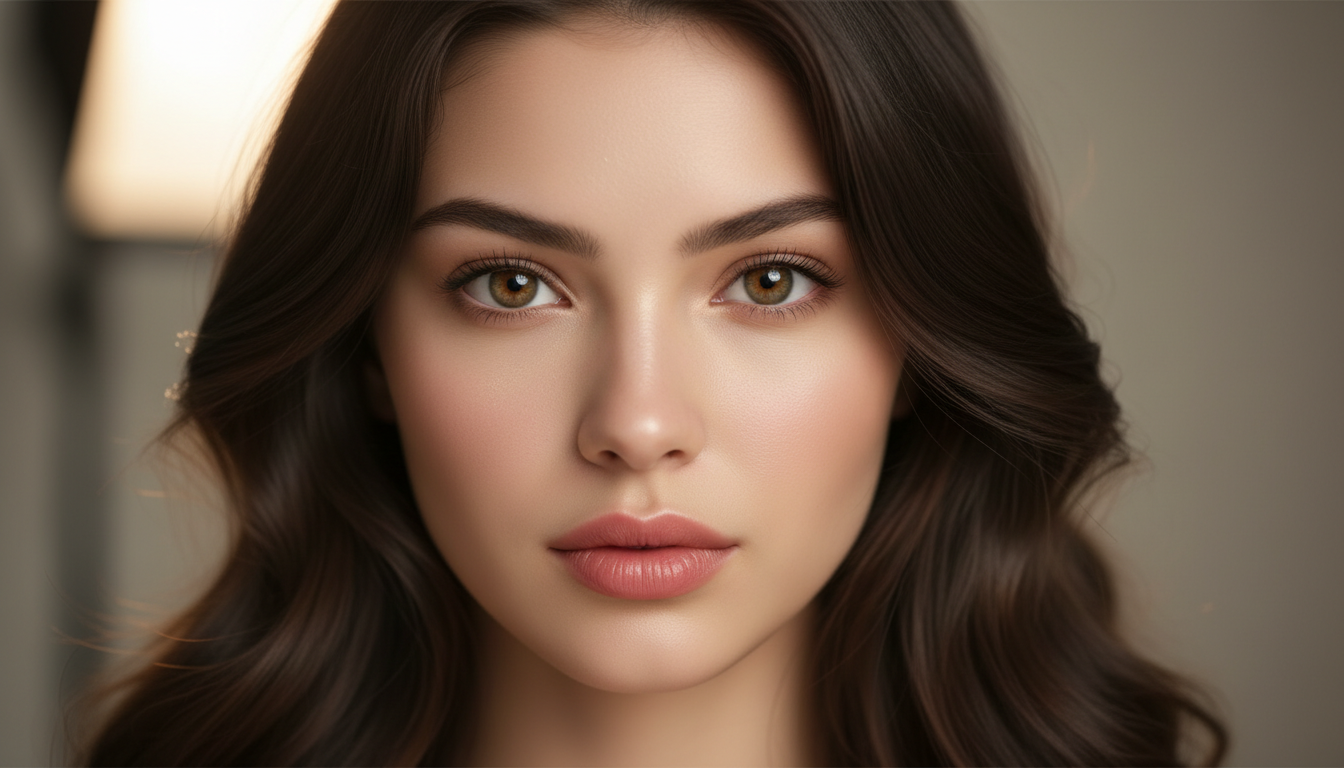
Negative prompts are your quality control tool for AI image generation. They specify what shouldn't appear in your images—filtering out distortions, unwanted objects, and artifacts that degrade results.
Quick Answer: Negative prompts tell AI models what to avoid in generated images. Effective negative prompts are specific, start small and iterate, avoid contradicting your positive prompt, and focus on common AI failure modes like "bad hands" or "blurry."
:::tip[Key Takeaways]
- Key options include Start Minimal: and Generate Test Images:
- Start with the basics before attempting advanced techniques
- Common mistakes are easy to avoid with proper setup
- Practice improves results significantly over time :::
- Be specific—"bad anatomy" works better than "bad quality"
- Start minimal and add terms only when needed
- Don't contradict your positive prompt
- Different models respond differently to negative prompts
- More isn't always better—overloading causes issues
How Negative Prompts Actually Work
When you add a negative prompt, the AI model actively steers away from generating those concepts. The model creates an internal representation of what you don't want, then pushes the generation in the opposite direction.
This is why vague terms like "bad" or "ugly" are ineffective—they don't give the model a specific concept to avoid. "Deformed fingers" gives the model something concrete to steer away from.
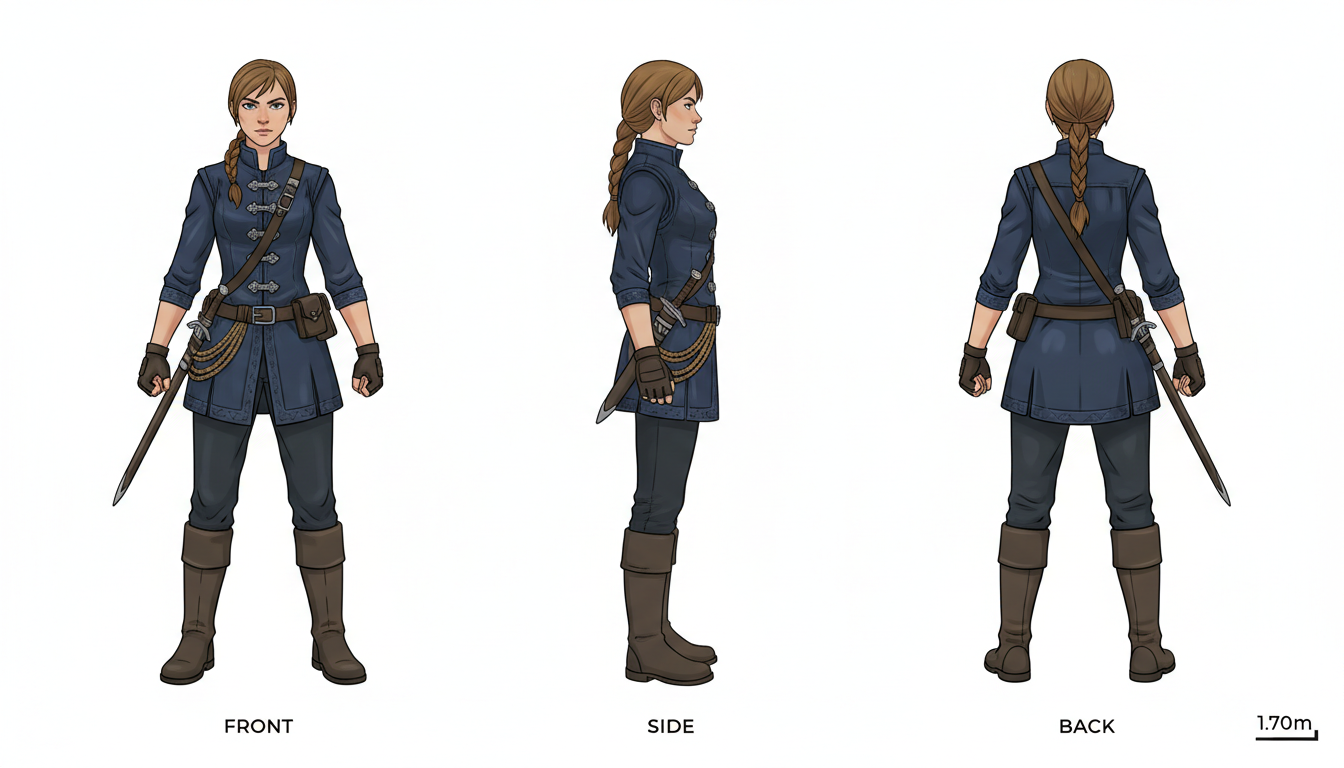 Proper negative prompts help achieve flawless portraits
The Foundation: Universal Negative Prompts
These terms work across most models and should be your starting point:
Quality Issues:
worst quality, low quality, normal quality, lowres,
jpeg artifacts, compression artifacts, blurry
Anatomical Issues:
bad anatomy, bad hands, extra fingers, missing fingers,
extra limbs, missing limbs, fused fingers, too many fingers
Face Issues:
poorly drawn face, mutation, mutated, ugly, disfigured,
deformed, bad proportions, gross proportions
Composition Issues:
cropped, out of frame, watermark, signature, text,
username, artist name, logo
Model-Specific Negative Prompts
Different models respond to different negative prompts:
Stable Diffusion 1.5: Responds well to detailed anatomical negatives. Use extensive hand-related negatives as SD 1.5 struggles with hands.
SDXL: Needs fewer negatives overall. Focus on quality terms and specific issues rather than long lists.
Flux: Uses a different architecture—negative prompts have less impact. Focus on positive prompt quality instead.
Pony Diffusion:
Responds to quality tags: score_4, score_3, score_2, score_1 in negatives for higher quality output.
- SD 1.5: Use extensive negatives, especially for hands and faces
- SDXL: Keep negatives concise—quality over quantity
- Flux: Negative prompts have minimal effect—focus on positive prompts
- Pony/Illustrious: Use quality score tags in negatives
Common Mistakes to Avoid
Mistake 1: Overloading Negatives
Too many restrictions confuse the model and can flatten details or create unpredictable results.
Bad:
bad, ugly, worst, terrible, awful, disgusting, horrible,
poor quality, low quality, bad quality...
Better:
worst quality, bad anatomy, blurry
Mistake 2: Contradicting Your Prompt
If you want "moody dark lighting," don't put "dark shadows" in negatives.
Mistake 3: Using Positive Concepts
"A room without furniture" forces the model to conceptualize furniture then negate it. Instead, prompt for "an empty room."
Mistake 4: Vague Terms
"Bad quality" doesn't give the model anything specific. "Jpeg artifacts, pixelated, low resolution" does.
Negative Prompts by Category
Portraits
bad anatomy, poorly drawn face, mutation, mutated,
extra limb, ugly, poorly drawn hands, missing limb,
floating limbs, disconnected limbs, malformed hands,
out of focus, long neck, long body
Landscapes
oversaturated, ugly, blurry, low quality,
watermark, signature, out of frame,
poorly drawn, bad composition
Anime/Illustration
bad anatomy, bad hands, missing fingers, extra digit,
fewer digits, cropped, worst quality, low quality,
normal quality, jpeg artifacts, blurry, bad feet
Photorealistic
cartoon, anime, illustration, painting, drawing,
render, 3d, cgi, worst quality, low quality,
normal quality, bad anatomy, bad hands
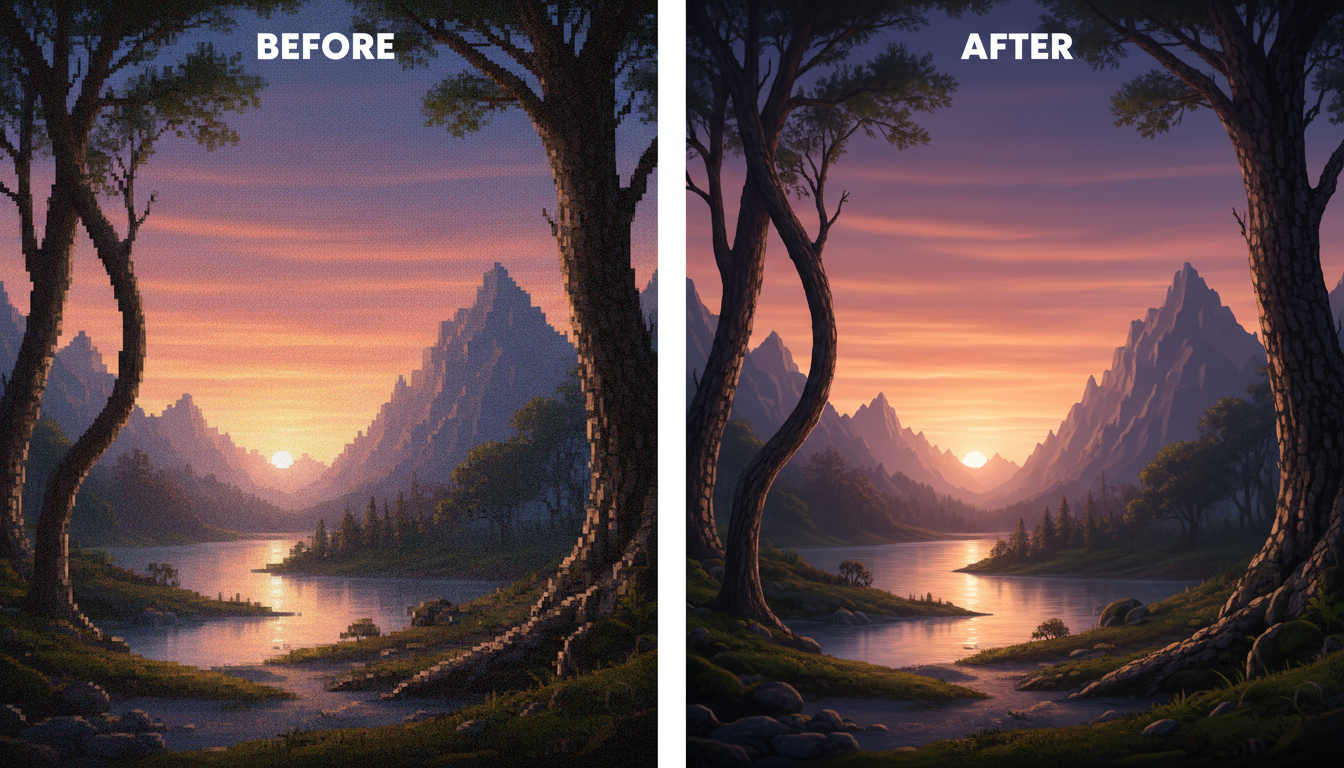 Targeted negative prompts eliminate common AI artifacts
Using Weights in Negative Prompts
Emphasize specific exclusions with weights:
Standard Weight:
bad hands
Increased Emphasis (1.3x):
(bad hands:1.3)
Strong Emphasis (1.5x):
(bad hands:1.5)
Use higher weights for persistent problems. If hands consistently appear wrong, increase the weight on hand-related negatives.
The Iteration Approach
Instead of copy-pasting massive negative prompt lists, build yours iteratively:
- Start Minimal: Just
worst quality, blurry - Generate Test Images: See what issues appear
- Add Specific Fixes: If hands are bad, add hand negatives
- Repeat: Keep only what's necessary
This approach gives you a lean, effective negative prompt tailored to your specific use case.
Advanced Techniques
Scheduled Negatives
In ComfyUI, you can apply different negatives at different steps:
- Early steps (0-30%): Focus on composition negatives
- Middle steps (30-70%): Focus on quality negatives
- Late steps (70-100%): Focus on detail negatives
Embedding-Based Negatives
Use textual inversion embeddings as negative prompts:
- EasyNegative
- BadDream
- UnrealisticDream
These pack effective negatives into single tokens.
Conditional Negatives
Only apply certain negatives when specific content is present. If your prompt includes a person, activate anatomical negatives.
Frequently Asked Questions
Do negative prompts affect generation speed?
Minimally. The model processes both prompts, but the overhead is small. Quality improvements outweigh any speed impact.
Can negative prompts completely prevent unwanted content?
No, they reduce probability but don't guarantee exclusion. For AI filtering, use model-level restrictions.
Should I use the same negatives for every generation?
No. Customize based on subject matter. Portrait negatives differ from landscape negatives.
Why do my negative prompts sometimes not work?
The positive prompt may be stronger, the model may not understand the concept, or the negative may be too vague.
How do negative prompts interact with LoRAs?
LoRAs can override negative prompts if strongly trained on specific concepts. Test your LoRA with different negatives.
Negative Prompt Templates
General Purpose:
worst quality, low quality, normal quality, lowres,
bad anatomy, bad hands, error, missing fingers,
extra digit, fewer digits, cropped, jpeg artifacts,
signature, watermark, username, blurry
Portrait Photography:
deformed, ugly, mutilated, disfigured, text, extra limbs,
face cut, head cut, extra fingers, extra arms, poorly drawn face,
mutation, bad proportions, cropped head, bad anatomy,
out of frame, bad art, beginner, amateur, distorted face
Anime/Digital Art:
lowres, bad anatomy, bad hands, text, error, missing fingers,
extra digit, fewer digits, cropped, worst quality, low quality,
normal quality, jpeg artifacts, signature, watermark, username,
blurry, bad feet, artist name, poorly drawn
Conclusion
Negative prompts are powerful but require restraint. Start minimal, iterate based on actual issues, and customize for your specific use case.
Remember that different models respond differently—what works for SD 1.5 may be unnecessary for SDXL. Test and refine rather than copy-pasting massive lists.
The goal is targeted quality improvement, not comprehensive exclusion. A few well-chosen negative terms outperform long lists of vague restrictions.
Make AI images and video in your browser
Characters, video, photo packs. No GPU, no setup. Check your welcome allowance and the displayed cost before generating.
Related Articles

5 Proven AI Influencer Niches That Actually Make Money in 2025
Discover the most profitable niches for AI influencers in 2025. Real data on monetization potential, audience engagement, and growth strategies for virtual content creators.

AI Background Replacement: Professional Guide 2025
Master AI background replacement for professional results. Learn rembg, BiRefNet, and ComfyUI workflows for smooth background removal and replacement.

AI Character Consistency: How to Maintain Virtual Persona Identity Across Content
Learn techniques for maintaining AI character consistency across hundreds of images. Master the art of creating recognizable virtual personas with consistent visual identity.