AI Influencer Instagram Reels: Master Short-Form Video for Viral Growth
Complete guide to Instagram Reels for AI influencers. Learn video formats, trending audio, editing techniques, and strategies that drive viral growth and engagement.
Instagram Reels changed everything for AI influencer growth. While static images build aesthetic appeal, Reels drive discovery at scale. The algorithm pushes short-form video harder than any other content type, making Reels essential for accounts serious about growth.
I resisted video content for months with my AI influencer accounts. Static images were comfortable, controllable, and consistent. When I finally committed to Reels, reach exploded. Posts that normally got 5,000 impressions suddenly hit 50,000 or more. The difference was dramatic and immediate.
The challenge for AI influencers is creating video content for characters that don't move. This guide covers strategies that work specifically for AI-generated personas, from slideshow formats to AI video tools to creative workarounds that make Reels viable for any AI influencer.
Quick Answer: AI influencers can succeed on Reels using image slideshows with trending audio, AI video generation tools, text-based content, and lifestyle B-roll. Focus on hook-driven content in the first 1-2 seconds, use trending sounds, and post 3-5 Reels weekly. Engagement on Reels drives overall account discovery more than any other content format.
:::tip[Key Takeaways]
- AI Influencer Instagram Reels: Master Short-Form Video for Viral Growth represents an important development in its field
- Multiple approaches exist depending on your goals
- Staying informed helps you make better decisions
- Hands-on experience is the best way to learn :::
- Why Reels matter more than static posts for growth
- Video formats that work for AI influencers
- Trending audio strategies and implementation
- Editing techniques for maximum engagement
- Building a sustainable Reels content system
Why Reels Dominate Discovery
Understanding why Reels matter helps prioritize them appropriately in your content strategy.
The Algorithm Advantage
Instagram's algorithm actively prioritizes Reels for several reasons. The platform competes directly with TikTok and needs engaging video content to retain users. This competitive pressure means Reels get distribution advantages that static posts don't receive.
When you post a Reel, Instagram shows it to a test audience beyond your followers. If that test audience engages, the algorithm expands distribution. This test-and-expand model means Reels can reach non-followers at scale in ways static images rarely achieve.
The numbers support this priority. Reels consistently reach 2-5x more accounts than comparable static posts. For AI influencers focused on growth, ignoring Reels means accepting significantly slower account expansion.
Non-Follower Reach
Static posts primarily reach existing followers. Reels reach everyone. Instagram's Explore page and Reels tab surface content to users who've never seen your account before. This exposure creates discovery opportunities impossible with feed posts alone.
For AI influencers, this non-follower reach is particularly valuable. New audiences encountering your character through Reels may not immediately realize they're viewing AI-generated content. The dynamic, video-like format creates stronger first impressions than static images.
Engagement Multiplier
Reels generate more comments and shares than static posts. The interactive nature of video content prompts reactions that images don't trigger. This engagement feeds the algorithm, creating a positive cycle where strong Reels drive more distribution which drives more engagement.
Comments on Reels also tend toward higher quality. Viewers express opinions about the content, ask questions, and share reactions more readily than with static images where comments often default to emoji responses.
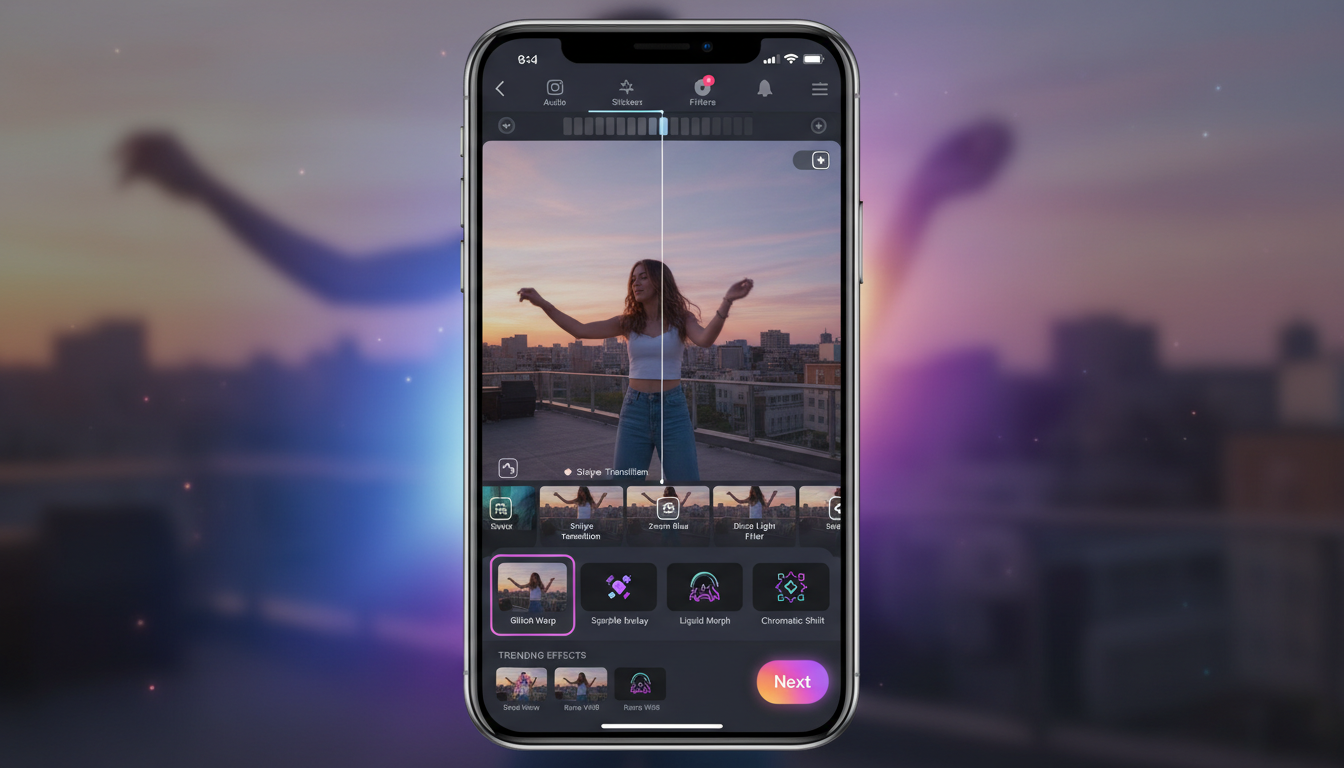 Mastering Reels editing and trending effects increases content performance significantly.
Video Formats for AI Influencers
Creating video content without a living subject requires creative approaches. Several formats work well for AI-generated characters.
Image Slideshow Reels
The simplest format combines multiple Apatero images with trending audio. Despite being static images, the Reels format and music make this content eligible for Reels distribution.
How to create:
- Select 3-7 images with visual variety
- Import to Instagram or editing app
- Add trending audio
- Time transitions to music beats
- Post as Reel
Best practices:
- Use images with slight variations for movement feel
- Match transition timing to audio beats
- Include text overlays for context
- Keep total duration 7-15 seconds for higher completion rates
Text-Based Content Reels
Text on screen with your AI influencer images creates engaging content that works without movement.
Popular formats:
- Tips and advice lists
- Relatable statements that prompt agreement
- Questions that encourage comments
- Hot takes that generate discussion
- Motivational quotes with character aesthetic
Execution:
- Background is your AI influencer image
- Text appears in sequence, timed to audio
- Each text block stays 1.5-3 seconds
- Strong hook text first
AI Video Generation
Tools like Runway, Pika, and others can animate still images into video. While technology continues improving, current AI video can add subtle movement to your character.
Current capabilities:
- Subtle head movement and blinking
- Hair and clothing movement
- Background animation
- Lip sync to audio (varying quality)
Considerations:
- Quality varies significantly
- Uncanny valley risk with poor execution
- Technology improving rapidly
- Best for simple movements currently
Lifestyle B-Roll with Character
Film lifestyle footage and incorporate your AI character through editing.
Approaches:
- Phone/laptop screen showing character image
- Photo prints in physical space
- Environmental shots that match character aesthetic
- Day-in-the-life without face visibility
This format creates video content while maintaining character illusion through creative framing.
Behind-the-Scenes Content
Show the creation process itself as content.
Content ideas:
- Creating images in Apatero
- Editing and post-processing
- Content planning and calendar
- Account growth metrics and progress
This meta-content works particularly well for AI influencers targeting creator audiences who want to learn the process.
Trending Audio Strategy
Audio drives Reels performance more than most creators realize. Strategic audio selection dramatically impacts reach.
Finding Trending Sounds
In-app discovery:
- Browse the Reels tab and note repeated audio
- Check the audio page for usage numbers
- Save trending sounds immediately when found
- Build library of saved audio for future use
Third-party tools:
- TikTok Creative Center (trends transfer)
- Tokboard and similar tracking sites
- Creator newsletters that highlight trends
Timing matters:
- Early adoption of trending audio gets best reach
- Peak trend audio is competitive
- Late adoption means diminished returns
- Balance trend timing with content quality
Audio Categories
Music trends:
- Popular song snippets
- Nostalgic throwbacks
- Viral sound remixes
- Genre-specific trends
Voice trends:
- Viral speaking clips
- Podcast snippets
- Movie and TV quotes
- Original creator audio
Sound effects:
- Transition sounds
- Comedic effects
- ASMR elements
- Notification sounds
Original Audio Strategy
Creating original audio builds brand and can go viral itself.
Options:
- Voiceover in character
- Original music or sounds
- Remixed existing audio
- Text-to-speech narration
Original audio that trends creates ongoing reach as others use your sound.
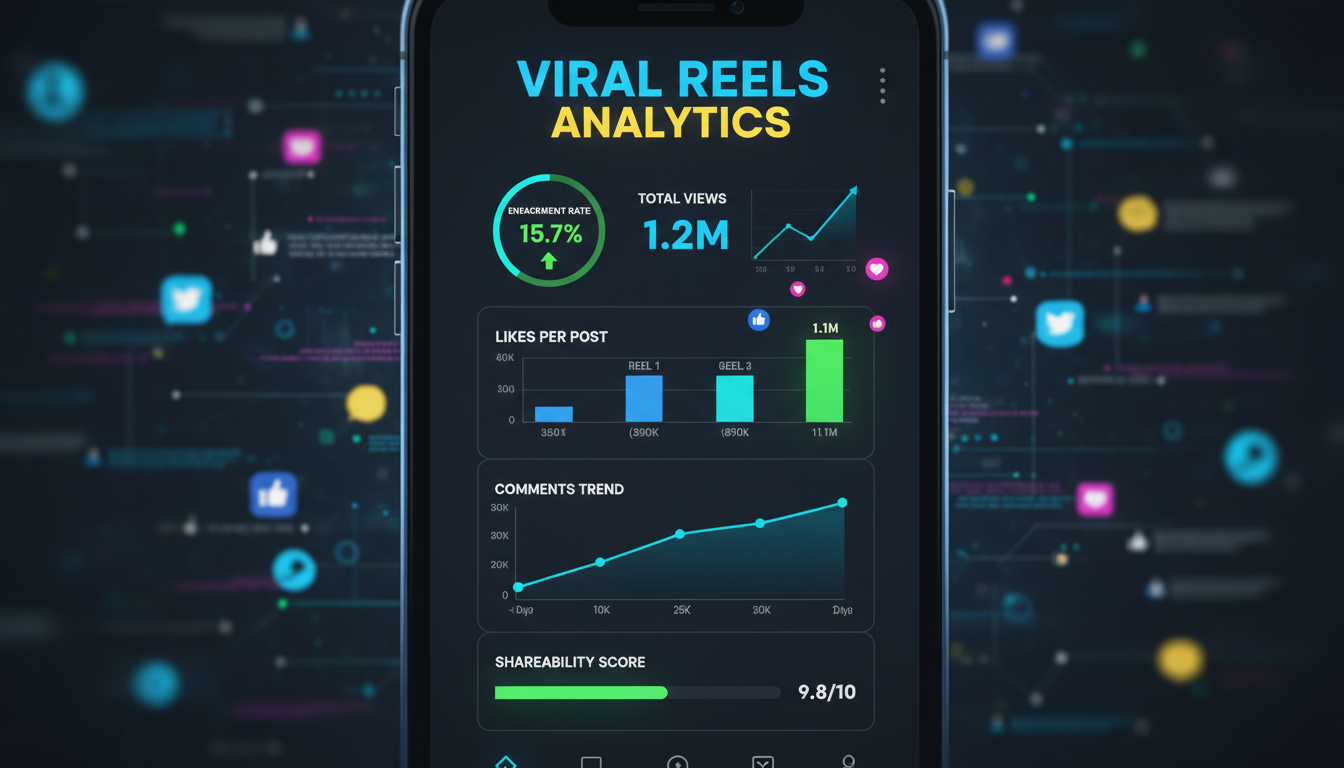 Tracking Reels analytics helps identify what drives viral performance.
The Hook: First Seconds Matter Most
Viewers decide within 1-2 seconds whether to keep watching. The hook determines whether your Reel reaches thousands or millions.
Hook Formulas That Work
Pattern interrupt: Start with something unexpected that stops scrolling. Unusual visual, surprising statement, or immediate intrigue.
Promise hook: Tell viewers exactly what they'll get. "Three ways to..." or "The secret to..." creates clear value proposition.
Curiosity gap: Start mid-story or reveal. Viewers stay to understand context or see resolution.
Controversy hook: Bold statement that viewers want to argue with or validate. Generates comments and watch time.
Relatability hook: Immediate recognition of shared experience. "When you..." or "POV:" setups work well.
Visual Hook Execution
The visual in frame one matters as much as text or audio.
Strong visual hooks:
- Most striking character image immediately
- Bright colors that pop against typical scroll
- Movement or pattern that catches eye
- Text overlay that's instantly readable
Weak visual hooks:
- Generic establishing shot
- Slow build to interesting content
- Dark or muted opening frame
- Text too small to read quickly
Testing Hooks
Create multiple versions with different hooks. Same core content, different first 2 seconds.
A/B testing approach:
- Post version A
- Wait 24-48 hours for data
- Post version B if A underperformed
- Compare reach and retention metrics
- Build hook library of what works
Editing for Maximum Engagement
How you edit affects retention, completion rate, and overall performance.
Pacing and Rhythm
Fast pacing keeps viewers watching. Slow sections trigger scroll-away.
Optimal pacing:
- New visual every 1-3 seconds
- Text transitions match audio beats
- No static moments longer than 2 seconds
- Build energy through the Reel
Transitions
Smooth transitions feel professional. Jarring cuts feel amateur.
Effective transitions:
- Beat-matched cuts
- Zoom in/out movements
- Slide transitions
- Fade with audio cues
Avoid:
- Random unmotivated cuts
- Transitions that don't match audio
- Over-complicated effects
- Inconsistent transition style
Text and Caption Best Practices
On-screen text extends watch time and accessibility.
Text guidelines:
- Large enough to read on mobile
- Contrasting colors for readability
- Brief phrases, not paragraphs
- Centered or consistent positioning
- Appear/disappear with purpose
Length Optimization
Shorter Reels often outperform longer ones due to completion rate importance.
Length guidelines:
- 7-15 seconds for maximum completion
- 15-30 seconds for more complex content
- 30-60 seconds only when necessary
- 60-90 seconds rarely and strategically
Completion rate matters more than total watch time. A 10-second Reel watched fully beats a 30-second Reel abandoned halfway.
Content Categories for AI Influencer Reels
Certain content types perform consistently well.
Transformation Content
Before/after or reveal content drives high completion.
For AI influencers:
- Outfit transformations
- Aesthetic changes
- Day-to-night looks
- Seasonal style shifts
Relatable Content
Content viewers see themselves in generates shares and comments.
Topics:
- Daily life moments
- Personality traits
- Preference revelations
- Situation comedy
Educational Content
Teaching something valuable earns saves and shares.
For AI influencer space:
- Content creation tips
- Style and aesthetic guidance
- Platform strategy advice
- Tool recommendations
Trend Participation
Joining trends signals cultural relevance and catches algorithm favor.
Approach:
- Quick adaptation to trending formats
- Put unique spin on trends
- Match trend to brand where possible
- Skip trends that don't fit
Character Development
Content that deepens character relationship.
Examples:
- "Things about me" reveals
- Opinion and preference sharing
- Backstory hints
- Interaction with comments/followers
Posting Strategy for Reels
When and how you post affects performance.
Frequency
More Reels generally means more reach, but quality matters.
Recommended frequency:
- Minimum: 3 Reels per week
- Optimal: 5-7 Reels per week
- Maximum: 1-2 per day without quality drop
Consistency beats sporadic high volume. Sustainable pace wins.
Timing
Best posting times depend on your audience but general patterns exist.
Strong posting windows:
- Early morning (6-9 AM local)
- Lunch time (11 AM-1 PM)
- Evening (7-9 PM)
Test different times and track performance. Your specific audience may differ from general recommendations.
Caption Strategy
Reels captions serve different purpose than feed post captions.
Effective Reel captions:
- Short and punchy
- Call to action (comment, save, share)
- Relevant hashtags (fewer than feed posts)
- Continuation of content hook
Long captions don't work on Reels. Most viewers never read them.
Measuring Reels Success
Track metrics that indicate real performance.
Key Metrics
Reach: How many accounts saw your Reel Plays: Total views (can exceed reach from replays) Likes/Comments/Saves/Shares: Engagement signals Completion rate: Percentage watching to end (most important) Follows from Reel: New followers attributed to specific content
Analyzing Performance
Weekly Reels review should examine:
Top performers:
- What hook was used?
- What audio was used?
- What was the length?
- What content category?
Underperformers:
- Where did viewers drop off?
- Was hook weak?
- Was audio trending?
- Was content category wrong?
Optimization Cycle
Use data to improve continuously:
- Review weekly performance
- Identify patterns in top content
- Double down on what works
- Experiment with variations
- Cut what consistently fails
Common Reels Mistakes
Avoid these errors that limit performance.
Mistake 1: Ignoring Trending Audio
Using random or original audio when trends exist wastes reach potential.
Fix: Spend 10 minutes daily discovering trending sounds. Build saved audio library.
Mistake 2: Weak First Second
Slow starts kill Reels before they start.
Fix: Lead with strongest visual and hook. Get to the point immediately.
Mistake 3: Too Long
Viewer attention spans are short. Excessive length drops completion.
Fix: Trim ruthlessly. Say what you need in minimum time.
Mistake 4: Inconsistent Posting
Sporadic Reels posting confuses algorithm and audience.
Fix: Set sustainable schedule and maintain it.
Mistake 5: Ignoring Analytics
Posting without reviewing performance wastes optimization opportunity.
Fix: Weekly analytics review with documented learnings.
Your Reels Action Plan
Start implementing Reels strategy systematically.
Week 1: Foundation
- Create 3 simple slideshow Reels with Apatero images
- Use currently trending audio
- Focus on hook quality
- Track performance for each
Week 2: Expansion
- Increase to 5 Reels
- Try different content categories
- Experiment with text overlays
- Begin audio library building
Week 3: Optimization
- Review Week 1-2 performance
- Identify top performing patterns
- Create more content in successful formats
- Try one new format or technique
Week 4: Systematization
- Establish sustainable posting schedule
- Build content templates
- Create editing workflow
- Set up regular analytics review
Ongoing:
- Maintain posting consistency
- Stay current on trends
- Continuous optimization
- Experiment with new formats
Reels represent the highest-use growth opportunity for AI influencers on Instagram. The investment in learning video content creation pays dividends through dramatically expanded reach. Start simple with slideshow formats, build skills progressively, and watch your account discovery accelerate.
FAQ
Can AI influencers really succeed with Reels without actual video?
Yes, slideshow and text-based formats perform well. The Reels designation matters more than actual video motion for algorithm distribution.
How long before I see results from Reels?
Some Reels take off immediately, others slowly gain traction over days. Give your Reels strategy 4-6 weeks of consistent posting before evaluating overall impact.
Should I use AI video generation tools?
Current technology is improving rapidly. Experiment with tools like Runway or Pika, but don't rely on them if quality is inconsistent. Slideshow formats work reliably while video AI matures.
What's more important: audio or visual quality?
Audio currently matters more for algorithmic reach. Great visuals with random audio underperform average visuals with trending audio.
How do I keep up with trending audio?
Spend 10-15 minutes daily on the Reels tab. Save sounds you hear repeatedly. Follow accounts that curate trending audio. This investment pays significant returns.
Should I cross-post TikToks to Reels?
Yes, with watermark removal. Content can work on both platforms. Remove TikTok watermarks before posting to Instagram.
Reuse a character reference
Save a character as a Soul and put them in any scene, image or video, without retraining anything. Check your welcome allowance and the displayed cost before generating.
Related Articles

5 Proven AI Influencer Niches That Actually Make Money in 2025
Discover the most profitable niches for AI influencers in 2025. Real data on monetization potential, audience engagement, and growth strategies for virtual content creators.

AI Background Replacement: Professional Guide 2025
Master AI background replacement for professional results. Learn rembg, BiRefNet, and ComfyUI workflows for smooth background removal and replacement.

AI Character Consistency: How to Maintain Virtual Persona Identity Across Content
Learn techniques for maintaining AI character consistency across hundreds of images. Master the art of creating recognizable virtual personas with consistent visual identity.